Emote With Any Npc
emote_general_image.png
emote_general_image2.png
emote_photo_1.png
emote_photo_2.png
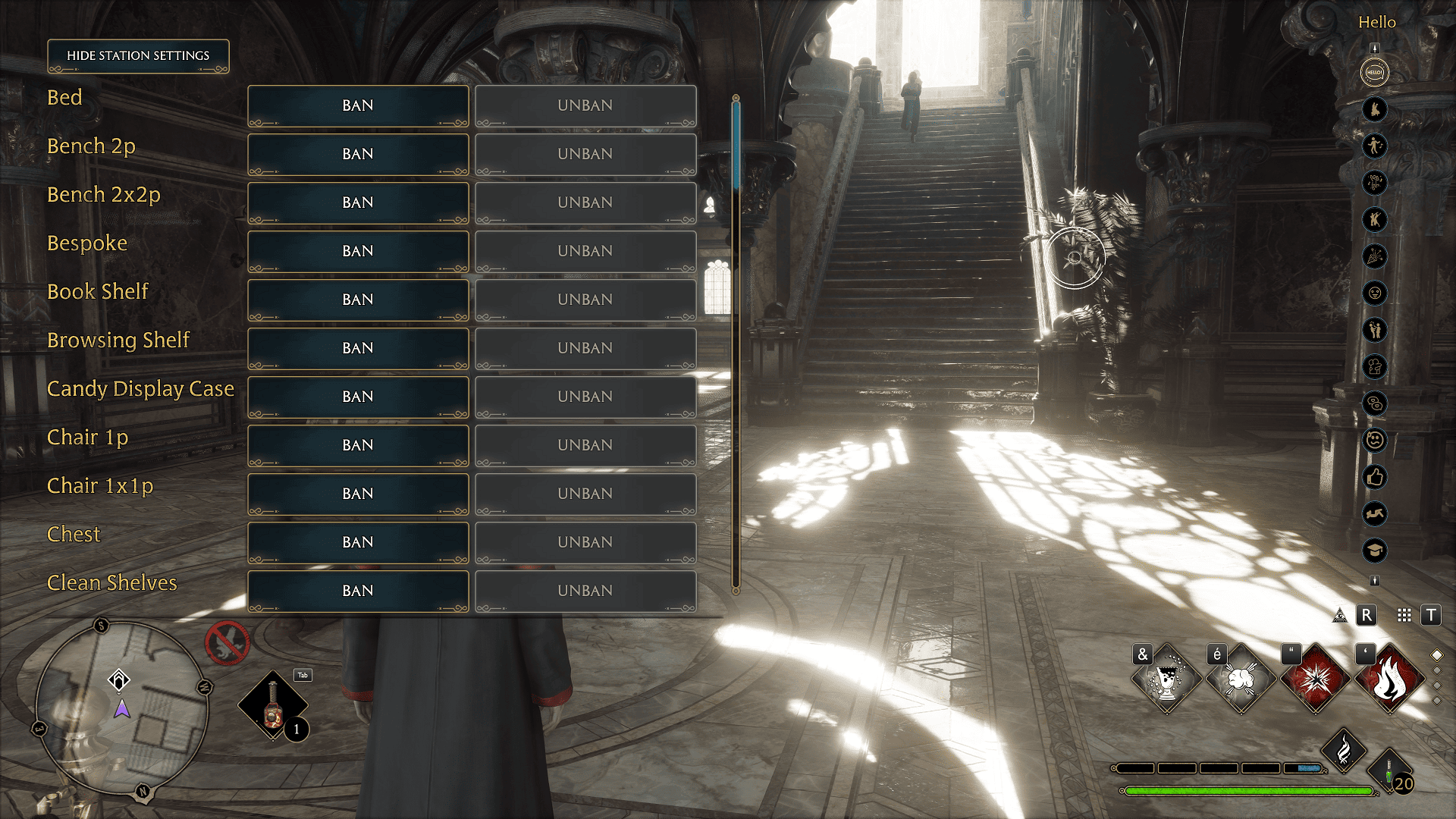
emote_photo_new_menu_resized.png

emote_photo_3.png
emote_photo_10.png

emote_photo_7.png

emote_photo_5.png

emote_photo_8.png
emote_photo_11.png
emote_photo_4.png
emote_photo_12.png
emote_photo_9.png
Description
Available Station (Social Actions) Interactions
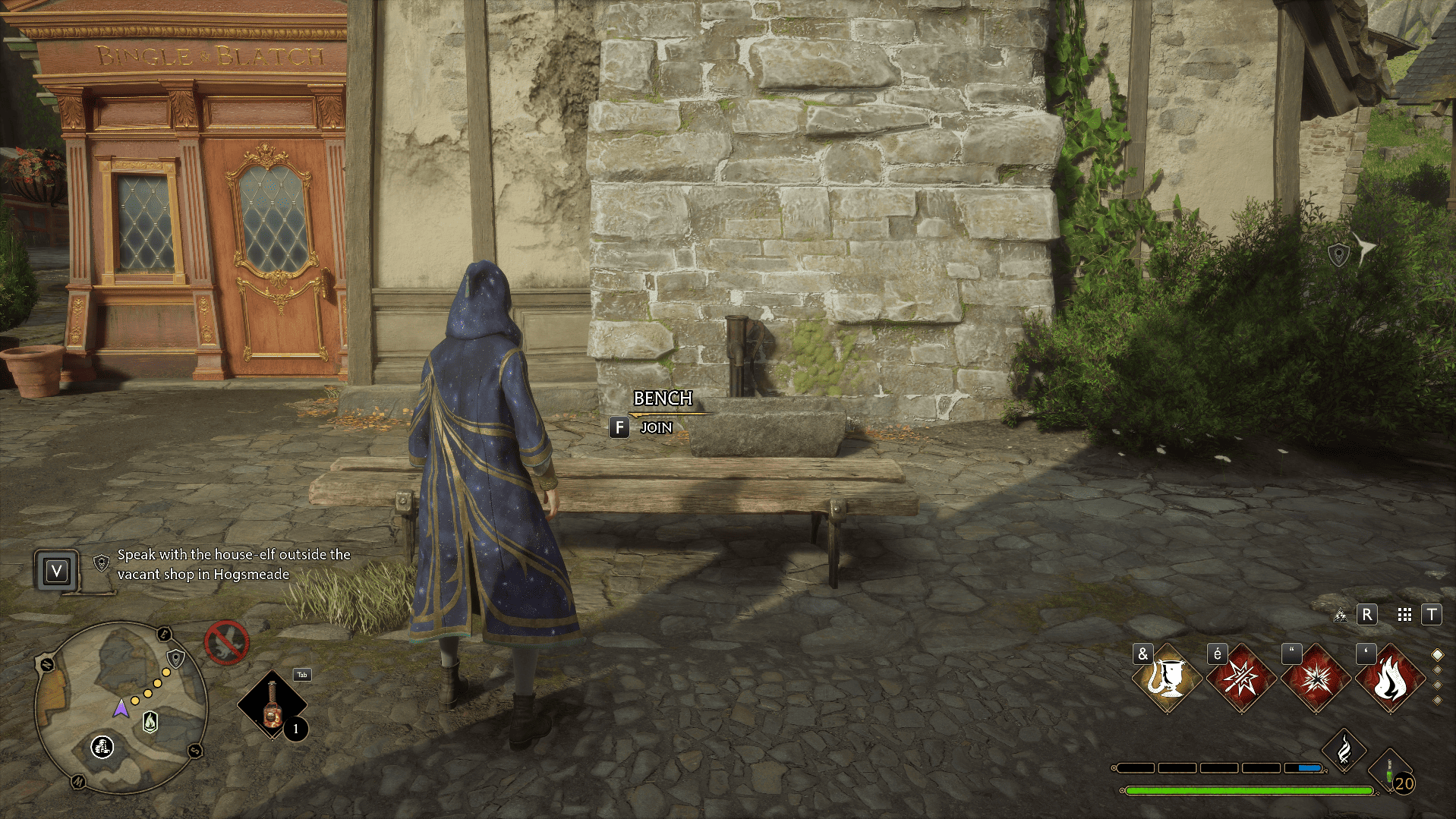
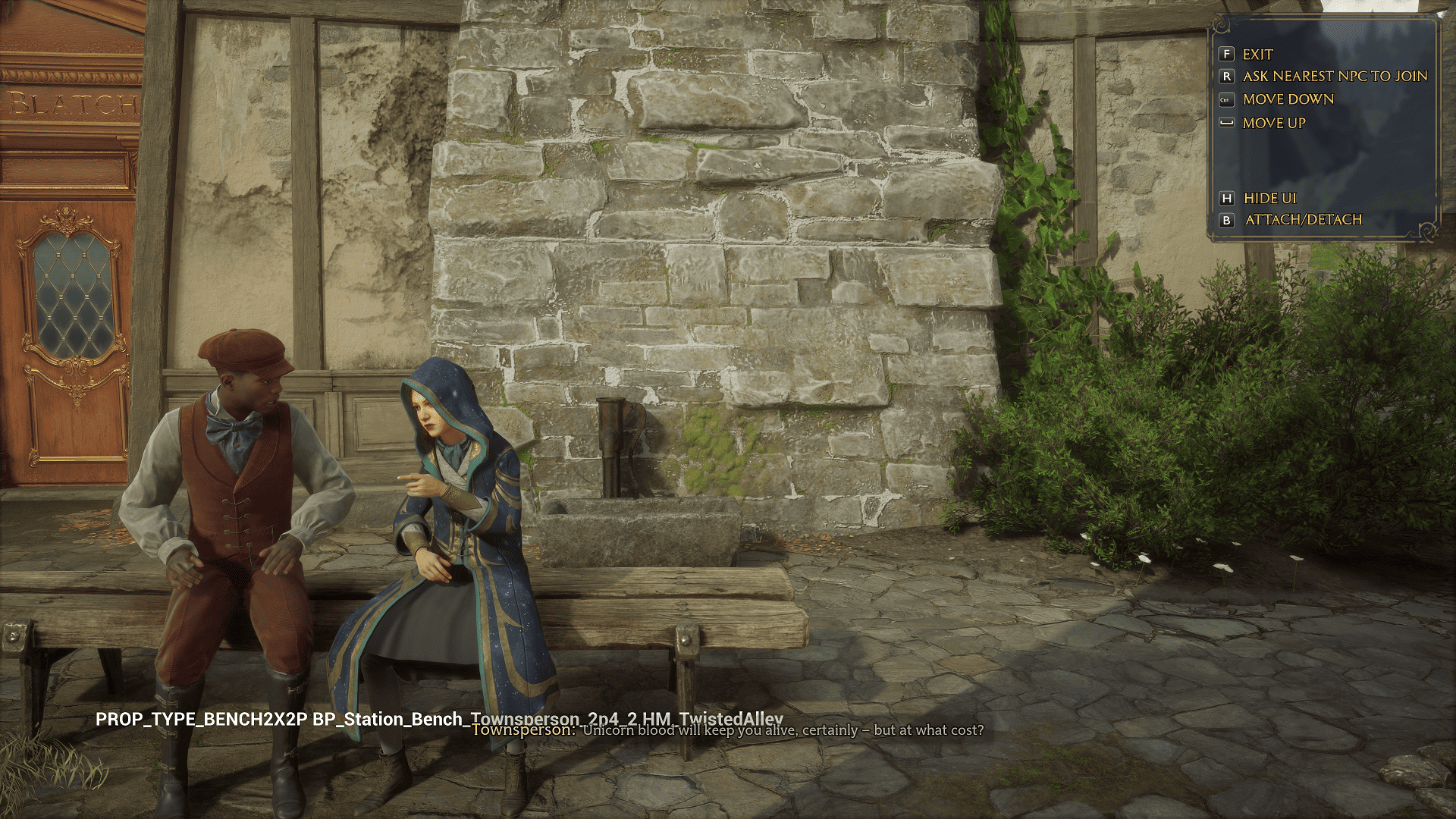
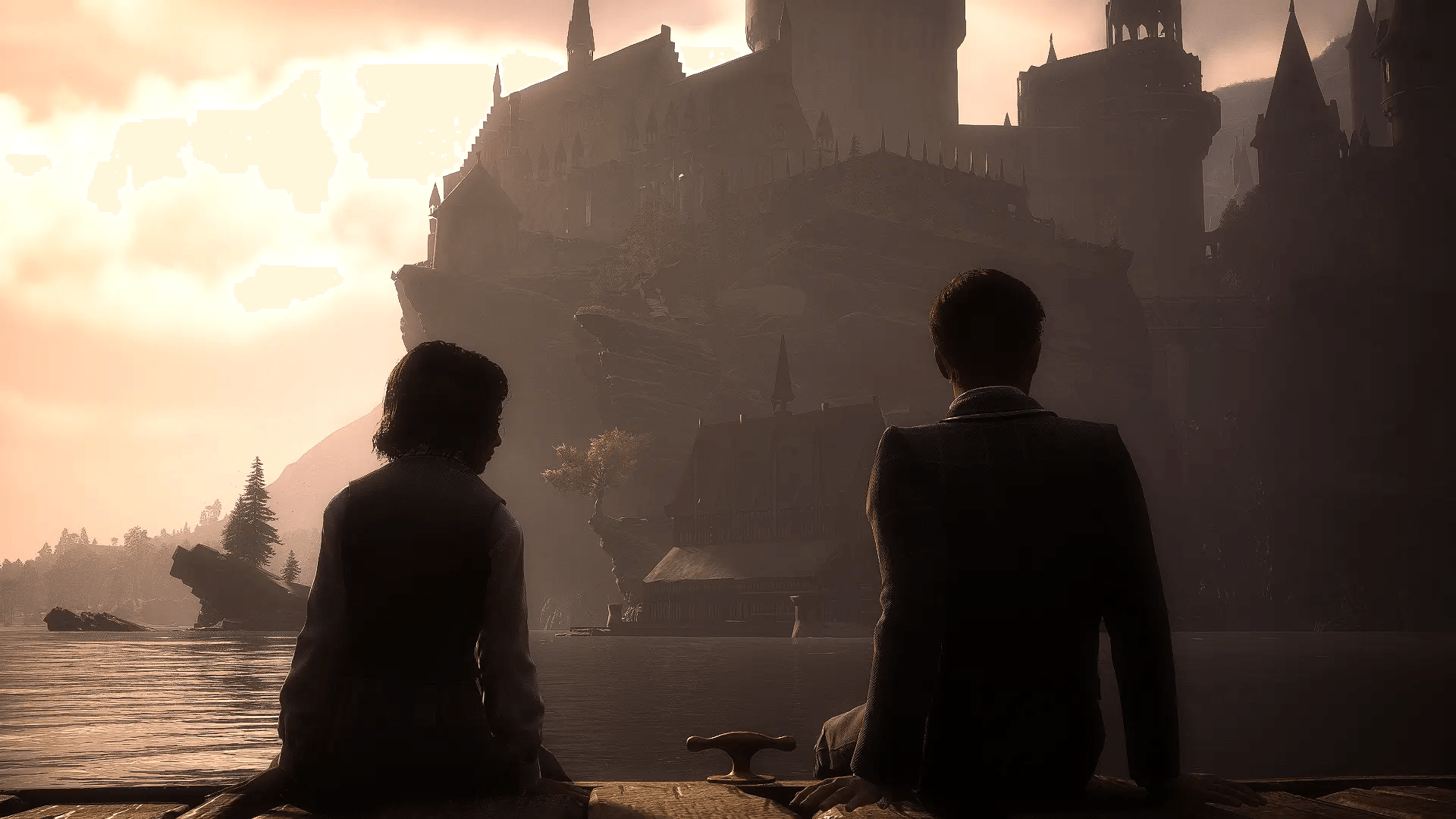
- All game interactions with stations (chairs, beds, chatting with NPCs, etc.) are now available.
- They will be marked with an interaction prompt (directly on the station) in the game world.
- Option to invite an NPC to join you if possible.
- Option to pass game time in bed (8 hours).
- Interaction prompts for using a station will dynamically appear if it's available (e.g., a chair occupied by an NPC will not be usable until they leave).
- Option to recruit a joining NPC as a companion.
- Not everything you see is a valid station. For example, if you see a bench but no interaction prompt, it's likely just a static mesh and not a station. Similarly, many beds in common rooms are static objects and cannot be interacted with.
- Player can dynamically exclude specific station type to be interactable in the Emote menu (by default None, Stand1P and Stand1x1p station type are excluded)
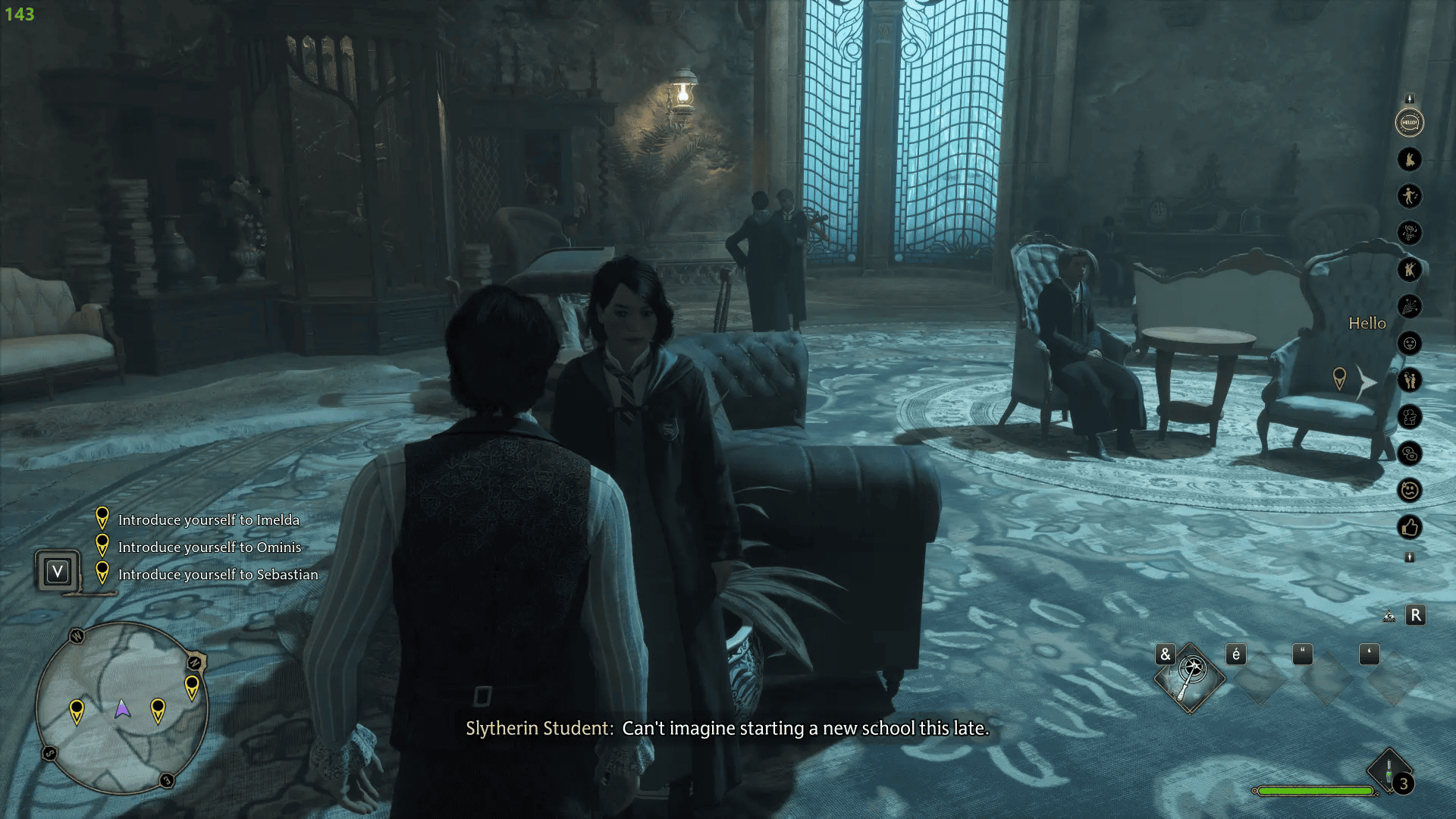
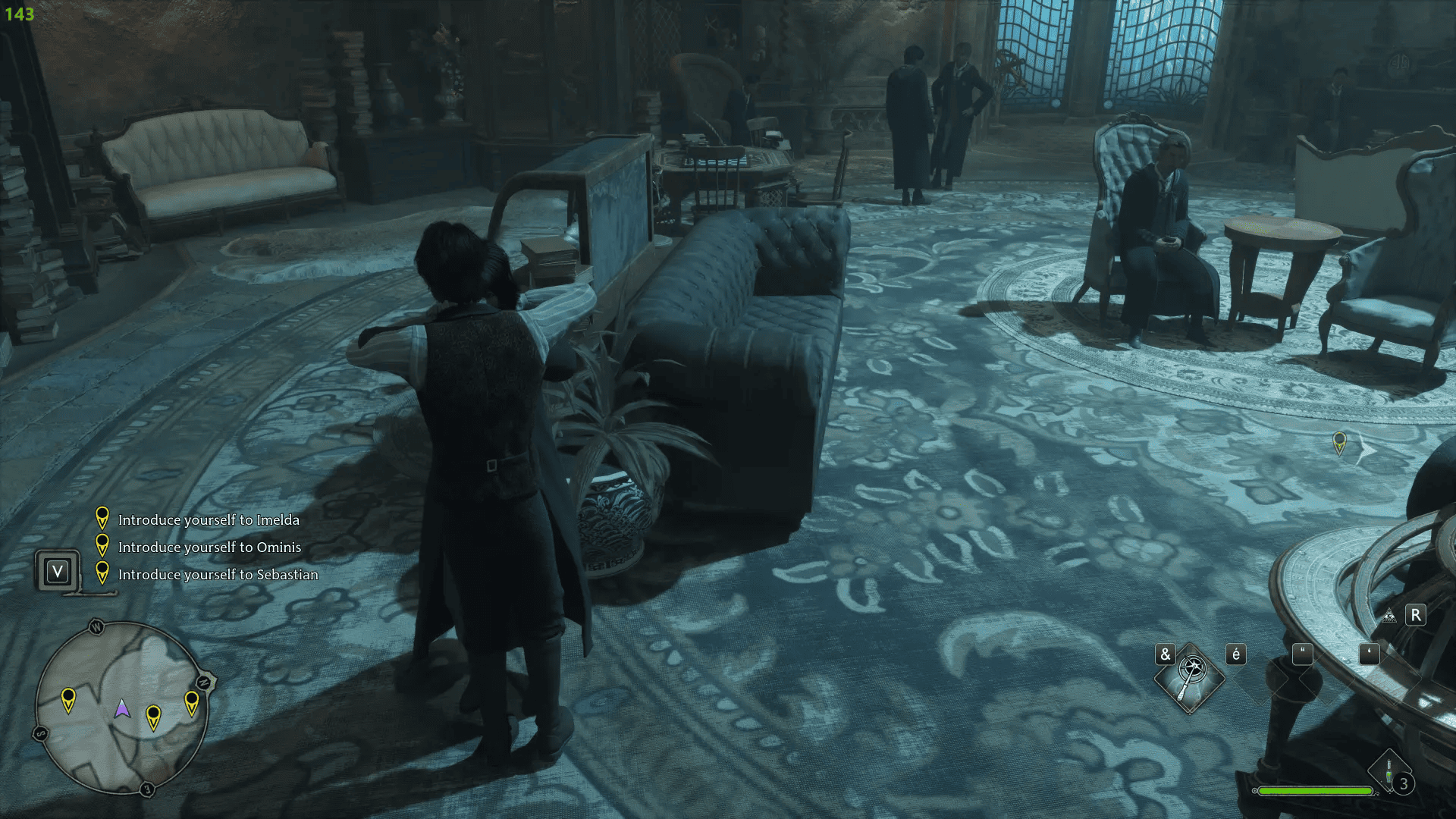
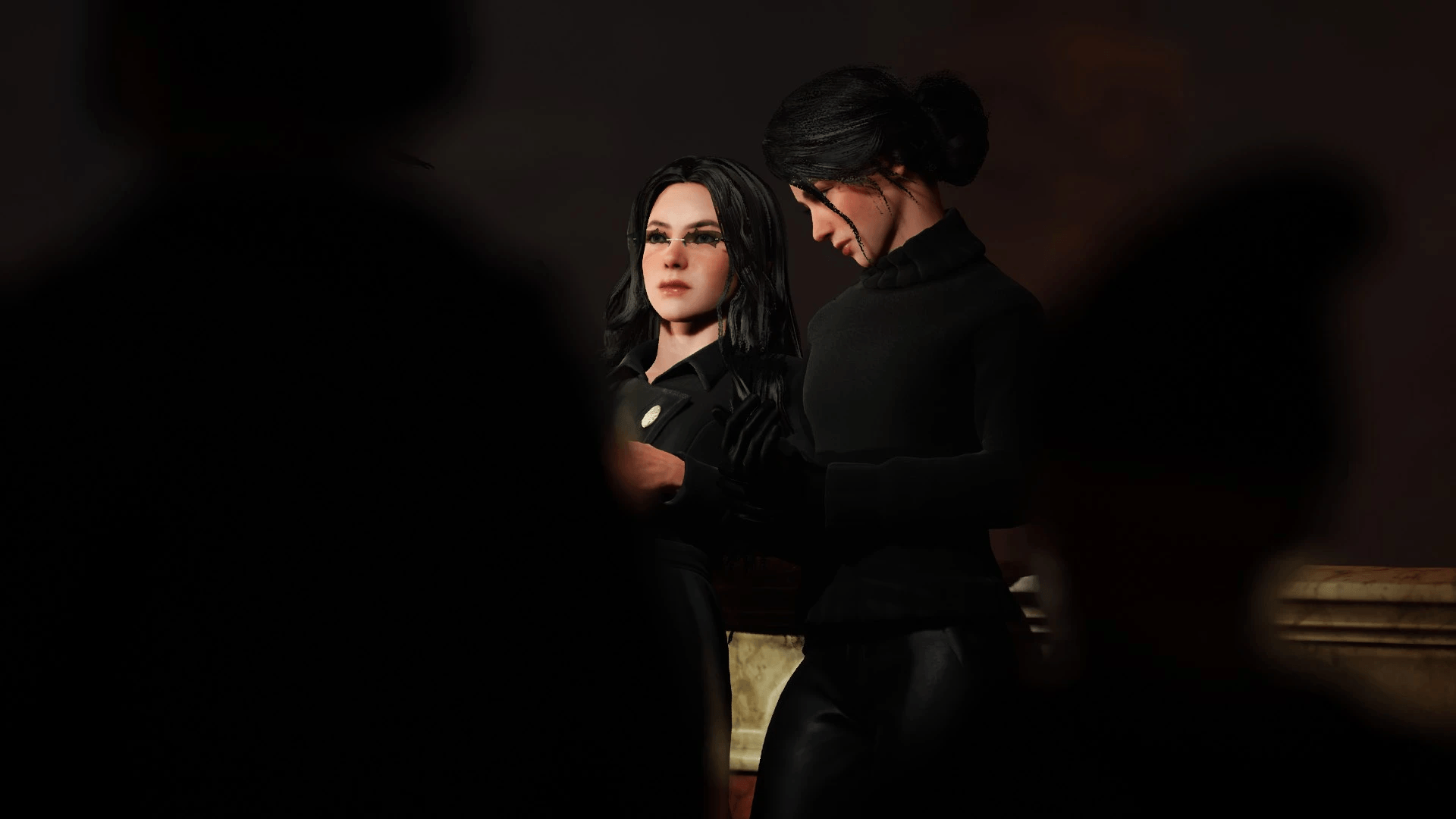
Available Solo/Dual Emotes:
- Hello
- Gala Dance
- Slow Dance
- Move Dance
- Electric Dance
- Celebrate Kill
- Mock
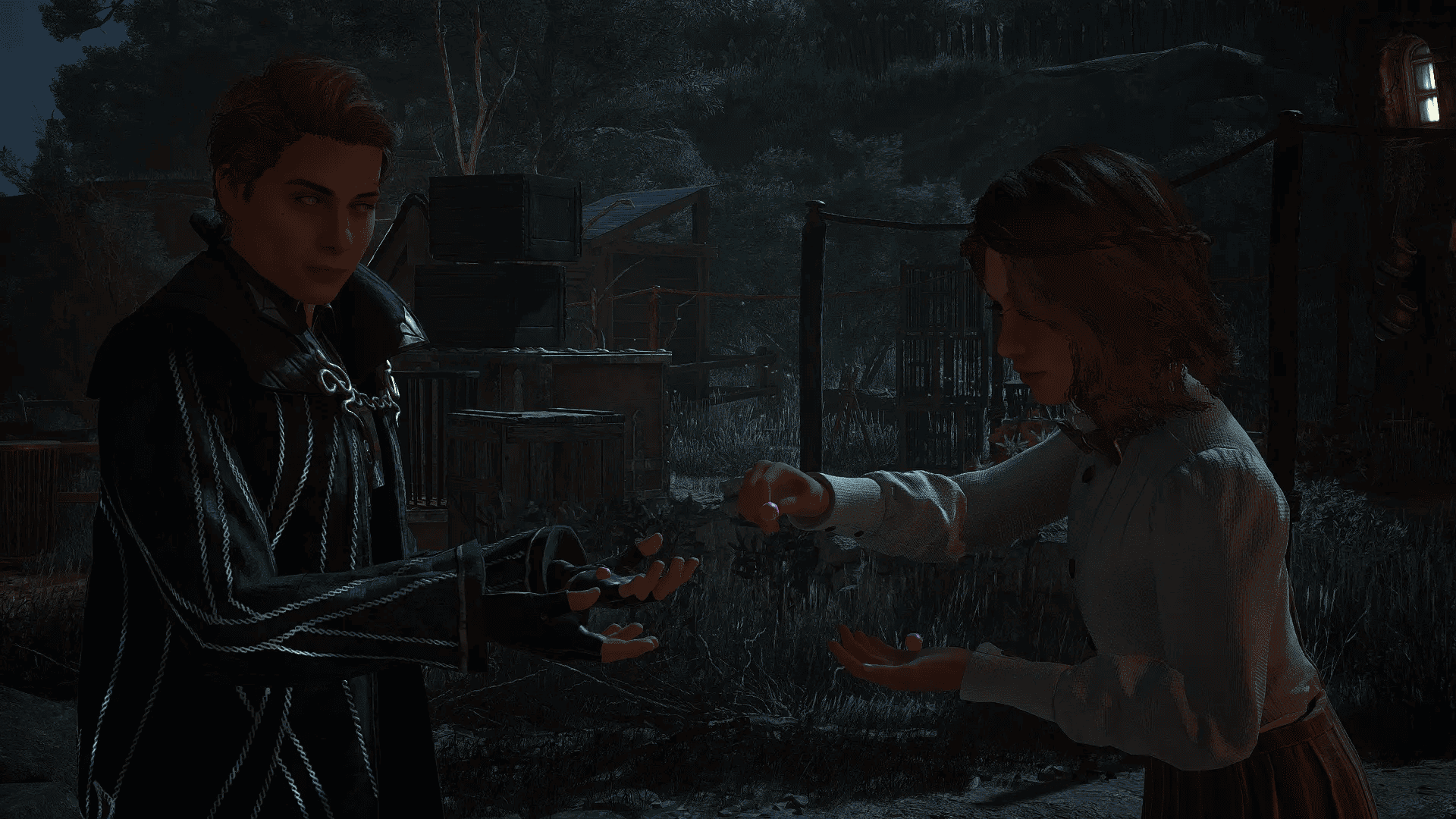
- Slap
- Hug
- Flirt
- Intimidate
- Thumbs Up
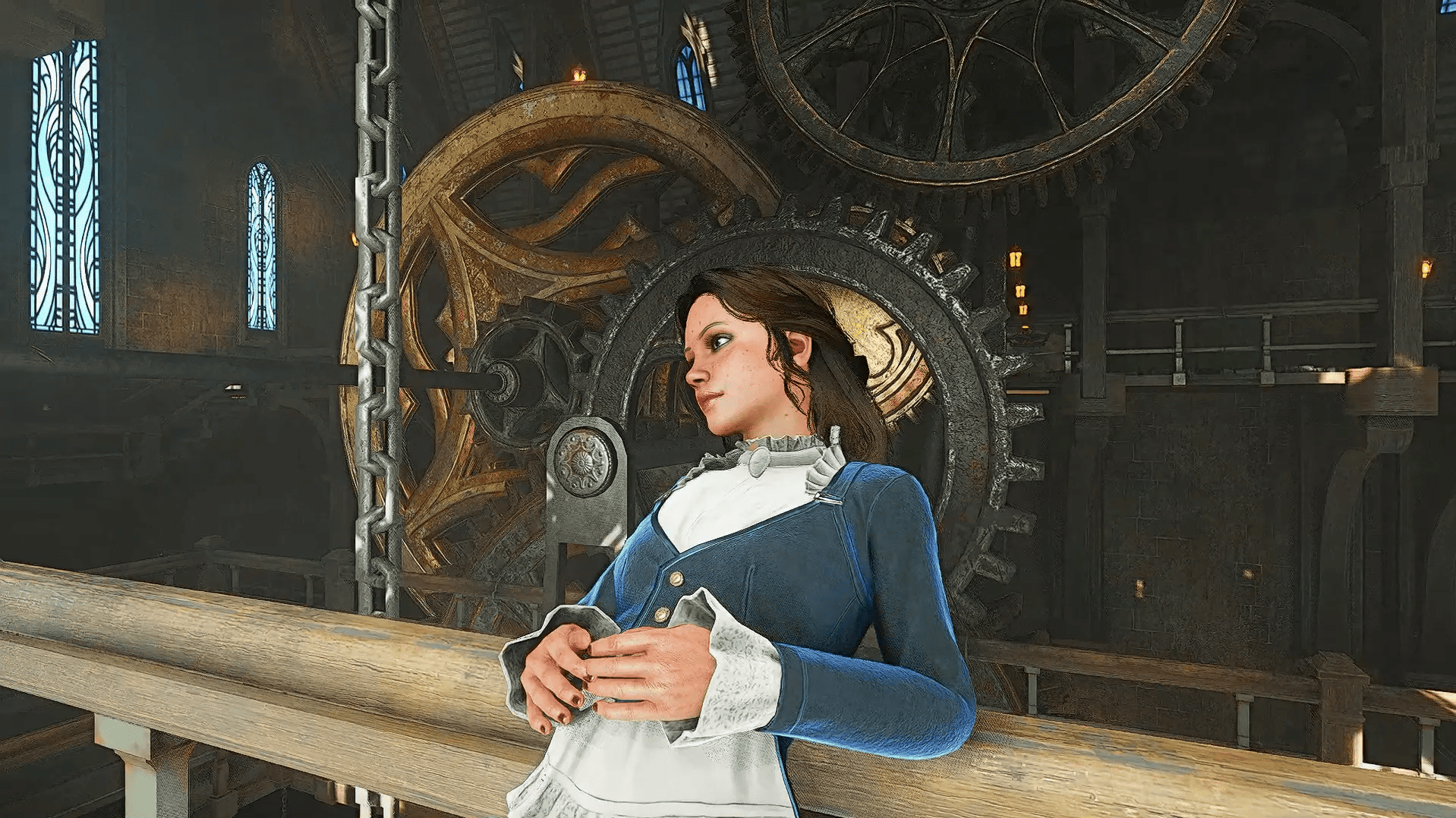
- Relax (floor, solo only)
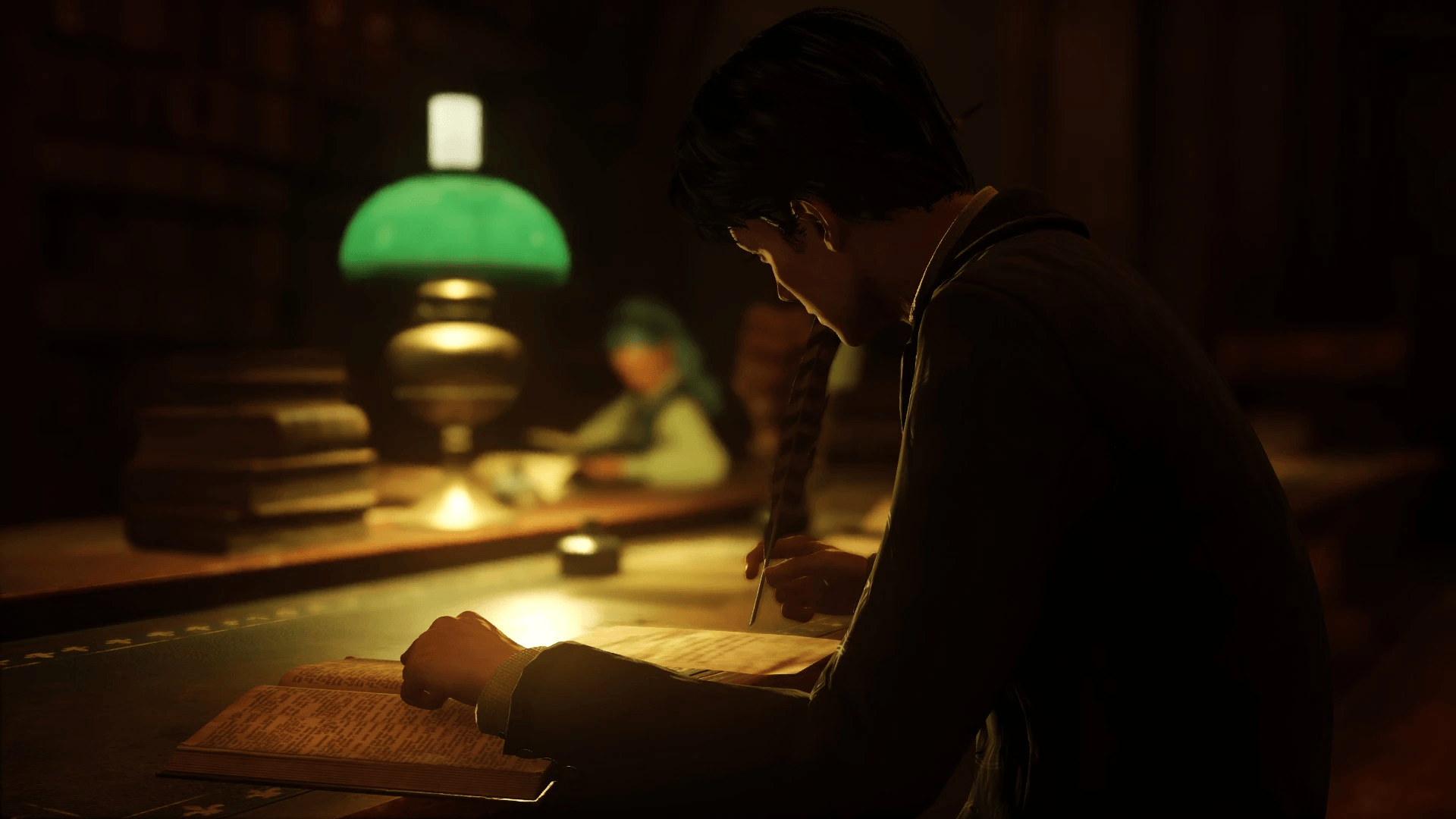
- Study (floor, solo only)
How to Use Solo/Dual Emotes
- Press P to perform the default emote (Hello).
- Long press P (~1 second) and release to display the emote menu and choose a new emote.
- Navigate the menu using the up and down arrow keys.
- Confirm selection with Enter.
- Cancel the current emote with the jump key.
Warning:
EmoteWithAnyNpc currently has a small bug that prevents the player from using the Escape key to access the Field Guide menu after interacting with a station. However, the player can still open the Field Guide menu using other key binds, such as the map key, etc.
This bug can be bypassed by either interacting again and canceling the interaction or by fast traveling.
Furthermore, EmoteWithAnyNpc is a massive mod that modifies all stations in the game to make them interactable by the player. While it is designed to work everywhere and at all times, there may be minor issues, such as player positioning or T-posing after exiting on some interactions.
Change Hotkey (Solo/Dual Emote Menu Only):
- Load the mod in-game.
- Quit the game.
- Modify the hotkey in: C:\Users\username\AppData\Local\Hogwarts Legacy\Saved\Config\WindowsNoEditor\Input.ini
- Search for the entry "MKB_Emote" and change the key.
Modders
EmoteWithAnyNpc includes an animation player. If you want to create custom animations for the player, let me know, and I'll create a way for creators to easily add new animations to the mod without my input.
Let me know by DM or Discord.
The Emote With Any Npc Team