


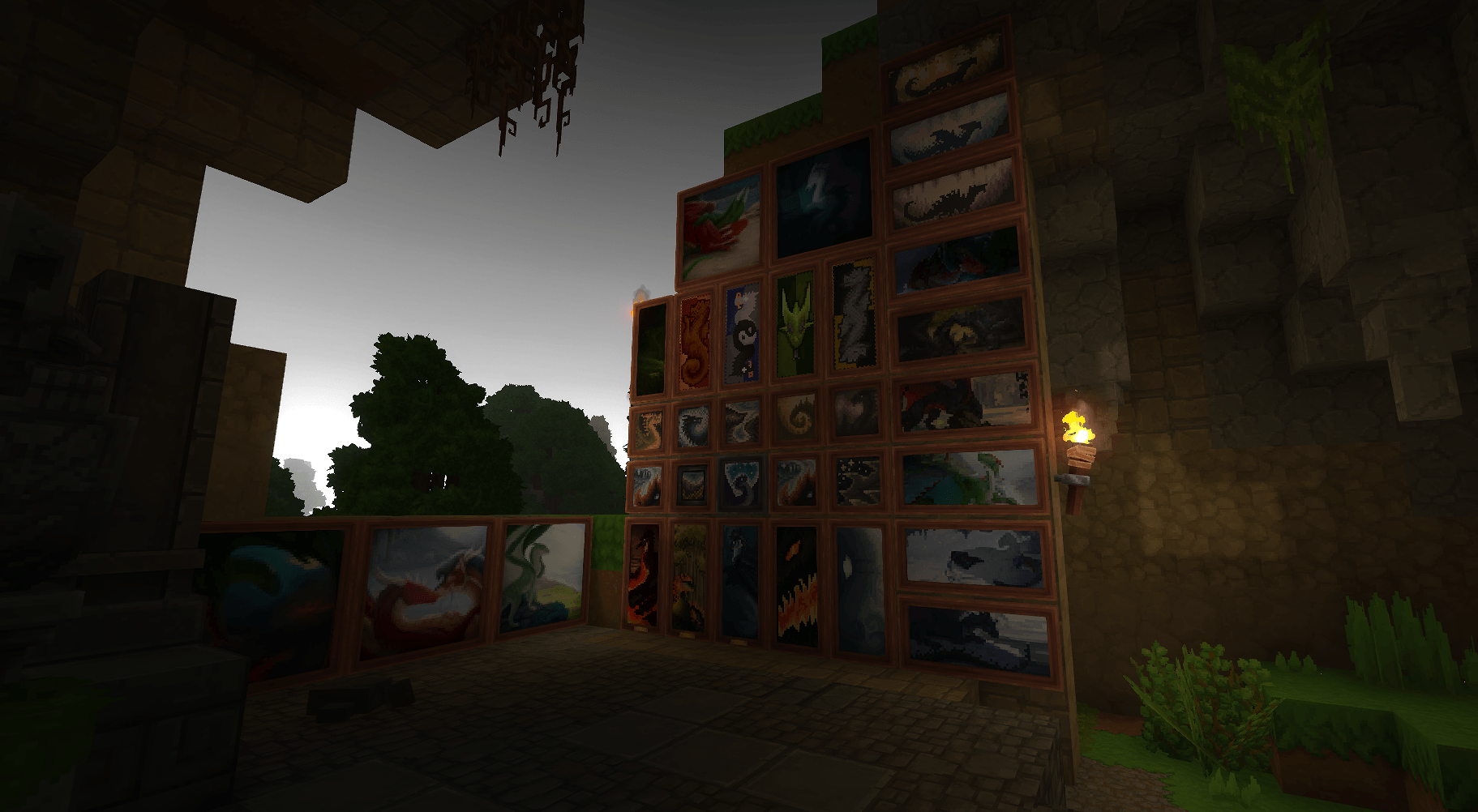
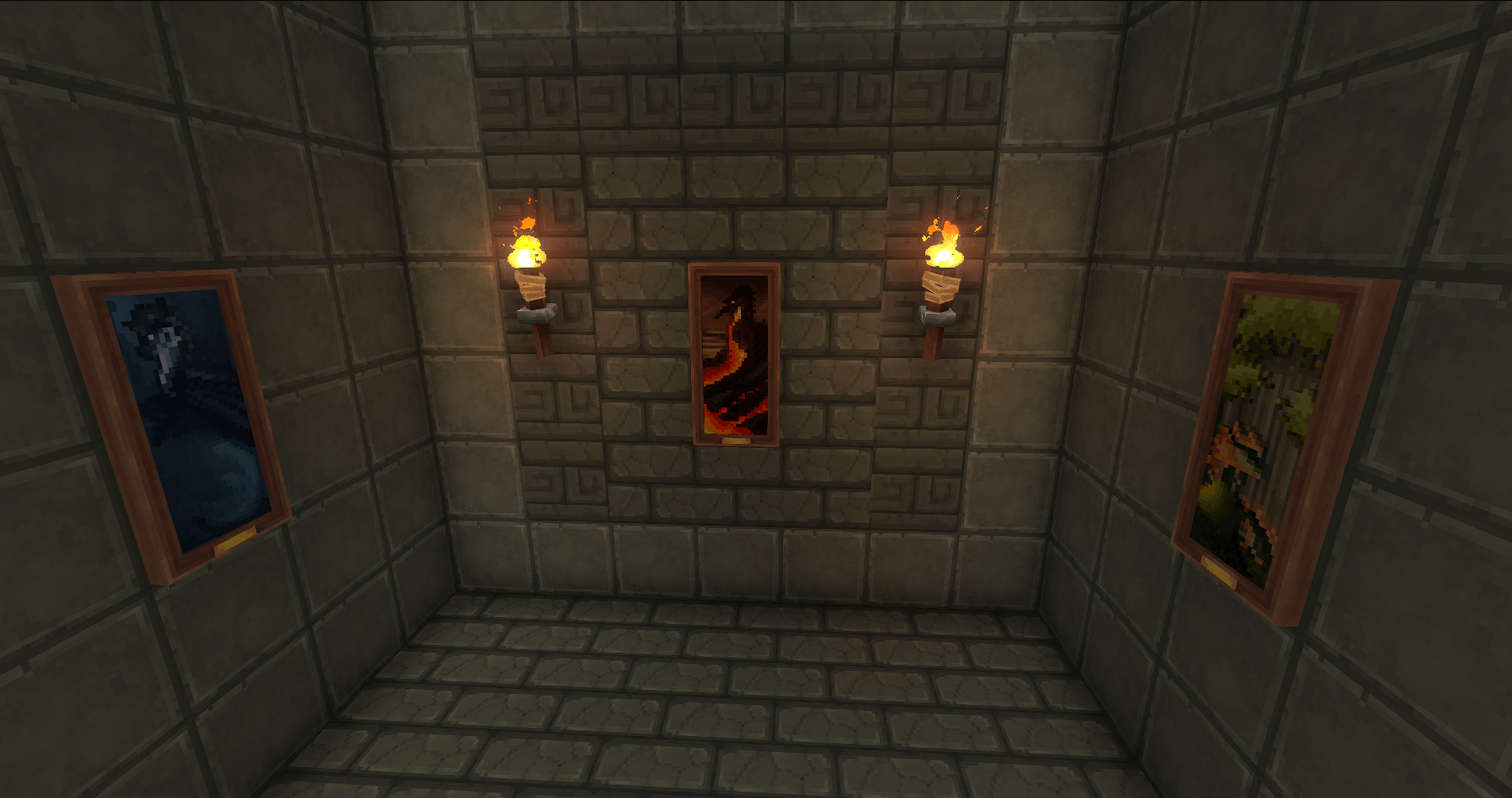
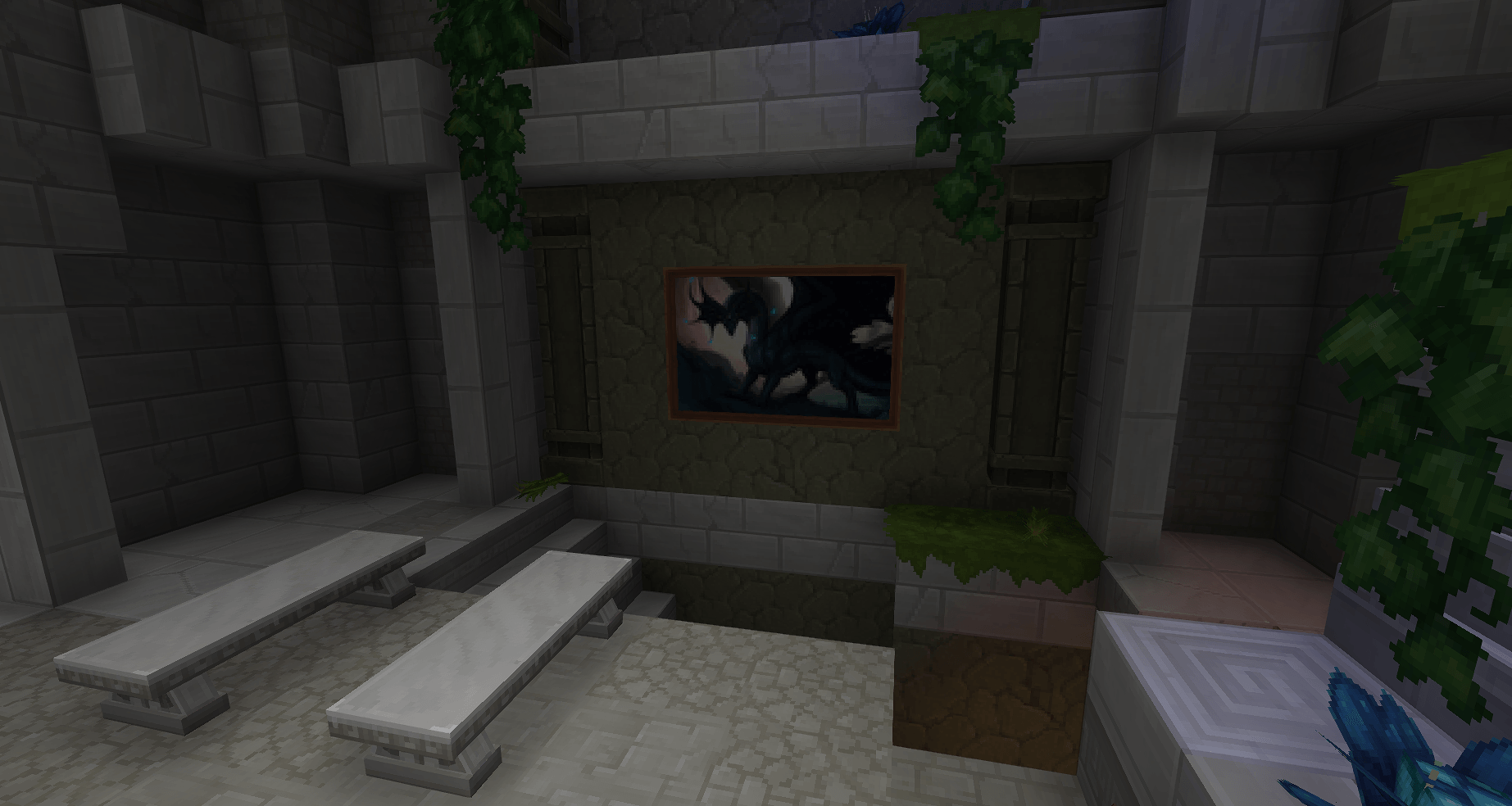
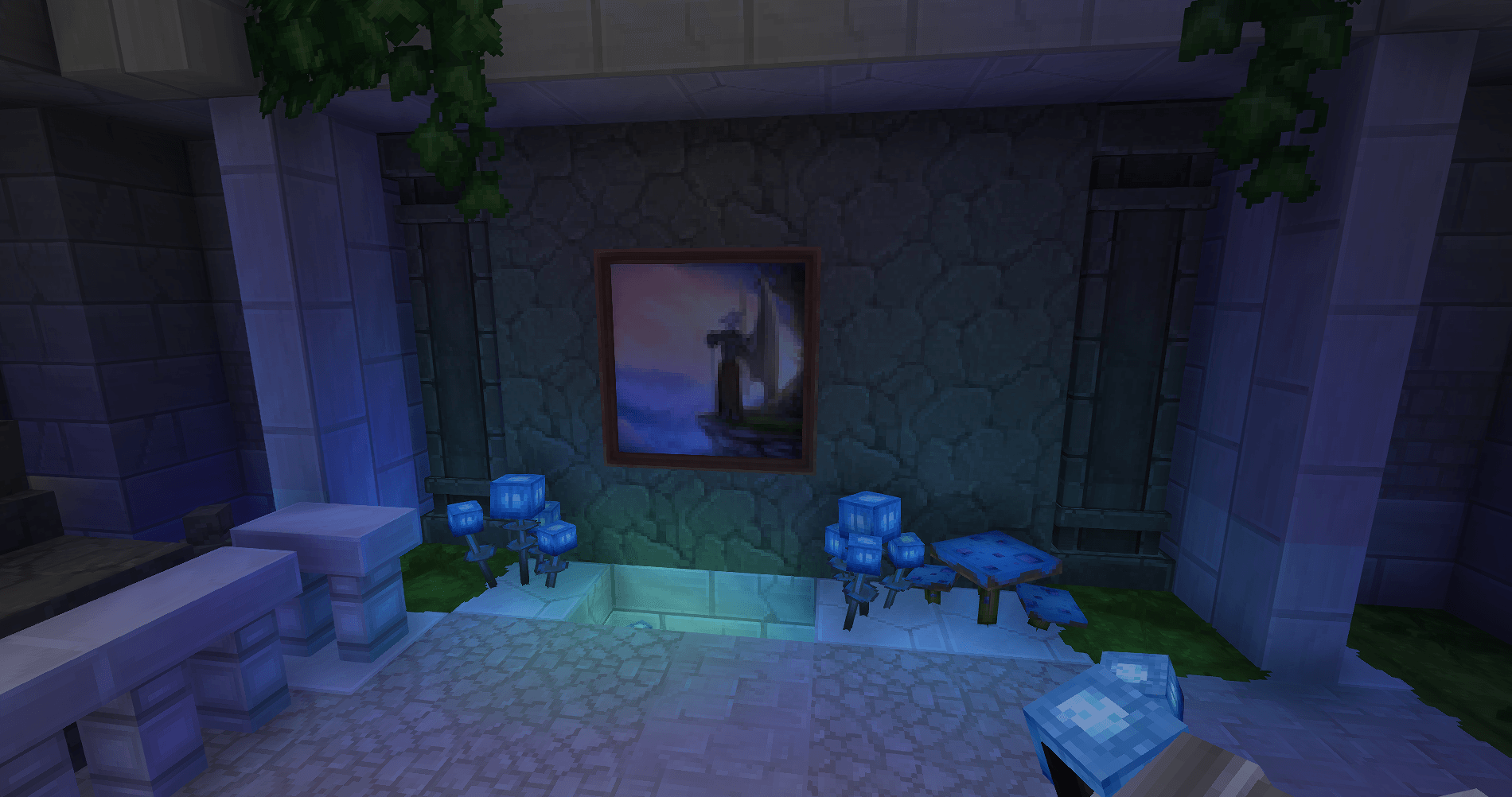
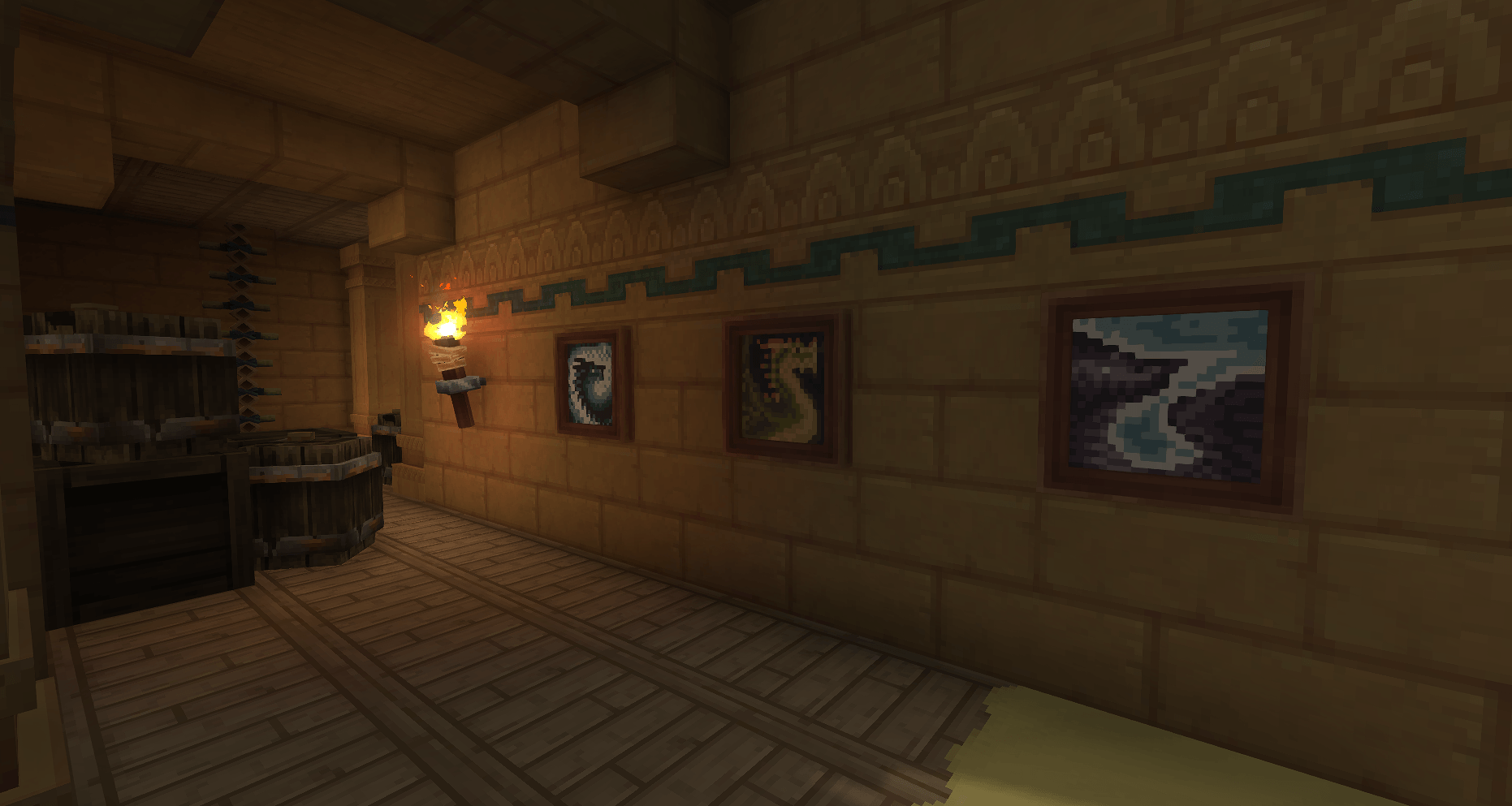


Description




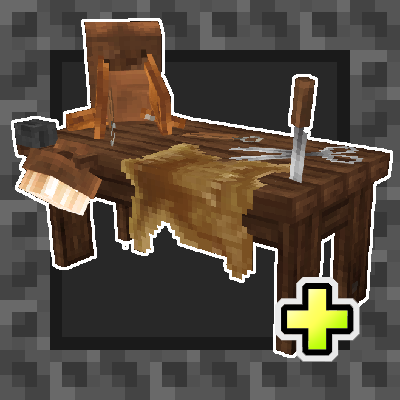
■ - Craft: 4 stick + 1 linen scraps on Furniture Workbench
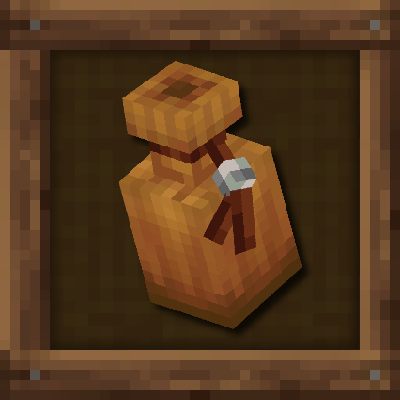
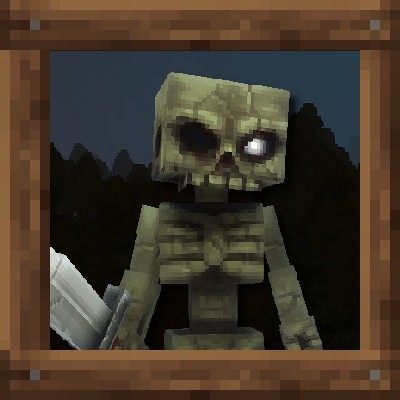
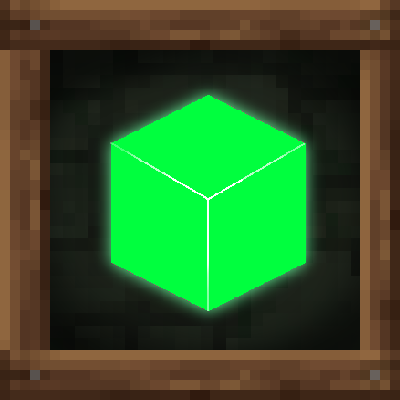
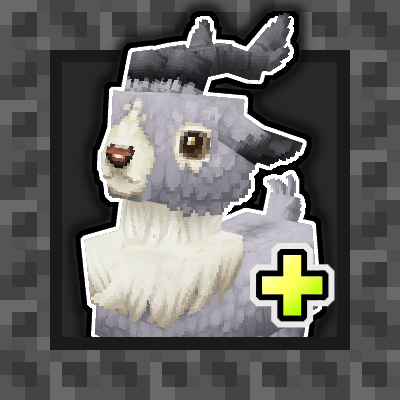
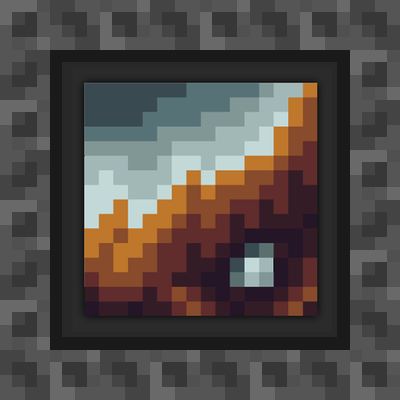
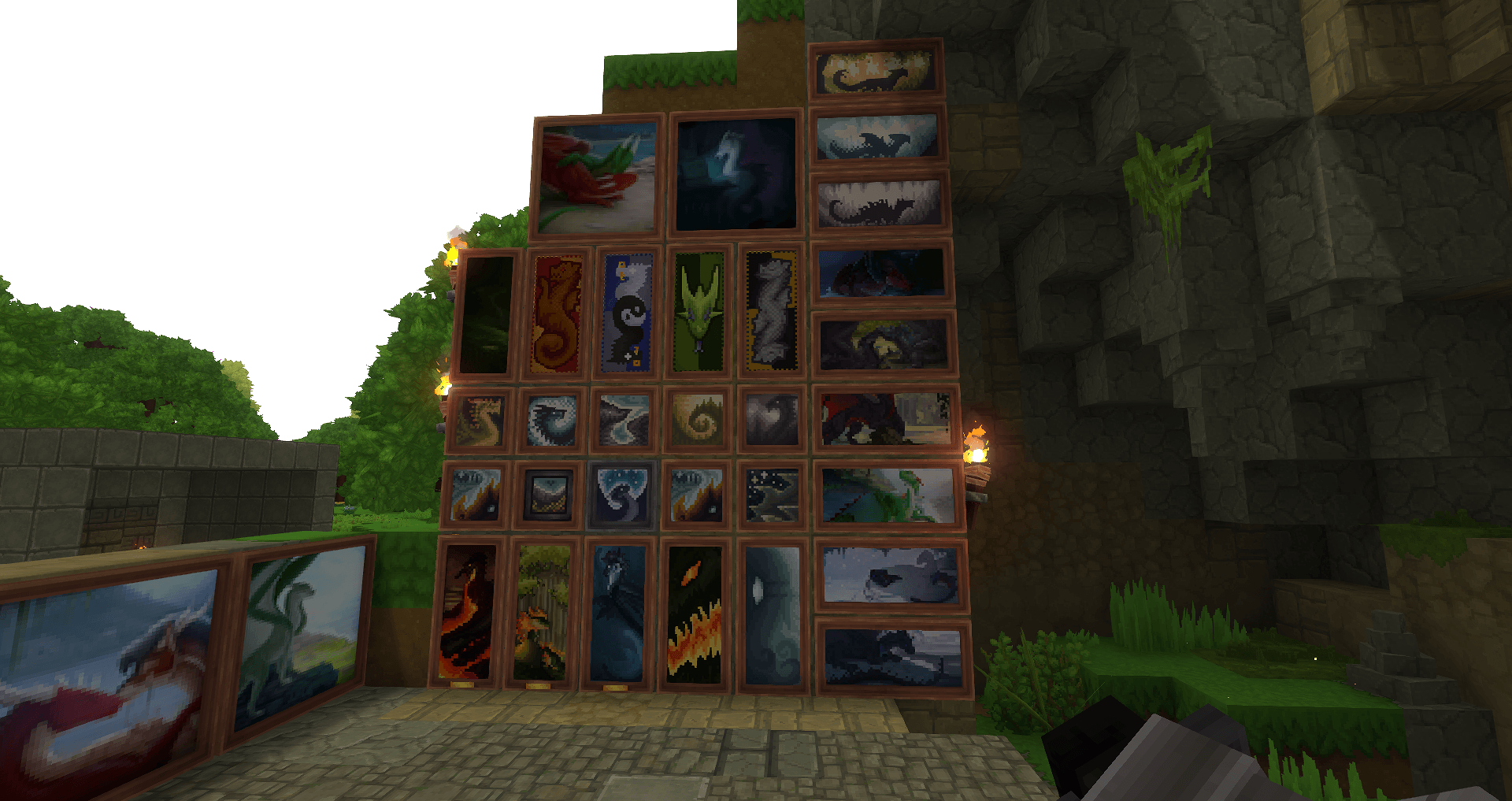
■ - This mod adds over 50+ paintings of various sizes that can be switched when interacted with. Some are pixelated, some are smaller copies of my larger artworks! All artworks are hand-drawn, many of them are commissioned works.
■ - Sizes: 3x2, 2x2, 2x1, 1x2, 1x1
📦 Compatibility & Recommended Mods
This mod should be compatible with everything by default. It's made for use in any modpacks. However, there are mods that go especially very well with this one.
- Good compatible with Cycle-paintings!
💬 Permissions
✔️ You are allowed to include this mod in Curseforge modpacks and use this mod in your videos. A link to the mod page in the description is highly appreciated.
❌ You are not allowed to reupload this mod to any other websites/launchers/apps, use any contents of this mod in other projects, put this mod behind any adfly-like links, sell this mod in any way or include in paid modpacks - this mod is free for all players.
--------------------------------------------------------------------------------------------
■ - Our Discord for mods - https://discord.gg/aSRPHxHKPg
--------------------------------------------------------------------------------------------
⚙️Installation
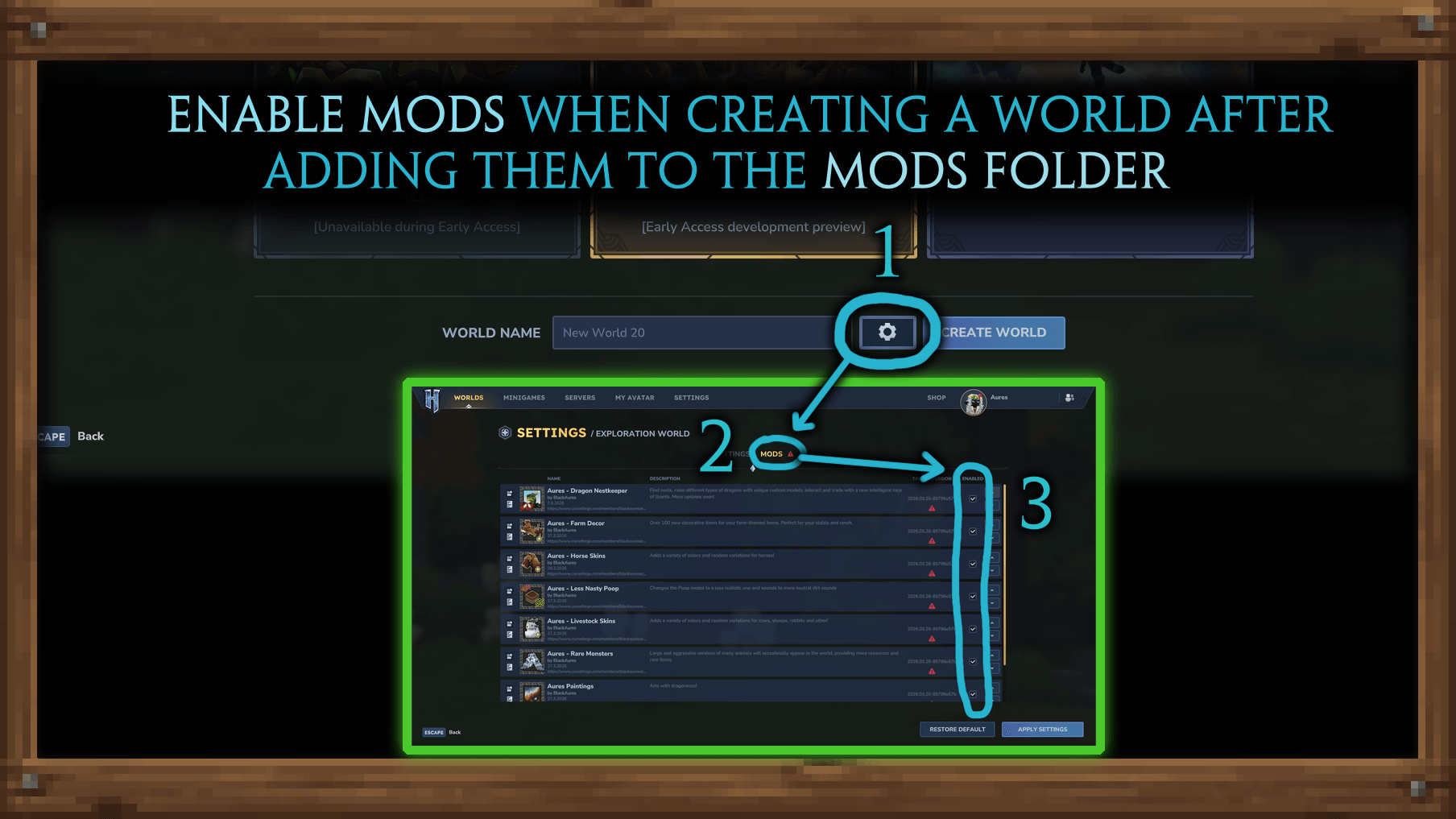
■┃- After downloading the mod, make sure to go to World Settings and check the boxes next to the desired mods before creating a world. This is important, otherwise the mod won't be enabled in the selected world.
■┃- Use Curseforge Launcher (preferably standalone) to conveniently download and easily install mods. Or manually add them to the mods folder.
■┃- If you are using the pre-release version, please note that mods are stored in Hytale_Game\data\pre-release\Mods, not in Hytale_Game\UserData\Mods.
■┃- To configure and edit mods, unzip them. You can customize absolutely everything within these files. If you need something specific, just ask in the chat.
■┃- For add mods for the old world, right-click on the world icon in the menu and you will see the same list of settings for enabling mods.
The Aures Paintings with Dragons Team
