


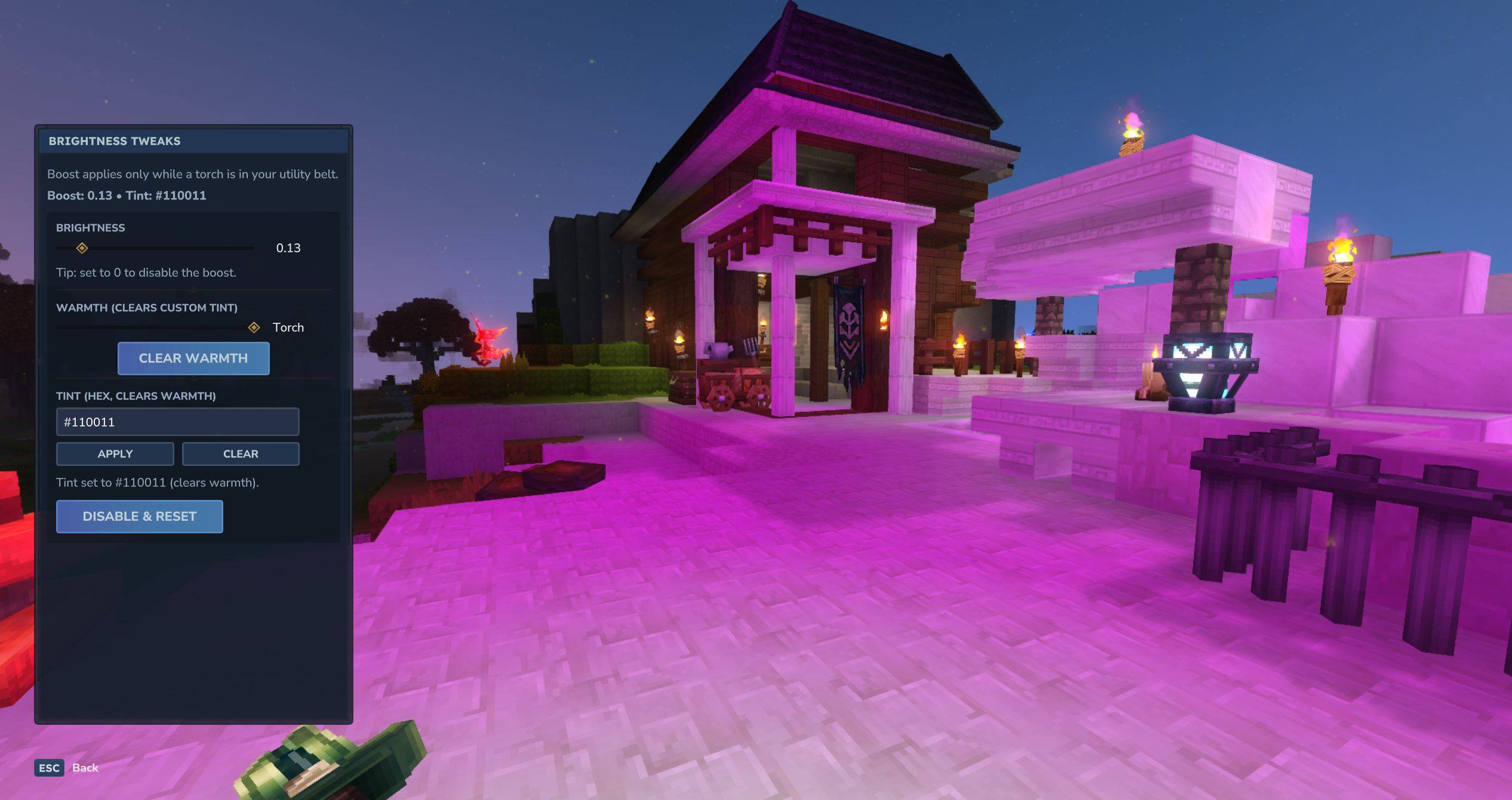
mediaUI.JPG
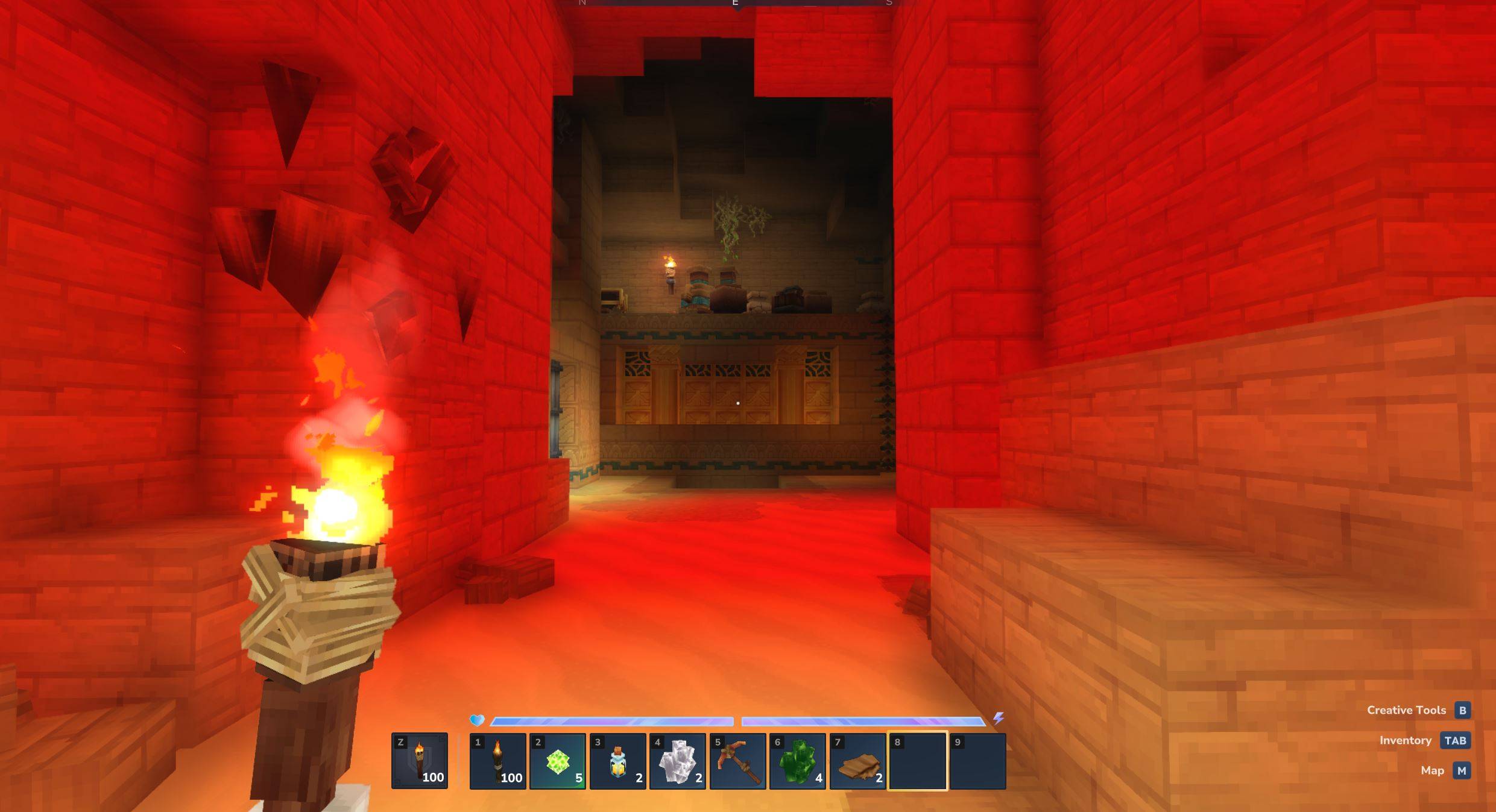
media10colors.JPG
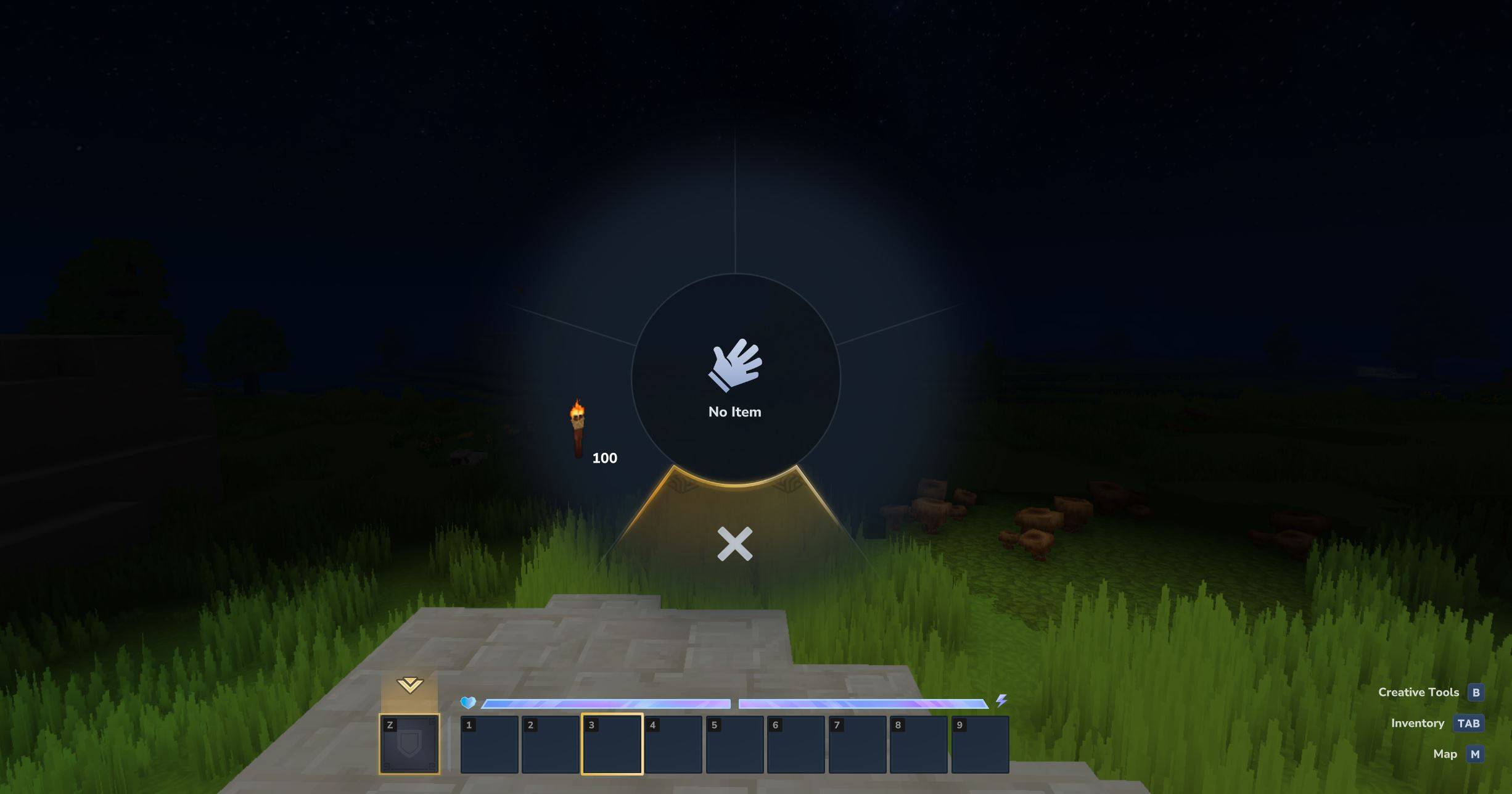
media3handfree.JPG
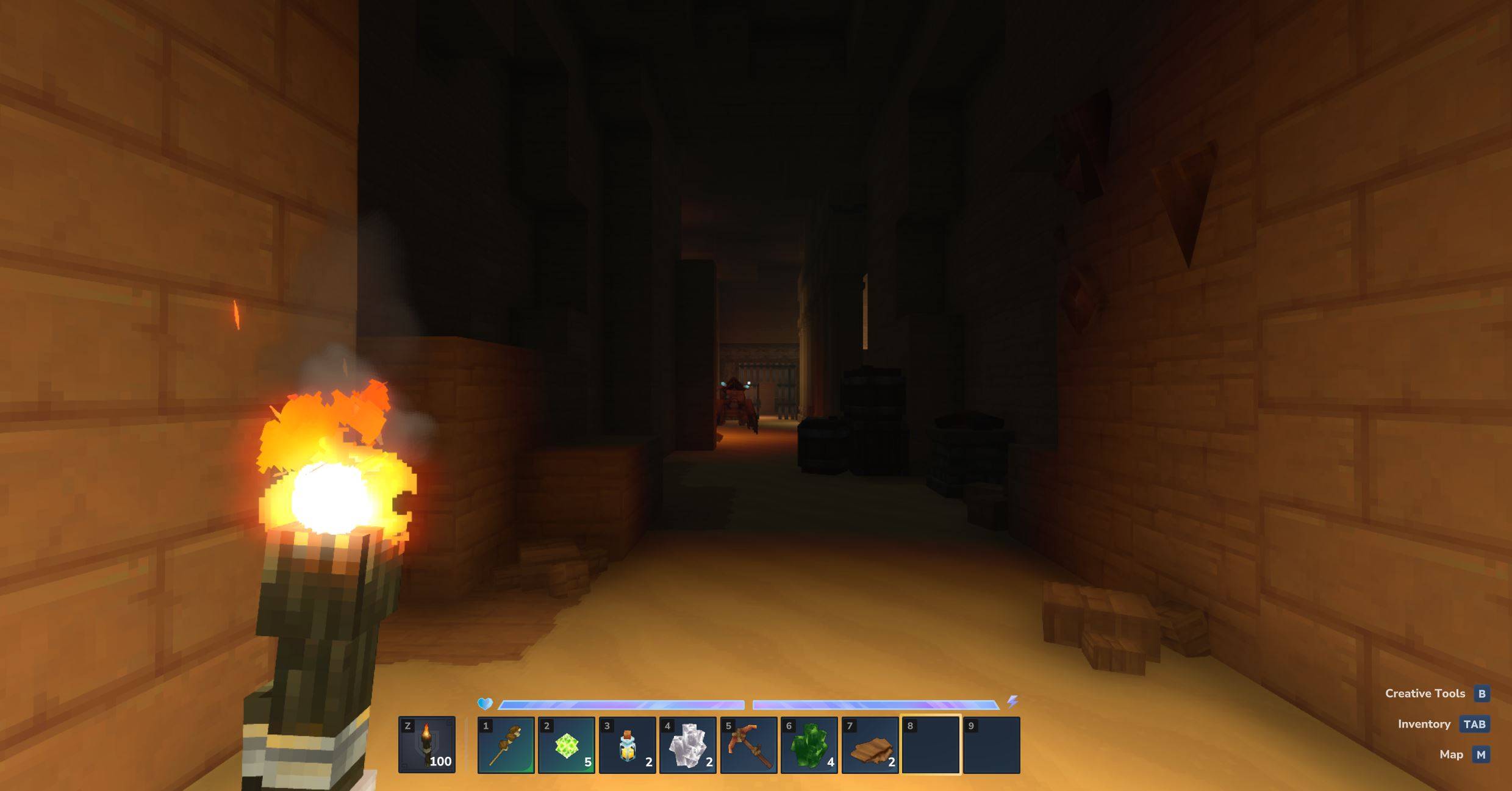
media7torch.JPG
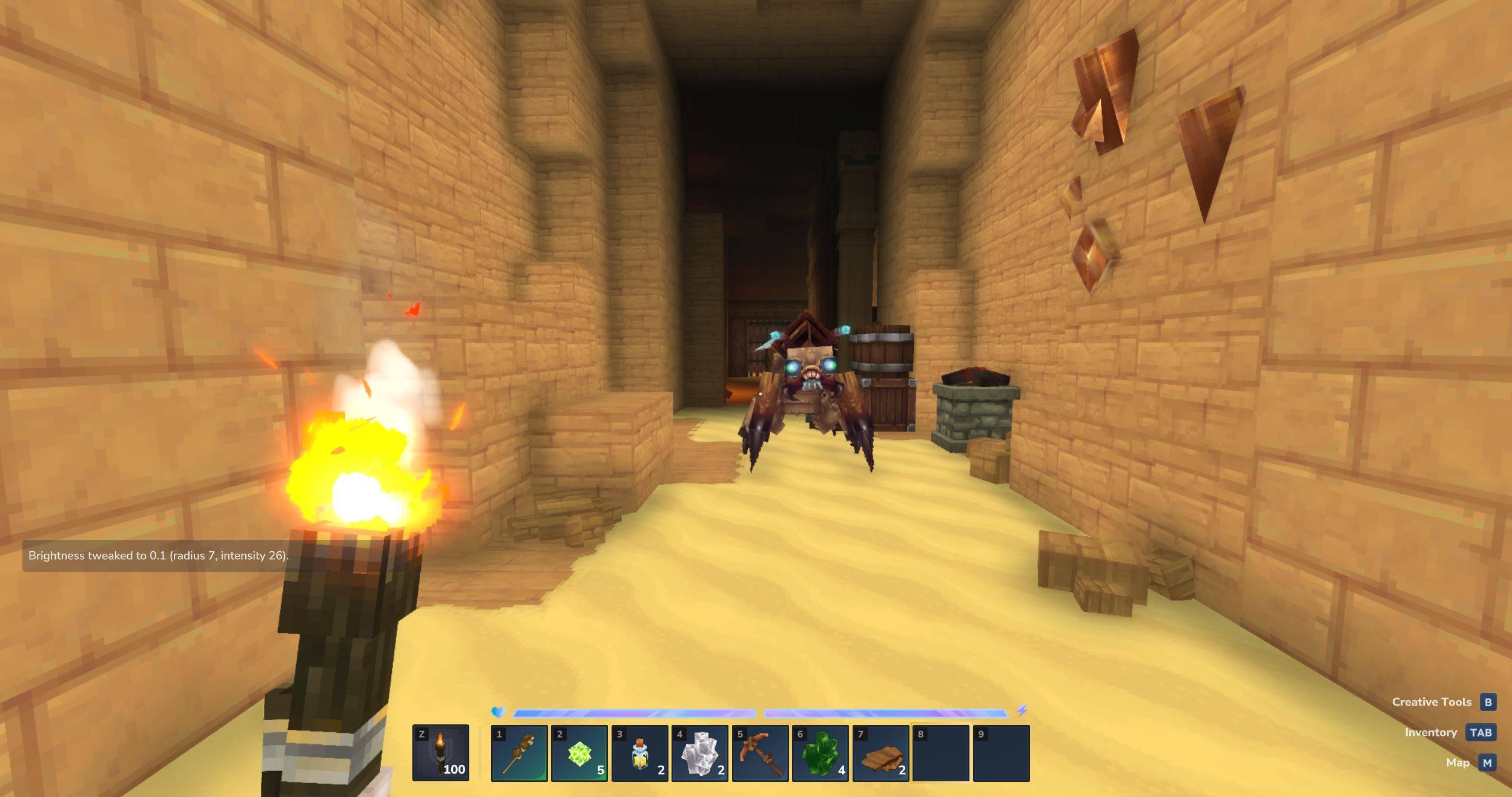
media8bright.JPG
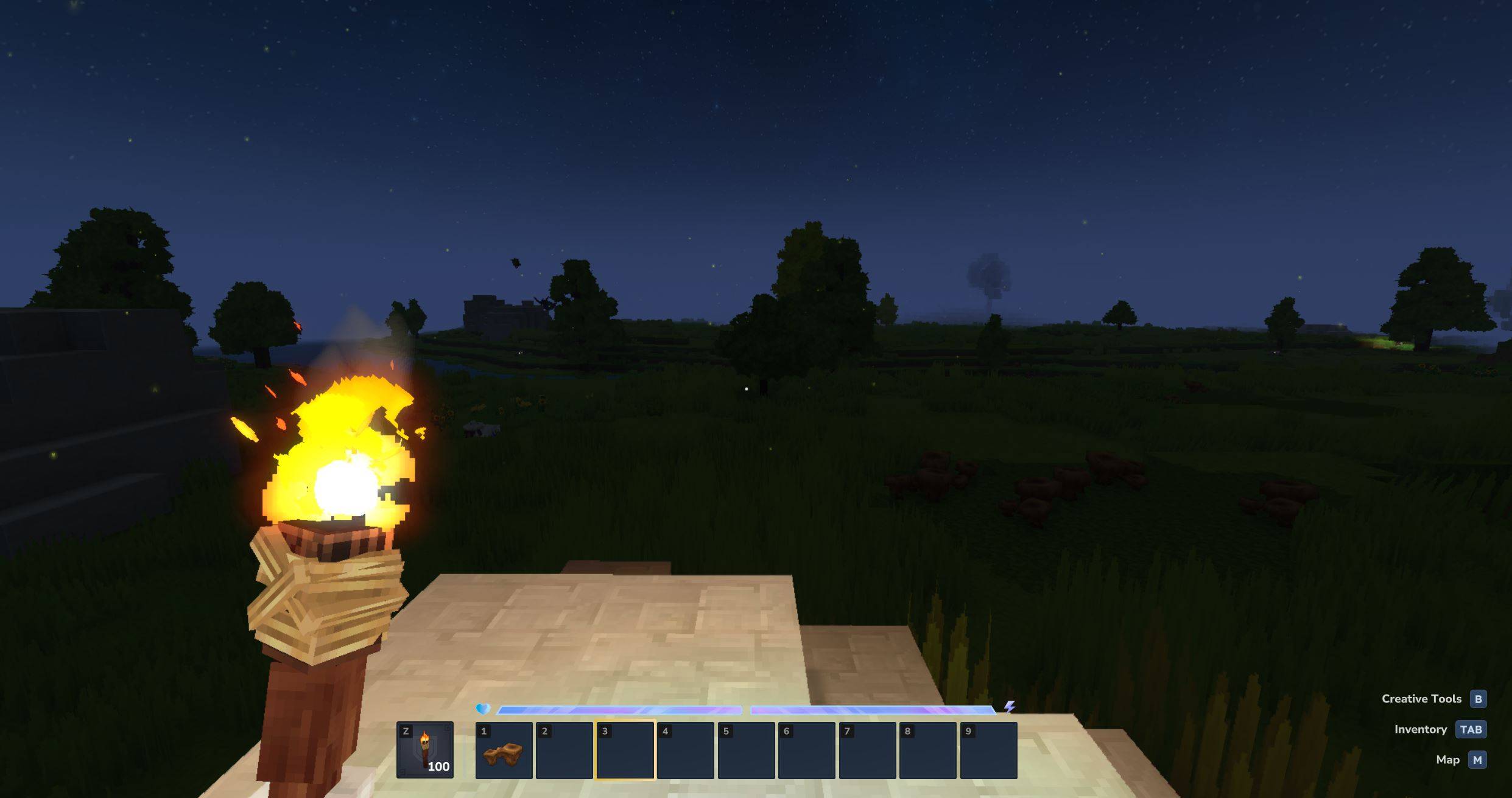
media1torch.JPG
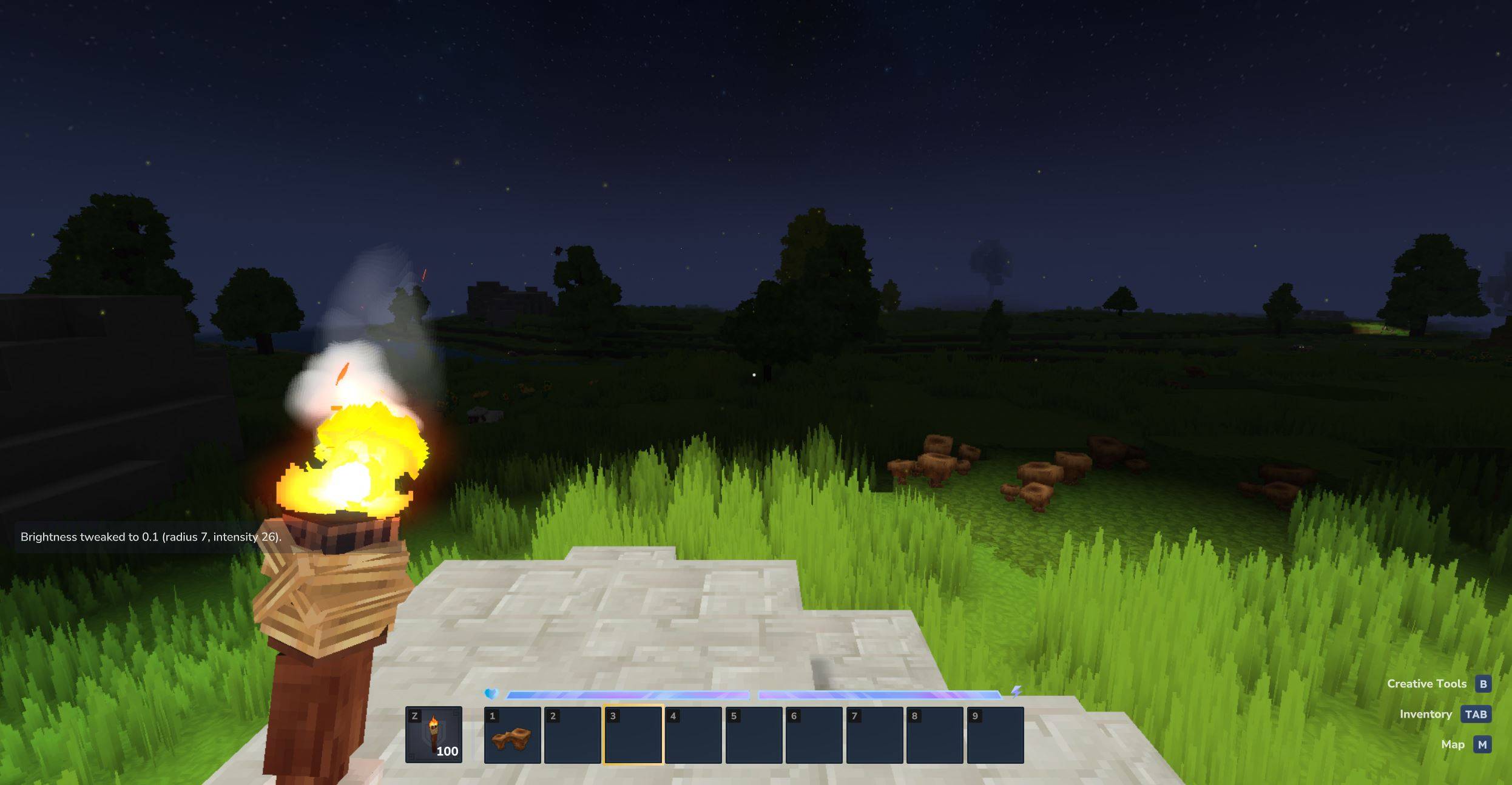
media2bright.JPG
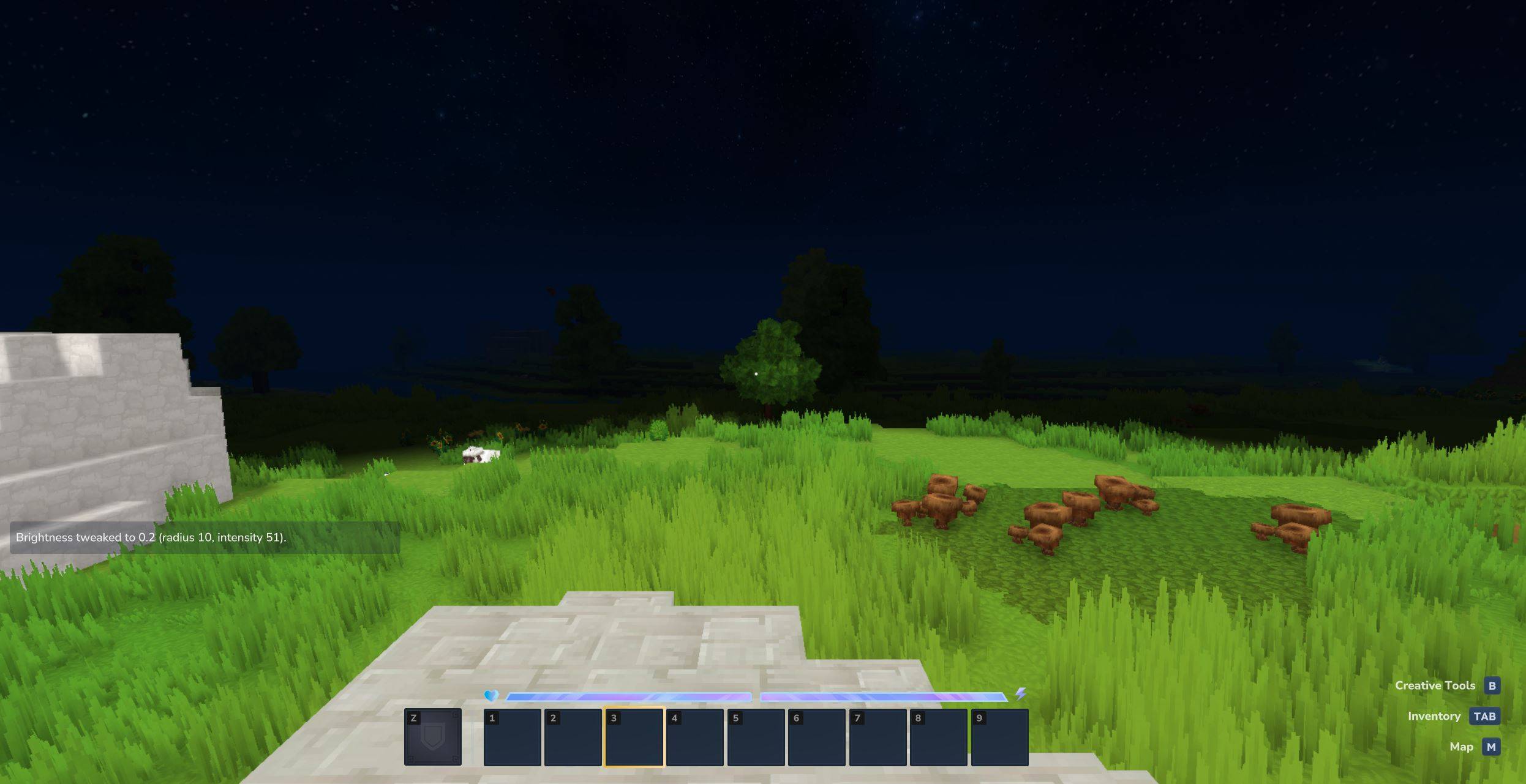
media4handfree.JPG
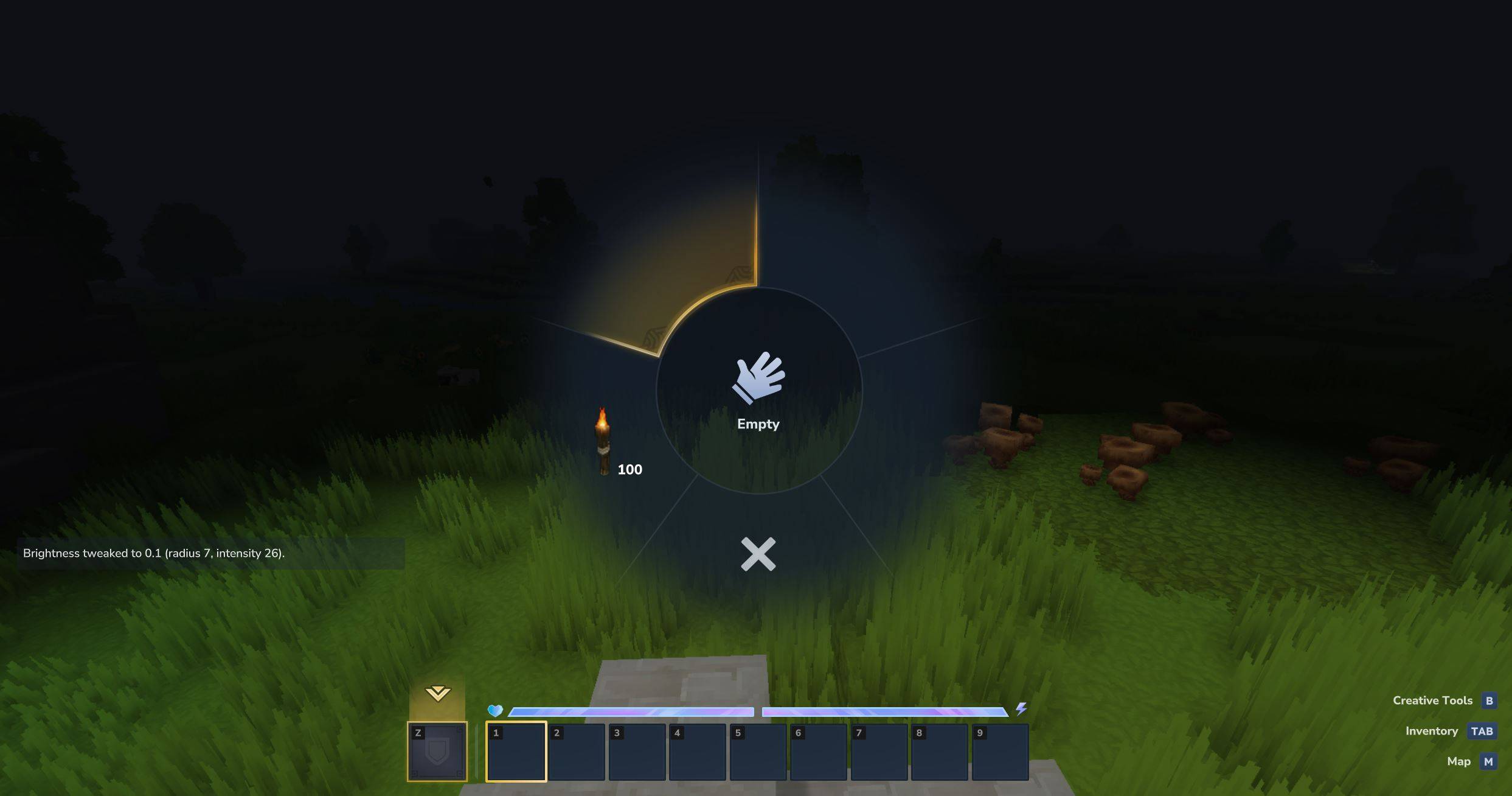
media5anytorchhandsfree.JPG
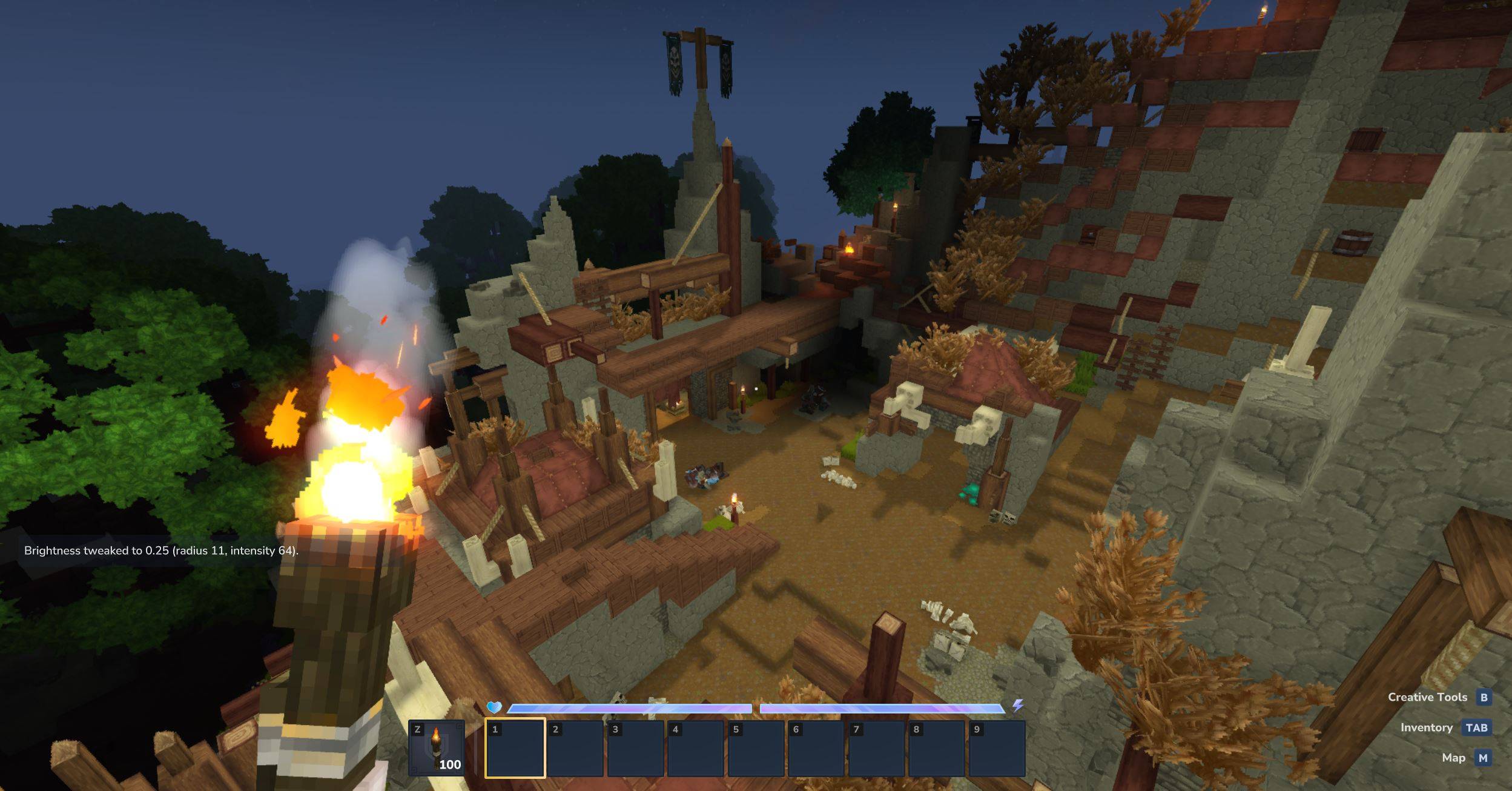
media6bright.JPG
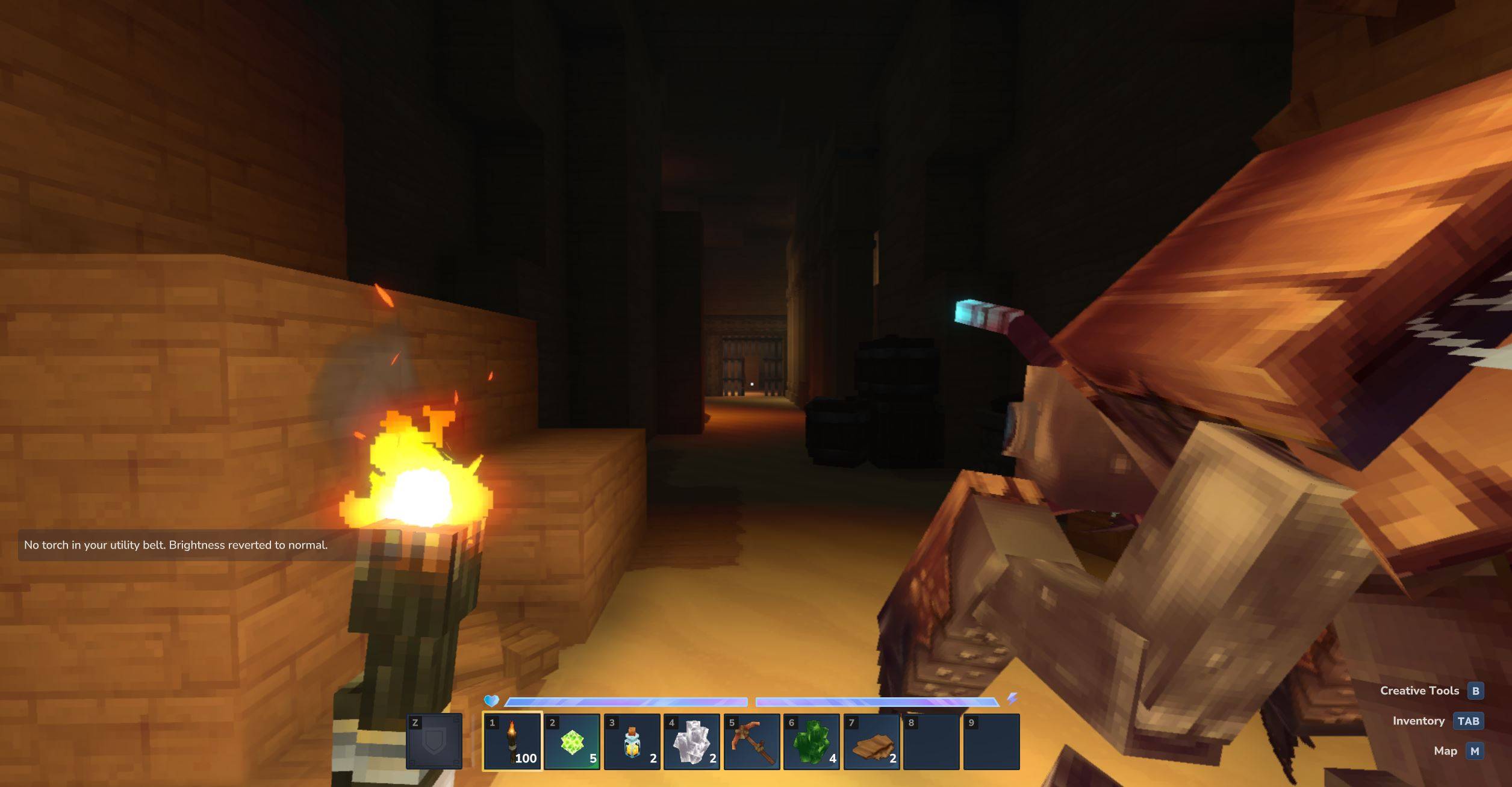
media9warn.JPG
Description
Brightness (and Torch) Tweaks
Brightness Tweaks adds fully configurable, dynamic light around the player so you can see better at night or underground while you fight and mine. Put any torch inside the utility belt, and set brightness using menu under /br command.
Developer's note:
- Looks 10x better with Shading Quality set higher than Low
- From 0.1.9+ set settings once, they persist forever
- UI added (0.2.0+); mod is now prod-ready but I'm open to suggestions
Features
- Player-centered dynamic light
- Adjust warmth, color, and strength of the light around you
- Lightweight, server & single compatible, persistent across restarts
Commands & Usage
Equip / Put any torch in the utility belt and run:
- `/br` to display user-friendly menu
Or use commands:
- `/brightness` disables the effect (resets to normal)
- `/brightness <value>` sets brightness from `0.01` to `1.0`
- e.g. `/brightness 0.1` or `/brightness 1`
- `/brightness warmth <value>` from `0.1` to `1.0`
- `/brightness color <hex>` e.g. #aa0000
Server config:
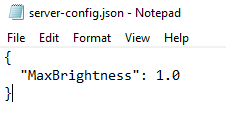
After downloading the mod and restarting the server/world, check for a new file created at this path: UserData\Mods\plugin-config\FLOCK4H_BrightnessTweaks or in the /mods folder in server's filesystem. Modify or create the server-config.json if you want to tweak the global max brightness, example structure:
Installation
1. Download `Brightness-Tweaks-x.x.x.jar` where x.x.x is the most recently uploaded file
2. Put it in your server `mods/` folder (or your local .../Hytale/UserData/Mods folder)
3. Restart the server / start the local world
Links / Community
- Discord
- Telegram
Feedback / Bugs
If you find issues or have suggestions, post them in Discord/Telegram (links above) or open an issue on the project repo.
About author
Software Engineer & Cybersecurity Specialist currently exploring game development, I also provide development services for clients, so if you're interested in working together please reach out via official media in Links section above, check out my work:
github.com/FLOCK4H
The Brightness Tweaks Team
