


GlymeraGameMode
- By
- Mods
1_hero.jpg
2_how_it_works.jpg
3_inventories.jpg
4_opt_in.jpg
5_commands.jpg
Description
GlymeraGameMode
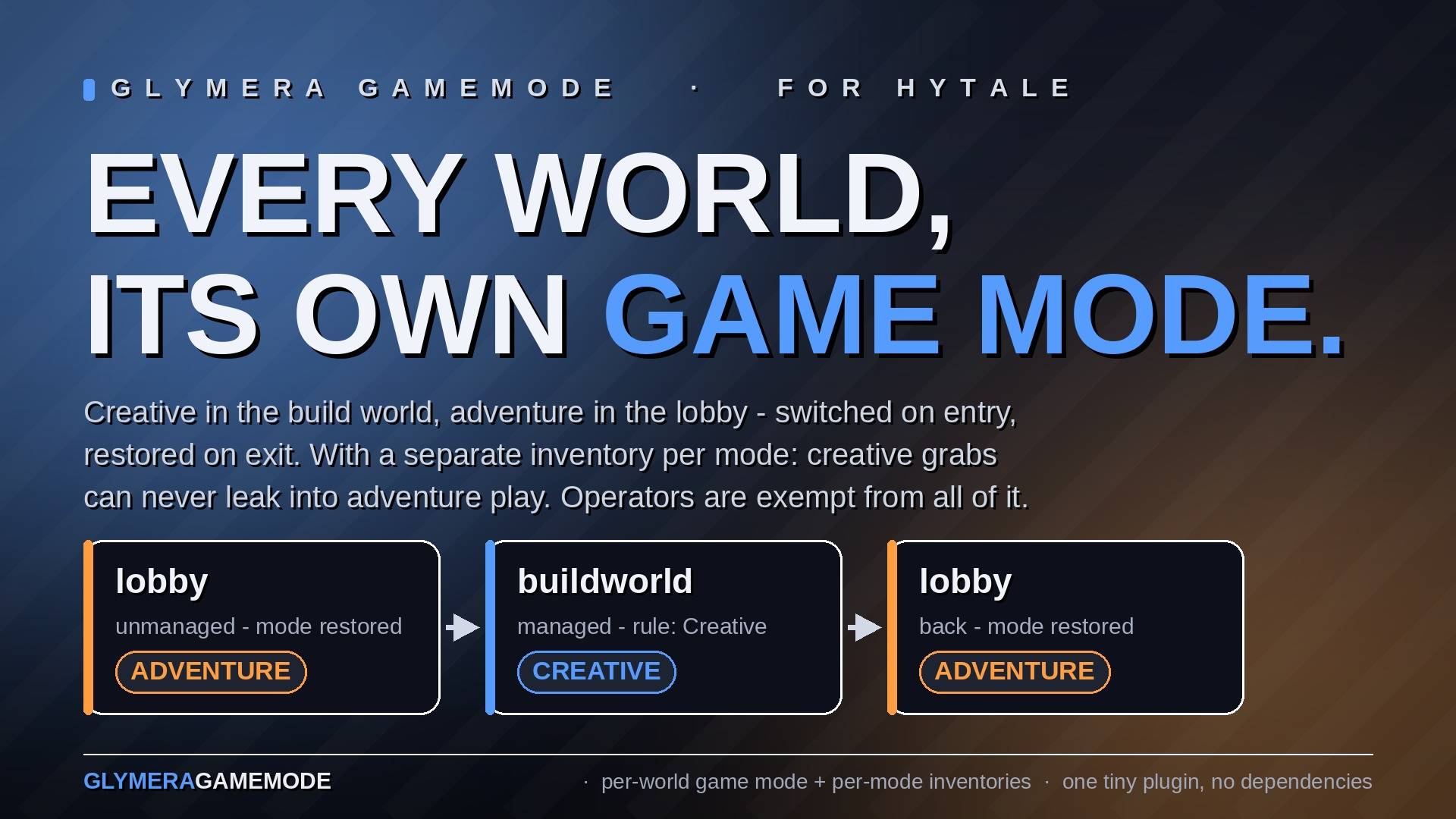
Give every world its own game mode — and every mode its own inventory. GlymeraGameMode lets you declare, per world, whether players should be in Creative or Adventure while they are there. Enter the world — your mode switches. Leave it — your previous mode comes back, automatically. And with mode-separated inventories (on by default), what a player grabs in creative can never leak into adventure play. Perfect for a creative build world or plot world next to a survival-style main world, a lobby that should always be adventure, or an event world where everyone builds freely.
Hytale itself cannot do this: a player's game mode is global and follows them across every world (the GameMode field in a world's config only applies to brand-new players who never had a mode). This plugin adds the missing piece — and nothing else. It is deliberately small.
How it works
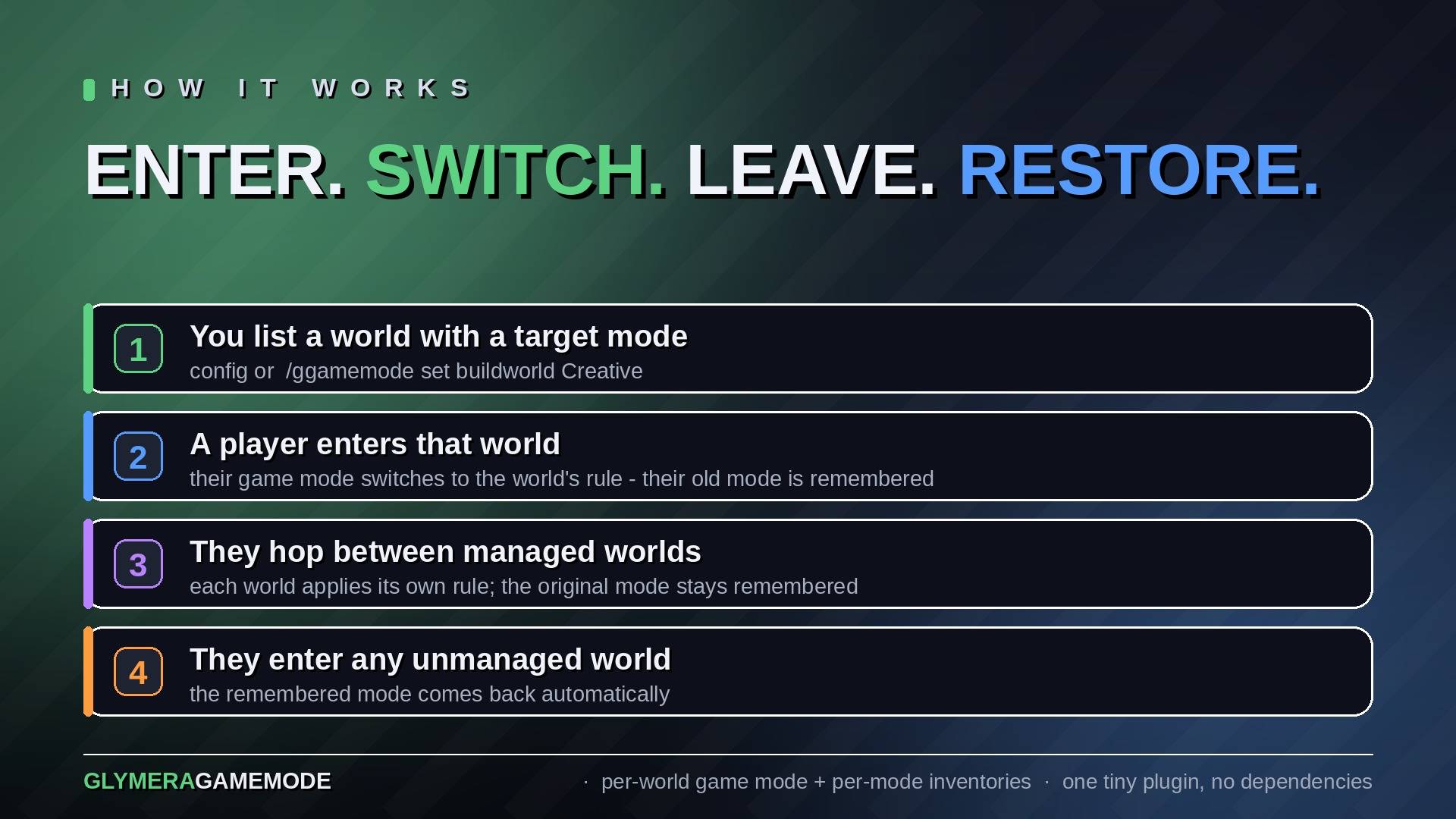
- You list worlds in the config (or in-game per command), each with a target mode:
CreativeorAdventure. - A player entering a listed world is switched to that world's mode. Their previous mode is remembered.
- A player entering any unlisted world gets their remembered mode back.
- Hopping between two listed worlds keeps the original mode remembered — it is restored only when they leave managed territory.
- Switching to Adventure is applied instantly on arrival, so creative powers from the previous world never linger where they could be abused. Switching to Creative is granted a moment after the world has finished loading around the player.
One inventory per game mode
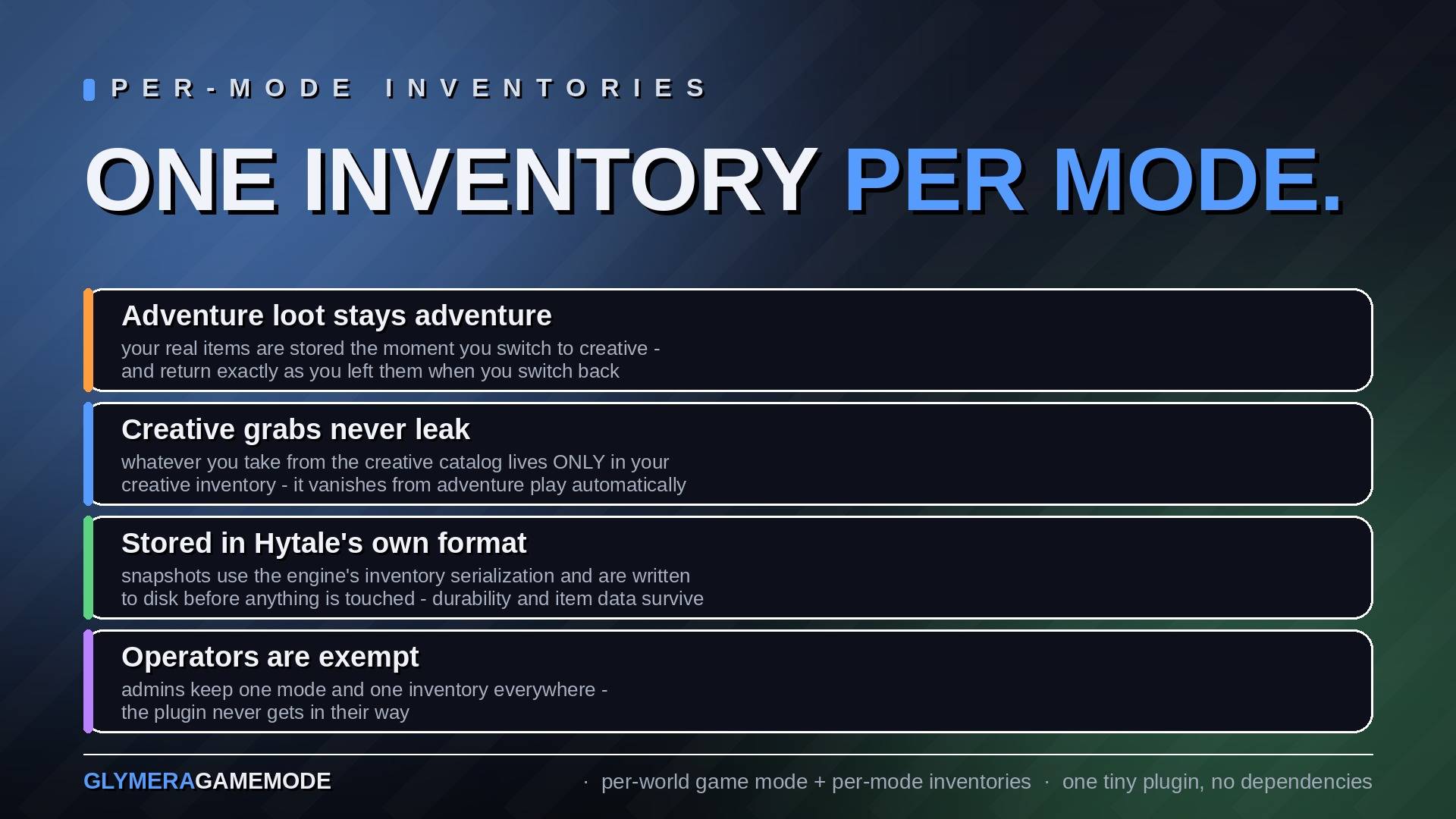
With separateInventories on (the default) every player has two inventories: one for Adventure, one for Creative. On every mode change — whether triggered by a world rule or by an operator's /gamemode — the current inventory is stored under the old mode and the new mode's inventory is loaded. First time in creative? You start empty, and the creative item catalog is right there. Back in adventure? Your real items return exactly as you left them, and the creative grabs are gone (they wait in your creative inventory).
Inventories are stored with Hytale's own inventory format — the same serialization the server uses for player files — so durability, states and item data survive perfectly. The snapshot is written to disk before the live inventory is touched, so even a crash mid-switch can never lose items. Set separateInventories to false if you only want the mode switching.
Operators are exempt from everything this plugin does — no mode switching, no inventory separation. Admins keep one mode and one inventory across all worlds and can work undisturbed.
Strictly opt-in
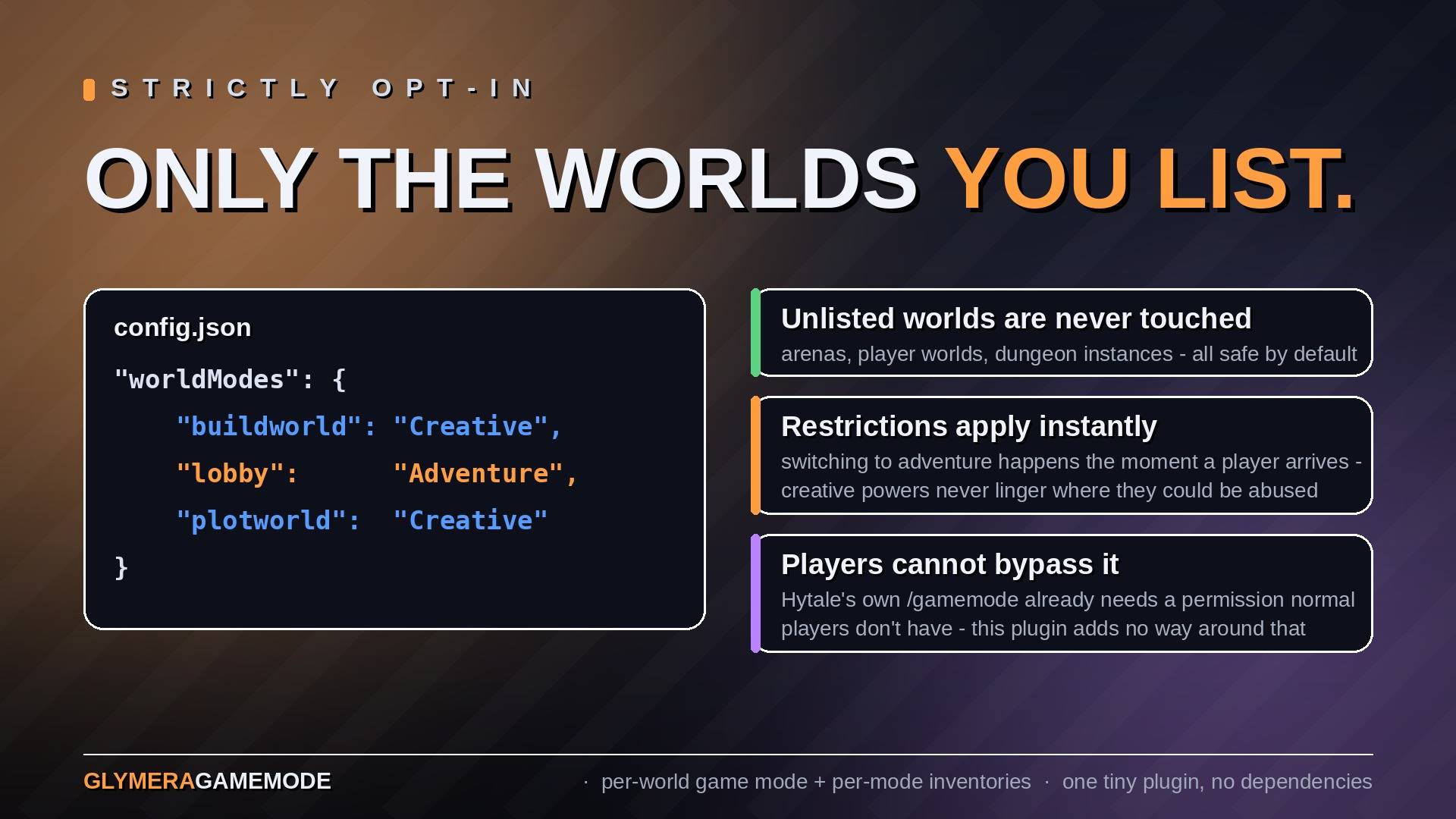
Only worlds you list are ever touched. Worlds run by other plugins — minigame arenas, player worlds, dungeon instances — simply stay unlisted and are never interfered with. Entries for worlds that do not exist are harmless: they never match anything.
Commands (operators only)
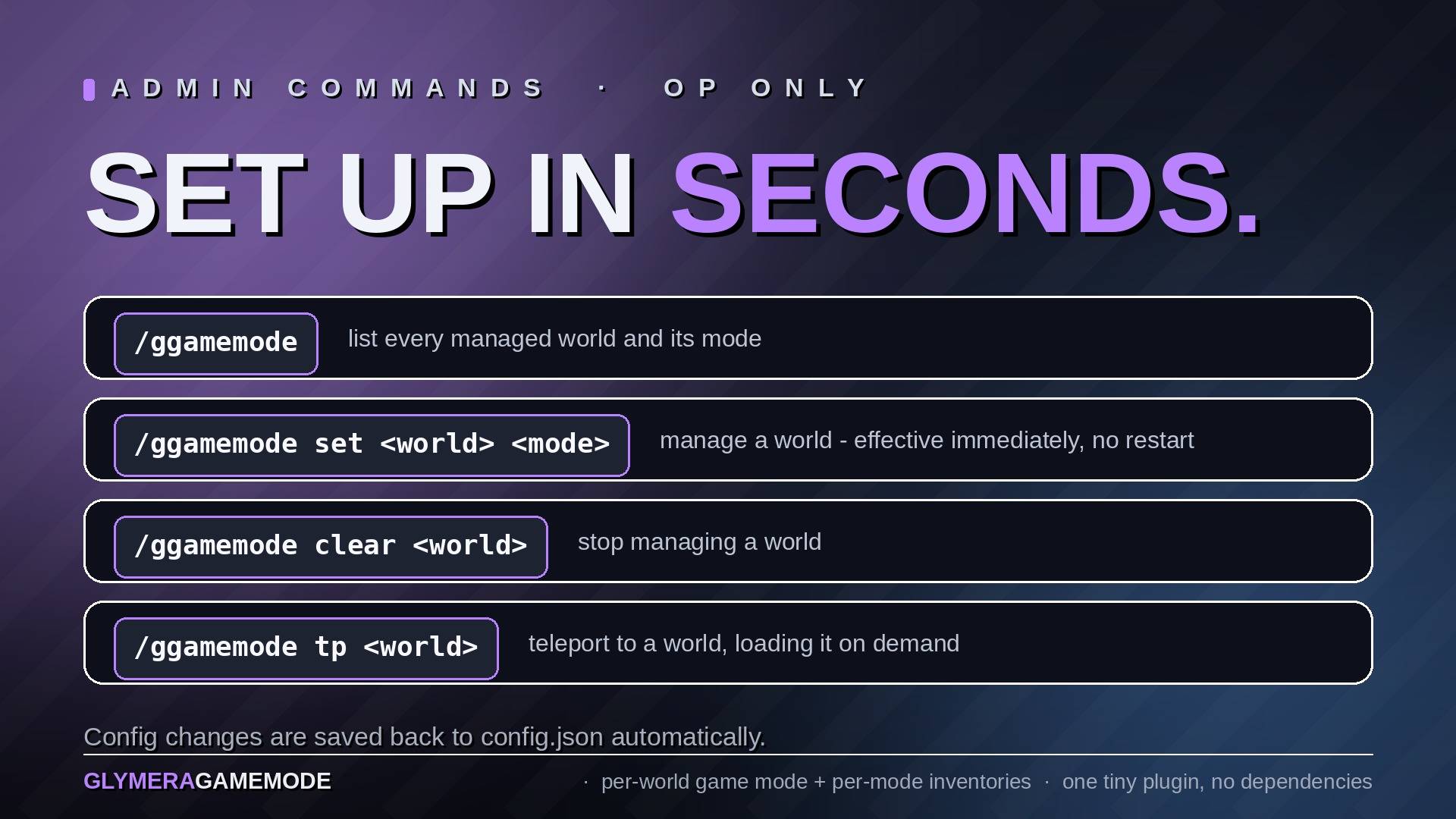
/ggamemode— list all managed worlds and their modes/ggamemode set <world> <Adventure|Creative>— manage a world (takes effect immediately, no restart)/ggamemode clear <world>— stop managing a world/ggamemode tp <world>— teleport to a world, loading it if needed (handy for testing)
Normal players cannot change their own mode: Hytale's native /gamemode command already requires the gamemode.self permission (Builder group and up), and this plugin adds no way around that.
Configuration
mods/de.glymera_GlymeraGameMode/config.json — created on first start with two example entries showing the format:
{
  "separateInventories": true,
  "worldModes": {
    "exampleworld1": "Creative",
    "exampleworld2": "Adventure"
  }
}
Replace the examples with your real world names (as shown by /world list). separateInventories (default true) toggles the per-mode inventories. The file is read at server start; in-game changes via /ggamemode set are saved back to it automatically. The plugin also keeps saved-modes.json — the remembered previous mode per player — and per-player inventory snapshots under inventories/, all written atomically, so a crash can never strand players in the wrong mode or lose items.
Install
Drop the JAR into your server's mods/ folder and start the server. Edit the generated config (server stopped) or use /ggamemode set in-game as an operator. No dependencies, no asset pack, works on any world type.
The GlymeraGameMode Team
