LeaveDoorsOpen
ì¤í¬ë¦°ì· 2026-10-28 185022.png
1714-1793375818-961284658.webp
20261029034408_1.jpg
20261029034210_1.jpg
1793369245.webp
Description
Leave Doors Open
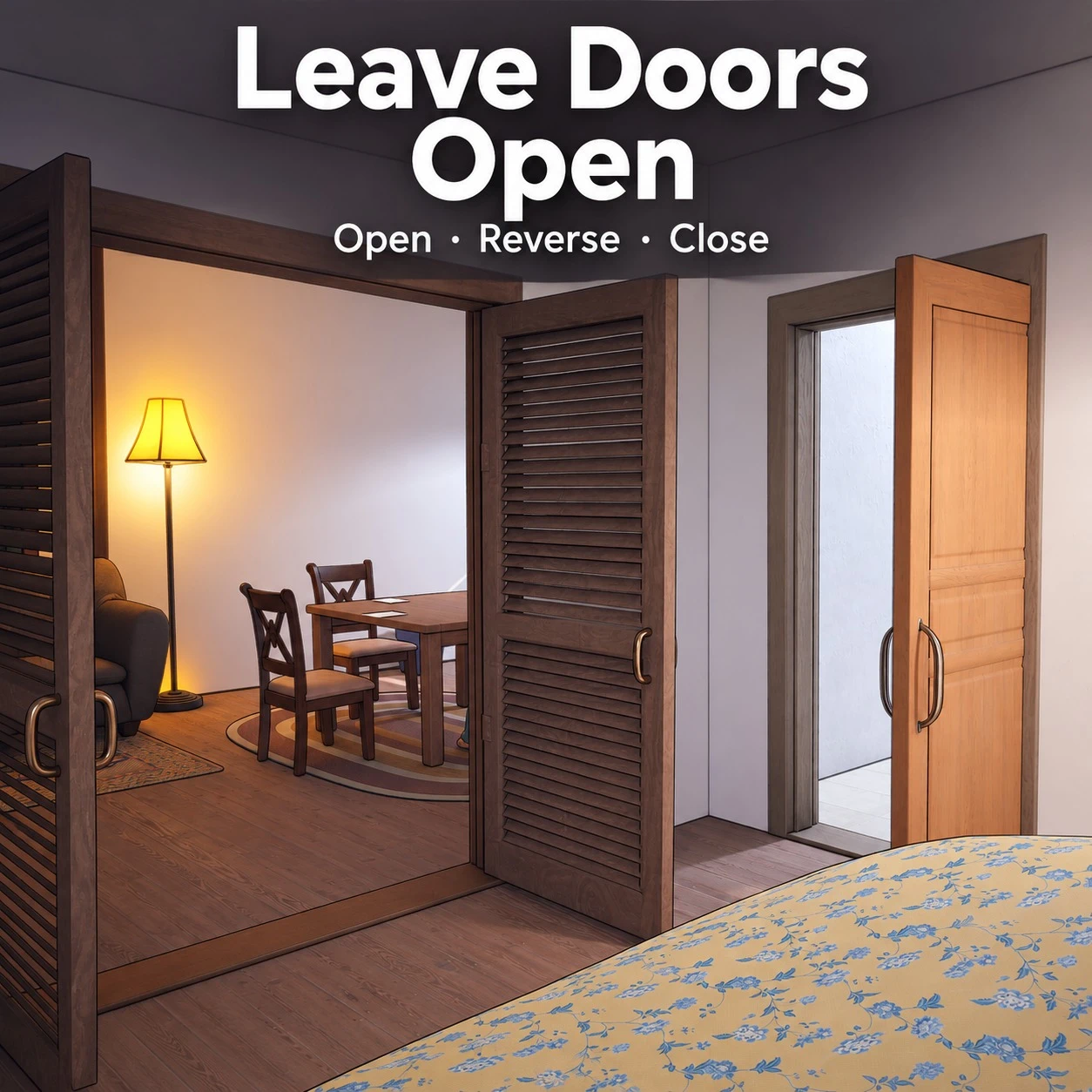
Keep the doors open until you choose to close them. Adds commands to open a door, open it toward the other side, and close it. Supports the hinged single doors , double doors and slliding doors.
⚠️ Compatibility
Fixed in version 1.1: doors no longer stop responding next to other Lua mods that bind a script to household zois (Zoi:ResidenceFamily).
How to use
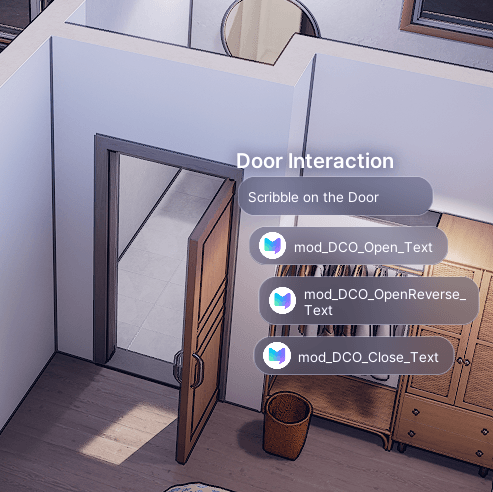
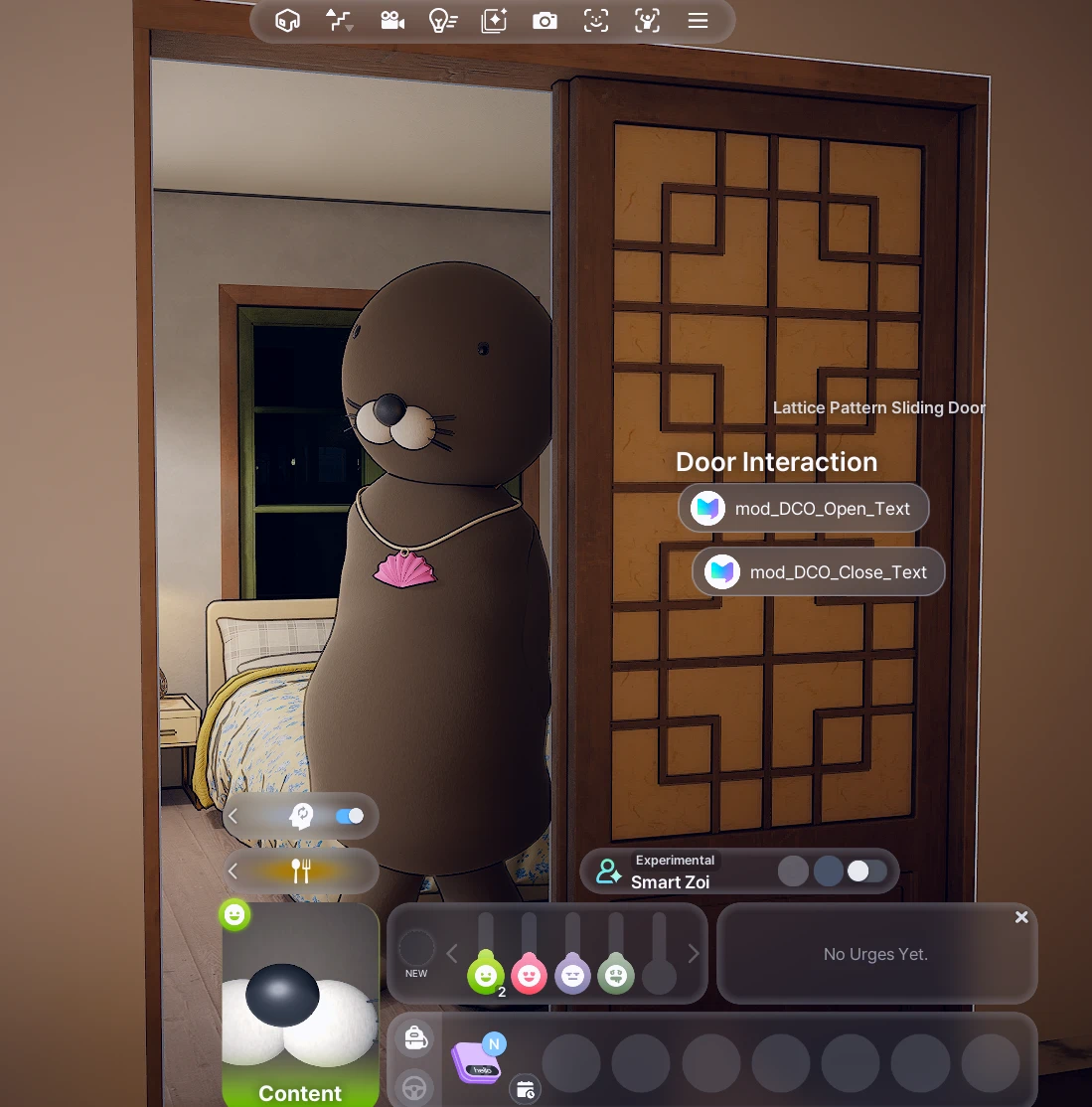
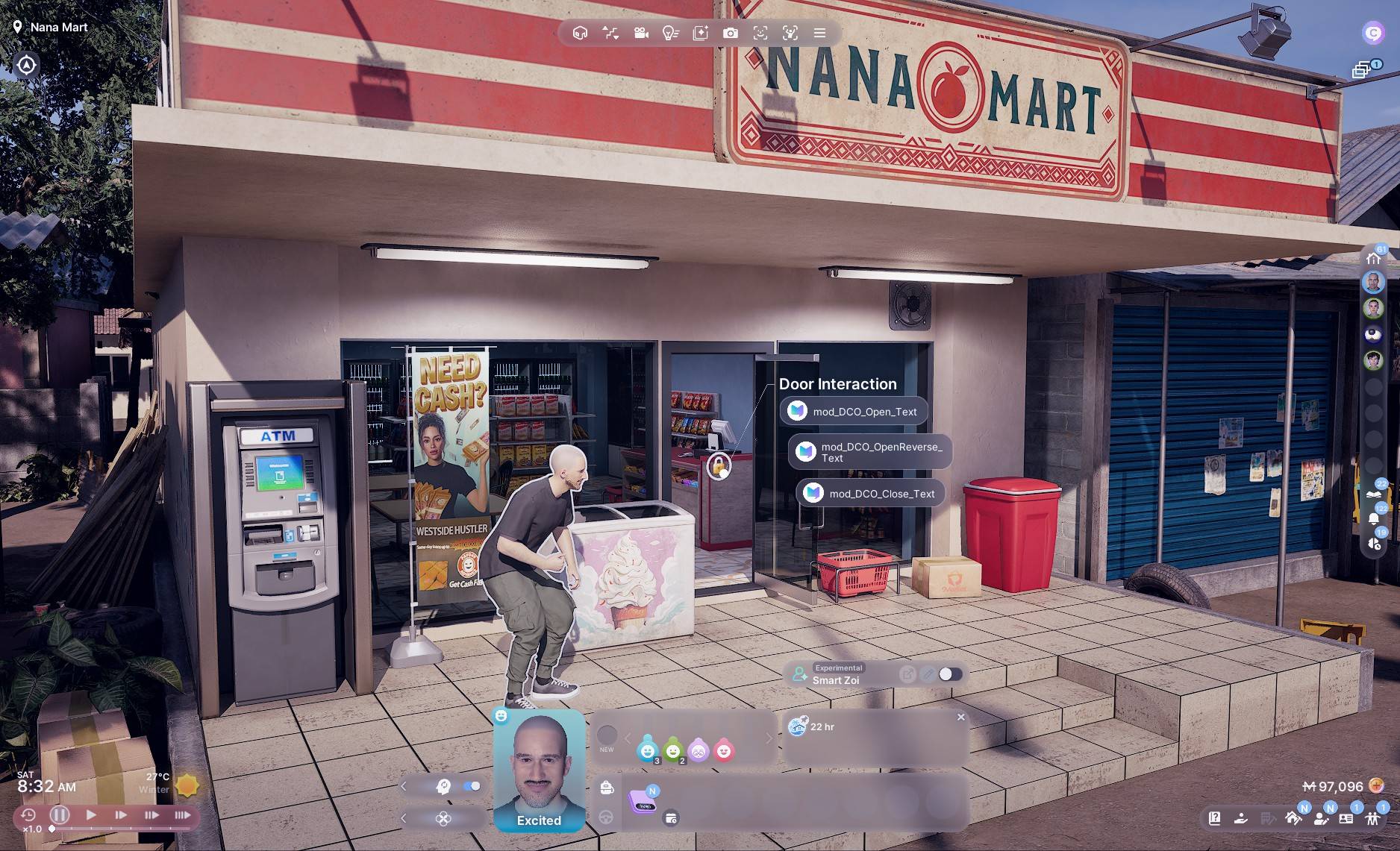
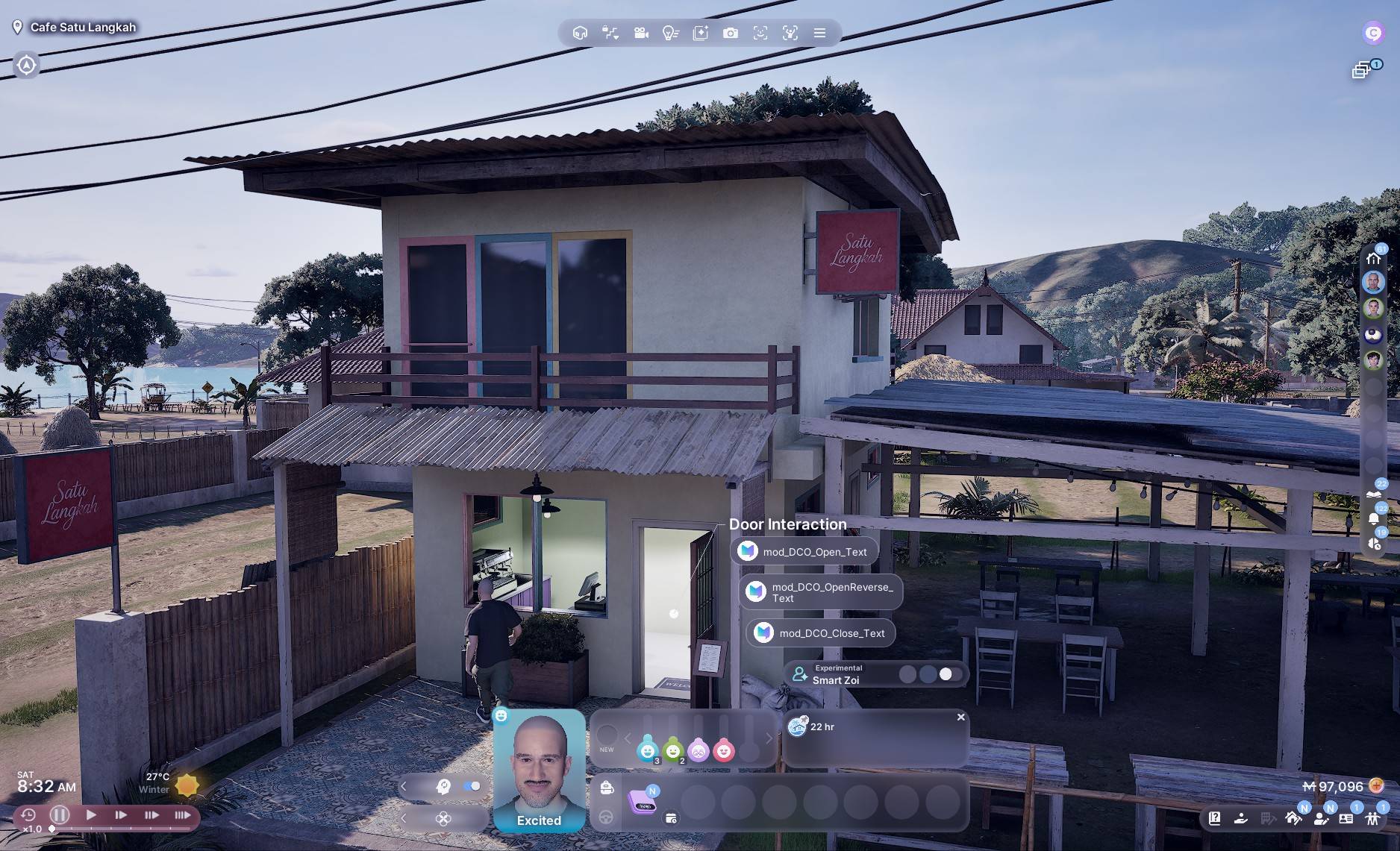
Click any door and choose a command in Door Interaction.
Menu labels in this version use the original internal IDs:
- mod_DCO_Open_Text: leave the door open.
- mod_DCO_OpenReverse_Text: leave the door open toward the other side.
- mod_DCO_Close_Text: close the door.
LeaveDoorsOpen and GenderDoors are separate mods and can be installed independently.
Using GenderDoors with LeaveDoorsOpen (tested in game)
The order matters:
1. Keep the door closed and select the Zoi who has permission to change its settings.
2. In Door Permissions, choose Men Only or Women Only first.
3. Then use LeaveDoorsOpen to hold the door open.
The gender restriction remains active while the door is held open. For example, a door set to Women Only still blocks male Zois even when it is open.
You cannot set the gender restriction while the door is already held open. Close it first, set the restriction, then open it again.
Related mod: https://www.curseforge.com/inzoi/mod/genderdoors
The LeaveDoorsOpen Team