MCPEDL.png
DamageNumbers-Screen-2.compressed.gif
DamageNumbers-Screen-1.png
DamageNumbers-Screen-3.png
DamageNumbers-Screen-4.png
Description

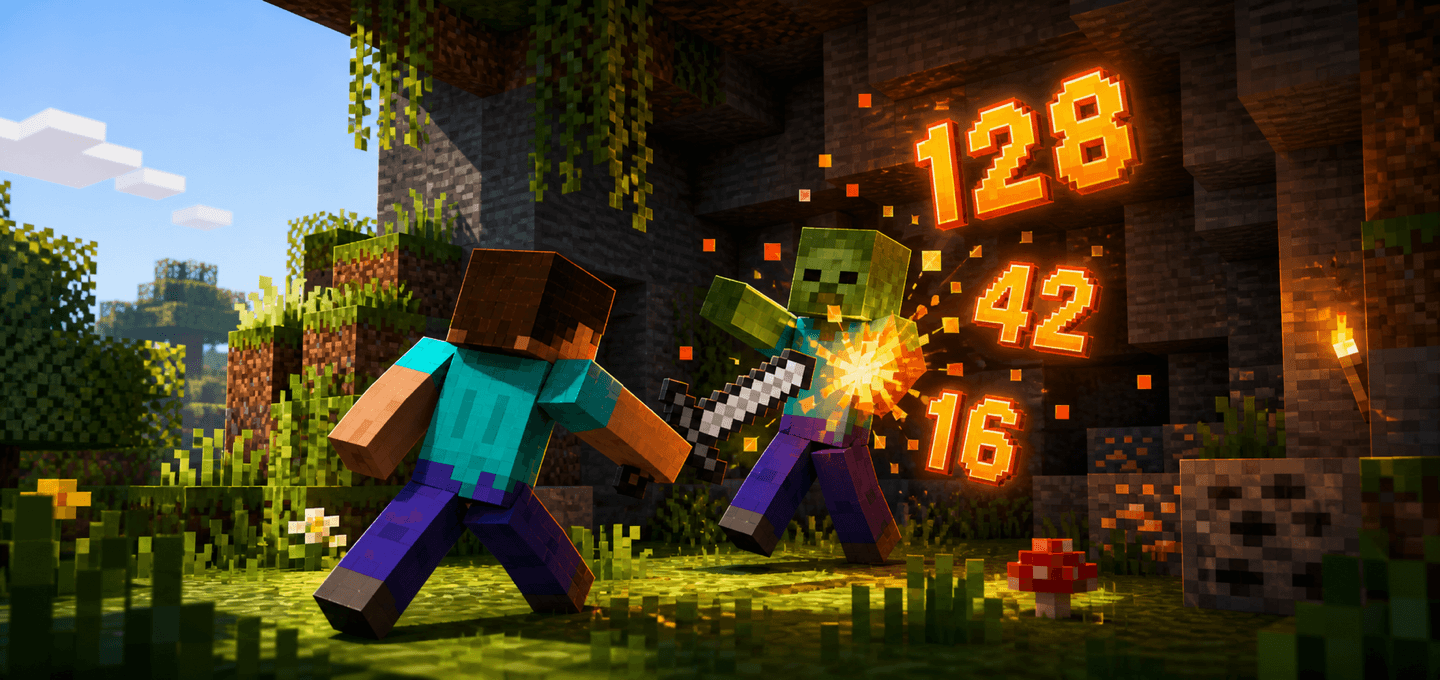
Show clear floating damage numbers when entities take damage.
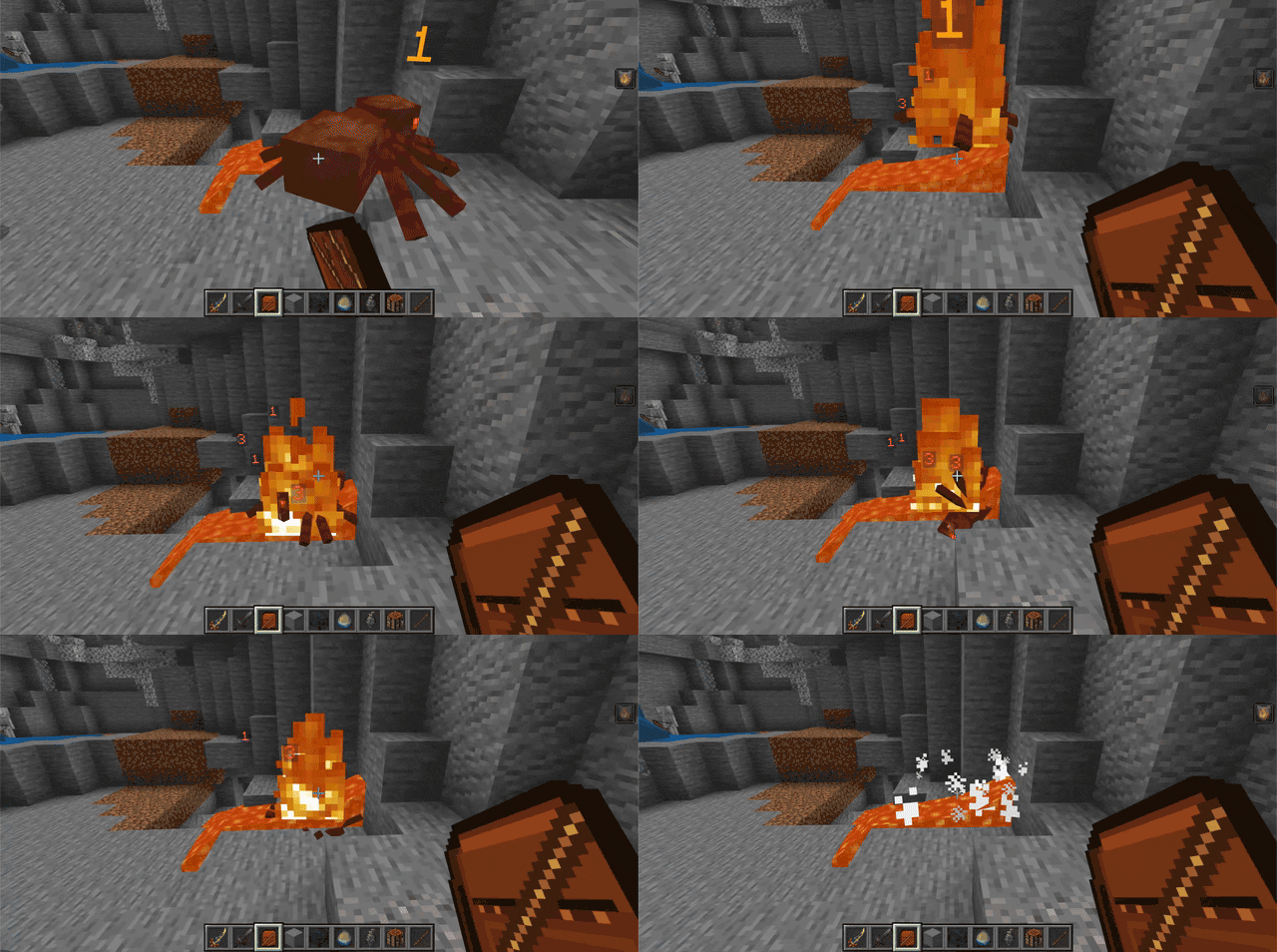
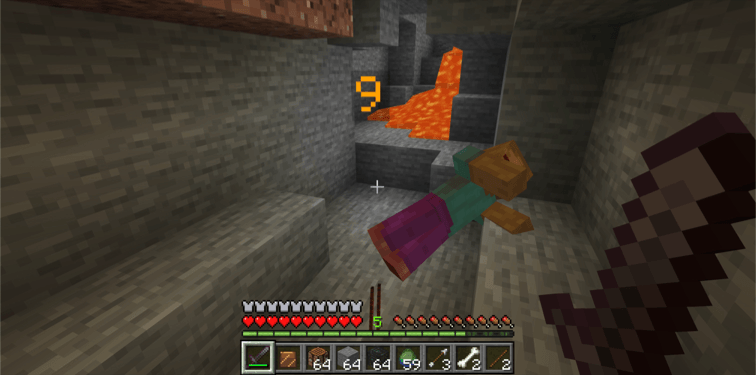
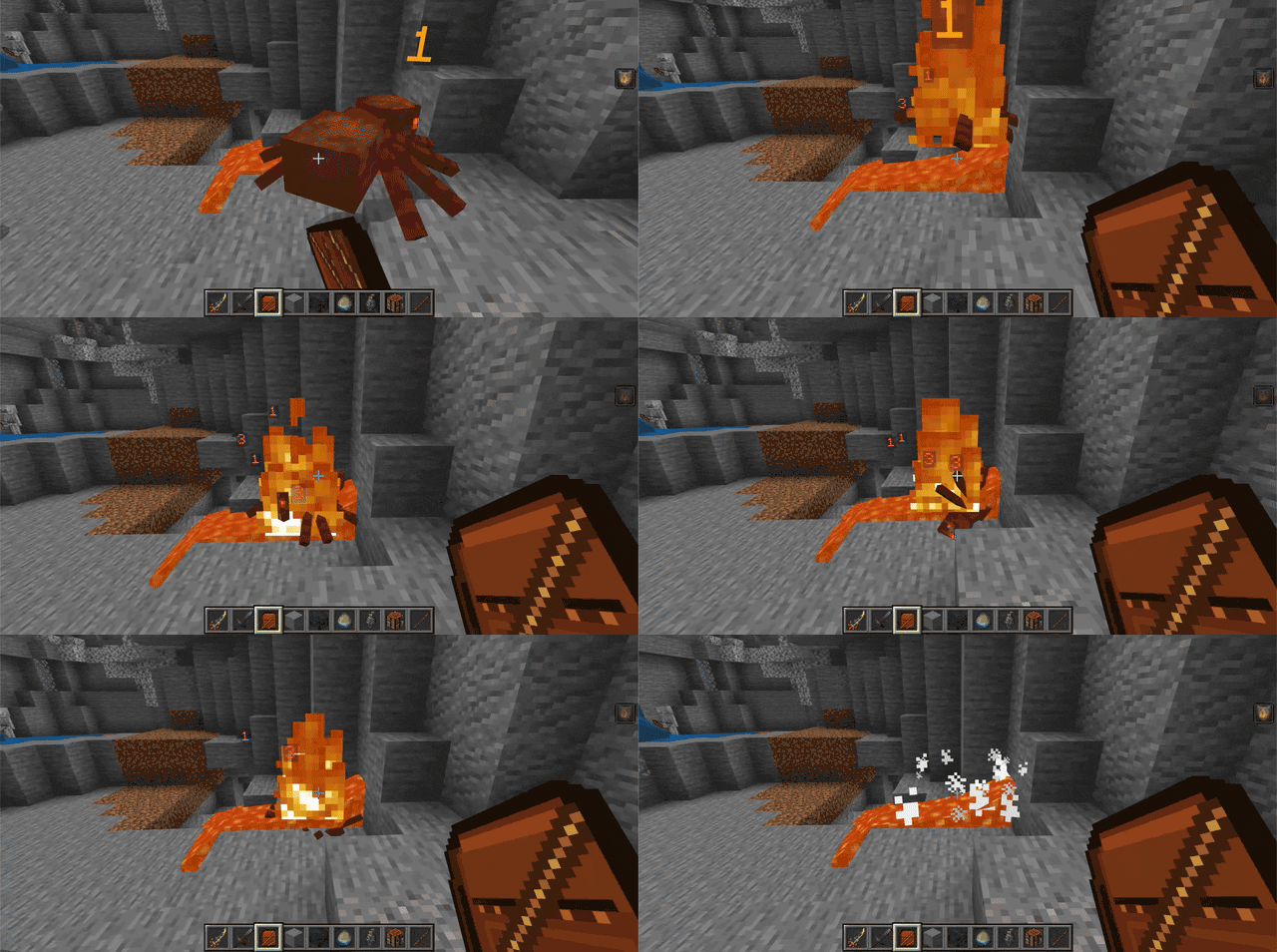
Damage Numbers adds a lightweight Terraria-inspired combat feedback layer to Minecraft Bedrock. When a mob or player is hurt, a configurable damage number appears beside the target near the impact side, floats upward, and disappears after a short moment.
Features
- Shows floating damage numbers after entity damage
- Places numbers beside the target instead of directly above the head
- Uses the attacker or projectile position to choose a readable impact side
- Configurable colors for normal, fire/lava, magic/wither, and optional large damage
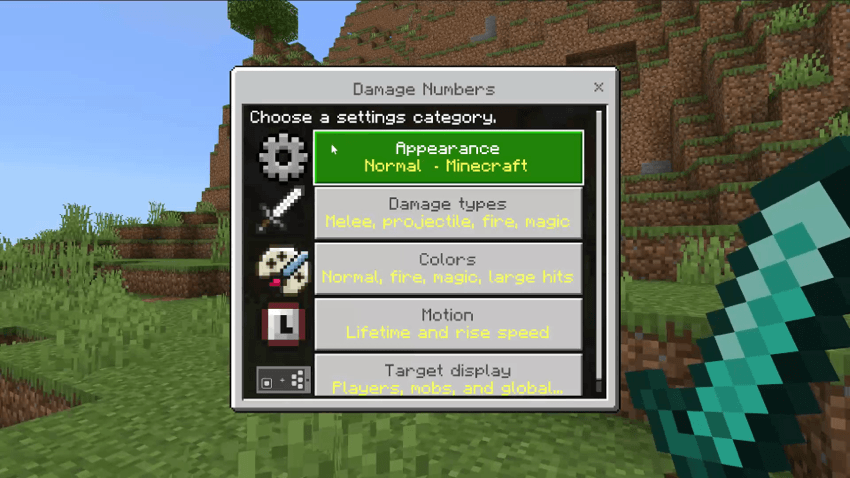
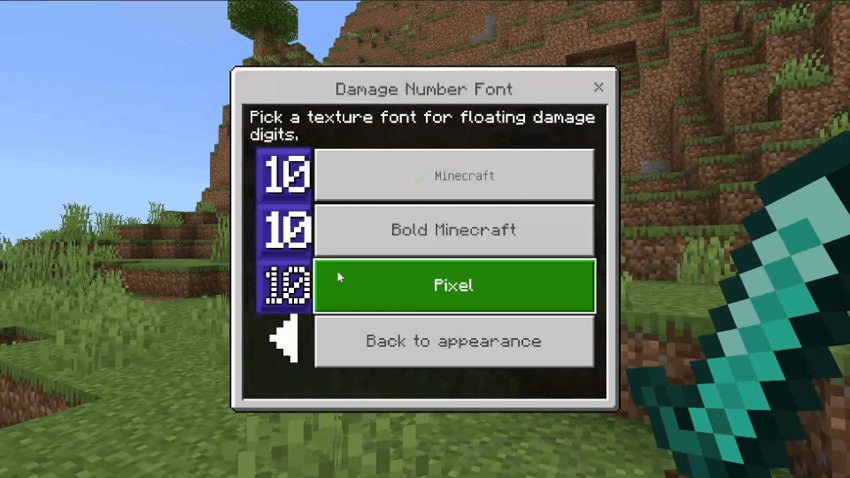
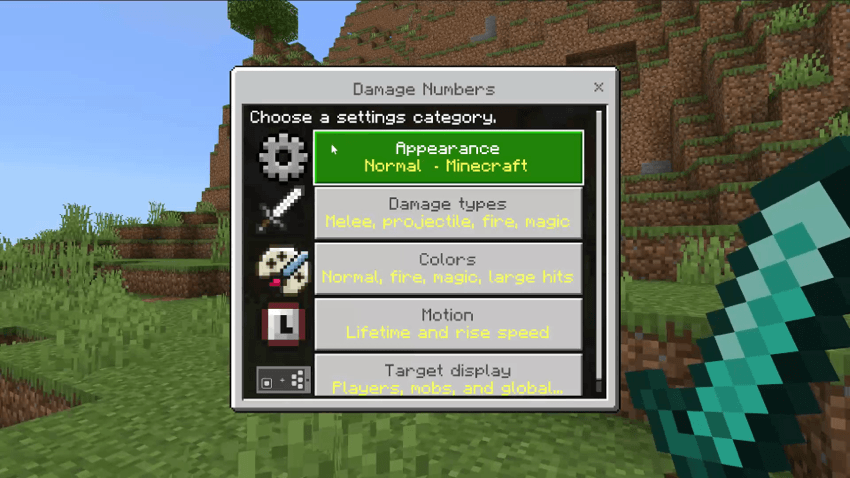
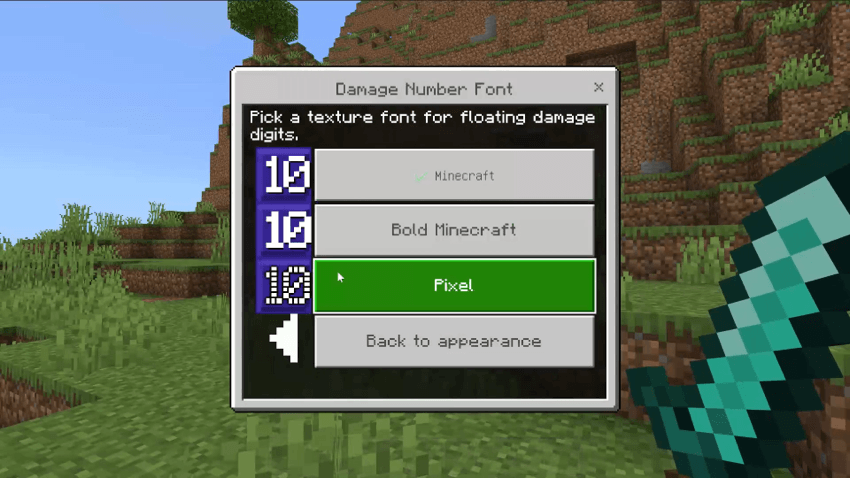
- In-game JSON UI settings menu
- Toggle player targets, mob targets, and individual damage categories
- Tune display time, large-damage threshold, and upward drift speed
- Short upward drift for quick combat readability
- Works with normal Minecraft damage and scripted add-on damage
- Settings are stored per world
- Lightweight behavior/resource pack pair
How to use
Install the .mcaddon, activate both the Behavior Pack and Resource Pack in your world, then fight normally.
Whenever an entity takes damage, the add-on displays the damage amount near that entity. Numbers are cosmetic only and do not change combat balance.
Open the settings menu with:
/ztp:damage-numbers
/ztp:dn
The settings command is available to regular players and does not require cheats or operator permissions.
Notes
Bedrock scripting does not expose an exact hit coordinate for every damage event. This add-on uses the attacker or projectile position to place the number on a visible side of the target, which keeps it readable in close combat and ranged combat.
The settings menu is built with Bedrock Script UI and styled through JSON UI in the resource pack. If you change settings, they apply to that world only.
Requirements
- Minecraft Bedrock Edition
- No additional behavior pack dependency required
The Damage Numbers | Terraria-Style Combat UI Team