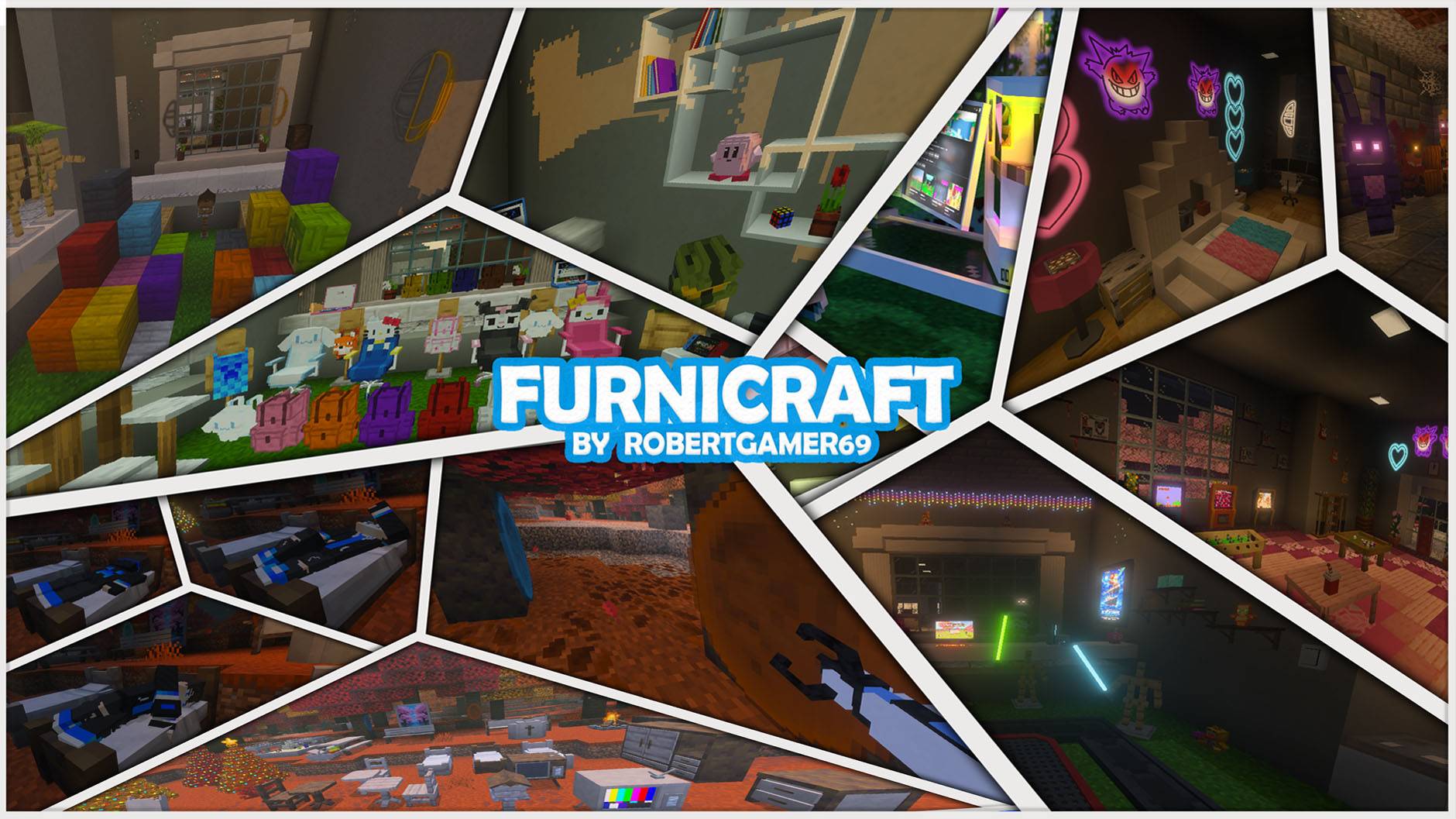
e858ec49-bf1c-43d6-99ba-d4362153481a.jpeg
Description
List of changes at the bottom of this post
↓↓↓↓↓↓ ↓↓↓↓↓↓ ↓↓↓↓↓↓↓
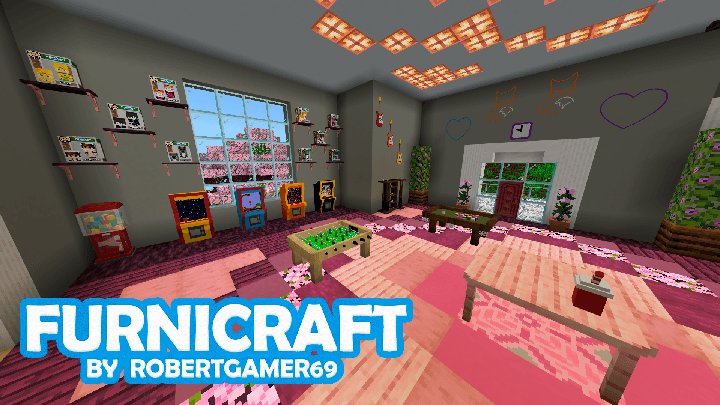
This addon adds over 500 pieces of furniture to the game. There's everything from kitchen utensils and bathroom equipment to things like a stove, shower products, and entertainment-related things like a pool table and gaming PC. It is a great addition if you want more options to decorate your home.
All furniture is solid 3D blocks, meaning you can easily rotate them in any direction you want. Some furniture, such as chairs and sofas, also have some functionality in that sense so that you can sit on them. Currently, all furniture can be crafted at the decorations table.
Creator: ROBERTGAMER69, Twitter, YouTube, PATREON

How does it work?
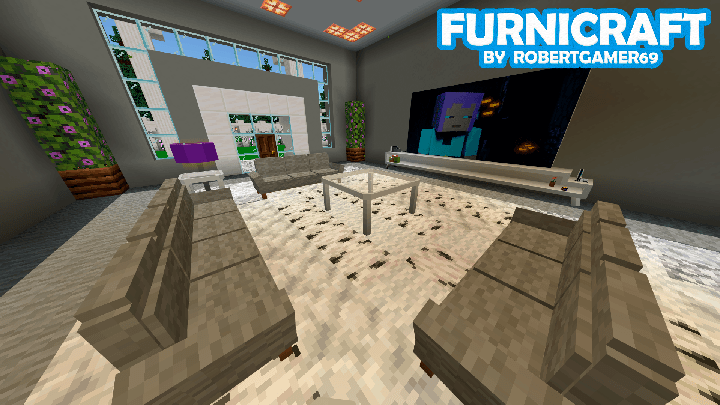
All the furniture are solid 3d blocks, this means you can easily rotate the furniture in any direction you want. Some furniture, like chairs and sofas, also has some functionality in that regard so that you can sit on them. Currently, all furniture can be crafted in the new Furnicraft Bench.
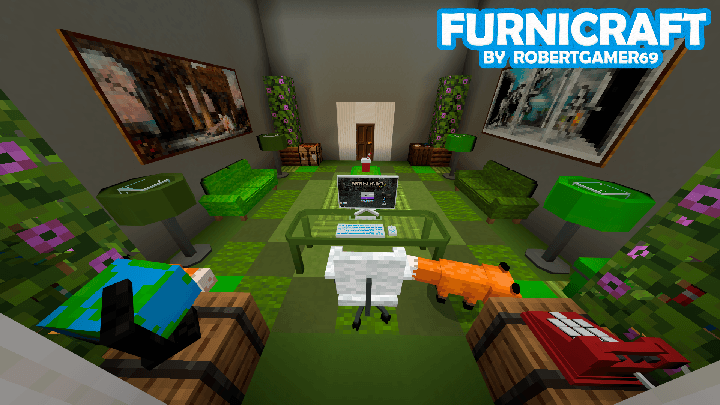
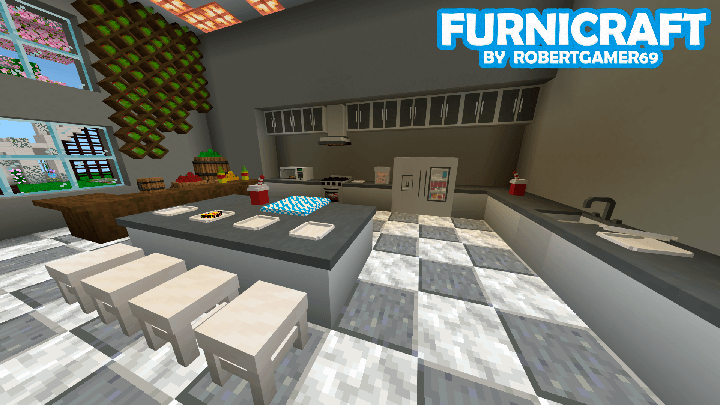
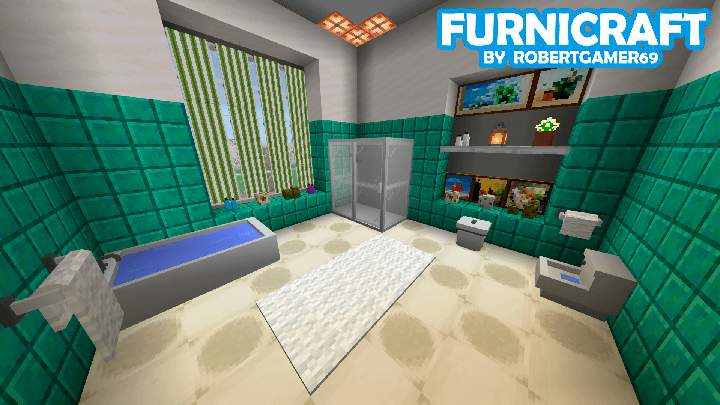
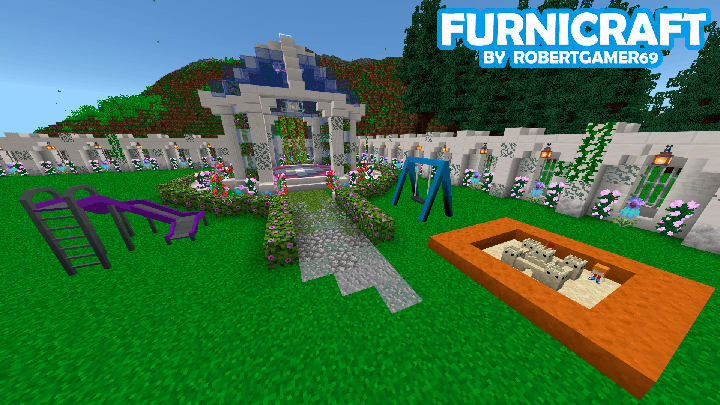
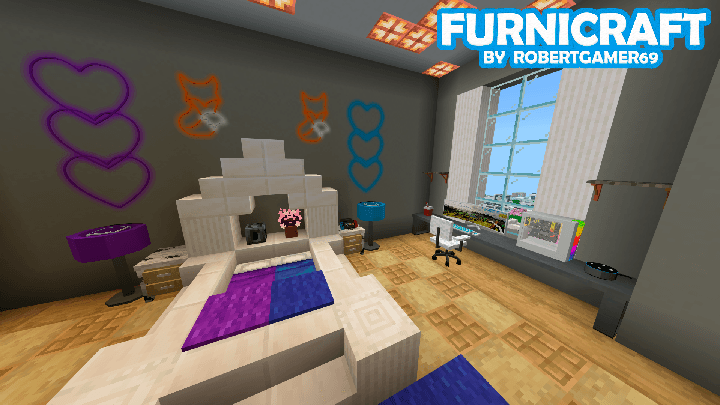
Information on how to use the addon
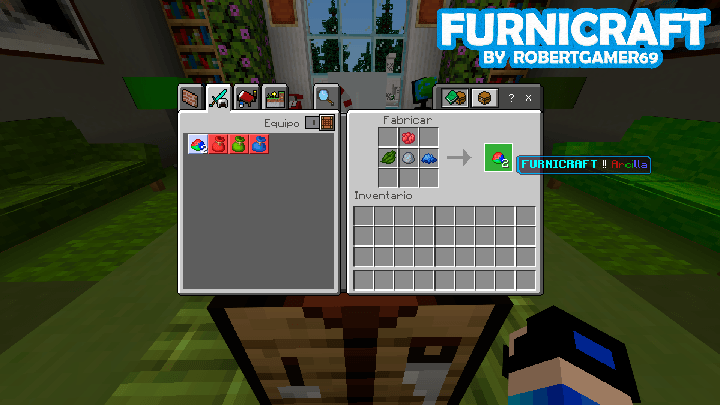
How to get the clay?
It is made with clay balls, red, green and blue dye
Here is an example of how it is made:
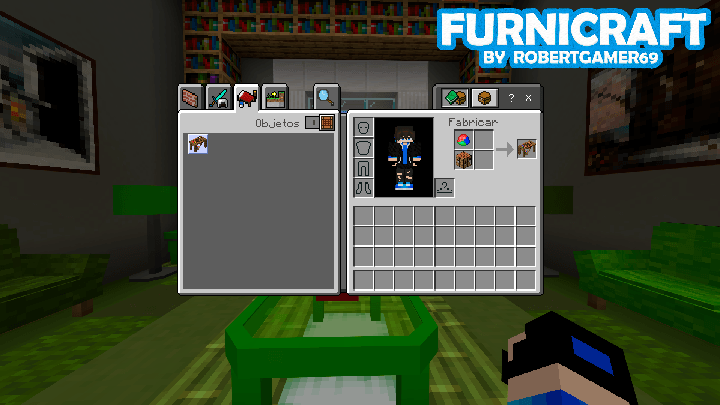
How to get the Decorations Table?
It is made with a crafting table and a FURNICRAFT clay
Here is an example of how it is made:
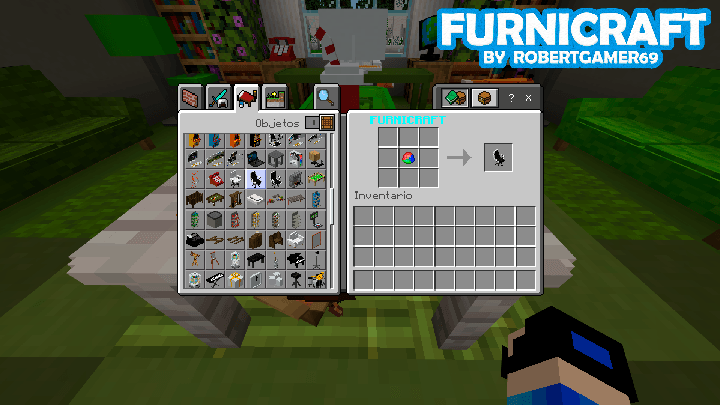
How to get all the furniture?
Each piece of furniture will cost you 1 Clay and you can get them at the Decorations Table.
Here is an example of how the furniture is obtained:
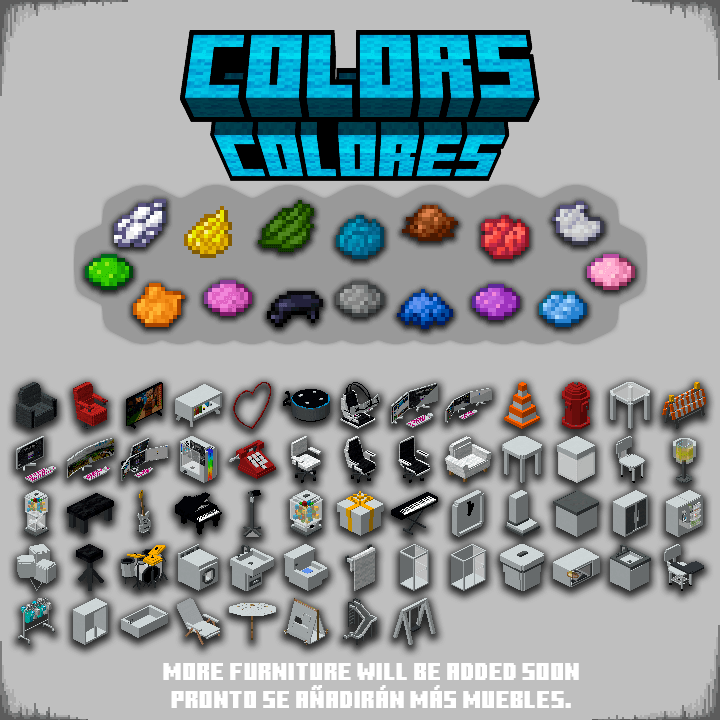
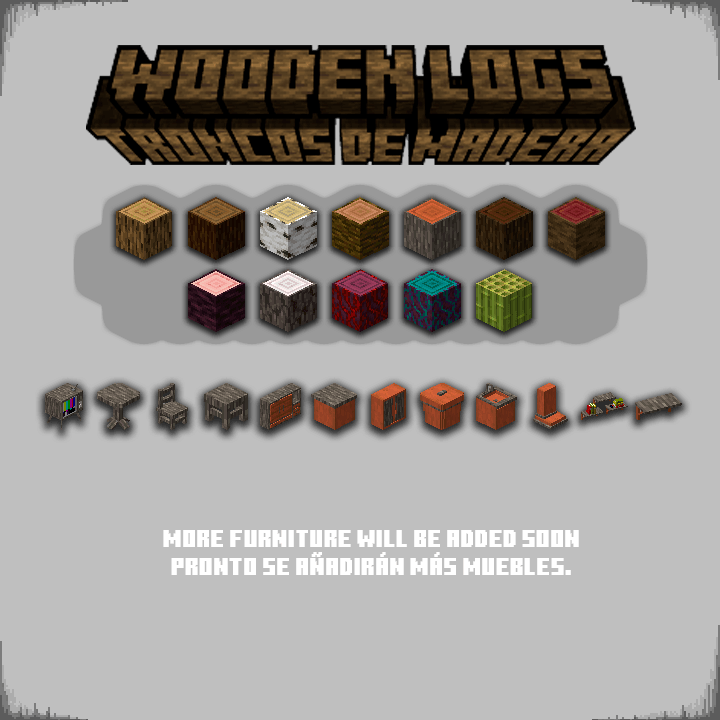
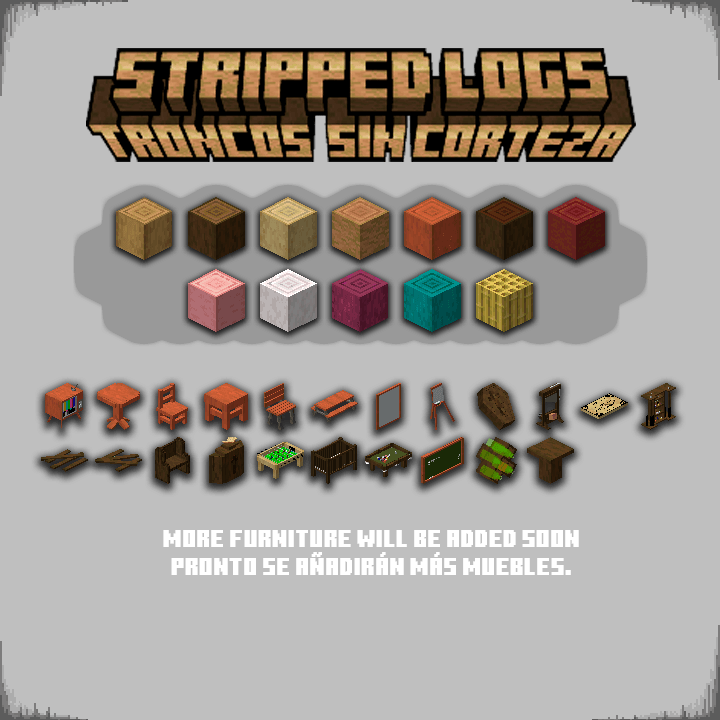
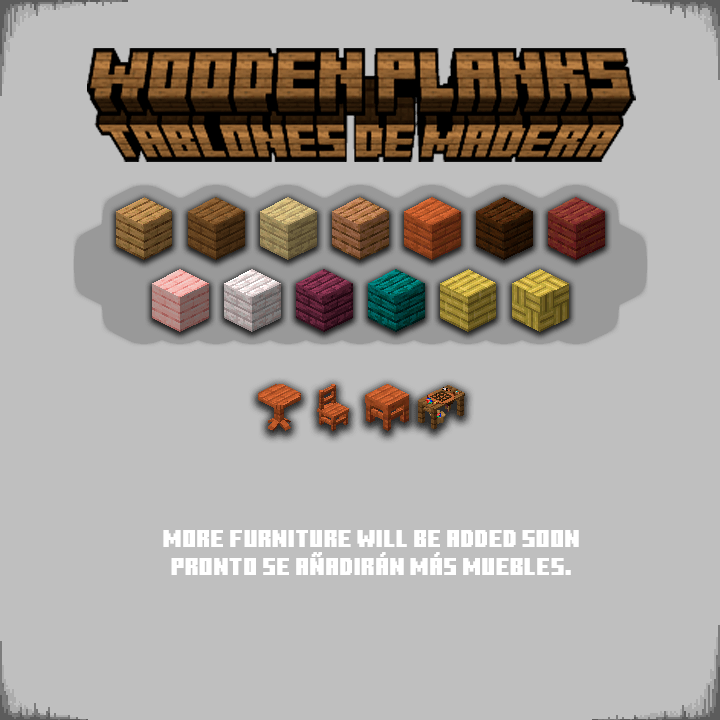
How can I change the color and material of the furniture?
Now you can change the color or material of the furniture more easily. You just need to have the brush and interact with the furniture.
You can also interact with the desired block directly.
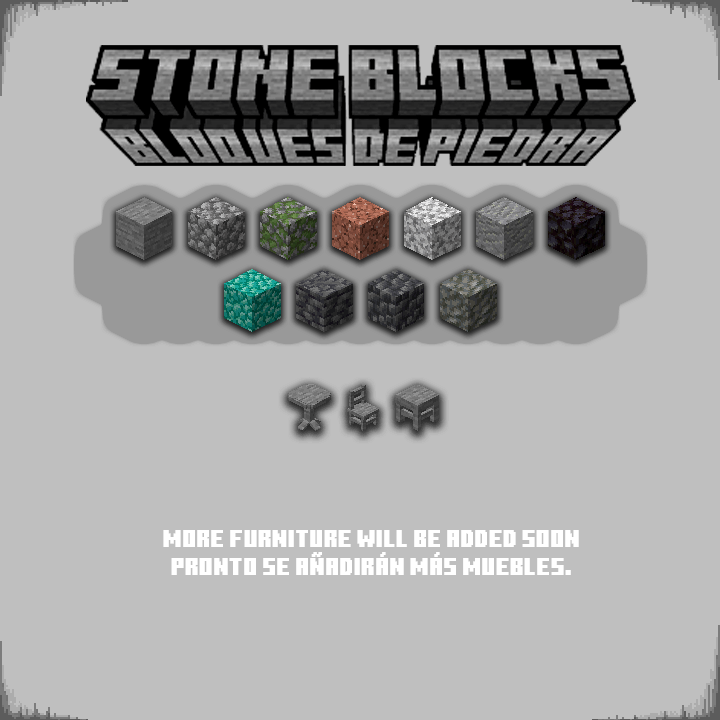
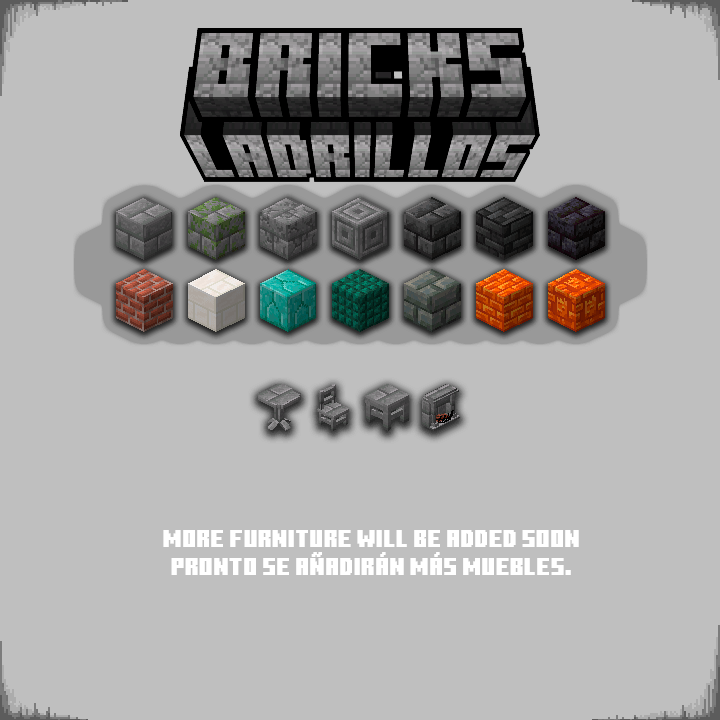
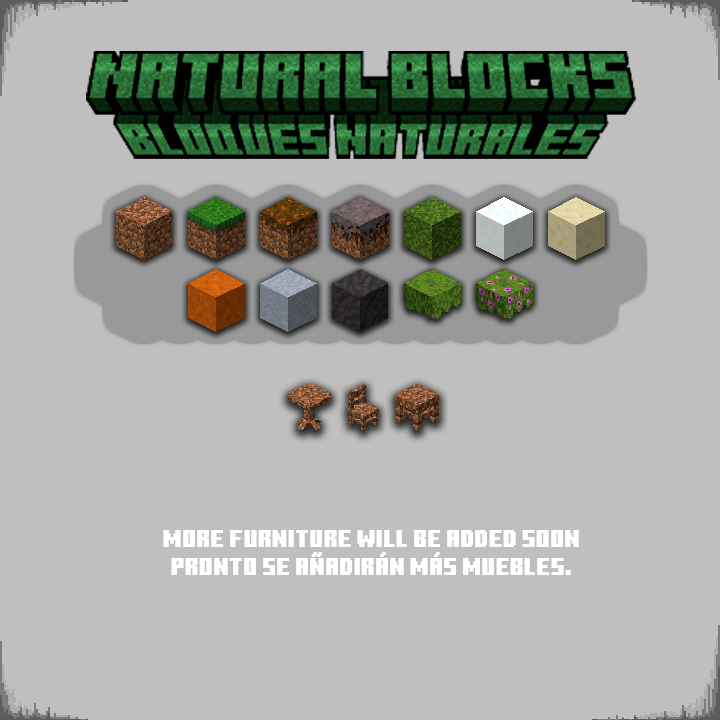
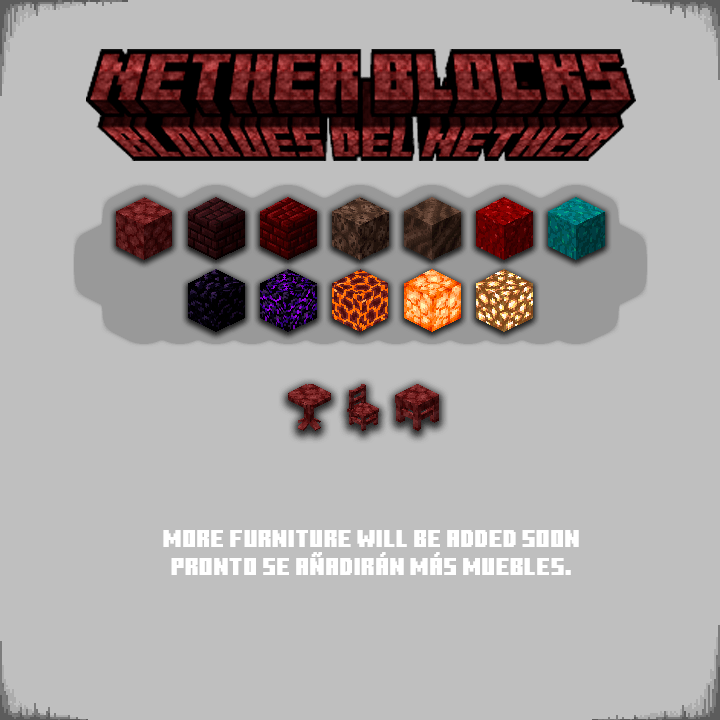
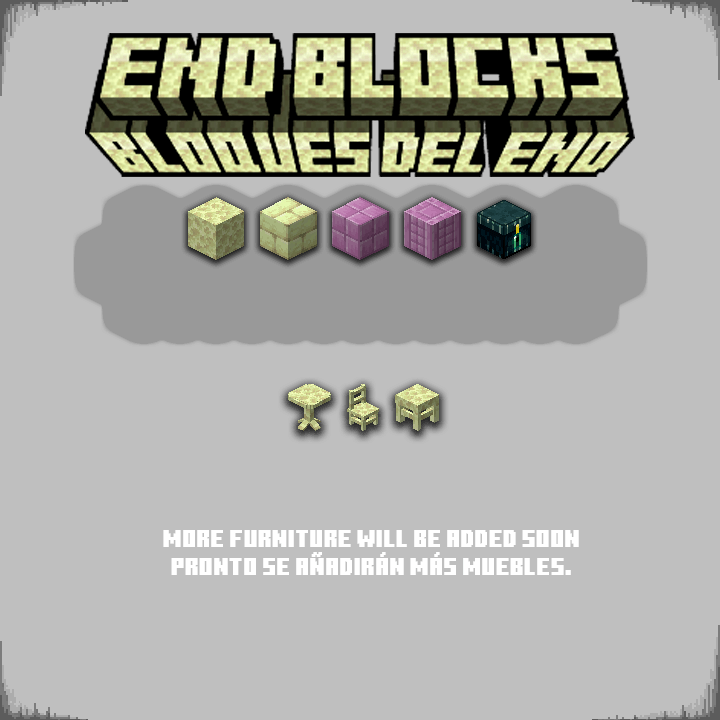
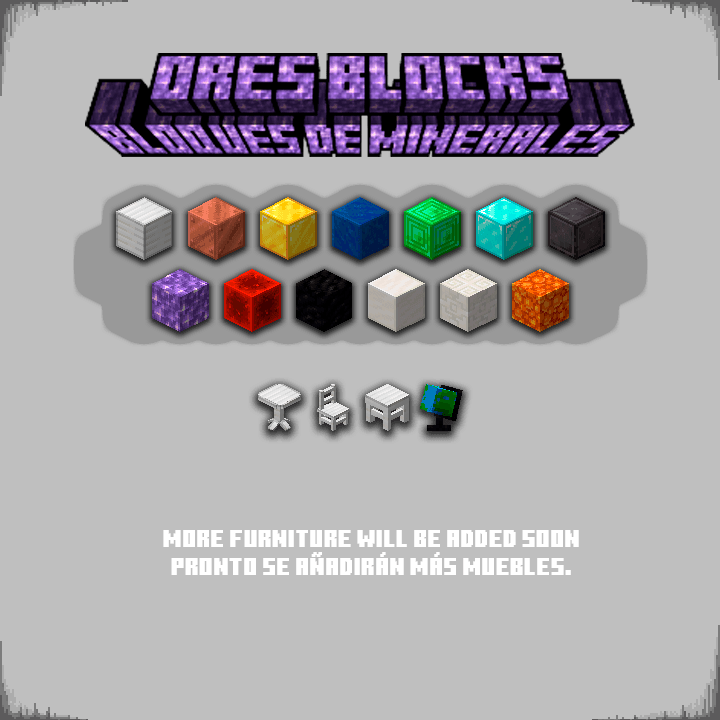
Furniture materials are divided into categories.
[ Wooden Logs, Stripped Wooden Logs, Wooden Planks, Stones, Bricks, Nether Blocks, End Blocks, Natural Blocks and Ores ]
Colored Furniture can only be interacted with by using the 16 types of dyes in the game.
Here are some examples:
Can I have my own FurniPop?
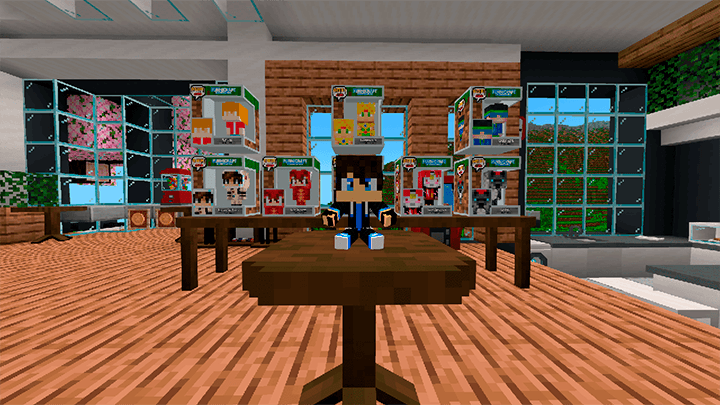
Would you like to have your own FurniPop with your Minecraft skin?
You can purchase yours on my Patreon and it is officially added to the addon, this also helps me continue improving the addon.
If you require more information you can contact the creator on any of their social networks
(This is a digital product, we do not receive anything in real life)
↓↓↓↓↓↓ ↓↓↓↓↓↓ ↓↓↓↓↓↓↓
List of changes of FURNICRAFT v28
Changes:
- Compatible with Minecraft v26.44+ (And Betas / Previews)
- It is no longer necessary to activate experimental games
- Now you can play with ACHIEVEMENTS (Achievements are active as long as you DO NOT activate commands in the world)
- Now all wooden furniture supports the new wood and poplar leaves from the next drop (use the brush to change it)
- Removed more blue lines on some furniture (fixing a bug where blue lines would appear on certain pieces).
- New system to change the color and texture of furniture. (Now, interacting with a paintbrush opens a menu where you can select a color or texture to apply to a piece of furniture).
- Complete redesign of the security camera system (now, placing a camera prompts you to name it, and using the tablet lets you view, rename, and share cameras with your friends) (cameras are private unless you share them with a friend).
- Complete redesign of the emote system (now you can perform partner or group emotes with up to 4 players) (several new emotes added).
- Complete redesign of the camera system (now you can place standard and tracking cameras) (several new cameras added).
- Classic Minigames have arrived (now, using the "Minigames Joystick" item, you can play various minigames like Minesweeper, Sudoku, and Tic-Tac-Toe) (you can change the color and height of the board, as well as the difficulty of each game independently).
- Interacting with globes will now make them spin continuously and gradually slow down to a stop.
- Added connectable glass blocks and connectable colored glass blocks.
- Added TheGichi's FurniPop.
- In the addon settings, you can now select between two options: "LowResolution" and "NormalResolution". If you experience crashes with NormalResolution, try LowResolution.
- Placing objects on top of tables or furniture is now easier (you no longer need to sneak to place items on tables).
- Fans are now larger and can be turned on and off by looking at them and sneaking.
- The paintbrush now only changes the color and texture of furniture, while the wrench changes the model (this applies to all furniture).
- Interacting with colored clocks will now tell you the exact world time (does not work in the Nether and End).
- Added an animation when interacting with the claw machine.
- Concert lights now support all 16 colors of the game.
- Both the light panel and the animation panel now feature an interface to select the color and animation.
- The first time you interact with a PC, it will ask you to set up a username and password (these will be used to log into the PC). Once set, it will log you in automatically whenever you use it. You can change your username and password as many times as you like in the PC settings section.
- Added more color and model variants to various furniture items (we recommend interacting with the paintbrush and wrench on all furniture).
- Interacting with pianos will now open an interface allowing you to play more realistically (only the person playing will hear the audio through this interface).
- Improved interaction with telescopes.
- You can now turn on the TV remotely using the remote control.
- Reworked the underlying behavior of all furniture (this is internal, so as a player you won't see a huge visual change).
- Food plates now have different variants (interact with the wrench).
- Fixed a bug that prevented you from opening the decoration crafting table.
- And many more things for you to discover!
Tutorial on how install it here
⇨ more information ⇦
The FURNICRAFT ~ Furniture Team