MBR - Morphing Bracelet Reborn
- By
- Addons
Morphing Bracelet.png
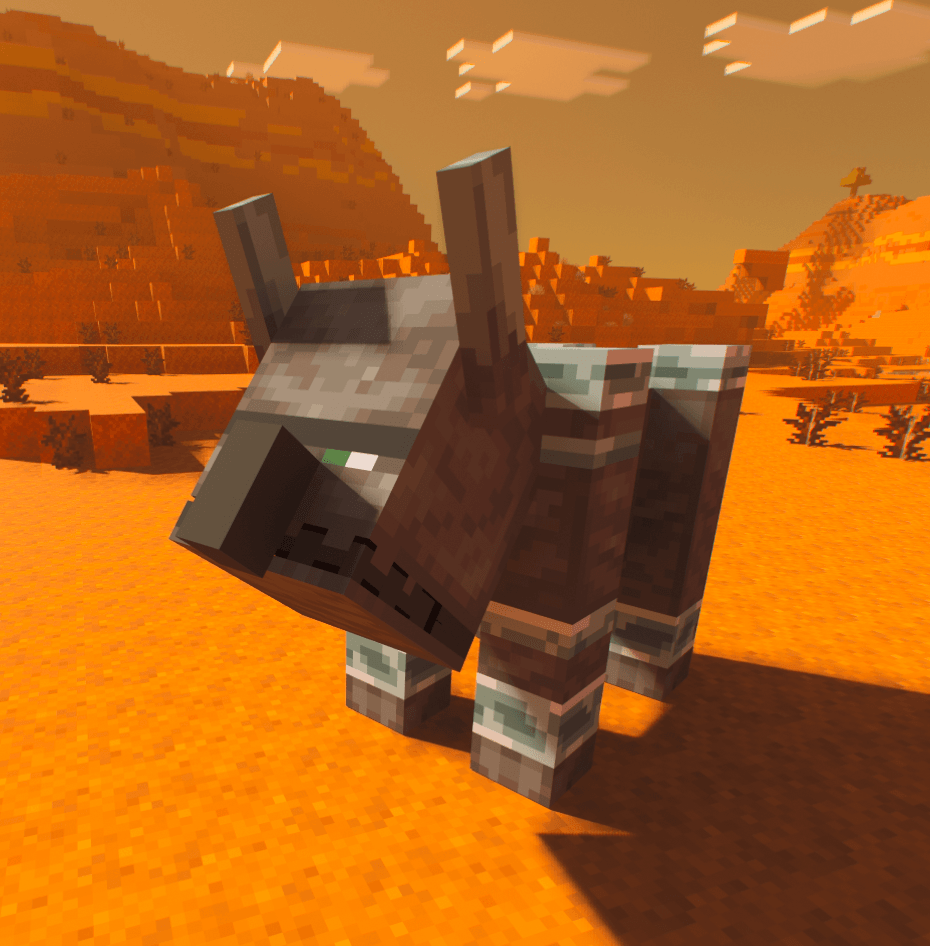
Screenshot 2026-07-06 171147.png
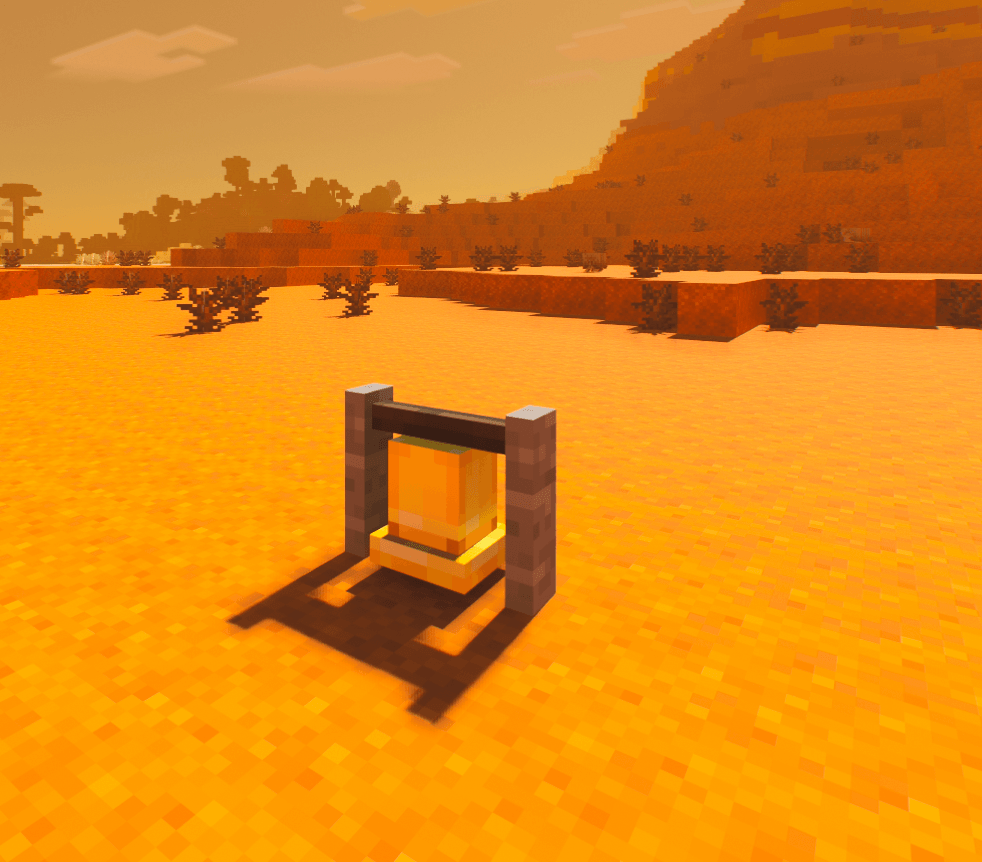
Screenshot 2026-07-06 171906.png
Screenshot 2026-07-06 172018.png
Screenshot 2026-07-06 172109.png
Shulker Float.gif
SnowGolem.gif

MorphBracRevamped.png

MetaMorphBracRevamped.png
pack_icon.png
Description
✅ At a Glance
| Feature | What It Does |
|---|---|
| Mob Morphing | Transform into mobs, variants, baby mobs, hostile mobs, passive mobs, and special forms. |
| Block Disguises | Become blocks and hide in the world. |
| Settled Blocks | Lock into place as certain block disguises for better hiding. |
| Light Forms | Improved torch, lantern, campfire, froglight, and glowing block disguises. |
| Special Abilities | Some morphs get mob-style weapons, attacks, or abilities. |
| Soul Bottles | Store, transfer, and share morphs with other players. |
| Guidebook | Learn the add-on inside Minecraft. |
| PrizmaRTX Bridge | Optional bridge pack for PrizmaRTX users. |
Required: Enable both the Behaviour Pack and Resource Pack.
Also required: Turn Beta APIs on in world settings.
🆕 v1.4.154 Update Summary
This update focuses on things players will actually notice:
- 📘 New in-game Guidebook
- 🔎 Easier bracelet menu
- 🔵 Updated UI icons - unfinished
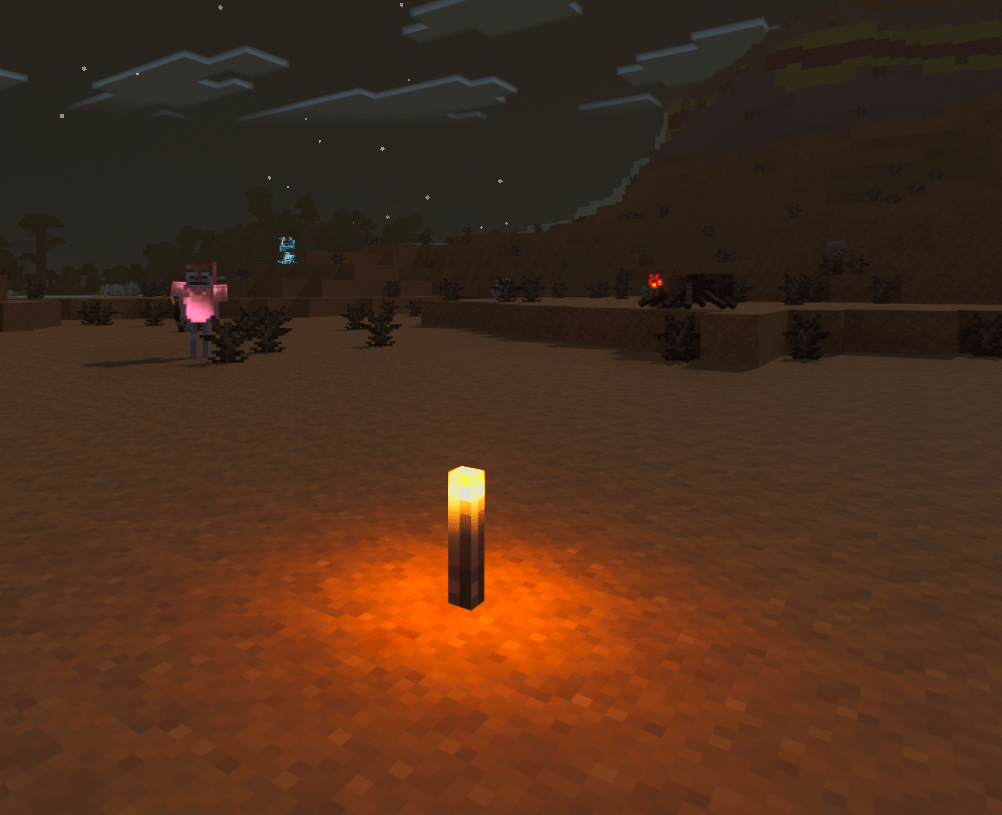
- 🔥 Better torch, lantern, campfire, froglight, and glowing block disguises - PrizmaRTX Bridge only.
- 🧱 Better settled block disguise behaviour
- 🧍 Better player skin hiding while morphed
- ⚔️ Cleaner special ability item visuals - still partially broken
- 🛠️ Better collision boxes for many morphs
- 💎 Improved bracelet durability and repair behaviour
- 🌈 Optional PrizmaRTX Bridge pack for PrizmaRTX support
- 🧹 Better joining, spawning, reset, and recovery behaviour
Short version: this update makes morphing easier, block disguises better, light forms brighter, menus cleaner, and broken states less common.
Quick Before / After
| Area | Before | Now |
|---|---|---|
| Guide / Help | Players had to figure things out or read the page | New in-game Guidebook explains the system |
| Menu | Browsing could feel awkward | Cleaner search-first bracelet menu |
| UI | AI Slop | Human Slop |
|
Light Disguises PrizmaRTX Bridge Only |
Torches and lanterns could look weak or less convincing | Better torch, lantern, campfire, froglight, and glowing block support - still needs work |
| Player Skin | Player skin or armour could show through morphs | Improved hiding of skin, armour, and held items |
| Ability Items | Some ability visuals relied more on vanilla weapon behaviour | Cleaner Morphing Bracelet ability item visuals |
| Collision | Some forms had less accurate size behaviour | Better collision boxes across many morphs |
| PrizmaRTX | No dedicated bridge pack in this release line | Optional PrizmaRTX Bridge pack added |
| Stability | Some join/reset states could break | Better spawn, reset, and missing-API handling |
📌 What Is This Add-On?
Morphing Bracelet Reborn adds a full morphing system to Minecraft Bedrock.
You can use the bracelet to transform into different forms, including:
- Passive mobs
- Hostile mobs
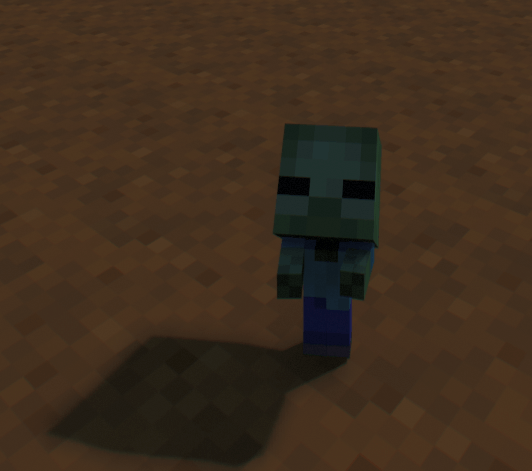
- Baby mobs
- Special mob variants
- Block disguises
- Light blocks
- Boss-style forms
- Admin/testing forms through the Metamorphing Bracelet
This add-on is useful for survival, roleplay, hide-and-seek, creative testing, multiplayer chaos, Realm events, and general messing around.
Simple explanation: put on the bracelet, open the menu, choose something, become that thing.
🧬 Mob Morphing
Transform into a wide range of Minecraft mobs and variants.
You can morph into forms such as:
- Cows, pigs, sheep, chickens, wolves, cats, rabbits, foxes, horses, villagers, and other passive mobs
- Zombies, skeletons, spiders, creepers, pillagers, piglins, guardians, wardens, blazes, ghasts, and other hostile mobs
- Baby versions of many mobs
- Special variants where supported
- Large forms such as boss-style morphs
- Tiny Takeover variants included
Use the bracelet menu to browse, search, select, and manage your unlocked forms.
🧱 Block Disguises
Block disguises let you become blocks and hide in plain sight.
Examples:
- Become a block in someone’s base
- Hide as a torch on a wall
- Blend into a cave as stone
- Hide in a village as a bell or lantern
- Use block forms for hide-and-seek or roleplay
Some block forms can settle into the world, making them look more like real placed blocks.
Good for: hiding, trolling, roleplay, stealth, base pranks, and pretending you are definitely not a player.
📘 In-Game Guidebook
The add-on includes a Morphing Bracelet Guidebook.
The guidebook helps explain:
- How to use the bracelet
- How morphing works
- How block disguises work
- How settled blocks behave
- How to use recovery/reset options
- Basic troubleshooting
This is useful for new players, Realm members, younger players, friends who refuse to read descriptions, and anyone who gets confused by menus.
🔎 Bracelet Menu Improvements
The bracelet menu has been reorganised to be easier to use.
What changed?
- Forms should be easier to find.
- Search is more important and more useful.
- Mobs and blocks are easier to browse.
- Stored forms are easier to reach.
- The menu should feel less buried and less confusing.
The goal is simple: open bracelet, find form, become form.
🧪 Soul Bottling System
You can capture, store, and share transformations using the Soul Glass Bottle system.
Storing a Morph
- Transform into a mob or block.
- Hold a Soul Glass Bottle.
- Use the bottle while morphed.
- Your current morph is stored inside the bottle.
- You return to your normal player form.
Using a Stored Morph
- Hold a filled Soul Bottle.
- Use/drink it.
- You transform into the stored form.
- The bottle returns to an empty Soul Glass Bottle after use.
This is a great way to give morphs to friends who do not have the form unlocked yet.
⚔️ Special Mob Abilities & Weapons - work still needed for full functionality with all other edits to rendering that has been done.
Some morphs have special ability items or attacks.
| Morph Form | Ability / Item | What It Does |
|---|---|---|
| Skeleton / Stray / Bogged | 🏹 Bow | Fires arrows, with special variants where supported |
| Enderman | 🔮 Teleporter | Teleport-style ability |
| Piglin / Zombified Piglin | 🗡️ Golden Sword | Melee weapon behaviour |
| Wither Skeleton | 🗡️ Stone Sword | Melee weapon behaviour |
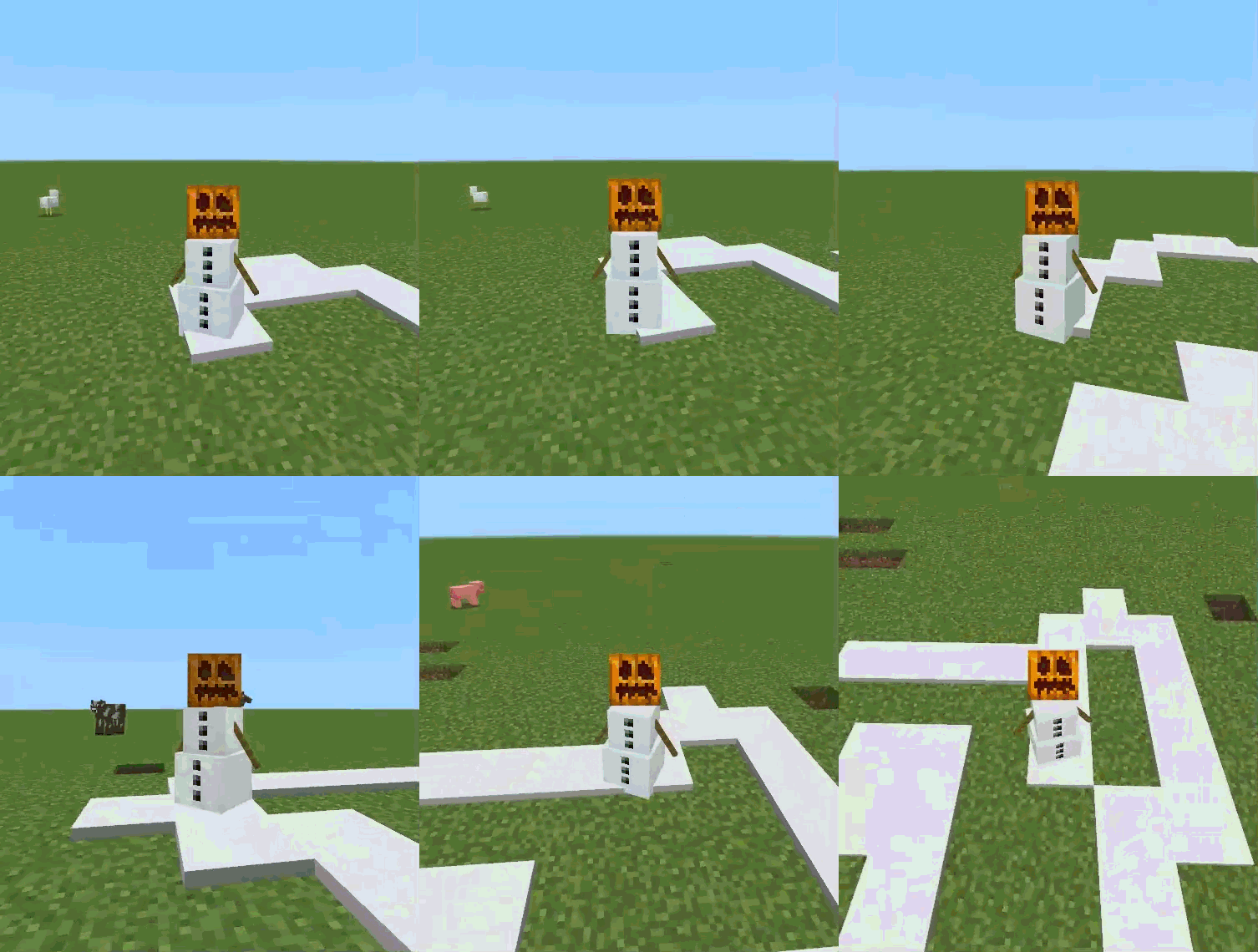
| Snow Golem | ❄️ Snowball | Throws snowballs |
| Blaze | 🔥 Fireball | Launches fireballs |
| Vindicator | 🪓 Axe | Melee weapon behaviour |
| Piglin Brute | 🪓 Golden Axe | Melee weapon behaviour |
| Llama | 💦 Spit | Spits at enemies |
| Wither | 💀 Wither Skulls | Launches skull projectiles |
| Pillager | 🏹 Crossbow | Fires crossbow-style shots |
| Vex | 🗡️ Sword | Melee weapon behaviour |
| Ghast | 💥 Fireball | Shoots explosive fireballs |
| Evoker | 🦷 Fangs | Summons evoker-style fangs |
| Guardian / Elder Guardian | 👁️ Guardian Ability | Guardian-style attacks or effects |
| Warden | 🔊 Sonic Boom | Warden-style sonic attack |
| Ender Dragon | 🐉 Dragon Fireball | Dragon-style projectile attack |
| Breeze | 🌀 Wind Charge | Launches wind charges |
| Squid / Glow Squid | 🦑 Ink Ability | Ink-style effect |
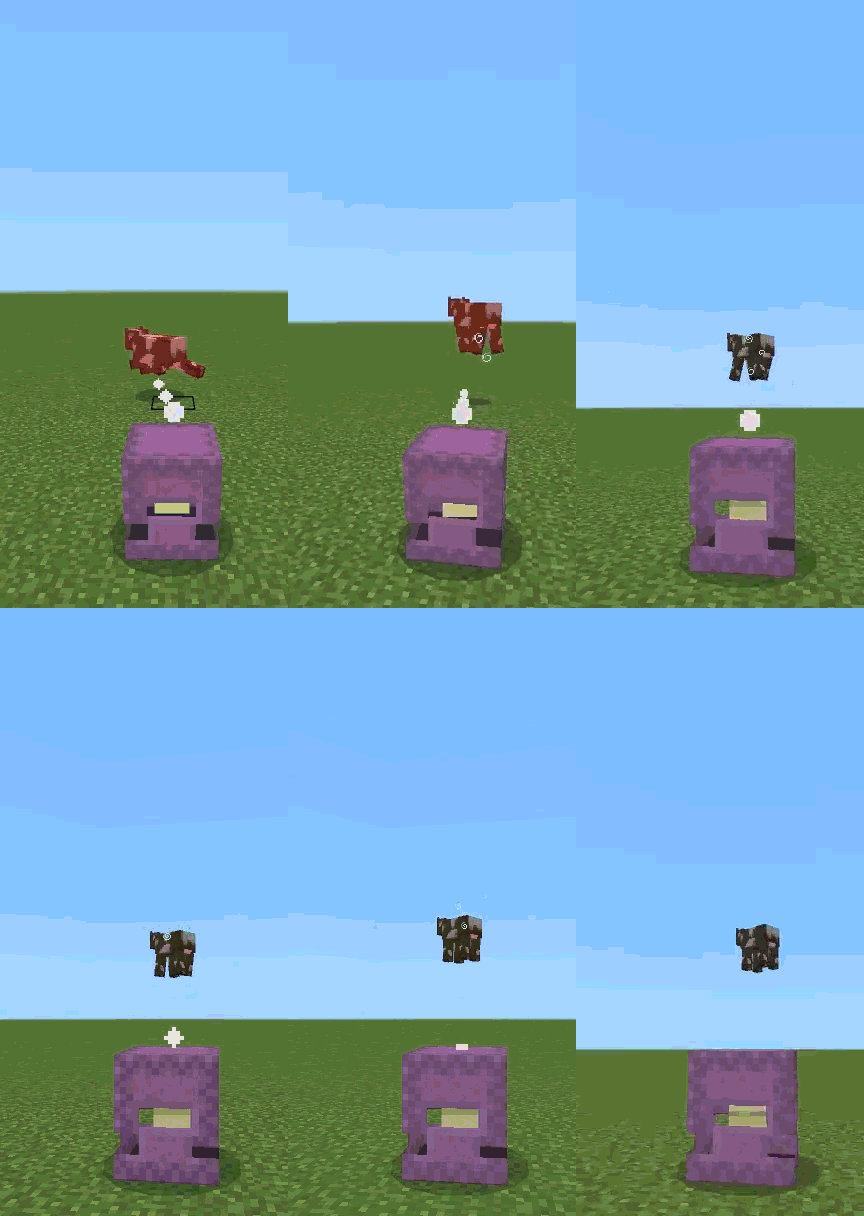
| Shulker | 🔮 Teleport / Bullet |
Shulker-style movement and projectile behaviour (yes i know a shulker cant teleport, but it also cant move so would you rather be able to move around or constantly re-morph?) |
Ability items are handled automatically while morphed and cleaned up when you reset or change form.
💎 Durability & Recharging
The Morphing Bracelet is designed to work as a survival-friendly item.
Durability
- Morphing can use bracelet durability in survival mode.
- If the bracelet is fully depleted, it can break.
- Durability behaviour has been improved in newer versions.
Repairing / Recharging
- The bracelet can be repaired using the intended soul-based materials.
- Soul Glass remains part of the bracelet progression.
- Unbreaking-style behaviour is supported in newer versions.
Survival players should treat the bracelet like an important tool, not a disposable toy.
🌈 Optional PrizmaRTX Bridge Pack
This add-on includes optional support for PrizmaRTX through a separate companion bridge pack.
What is the PrizmaRTX Bridge?
The PrizmaRTX Bridge is an optional Resource Pack that helps Morphing Bracelet Reborn work better with PrizmaRTX-style visuals.
Enable the PrizmaRTX Bridge if:
- You are using PrizmaRTX.
- You want improved RTX-style visual compatibility.
- You are testing Morphing Bracelet Reborn with an RTX/resource-pack stack.- not tested with any other BetterRTX packs.
You do not need it if:
- You are not using PrizmaRTX.
- You are playing with normal Minecraft visuals.
- You only want the standard Morphing Bracelet Reborn experience.
Important: The PrizmaRTX Bridge is not a replacement for the main pack. You still need the main Morphing Bracelet Reborn Behaviour Pack and Resource Pack enabled.
Recommended setup:
- Enable your PrizmaRTX / RTX visual pack.
- Enable Morphing Bracelet Reborn Behaviour Pack.
- Enable Morphing Bracelet Reborn Resource Pack.
- Enable the optional Morphing Bracelet Reborn PrizmaRTX Bridge pack.
If weapons, skins, armour, or ability items look strange while using RTX, test once with the bridge enabled and once without it.
🛠️ Crafting Recipes
All core survival items are integrated into gameplay.
1. Soul Glass
Smelt Soul Sand in a furnace.
[ Furnace ]

Soul Sand ➔ Smelt ➔ Soul Glass
2. Soul Glass Bottle
Craft using Soul Glass in a V-style bottle pattern.
[ Crafting Table ]

S . S
. S .

S = Soul Glass
. = Empty
3. Morphing Bracelet
Craft using Soul Soil and Soul Glass.
[ Crafting Table ]

S . S
S G S

S = Soul Soil
G = Soul Glass
. = Empty
Recipes should also appear in the recipe book where supported.
🚀 How to Install & Setup
- Download the latest Morphing Bracelet Reborn
.mcaddonfile. - Open the file. Minecraft should import it automatically.
- Create a new world or edit an existing world.
- Go to Behaviour Packs and activate Morphing Bracelet Reborn.
- Go to Resource Packs and make sure Morphing Bracelet Reborn is also active.
- Enable the required world settings listed below.
- Start the world and use the bracelet.
Important: The Behaviour Pack and Resource Pack must both be active. Do not enable only one of them.
🔄 Updating From an Older Version
To prevent missing textures, broken menus, invisible morphs, or cached file issues, a clean install is recommended when updating.
- Go to Settings ➔ Storage.
- Delete old copies of Morphing Bracelet Reborn from Behaviour Packs.
- Delete old copies of Morphing Bracelet Reborn from Resource Packs.
- Delete any old beta, test, or UI stack versions if you still have them.
- Import the new
.mcaddon. - Activate the new Behaviour Pack and Resource Pack on your world.
- If using PrizmaRTX, enable the optional PrizmaRTX Bridge pack too.
- Restart Minecraft if old pack names, icons, or textures still appear.
After updating, test:
- The bracelet menu opens
- A normal mob morph works
- A block disguise works
- Torch, lantern, and campfire forms look correct
- Your skin returns after resetting
- Ability weapons look correct
- PrizmaRTX users should test with and without the bridge pack
⚙️ Required World Settings
Make sure these settings are enabled when creating or editing your world:
- Beta APIs: 🟢 ON
- Additional experimental toggles: enable if Minecraft asks for them
- Education Edition: optional, only needed for certain flight-assist behaviour if you use it
Warning: This add-on uses scripts, custom entities, custom items, custom rendering, and UI logic. If Beta APIs are off, important parts of the add-on will not work.
🔍 Troubleshooting
❌ The bracelet menu does not open
- Make sure Beta APIs are enabled.
- Make sure the Behaviour Pack is active.
- Make sure the Resource Pack is active.
- Delete old cached versions from Minecraft storage.
- Restart Minecraft after importing the new version.
❌ Morphs are invisible or checkerboarded
- Make sure the Resource Pack is enabled.
- Accept the resource-pack download when joining multiplayer or Realms.
- Remove old versions from storage.
- Check for conflicting resource packs.
❌ My skin, armour, or held items look wrong
- Armour cannot be worn while disquised as a Mob/Block UNLESS the mob supports it (skeleton, zombie etc)
- Move Morphing Bracelet Reborn higher in the resource-pack order.
- Temporarily disable other skin, armour, persona, UI, or RTX packs.
- Leave and rejoin the world.
- Use the bracelet reset/recovery option.
❌ Torch, lantern, or campfire forms look wrong
- Make sure the matching Resource Pack is active.
- Check if another RTX or lighting pack is overriding visuals.
- If using PrizmaRTX Bridge, test once with it enabled and once without it.
❌ I am stuck or my camera is broken
- Use the reset or recovery option in the bracelet menu.
- Leave and rejoin the world if needed.
- If you are settled as a block, release the lock before changing packs or leaving the game where possible.
❌ PrizmaRTX visuals look wrong
- Make sure the optional PrizmaRTX Bridge is enabled.
- Make sure the main Resource Pack is still enabled.
- Test once with the bridge enabled and once without it.
- Check for other RTX/resource packs overriding player visuals.
✅ Before You Say It Is Broken
- Did you enable the Behaviour Pack?
- Did you enable the Resource Pack?
- Did you enable Beta APIs?
- Did you delete old versions from Minecraft storage?
- Did you restart Minecraft after importing?
- Are you using PrizmaRTX? If yes, did you enable the optional bridge pack?
- Are you using another skin, armour, UI, persona, or RTX pack that might conflict?
- Are you NOT complaining about something I already noted wasnt working correctly?
✨ Final Note
Morphing Bracelet Reborn v1.4.154 is a major polish, lighting, UI, render, and stability update. It improves the guidebook, bracelet menu, Recents icon, light disguises, block disguises, player hiding, ability items, collisions, PrizmaRTX support, and general reliability. Install both packs, enable Beta APIs, use the bracelet, and start morphing.
✨ *Brought to you by the MBR — Morphing Bracelet Reborn Team* ✨
The MBR - Morphing Bracelet Reborn Team