![TC VeinGlow – RGB Ultimate VeinMiner,TreeCapitator, Ore Excavation & 45+ Mining Modes [Achievement friendly] logo](https://media.forgecdn.net/avatars/thumbnails/1756/671/64/64/639117726674581337.png)
TC VeinGlow – RGB Ultimate VeinMiner,TreeCapitator, Ore Excavation & 45+ Mining Modes [Achievement friendly]
- By
- Addons
MCPEDL
Description
VeinGlow
Vein Mining Reinvented — Achievement Friendly
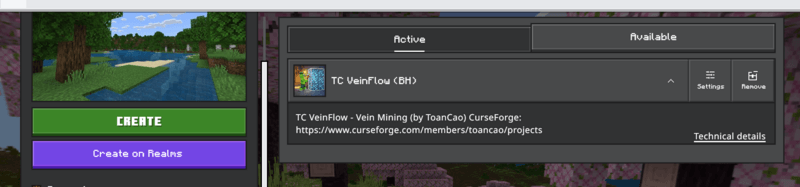
Version Information
| Range | Minecraft Version |
| Current Release | 2.1.1 |
| > 2.0.0 | 1.12.30+ |
| < 1.4.1 | 1.12.114+ |
| > 1.4.0 | 1.21.44+ |
 |  |
What VeinGlow Can Do
| Core Modes Standard (Face) Standard V2 (Edges) Standard V3 (Corners / Full Connectivity) | Tunneling 1x2, 2x1, 2x2, 3x3 Diagonal (45°), Arc (Curve) Zigzag Tunnels |
| Heavy Excavation 3x3 Hammer, 5x5 Sledge 3x3x3 Excavator 5x5x5 Mega-Excavator | Geometric Shapes Circular Mine (V1 & V2), Sphere 7x7 Dome Builder Plus (+), Star (*) |
| Advanced Patterns Spiral Outward, Checkerboard Branch Mining (Fishbone) Maze (V1 & V2), Random Chaos | Vertical Operation Stairway Down / Up Spiral Staircase (3x3, central pillar) |
| Structure Mining — Hollow Cube, Frame Miner (edges only) |
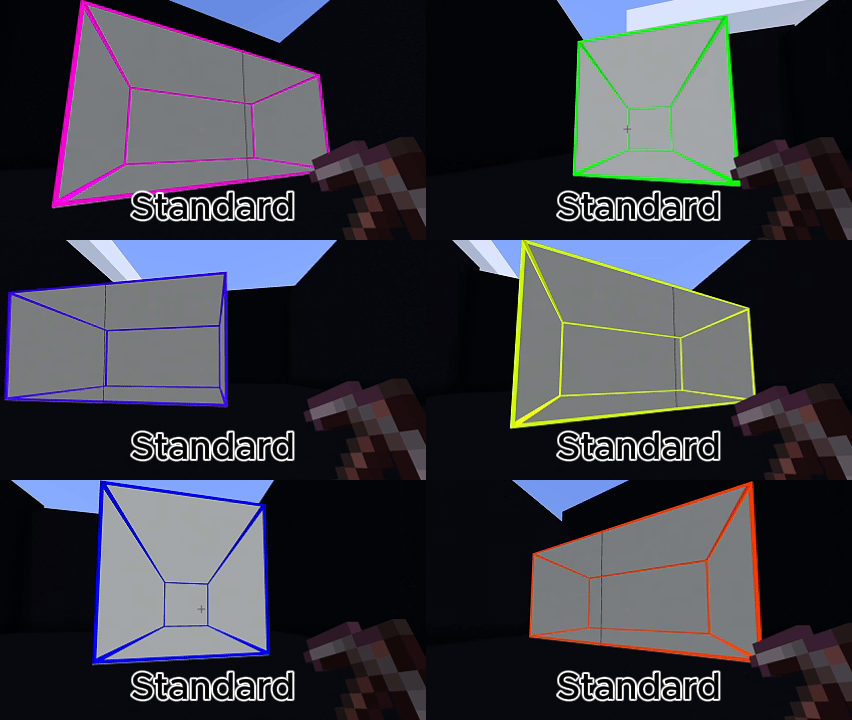 | 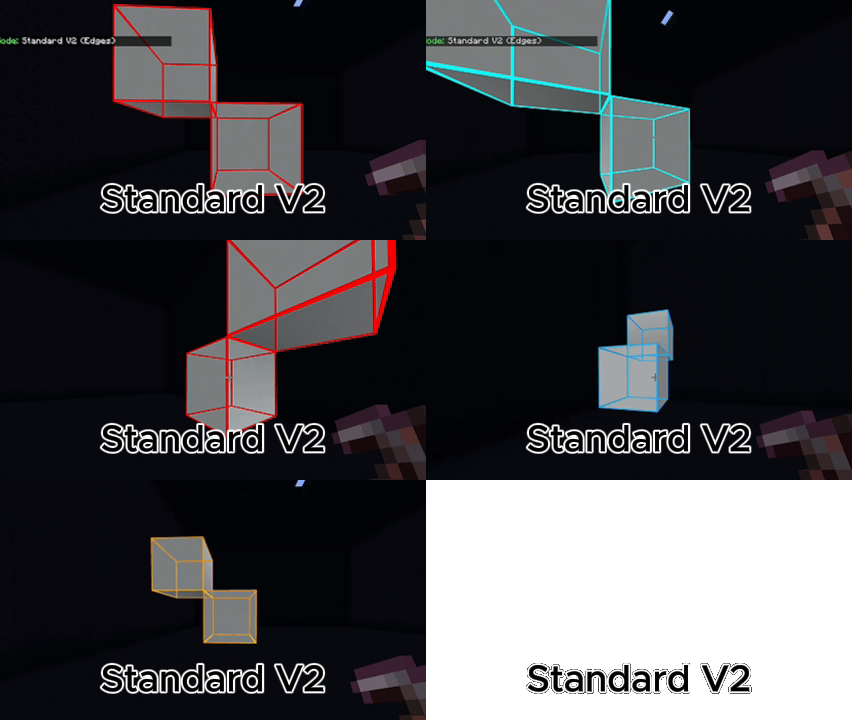 |
🆕 Unlock Mode 1.9
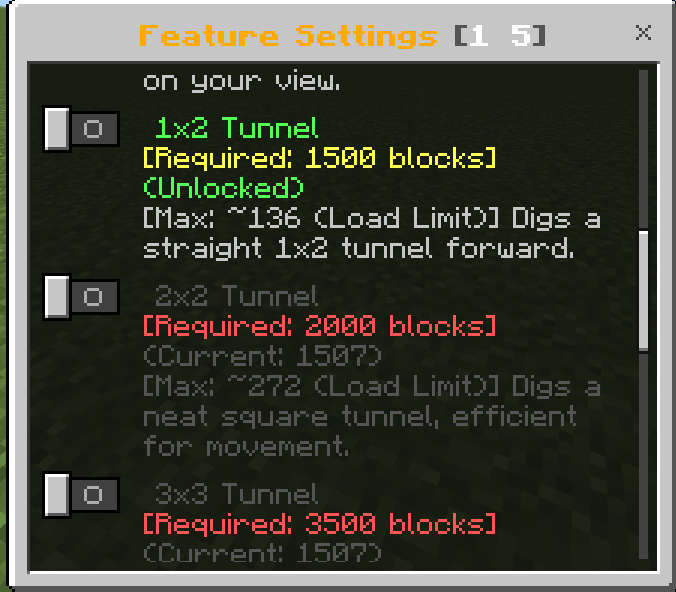 | 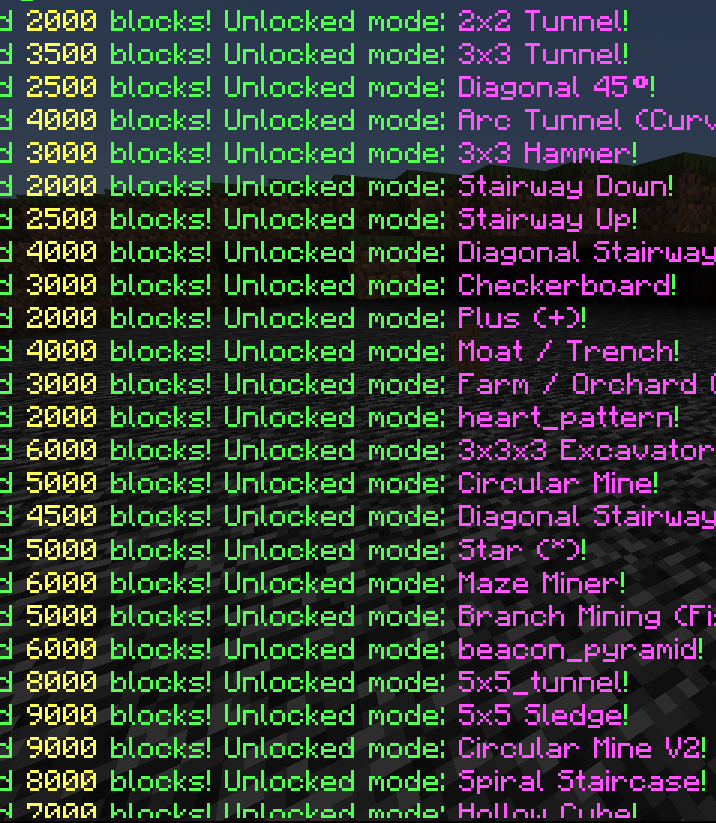 |
▶ Preview Gallery
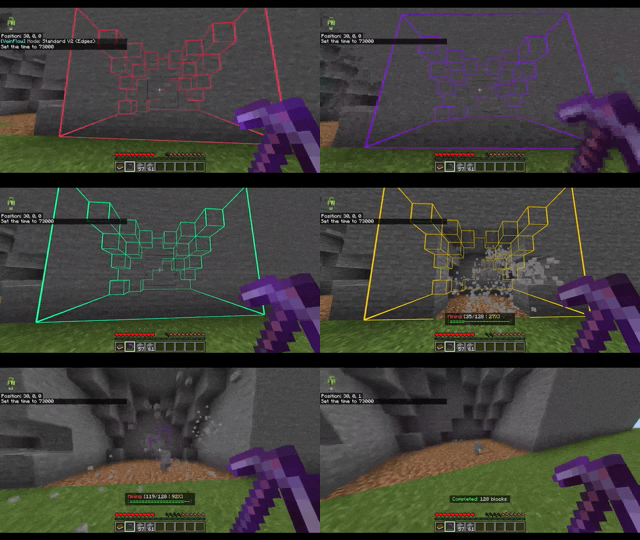 | 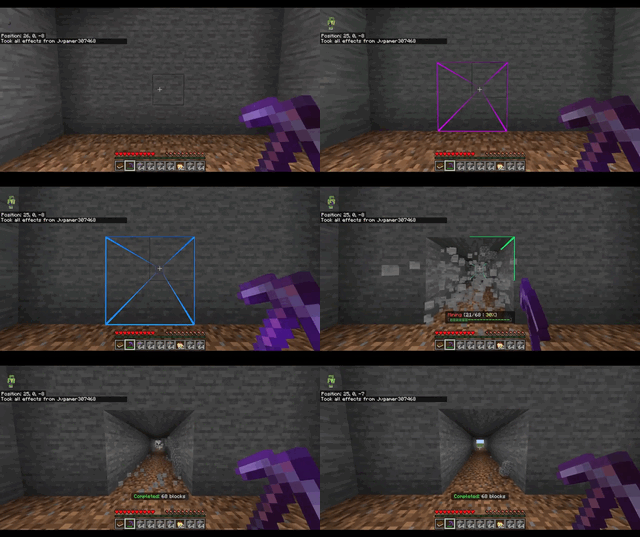 |
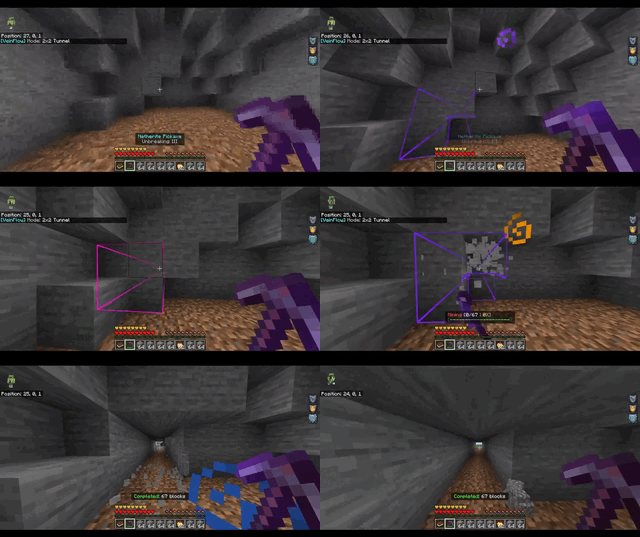 | |
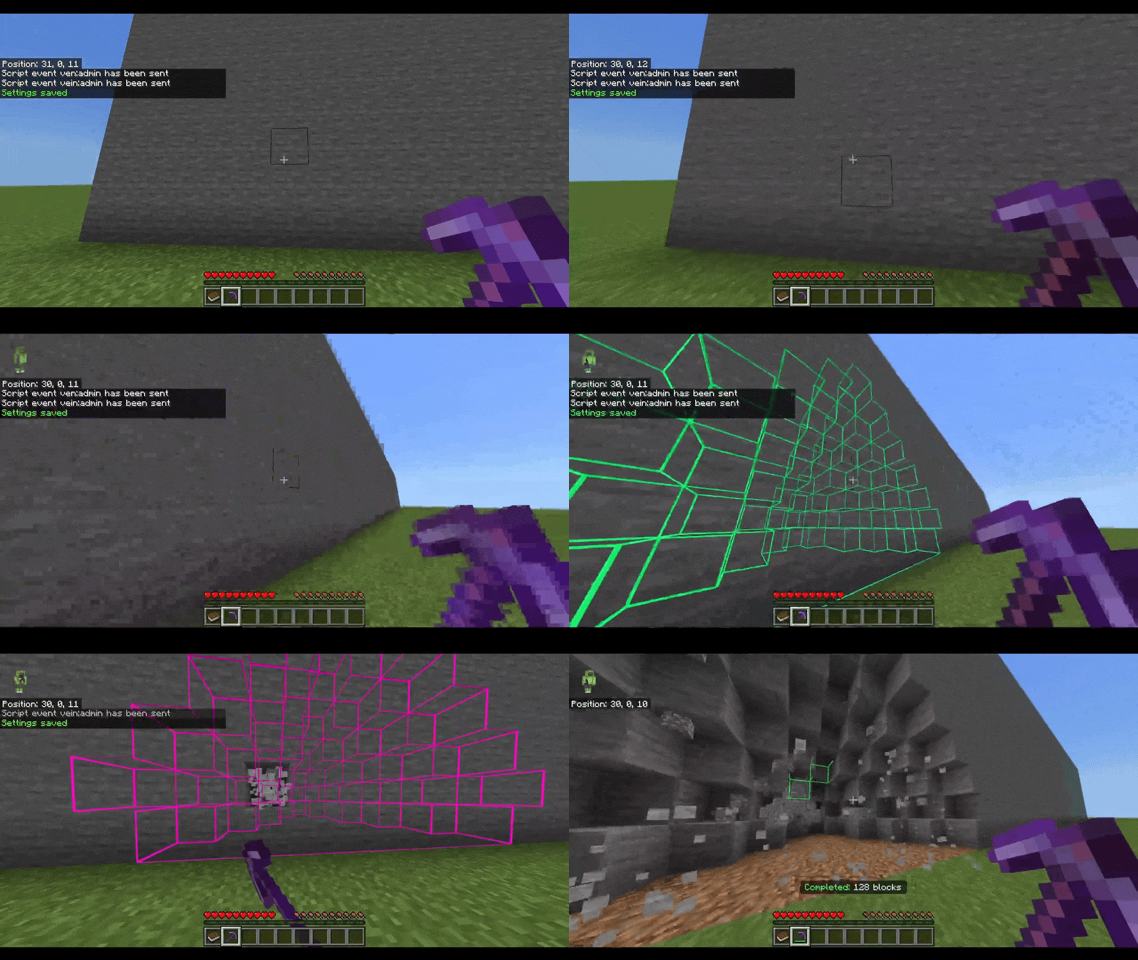 |
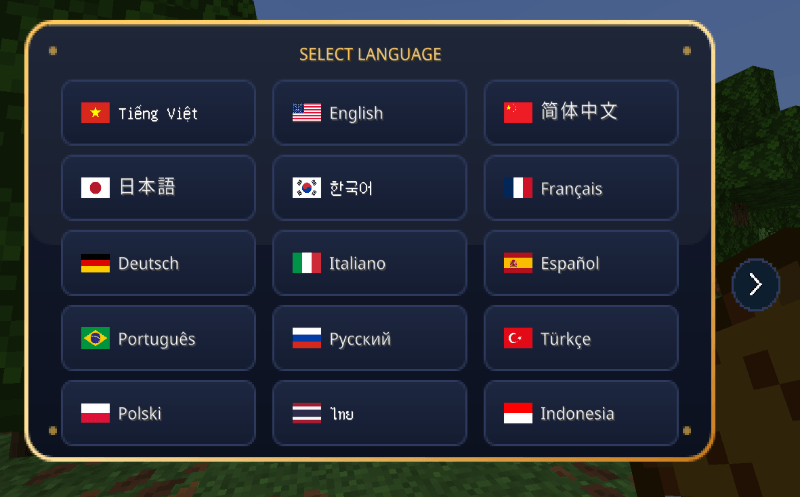
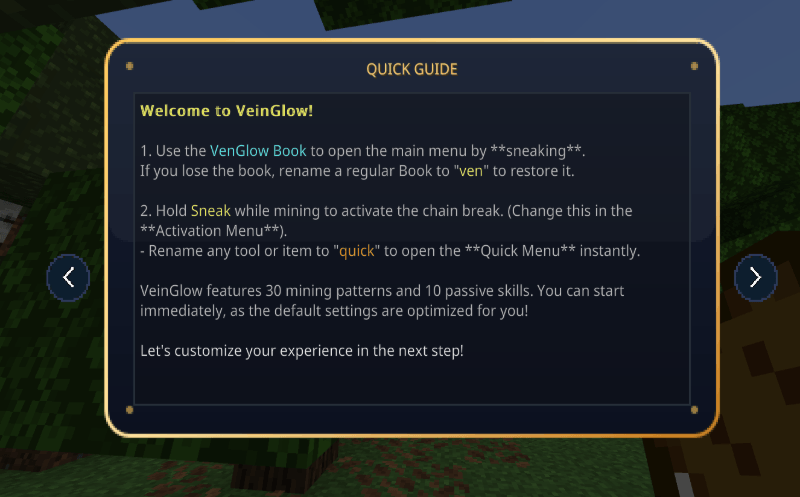
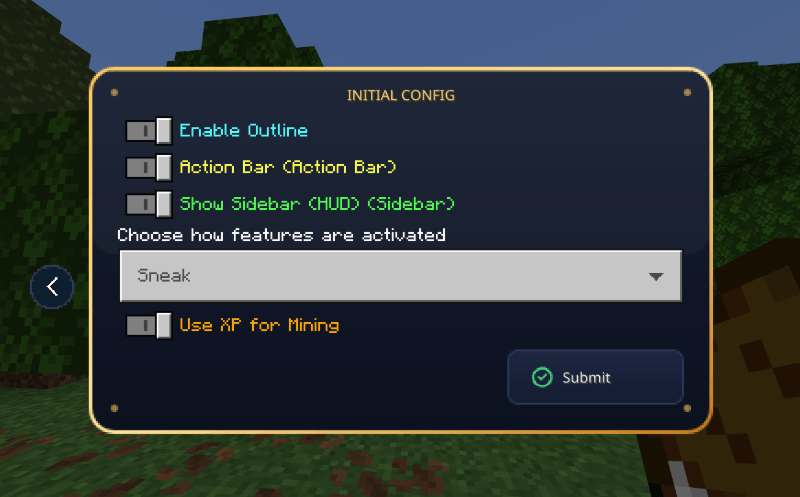
Menu login
 |
 |
 |
 |
Smart Automation
VeinGlow automates survival tasks without breaking game balance:
- Tree Capitator — fells trees, clears leaves, replants saplings (Axe required)
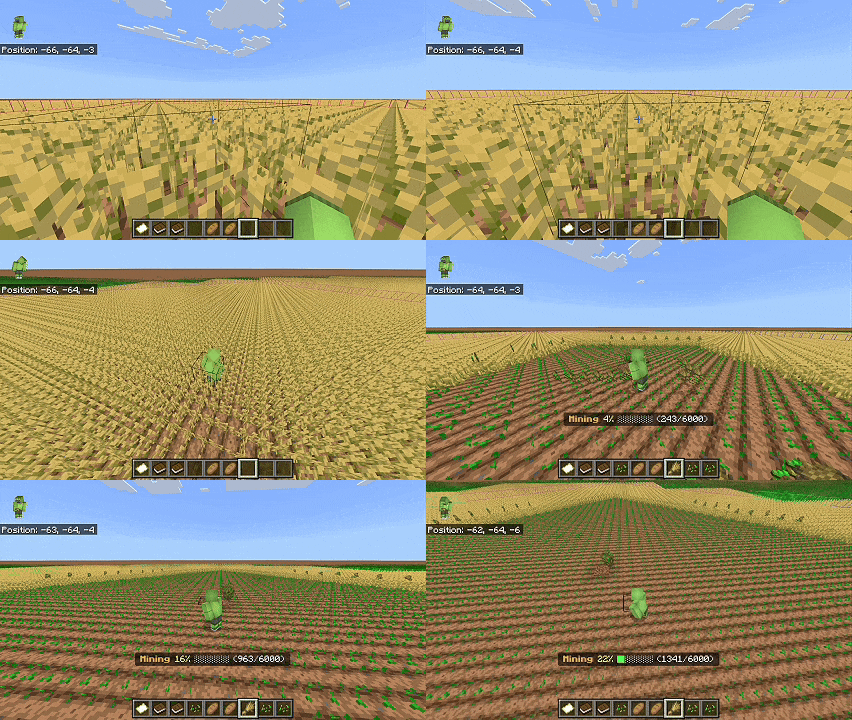
- Automated Farm — instantly harvests and replants grown crops
- Liquid Collector — clears water/lava with empty buckets
- Sweep Vein — vein mining on sweeping sword attack
- Auto Torch — places torches automatically while tunneling
- Vein Hoe & Shovel — tills soil / creates paths in pattern
- Safe Tunnel — blocks incoming liquids while tunneling
- Tool Protection — stops mining at low durability
- Auto Tool Swap — switches to fresh tool from hotbar
- Double Door Auto-Open — opens/closes adjacent double doors
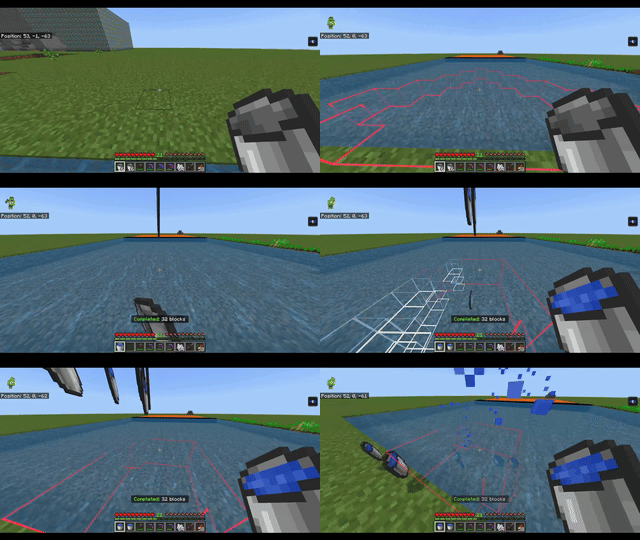
Visual System
Precision Visual Overlays
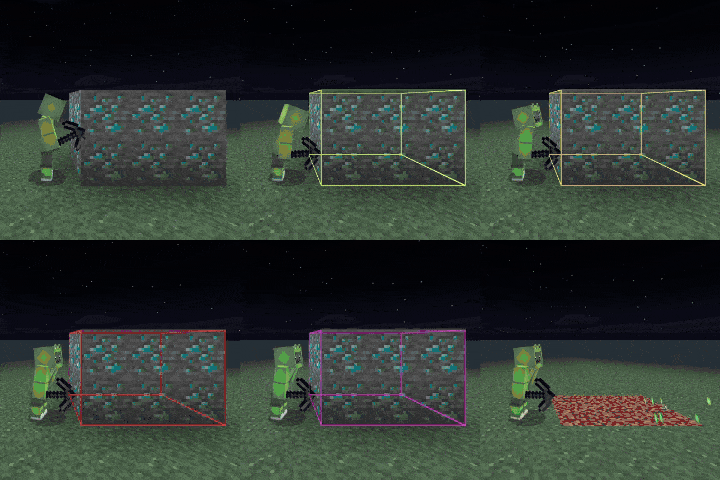
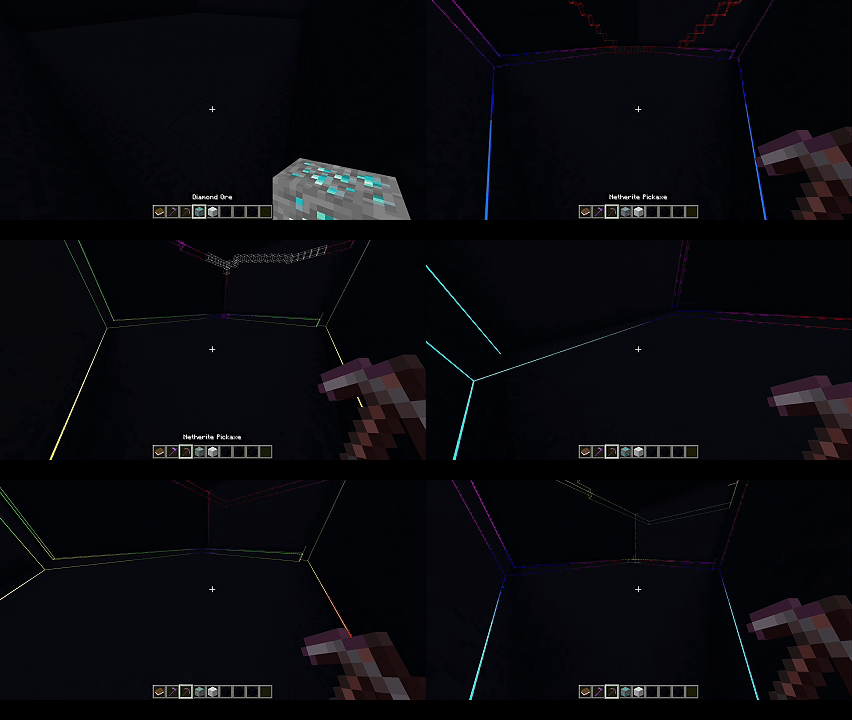
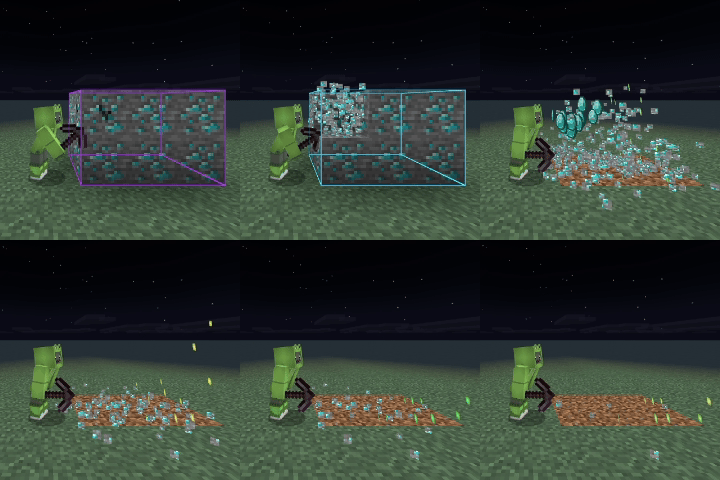
VeinGlow utilizes acustom entity-based rendering system to generatehigh-precision block outlines in real time.
- Multiple outline styles: Wireframe, Scan Dots, Bold Frame, or Minimal Corners
- Live feedback: Action Bar displays block count and distance while scanning
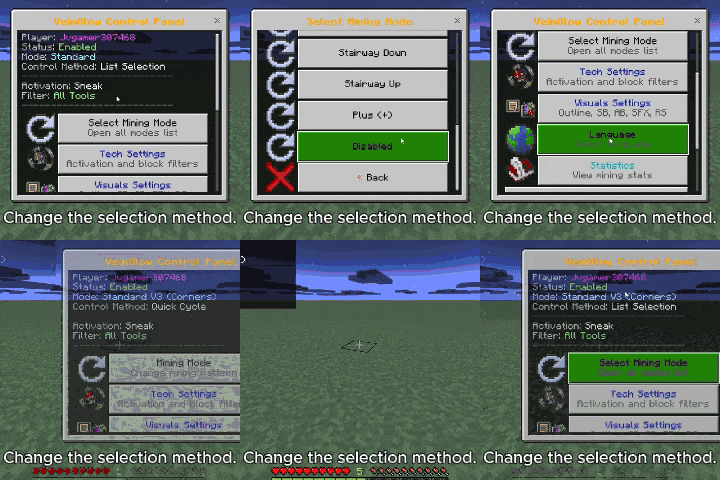
Change Selection Method
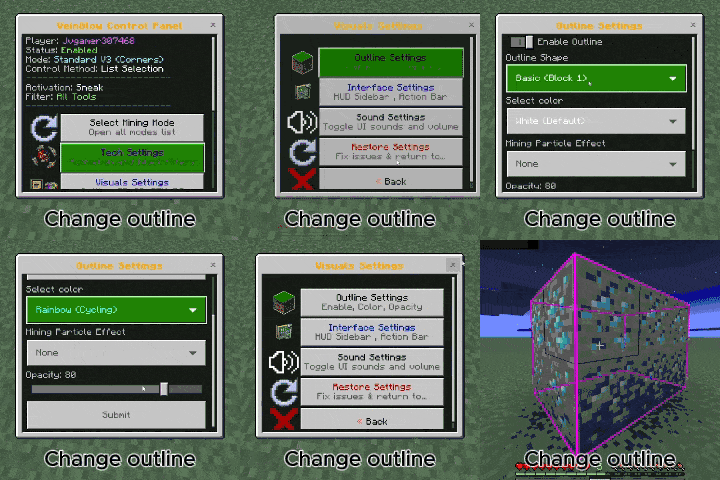
Change Outline
Fully customizable colors: choose from16 colors, including a dynamicrainbow (cycling) mode.
How to Use
Activation Sequence: double jump → sneak → stop sneaking → hold a pickaxe/axe/shovel/hoe → step backward ≥0.8 blocks within 3 seconds. Completing the sequence opens the main menu.
Open the Menu
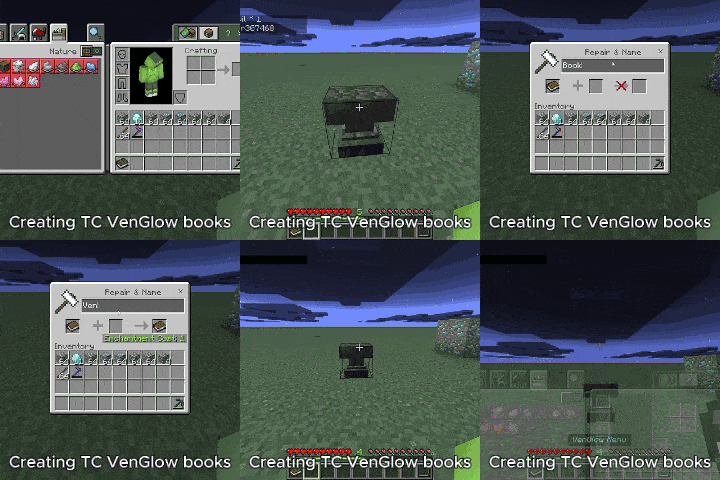
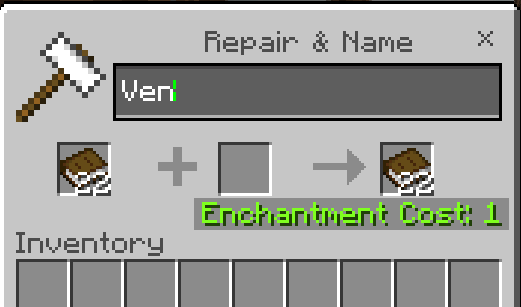
- Hold the"Ven" book in your main hand
- Shift or right-click to open the VeinGlow Control Panel

Open the Quick Menu
- Rename any tool toVenFlow orQuick
- Sneak or Right-click to trigger (configurable)
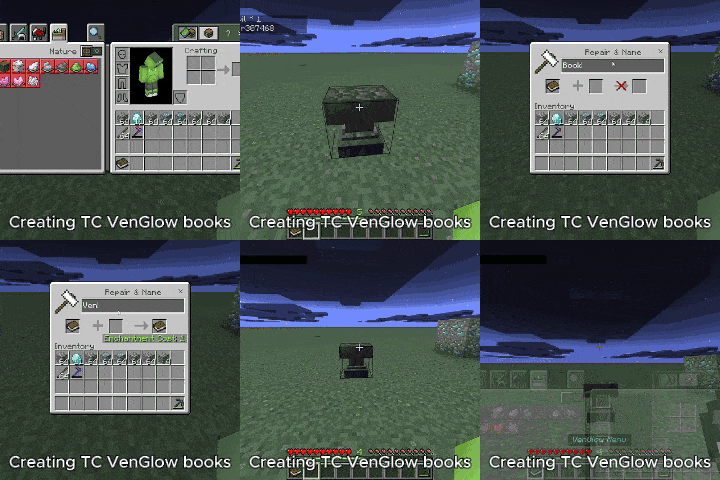
▶ Lost your book?
 |  |
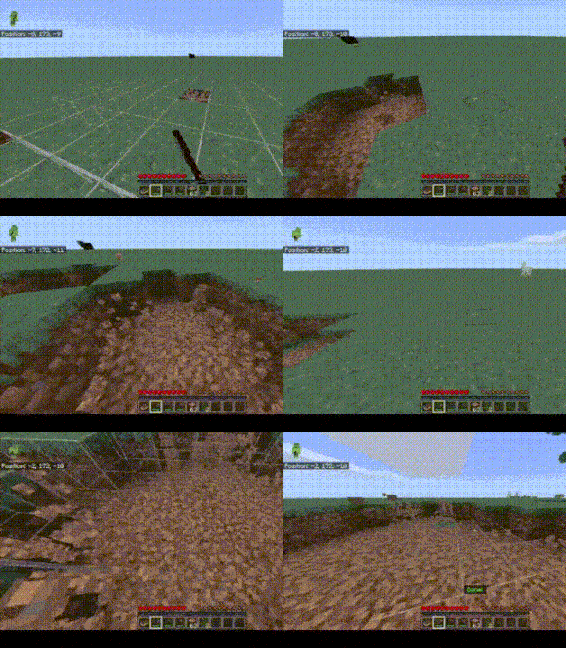
Critical Safety Rules
Designed toprevent disasters:
|  |
Configuration & Administration
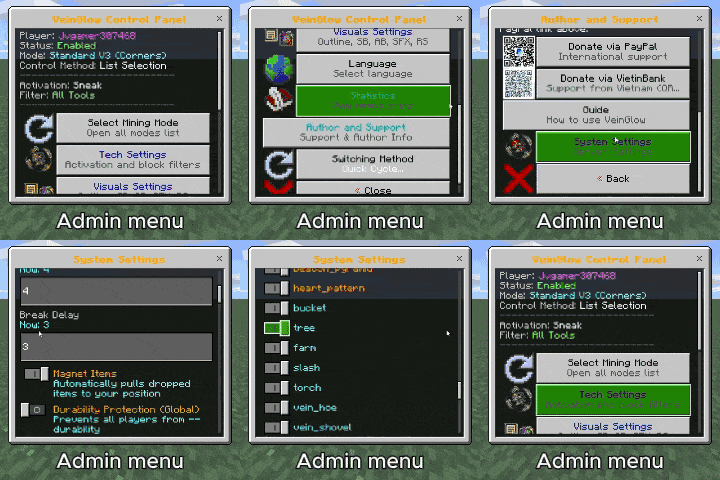
Control Panel
- Block filters — enable/disable ores, logs, stone, shovel blocks, and more
- Detailed settings — max block count, scan range, break delay, scan exhaustion per block
- Performance-first design — built-in garbage collection keeps the server smooth and lag-free
▶ Admin Menu Preview
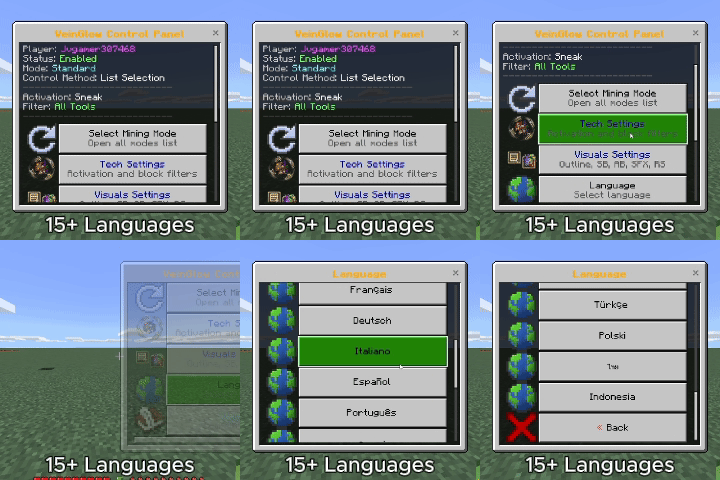
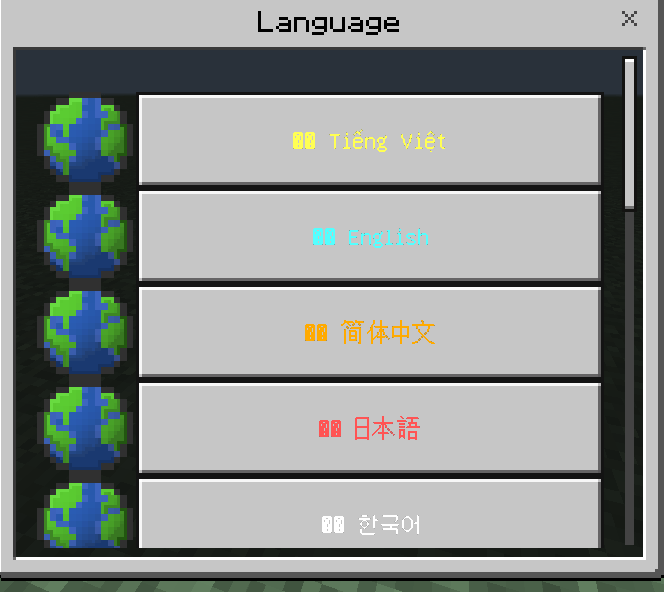
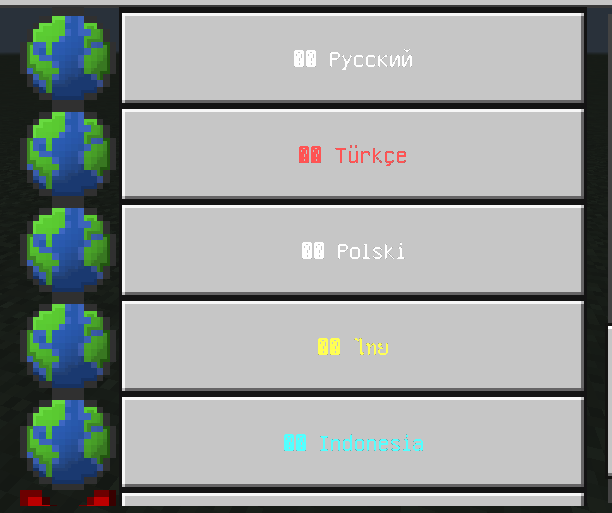
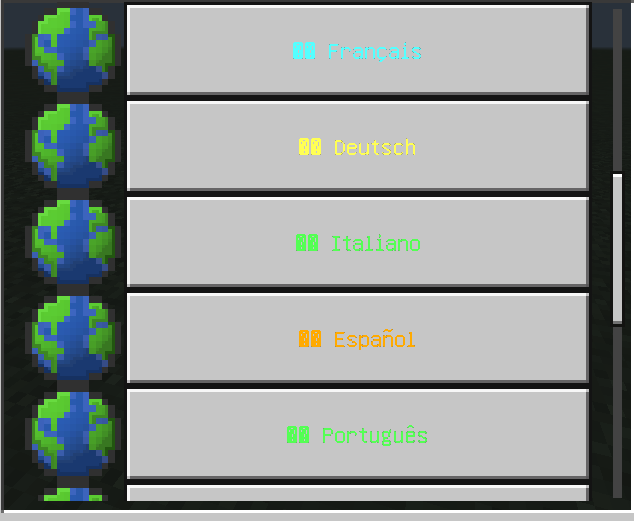
15+ Languages
Fully localized:Vietnamese, English, Chinese, Japanese, Korean, French, German, Italian, Spanish, Portuguese, Russian, Turkish, Polish, Thai, Indonesian
 |  |
 |  |
The TC VeinGlow – RGB Ultimate VeinMiner,TreeCapitator, Ore Excavation & 45+ Mining Modes [Achievement friendly] Team