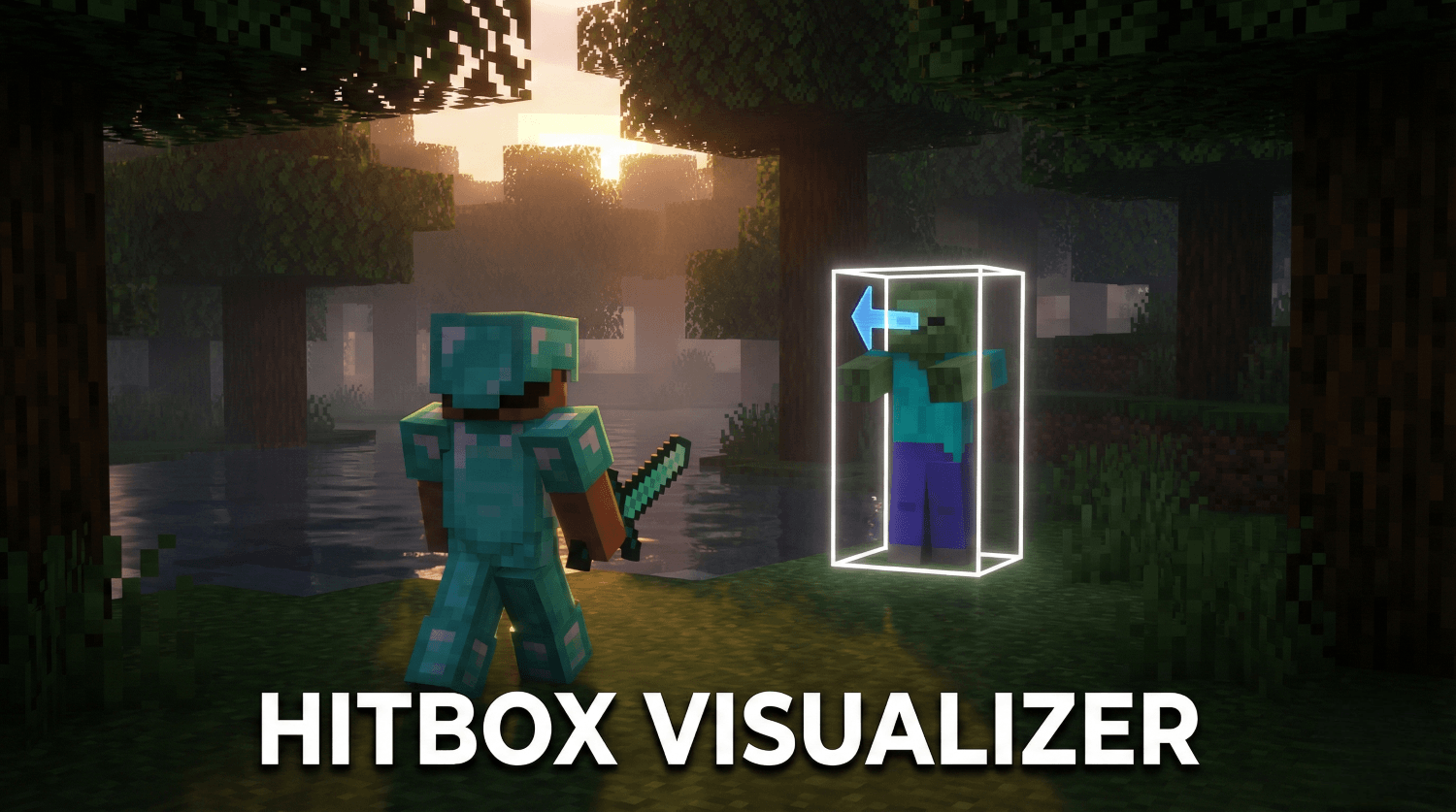
MCPEDL.png
Description
Hitbox Visualizer (v1.1.0)
See what the game sees! Hitbox Visualizer allows you to see the exact collision boxes of every entity in your Minecraft world. Whether you are a technical player testing farm mechanics, a map maker ensuring your mobs are perfect, or just curious, this pack gives you the vision you need.
✨ Features
- See Hitboxes: A clean white box appears around every mob, showing exactly where they can be hit or collide.
- View Direction: A blue arrow shows exactly where a mob is looking.
- Lag Free: Unlike older packs that use particles, this uses modern game features to draw shapes instantly without slowing down your game.
- Toggle On/Off: The pack is disabled by default so it doesn't clutter your view. Turn it on only when you need it!
📸 Screenshots & GIFs
(Its looking choppy now because of gif conversion and compression but its smoother ingame.)
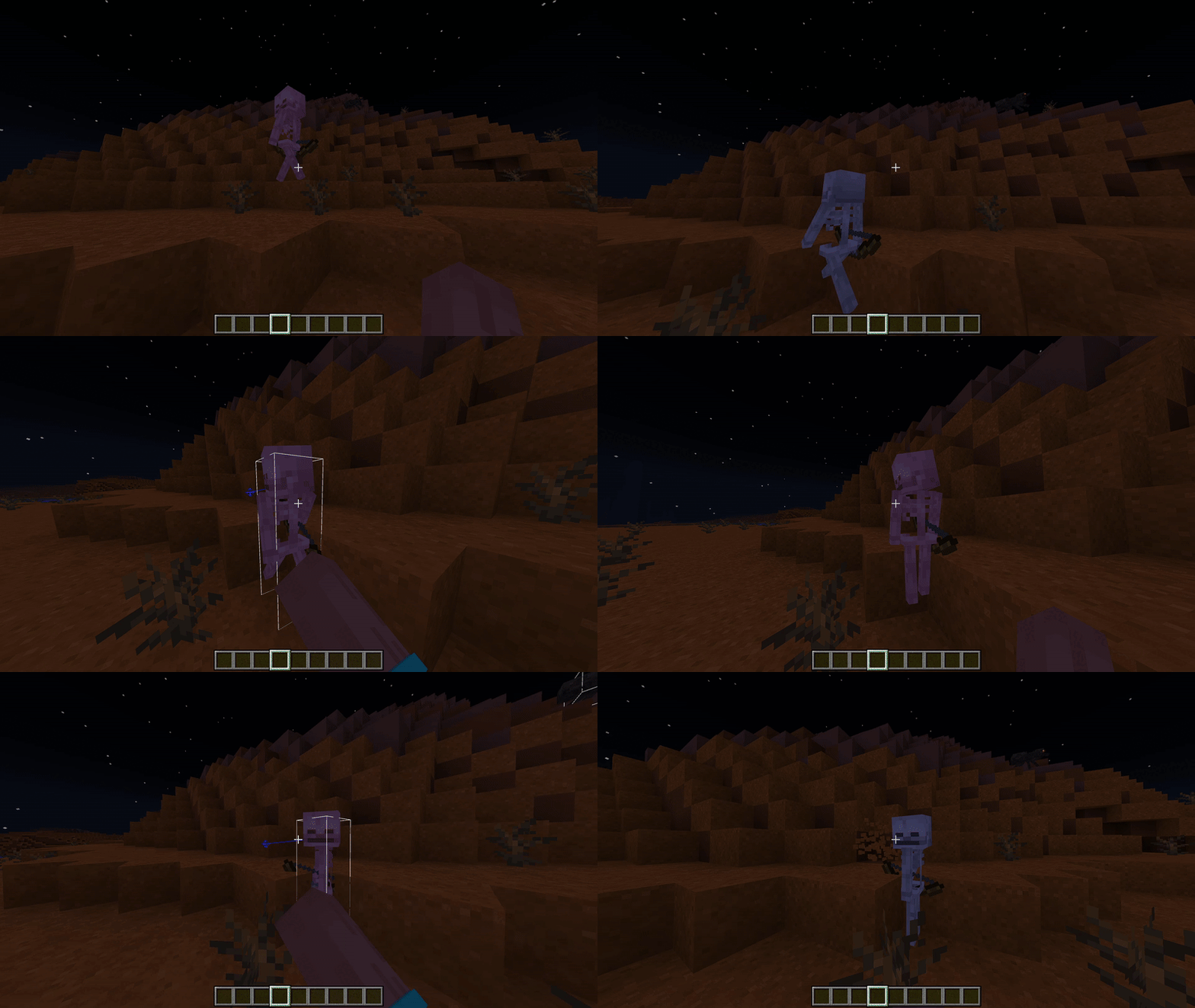
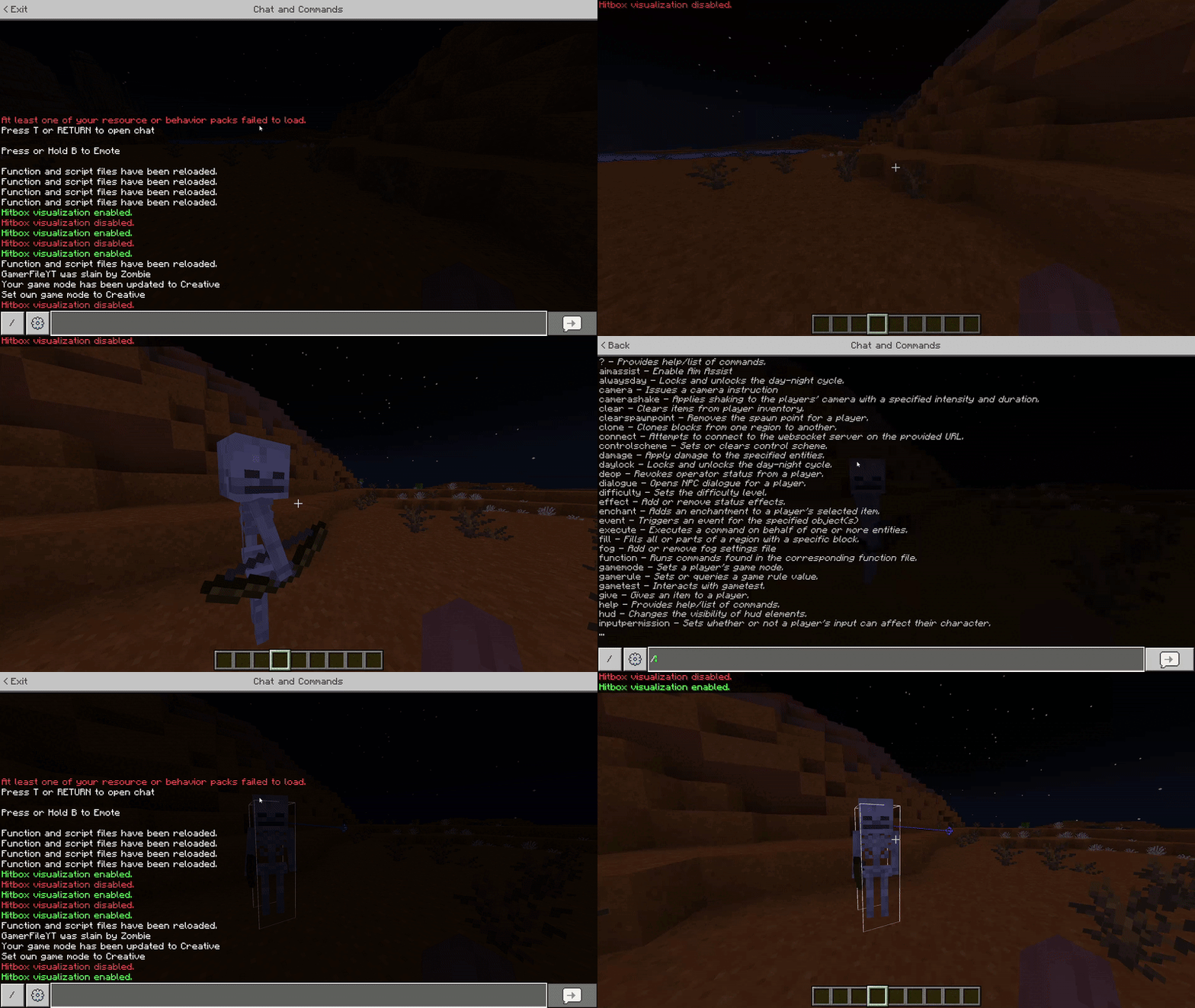
Smoother (V1.1.0)
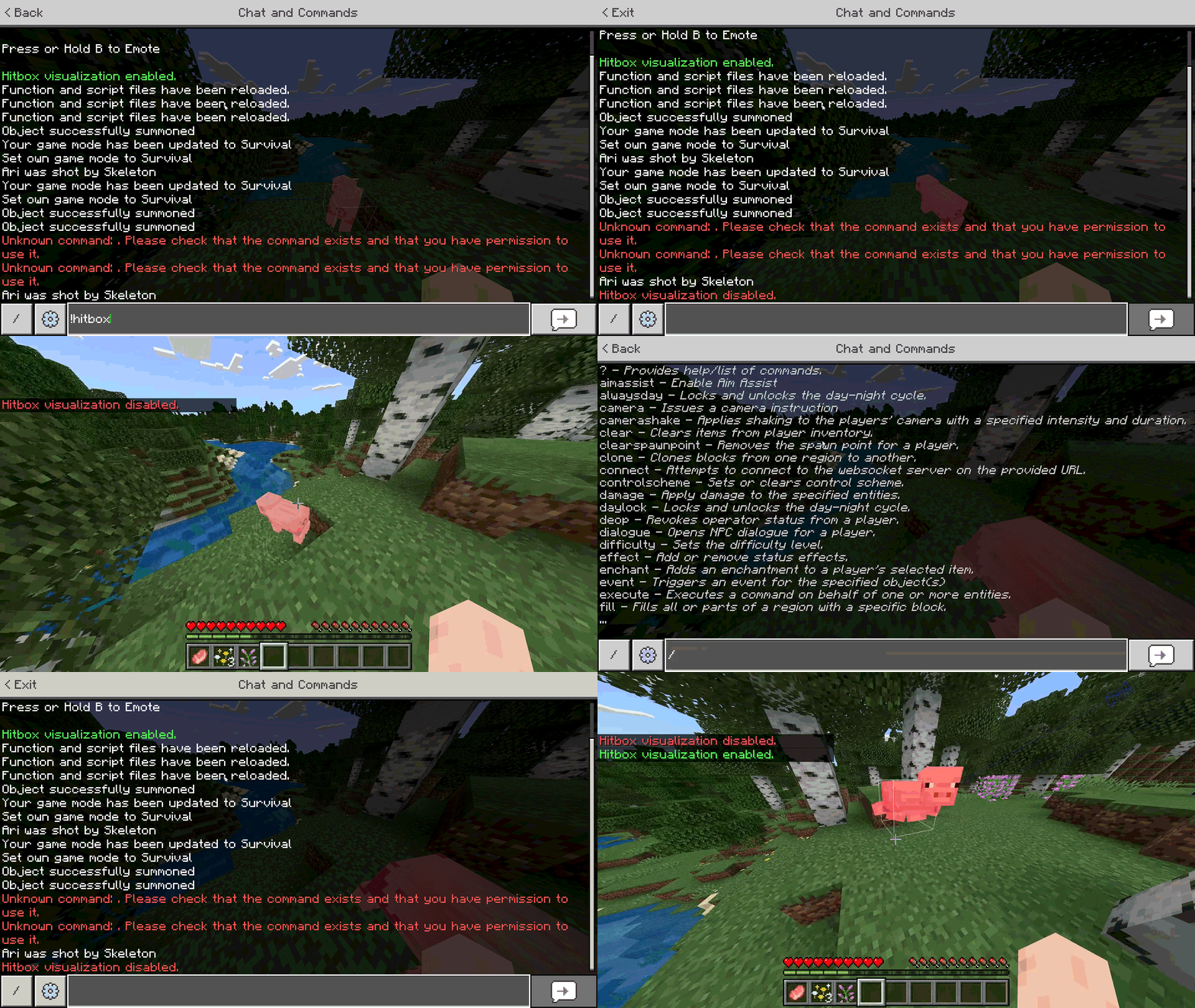
🎮 How to Use
- Install: Add the Behavior Pack to your world.
- Activate: Make sure "Beta APIs" is enabled in your world settings experiments.
- Play: Join the world.
- Toggle: Open the chat and type:
!hitbox- ...or simply
!hb
- Done! You will see a message saying visualization is Enabled. Type it again to turn it off!
⚠️ Notes
- Works in Singleplayer and Multiplayer.
- Required "Beta APIs" experiment enabled.
- Works in the Overworld, Nether, and End.
📜 Credits
- Author: GamerFile
The Hitbox Visualiser - Utility Team