


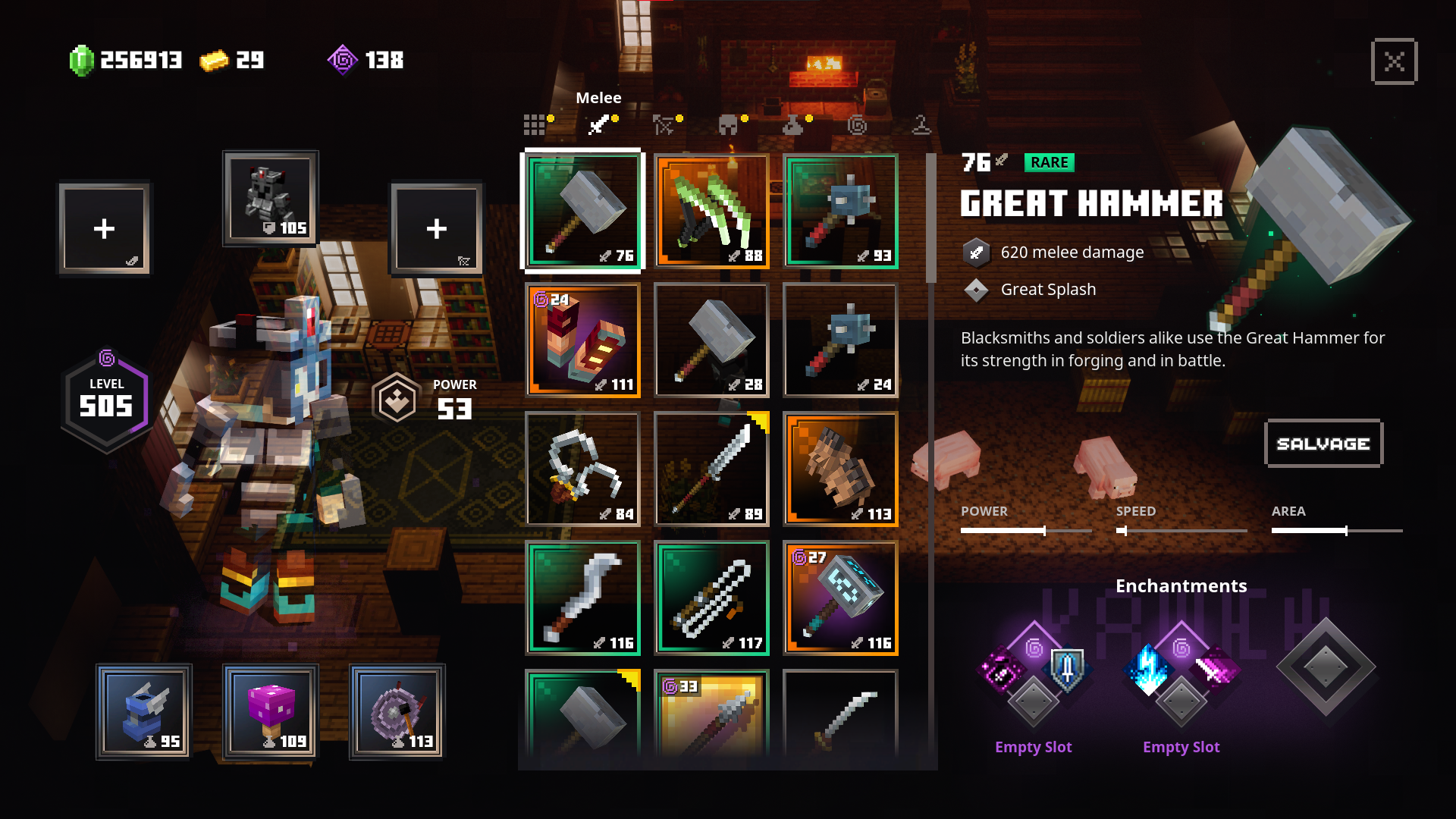
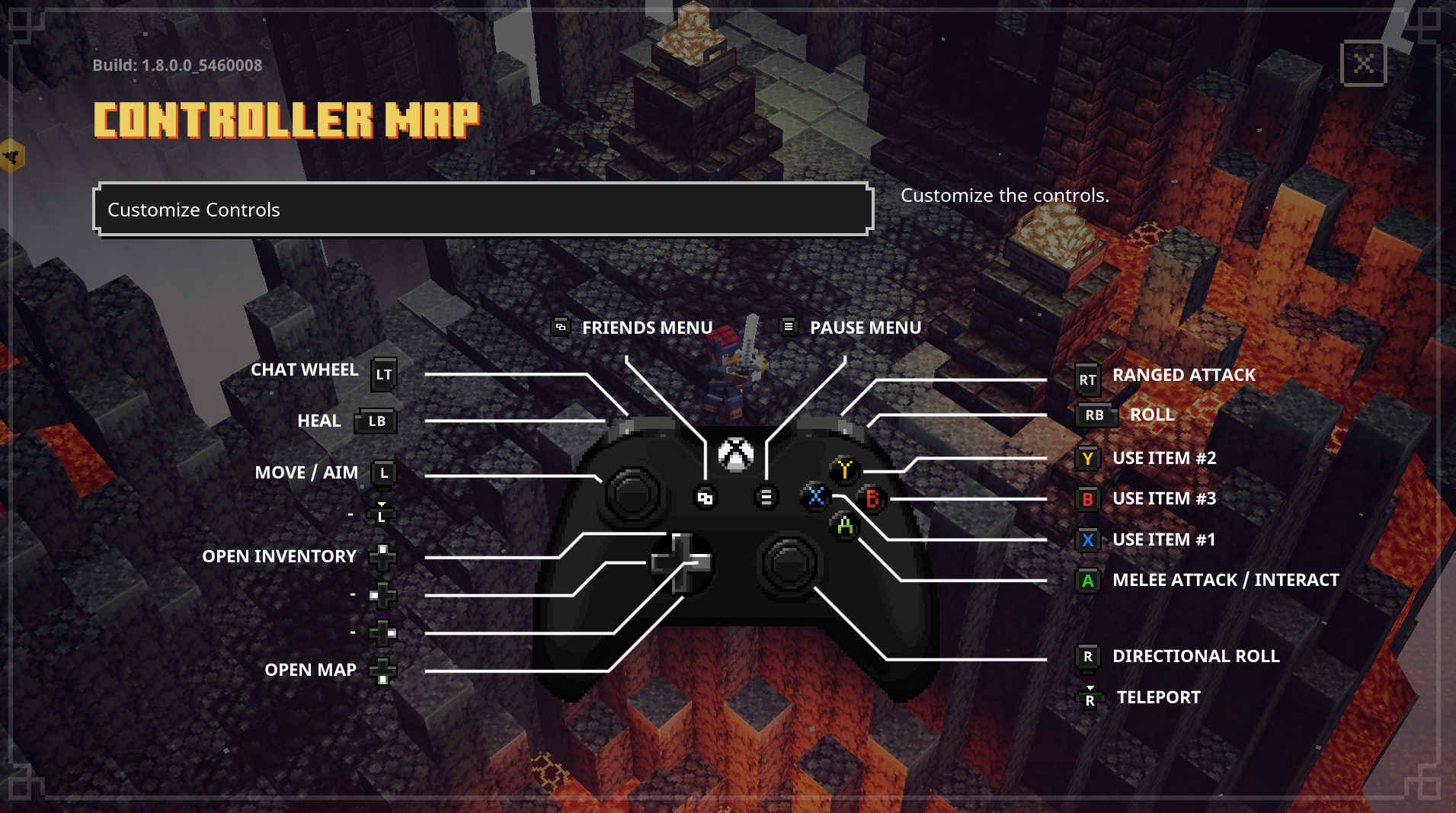
Description
makes some of the GUI transparent

How to set up Minecraft Dungeons for modding (Launcher version)
https://dokucraft.co.uk/stash/?help=modding-dungeons-launcher
- Open the launcher and click on Settings in the lower left corner.
- Go to the folder shown in the Settings menu under "Minecraft Dungeons Installation".
- From the install folder, go to
dungeons\dungeons\Dungeons\Content\Paks - Create a new folder here called
~mods(Yes, with a ~) and put your mods in this new folder.
- When you want to launch the game, do it by running the
Dungeons.exefile in your<install folder>\dungeons\dungeonsfolder. Running the game through the launcher will remove any mods you have installed.
How to set up Minecraft Dungeons for modding (Windows Store version)
https://dokucraft.co.uk/stash/?help=modding-dungeons-windows-store
The Transparent GUI Team
