Screenshot 2026-10-30 131842.png
Screenshot 2026-10-30 131901.png
Screenshot 2026-10-30 132026.png
Screenshot 2026-10-30 131924.png
Screenshot 2026-10-30 131945.png
Description
God Wand
One wand. Ten skills. Choose the spell, charge it, and decide when to release.
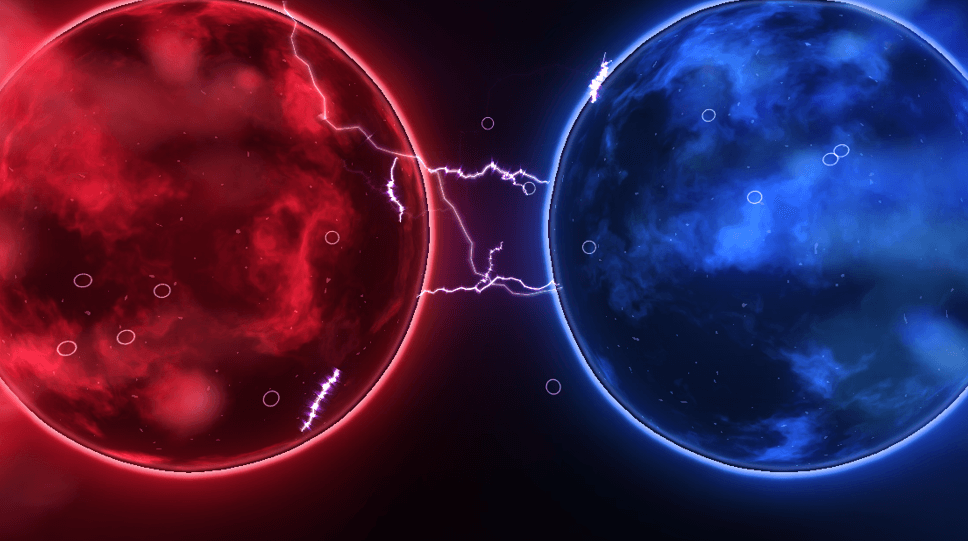
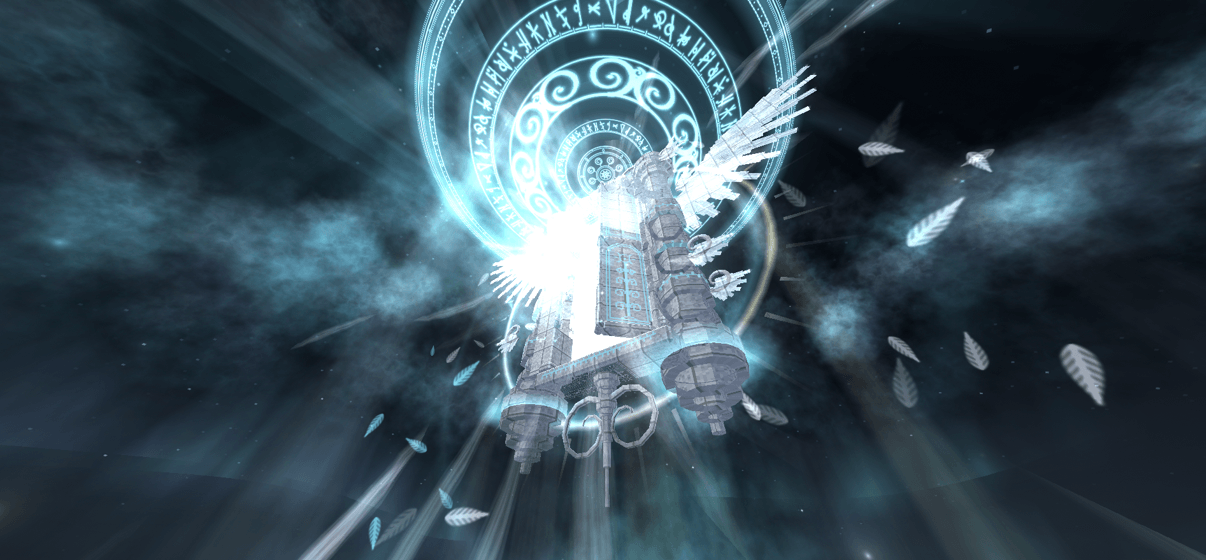
Walk through mountains, pull enemies into a gravity orb, raise a drill from the ground, hold an Atomic blast until you are ready to let it go, draw a burning bow and fire Fuga's phoenix arrow, open a gate in the sky and rain light on an army, crash a blue and a red orb together into Purple, or command an armada of orbiting blocks in Block Dominion to soar on sculpted block wings and drop from the sky in a Meteor Dive.
⚠️ FLASH WARNING ⚠️
This mod contains intense flashing lights and visual effects that may trigger seizures in people with photosensitive epilepsy. Player discretion is advised.
Authorized China Edition Port
I authorize Mailegebai to develop, publish, and monetize a port of God Wand for the NetEase-operated Minecraft China Edition, subject to the terms agreed between us. Included 1.6.x!
Original mod by hyisnoob. China Edition port by Mailegebai.
Enjoying my mods? Consider supporting my work!
Ten skills
1. Spatial Path
Open a temporary path through solid terrain. The blocks return behind you. Use its shield against incoming projectiles, or form a temporary bridge across a gap.
2. Singularity
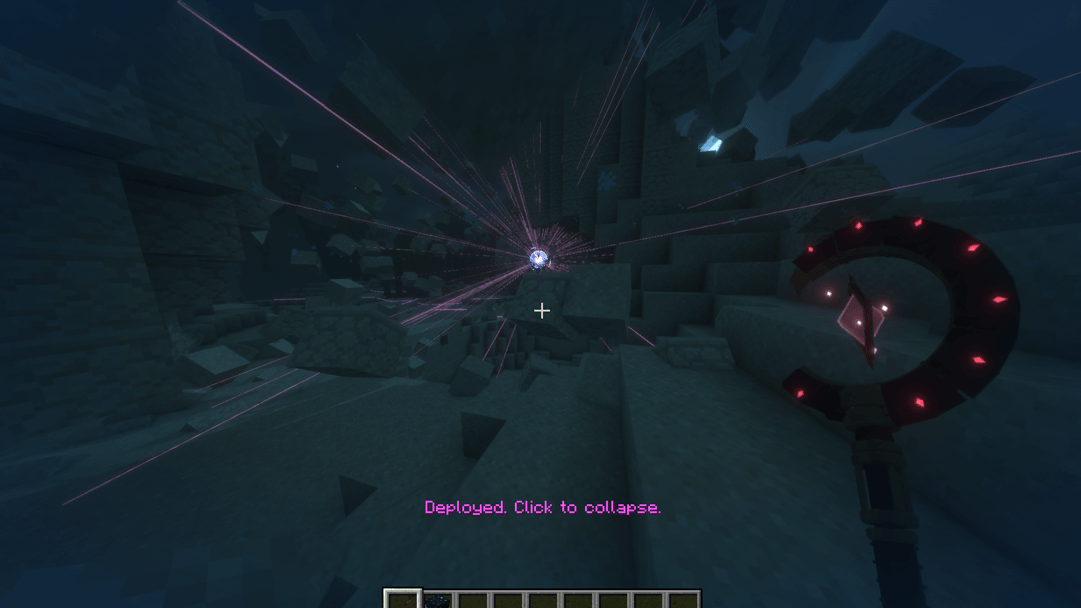
Hold right-click to charge a gravity orb, then release to launch it. It pulls in nearby enemies and blocks before collapsing. Right-click again to trigger the collapse early. Displaced terrain returns afterward.
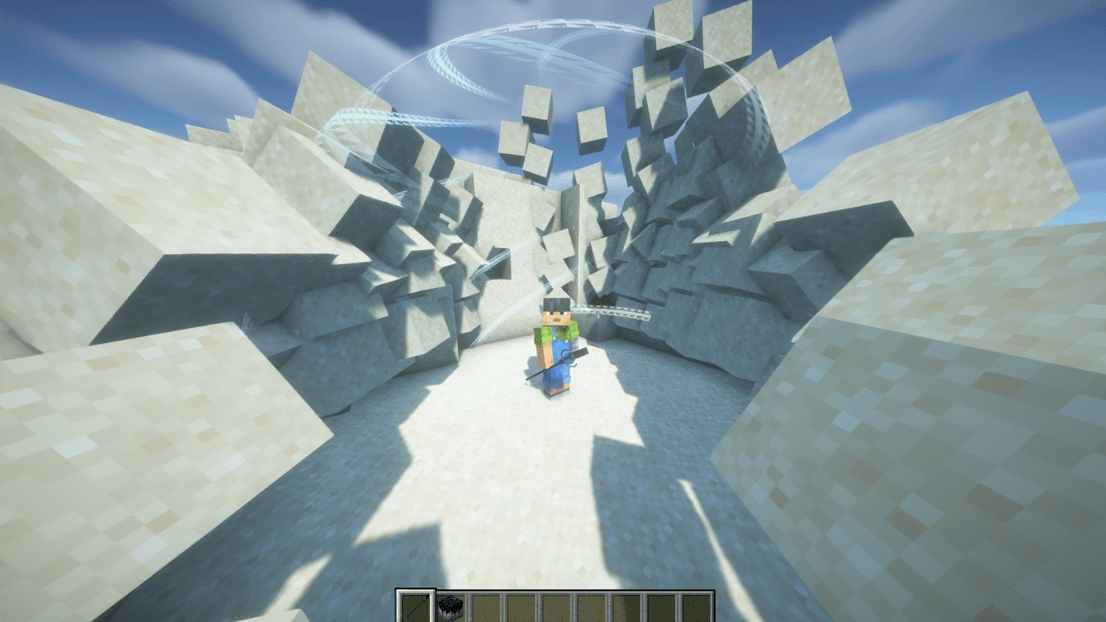
3. Earth Drill
Gather nearby blocks into a spinning drill, then drive it into the ground. Server settings let you keep the block lift while turning off permanent terrain damage.
4. Supernova
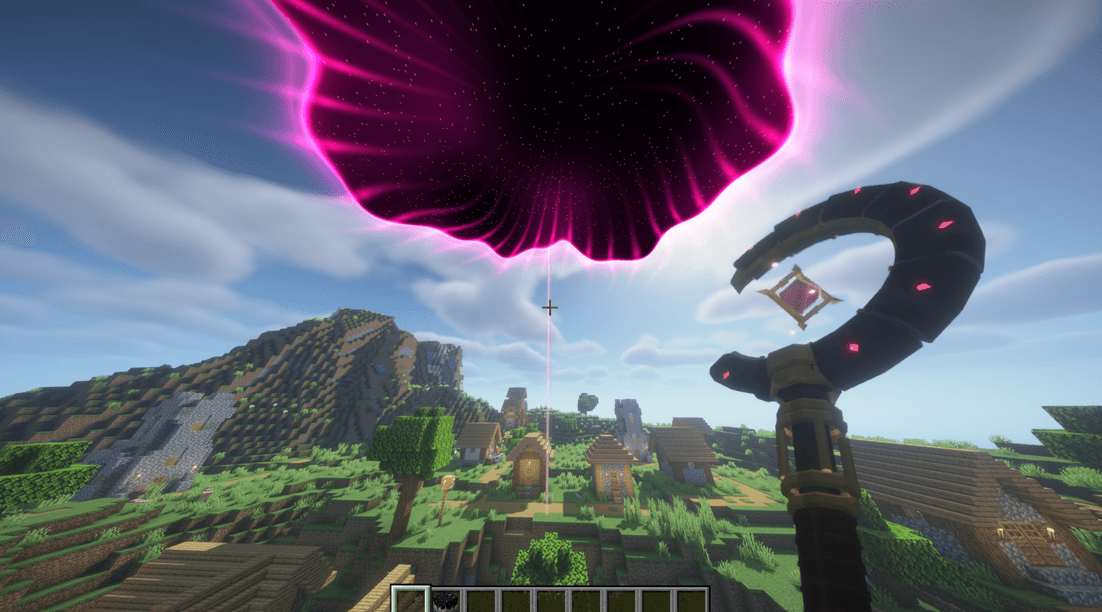
Hold right-click for seven seconds to unleash a black hole and a large explosion. Server owners can allow the block pull, the terrain destruction, both or neither.
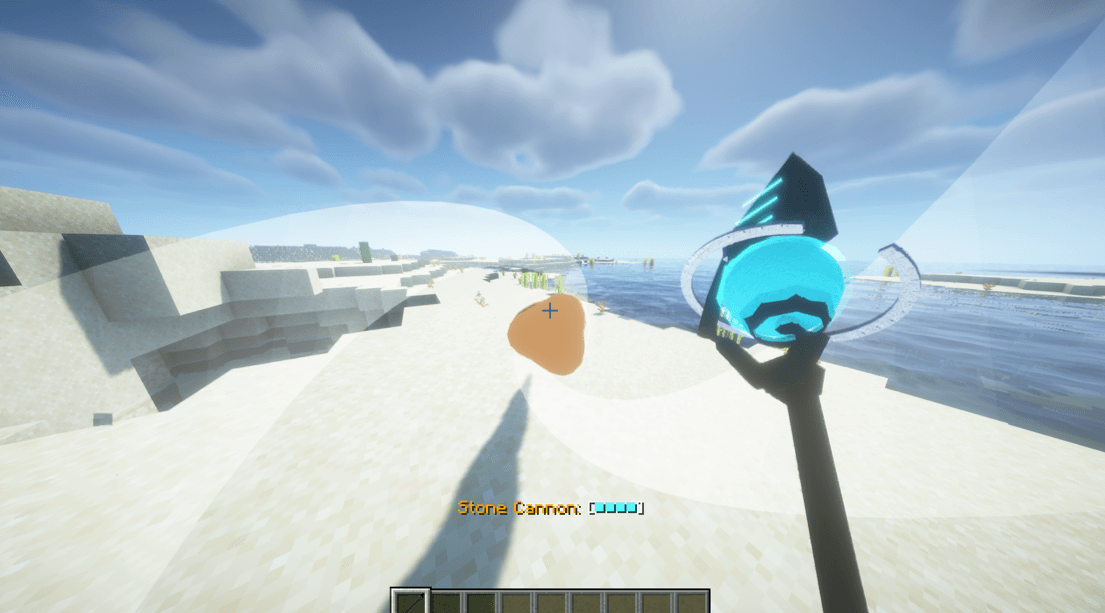
5. Stone Cannon
Charge a stone projectile and fire it through enemies. Block destruction on impact can be turned off separately.
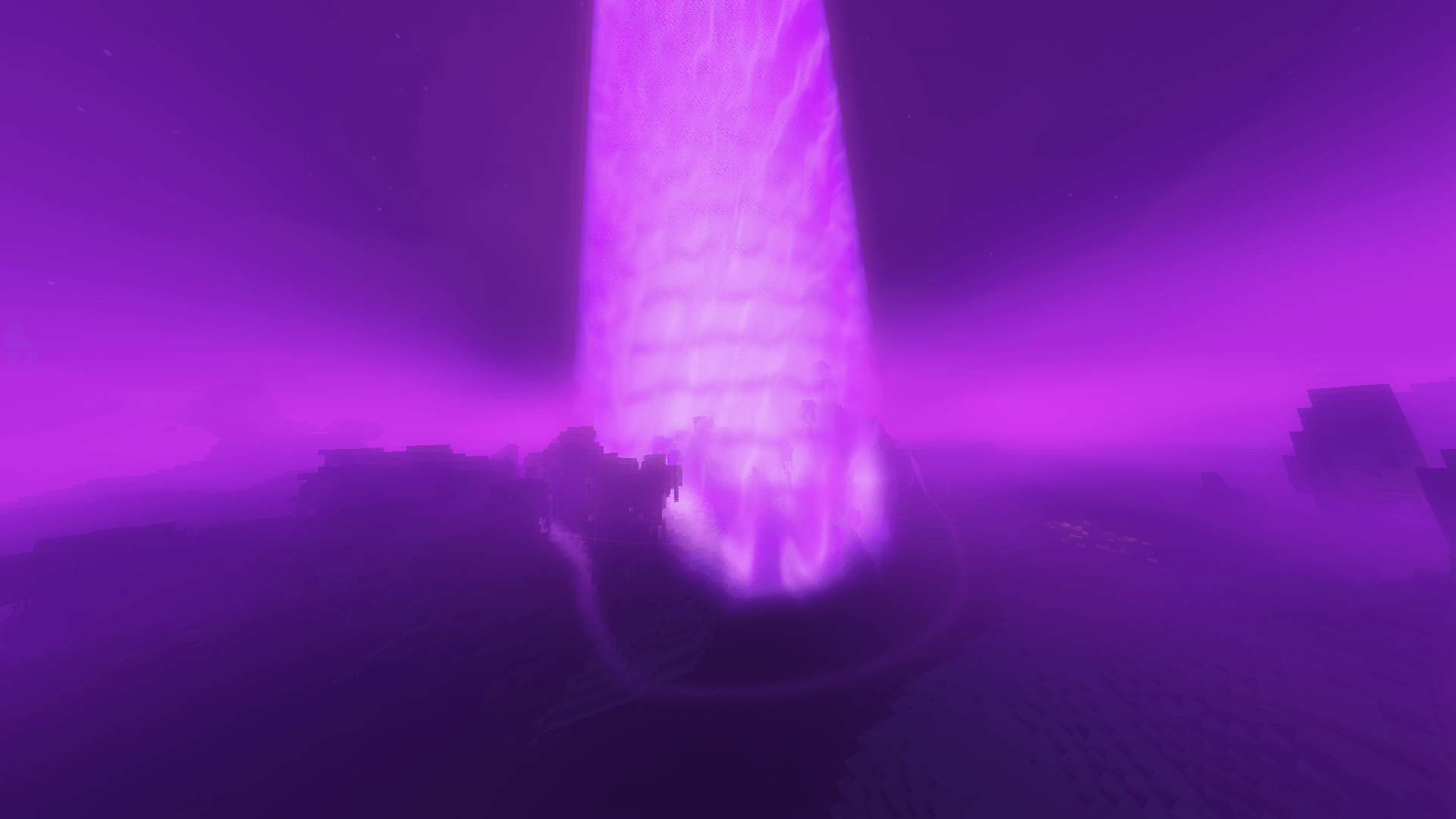
6. I am Atomic
Hold right-click as a fortress rises around you and energy gathers into your sword. I AM. ATOMIC. The screen goes dark and a heartbeat waits for you. Let go to detonate: a column of light sweeps the area, with shockwaves and purple wind, and leaves glowing marks on the ground. You can't move or be hurt while casting. Let go early to cancel.
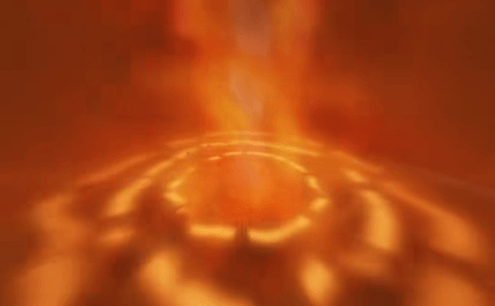
7. Fuga
Hold right-click to gather fire between your palms and draw a bow of flame. Aim, then release. The arrow becomes a phoenix; where it hits, a meteor falls and a pillar of fire erupts, setting enemies alight and slowing those caught underneath. Let go early to cancel.
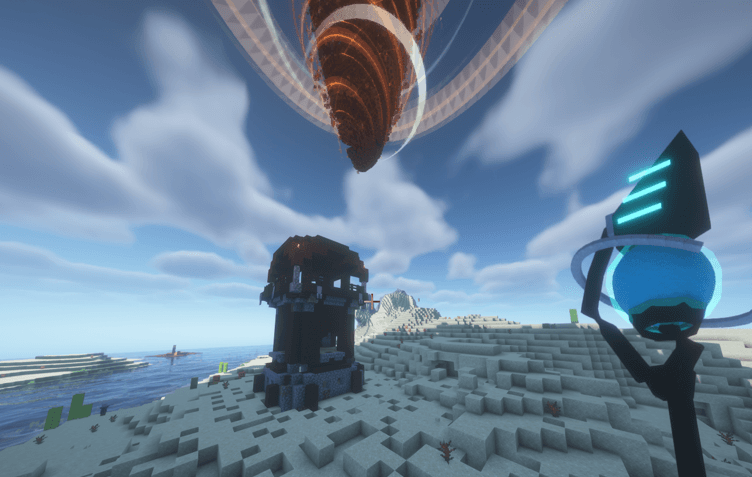
8. Silent Gate
Raise the wand: a magic circle covers the sky and a winged gate comes down through it. Right-click again to give the command (or wait): hundreds of circles rain light on every monster around you, and a golden beam finishes off the strongest. Sneak to stop it while the gate is still forming.
9. Purple
Two orbs, one in each hand.
- Blue (hold left-click): a gravity orb that follows your aim, pulling in and crushing enemies. Once it is ready, let go to throw it; it hangs where it stops.
- Red (hold right-click): charge a red blast and release it to blow enemies away and tunnel through terrain.
- Fire a fully charged Red into a ready Blue: the two merge into Purple, with its own cutscene, and a huge sphere erases everything in its path. It works across players: your Blue, a friend's Red.
- Fire any other Red into a Blue: a smaller Purple explodes on the spot.
- Hold both buttons: form a purple sphere in front of you, then let go to fire it straight ahead.
Blue and Red each have their own cooldown; Purple puts both on cooldown.
10. Block Dominion
Lift and control up to 48 blocks around you — stone, iron, gold, obsidian, and more.
- Turn on & gather: Press Shift + Left-click to activate. Left-click a block to pull it into orbit, or left-click the air to rip up to 24 blocks from the ground at once.
- Block Wings & Hero Landing: Double-tap Space (with 6+ blocks) to form wings. Switch between Hover and Glide (Shift + Space), boost with Ctrl or Space, slash right through mobs as you fly past at high speed, rain blocks down (Shift + Right-click), or land with a shockwave that launches nearby ground blocks into the air.
- Meteor Dive: Look straight down while flying — your wings fold tighter the higher you dive, building through three impact tiers up to a huge volcanic Cataclysm slam.
- Monolith Cage: Left-click a mob (uses 8 blocks) to lock it in the air inside a stone cage, then skewer it from six angles with stone lances.
- Block Shots, Volley & Shield: Right-click to fire a block, hold right-click for a rapid volley, and let orbiting blocks automatically block hits and reflect arrows back (heavier hits break more blocks, and huge attacks can shatter your guard).
- Safe Mode: When terrain destruction is turned off, Block Dominion summons temporary blocks instead of breaking your world, leaves no craters, and vanishes cleanly when turned off.
More on the wiki.
Cutscenes
Atomic, Fuga, Silent Gate and Purple each have their own cutscene and soundtrack. Press Esc or F5 to skip the camera. Turn the cutscenes off in the settings menu (K), all at once or one by one.
Pick your wand's appearance
- Eclipse
- Aqua Heartia
- Shadow Blade
- Silent Witch Staff
Choose one yourself, or use AUTO to switch with your skill: Aqua Heartia for Earth Drill and Stone Cannon, Shadow Blade for Atomic, Silent Witch Staff for Silent Gate, and Eclipse for the others.
Keep your builds and pets safe
Destructive spells can change a large area. Terrain destruction is enabled by default.
- One switch turns off terrain damage for every skill. Each skill also has its own switch — Earth Drill and Supernova can keep lifting blocks without permanent damage, and Block Dominion switches to Safe Mode, summoning temporary blocks instead of breaking or placing blocks in your world.
- Your pets are safe by default. Spells don't hurt or push tamed animals, mobs with a name tag or mobs on a lead. Server owners can make spells hit everything, or monsters only.
- PvP can be turned off, so spells never hurt other players.
- Server owners can remove skills from the wand. Removed skills disappear from the skill wheel and cannot be cast.
Damage, cooldowns and terrain ranges can be adjusted for each skill. Existing settings files gain new options automatically and keep your choices.
Controls
| Key | Action |
|---|---|
| Hold V | Choose a skill while holding the wand |
| Right-click | Use the selected skill; hold to charge where required |
| Left-click (Purple) | Hold for Blue; hold with right-click for the Purple sphere |
| Shift + Left-click (Block Dominion) | Toggle Block Dominion on or off |
| Left-click (Block Dominion) | Lift block, Earthen Surge (air), or Monolith Cage (mob) |
| Double-tap Space (Block Dominion) | Spread / fold Block Wings (6+ blocks); Shift + Space toggles Hover/Glide |
| K | Wand appearance, cutscenes, HUD, controls guide, effects and sound |
| Shift while Spatial Path is active | Use the temporary bridge |
| Right-click while Silent Gate waits | Command the gate to fire |
| Esc or F5 during a cutscene | Skip its camera |
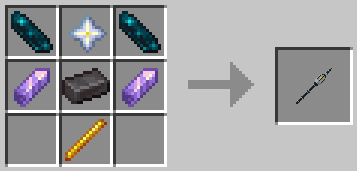
Crafting
Supported versions
- Minecraft 26.3: Fabric or NeoForge.
- Minecraft 26.1.2: Fabric or NeoForge.
- Minecraft 1.21.11: Fabric or NeoForge.
- Minecraft 1.21.1: Fabric or NeoForge.
- Minecraft 1.20.1: Fabric or Forge.
- Fabric requires Fabric API.
- Install God Wand on both your game and the server.
- An extra shaderpack is optional (Iris, Oculus and OptiFine shaders are supported).
- Cutscene animations work alongside animation mods such as Emotecraft, Better Combat and Not Enough Animations.
Contributors
Special thanks to KingIronMan2011 for contributing Minecraft 26.1.2 version ports, Iris shader compatibility fixes, the mod icon and build improvements.
God Wand is created and maintained by hyisnoob.
Modpacks are welcome.
The God Wand Team