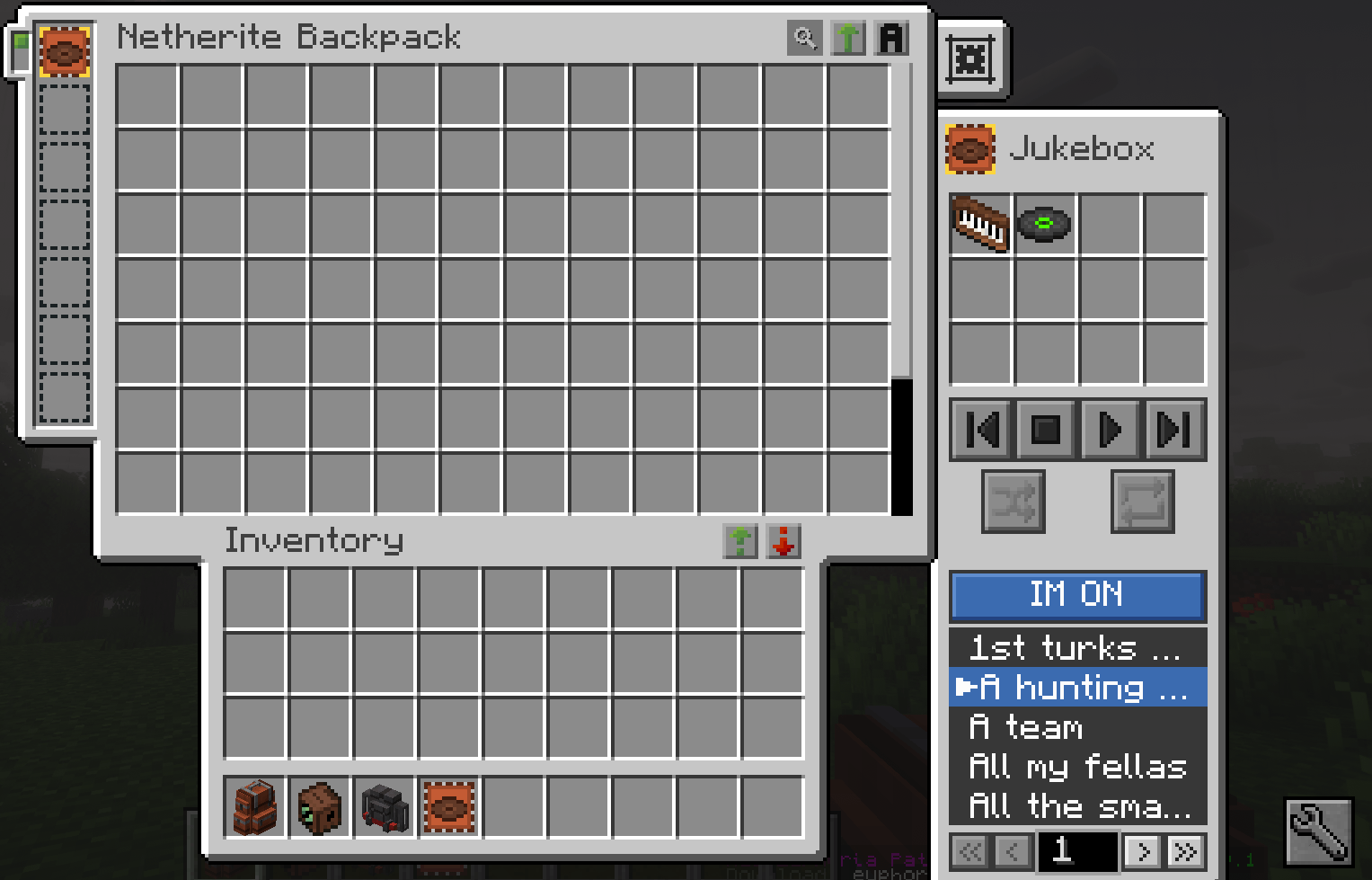
SB advanced jukebox upgrade (IM ON).png
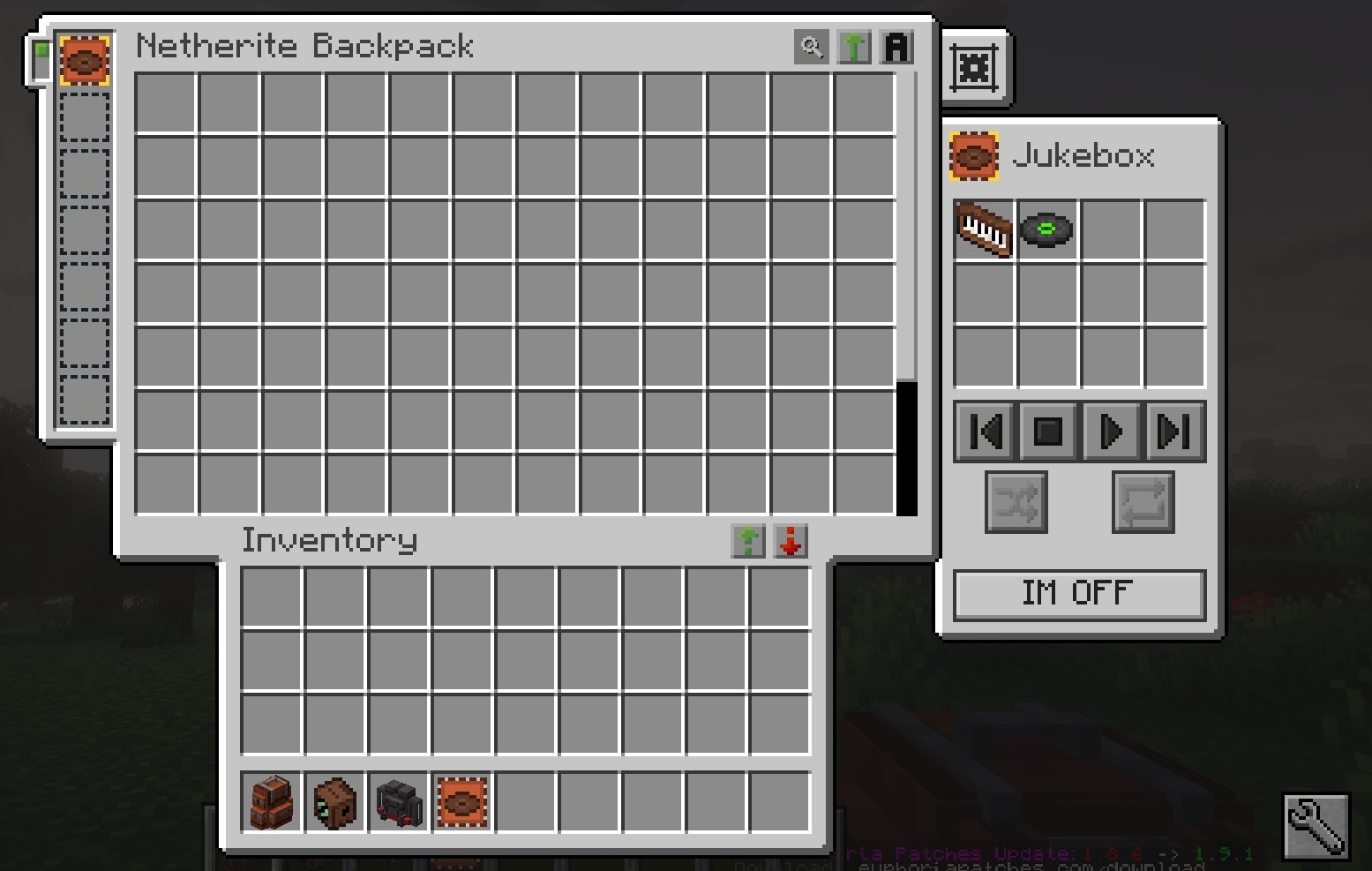
SB advanced jukebox upgrade (IM OFF).png
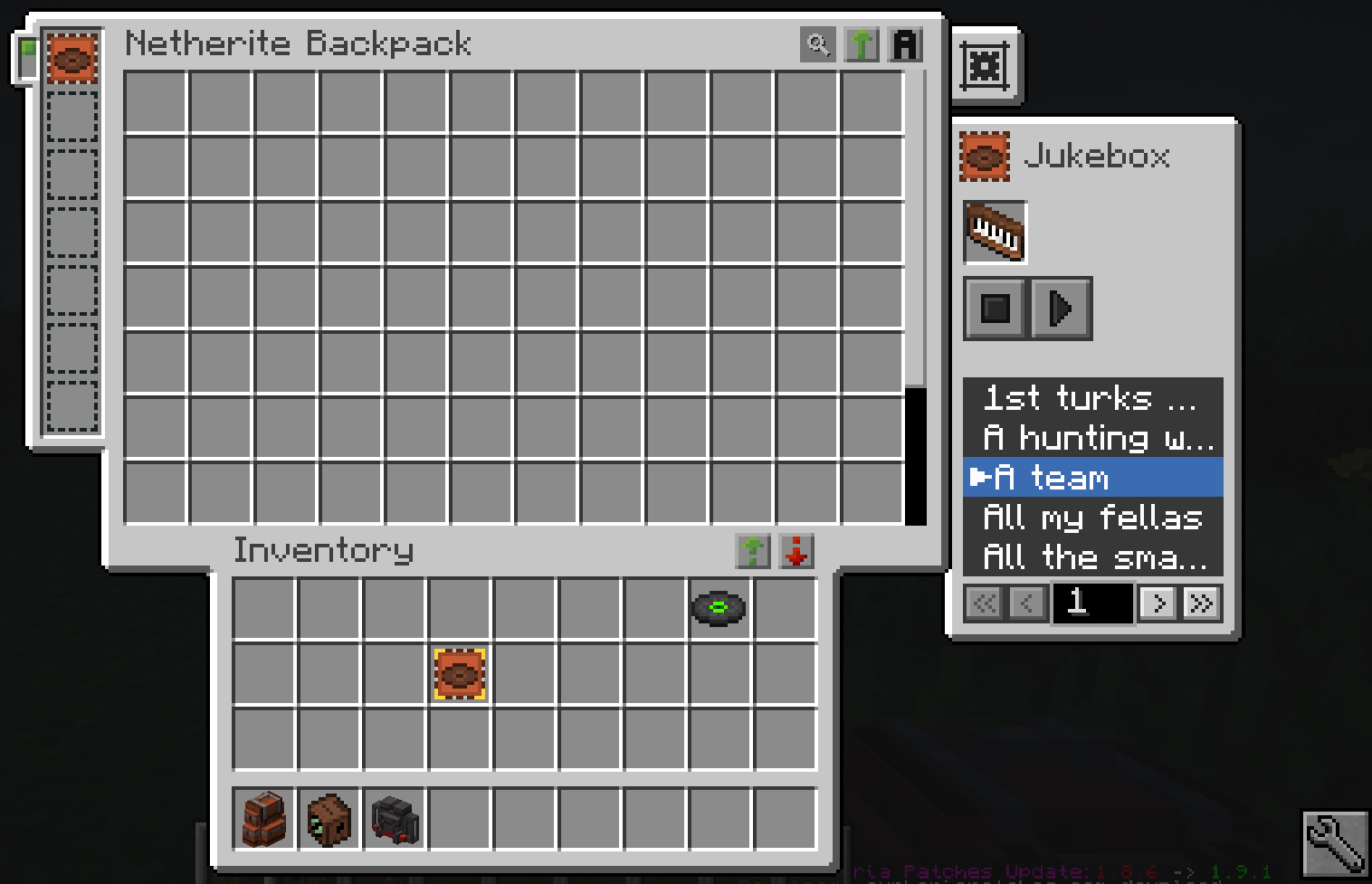
SB jukebox upgrade.png
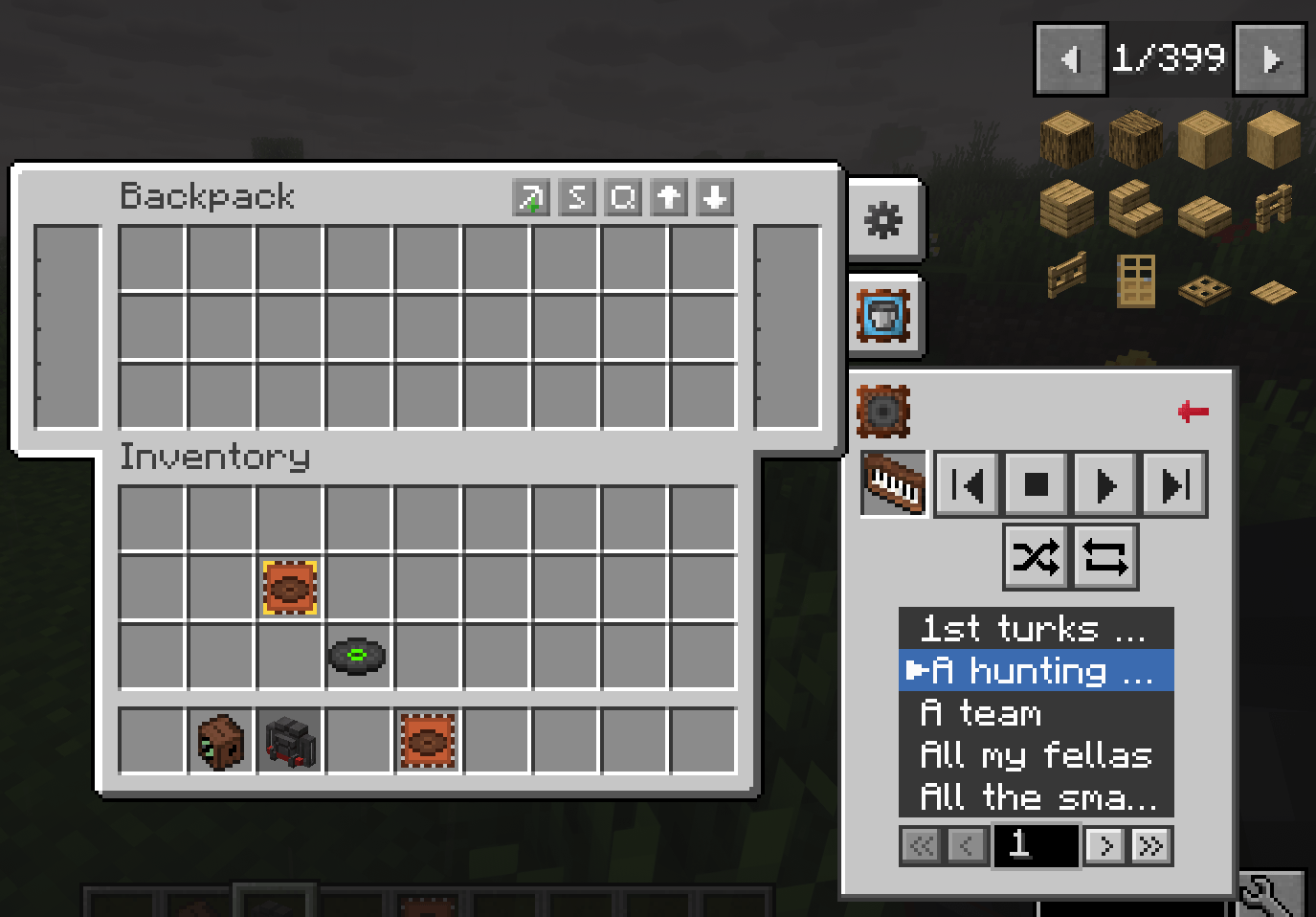
traveler's backpack preview.png
Description
Immersive Melodies in Backpacks
Forge 1.20.1 mod that lets you put Immersive Melodies instruments into the Jukebox upgrade slot of Sophisticated Backpacks or Traveler's Backpack, then interact with songs through a small in-GUI picker like a regular playlist of songs.
Requirements
- Minecraft 1.20.1
- Forge 47+
- Immersive Melodies 0.6.0+
- At least one of:
- Sophisticated Backpacks 3.24.0+ (with Sophisticated Core 1.3.0+)
- Traveler's Backpack 9.1.0+
Usage
- Install a Jukebox upgrade in your backpack.
- Drop an Immersive Melodies instrument into the jukebox disc slot.
- Open the picker, choose a melody, press play.
- Shuffle and repeat work the same way they do for music discs. Interactions with the song picker function the same as a regular song playlist.
License
MIT
The Immersive Melodies in Backpacks Team