Cozy & Light
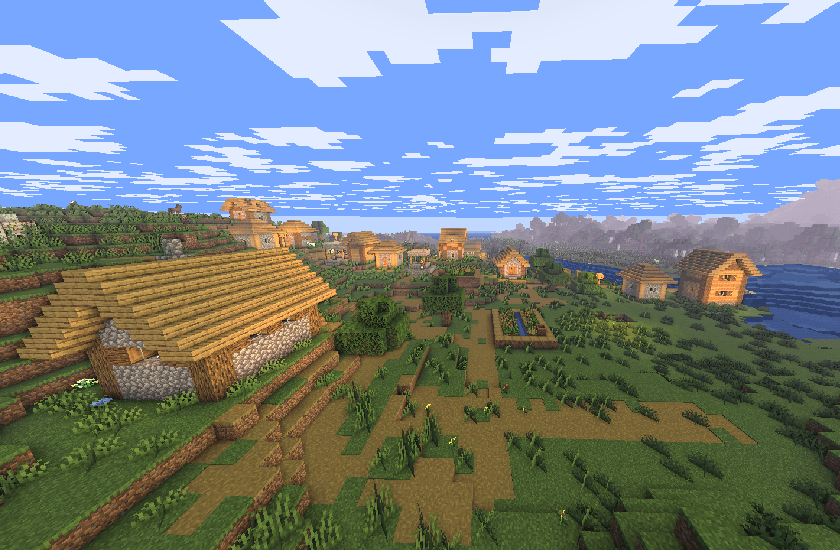
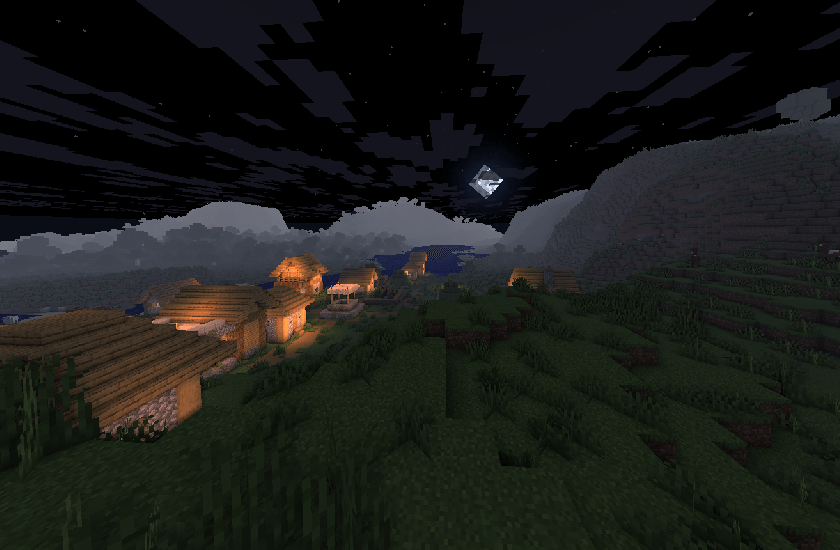
A good performing lightweight shaderpack designed for a little comfort in vanilla.
About
Cozy & Light is a shader pack for Minecraft Java Edition that adds better lighting, improves water, and more! Instead of aiming for laggy realism, Cozy & Light focuses on beautiful visuals, still keeping the same fps as vanilla.
Installation
- First, install the Iris Shaders mod to enable shader packs in Minecraft Java Edition.
- Launch the game and open the Shaders / Shaderpacks menu in Video Settings.
- Open the shaderpacks folder using the button inside the menu.
- Download Cozy & Light and place the file into the shaderpacks folder. (Do not unzip the file.)
- Return to the game and select Cozy & Light from the shader list.
Join my discord!
Watch videos on my YouTube channel!
The Cozy & Light Team