
• Browse
    Browse all (130)
    • iconMinecraft
    • iconThe Sims 4
    • iconWorld of Warcraft
    • iconMinecraft Bedrock
    • iconArk Survival Ascended
    • iconinZOI
    • iconHytale
    • iconStarCraft II
    • iconKerbal Space Program
    • iconStardew Valley
    • iconAmerican Truck Simulator
    • iconHogwarts Legacy
    • iconTerraria
    • iconWildStar
    • iconPalworld
    • iconWorld of Tanks
    • iconPUBG: BATTLEGROUNDS
    • iconRunes of Magic
  • Create
    MOD AUTHORS
    • Become an Author
    • Start a Project
    • Project Submission Guide
    • Become an ARK Premium Author
    MODDING TOOL DEVELOPERS
    • Apply for an API Key
    • Documentation
    • Terms & Conditions
    SOCIAL
    • Join Our Discord!
    • Authors Discord
    Become An Author
  • Studios
    GAME DEVELOPERS
    • Unlock Modding for Your Game
    • Documentation
    Unlock Modding for Your Game
  • Help Center
  • Our Blog
  • Surprise me
  • legacy flameLegacy
  • Go Premium
  • Get CurseForge App
  • Help Center
  • Our Blog
  • Surprise me
  • legacy flameLegacy
Pixel potion mix
  • Home
  • Mount & Blade II: Bannerlord
  • Mods
  • Inventory Enhancer
Inventory Enhancer logo

Inventory Enhancer

  • By
    AlkeariAlkeari
  • Mods
Sorting, filtering and search for Bannerlord's inventory screen, so managing hundreds of items stays fast. Thirteen sort categories, filters for every weapon, armor and culture, and a search bar that works in loot screens, where the game disables it.

Download

Details

Downloads
1
Created
2 days ago
Updated
1 day ago
Project ID
1817792
License
Custom License

informative placeholder

Categories

  • Gameplay

Links


Main File

InventoryEnhancer-4.2.1
Latest release
  • R
  • Nov 22, 2026

  • Description
  • Comments
  • Files
  • Gallery (5)
  • Relations
  • Screenshot thumbnail

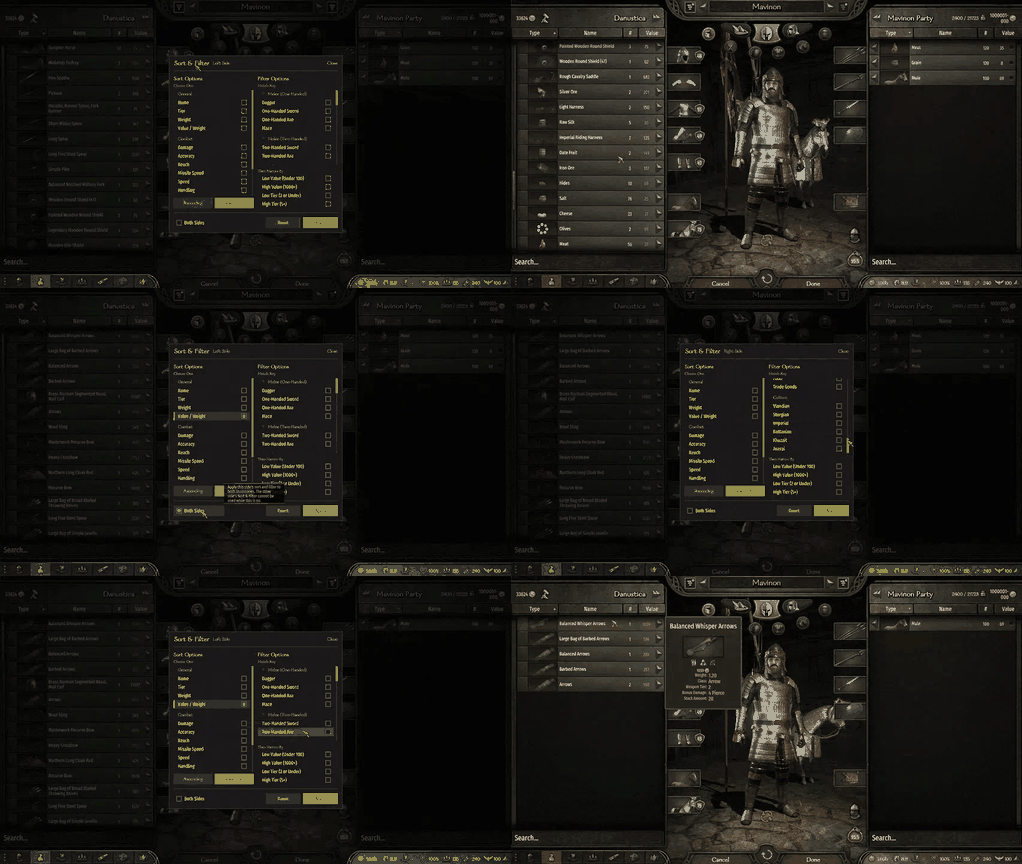
    Opening a side's Sort & Filter menu, picking a sort and filters, and applying them to that side's item list.
  • Screenshot thumbnail

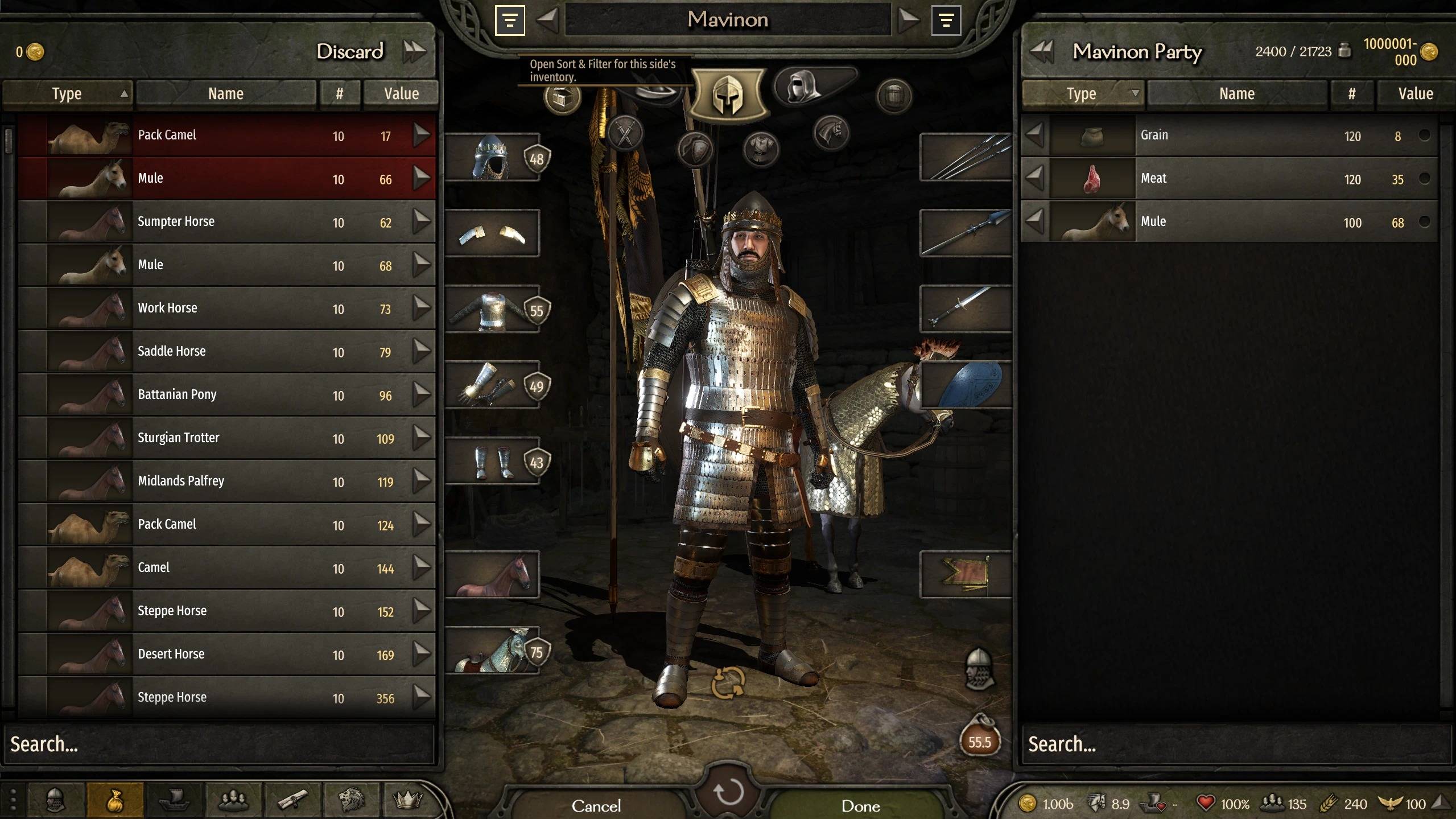
    The two Sort & Filter buttons in the vanilla character name bar, one for each side of the inventory.
  • Screenshot thumbnail

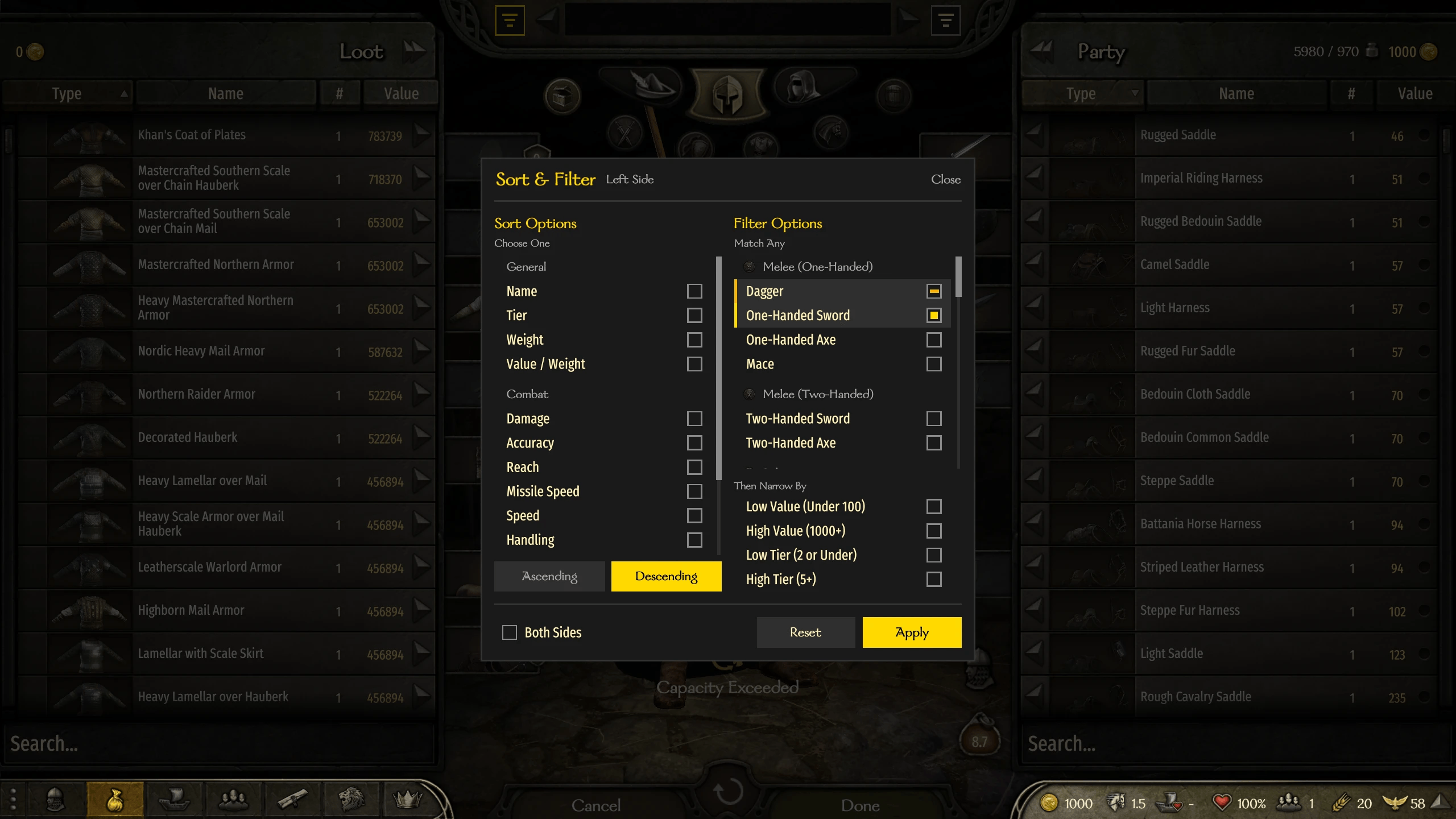
    The Sort & Filter menu with Dagger excluded (dash) and One-Handed Sword included (square).
  • Screenshot thumbnail

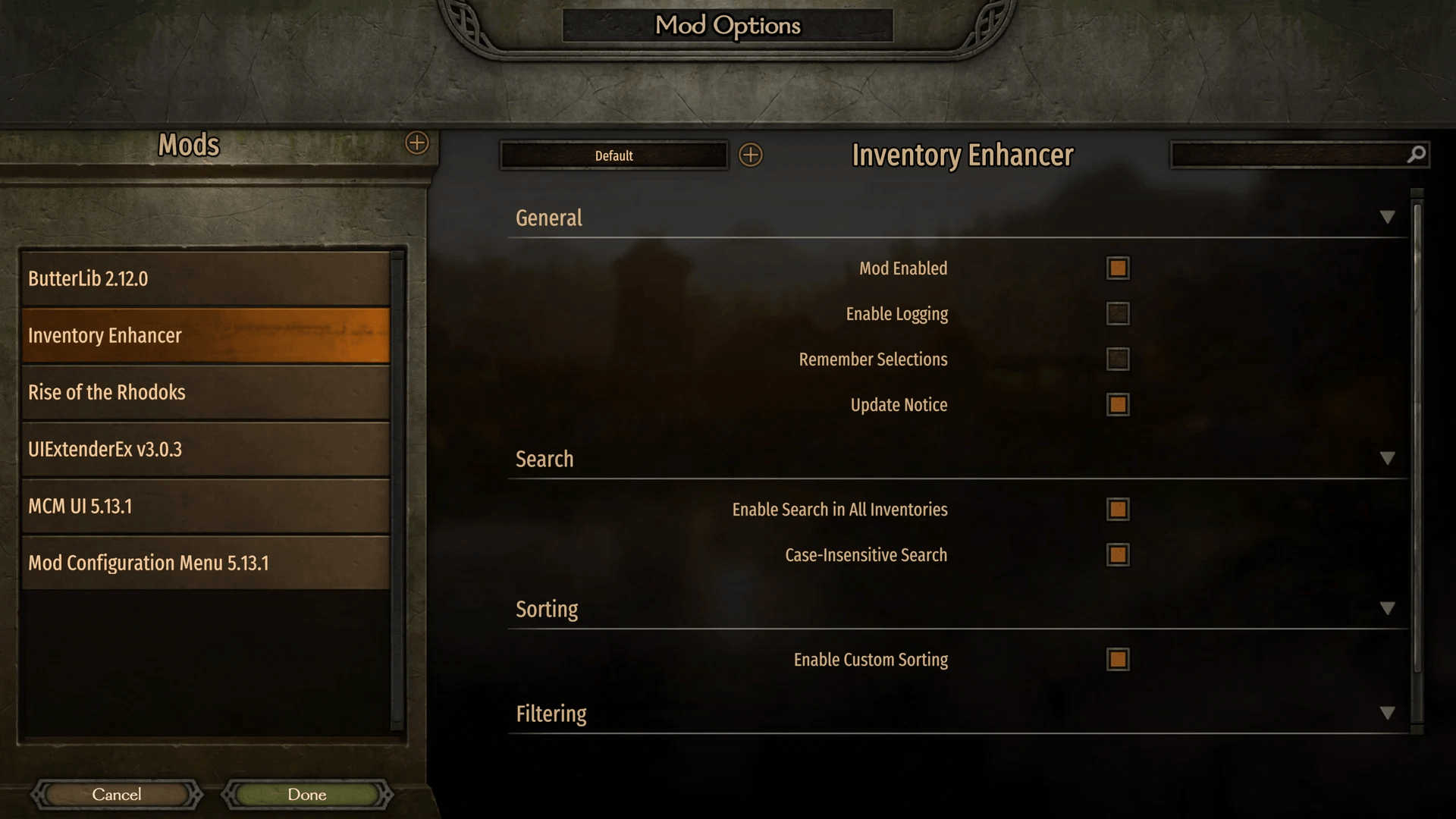
    Inventory Enhancer in Mod Options: turn the mod, logging, remembered selections, the update notice, search and sorting on or off.
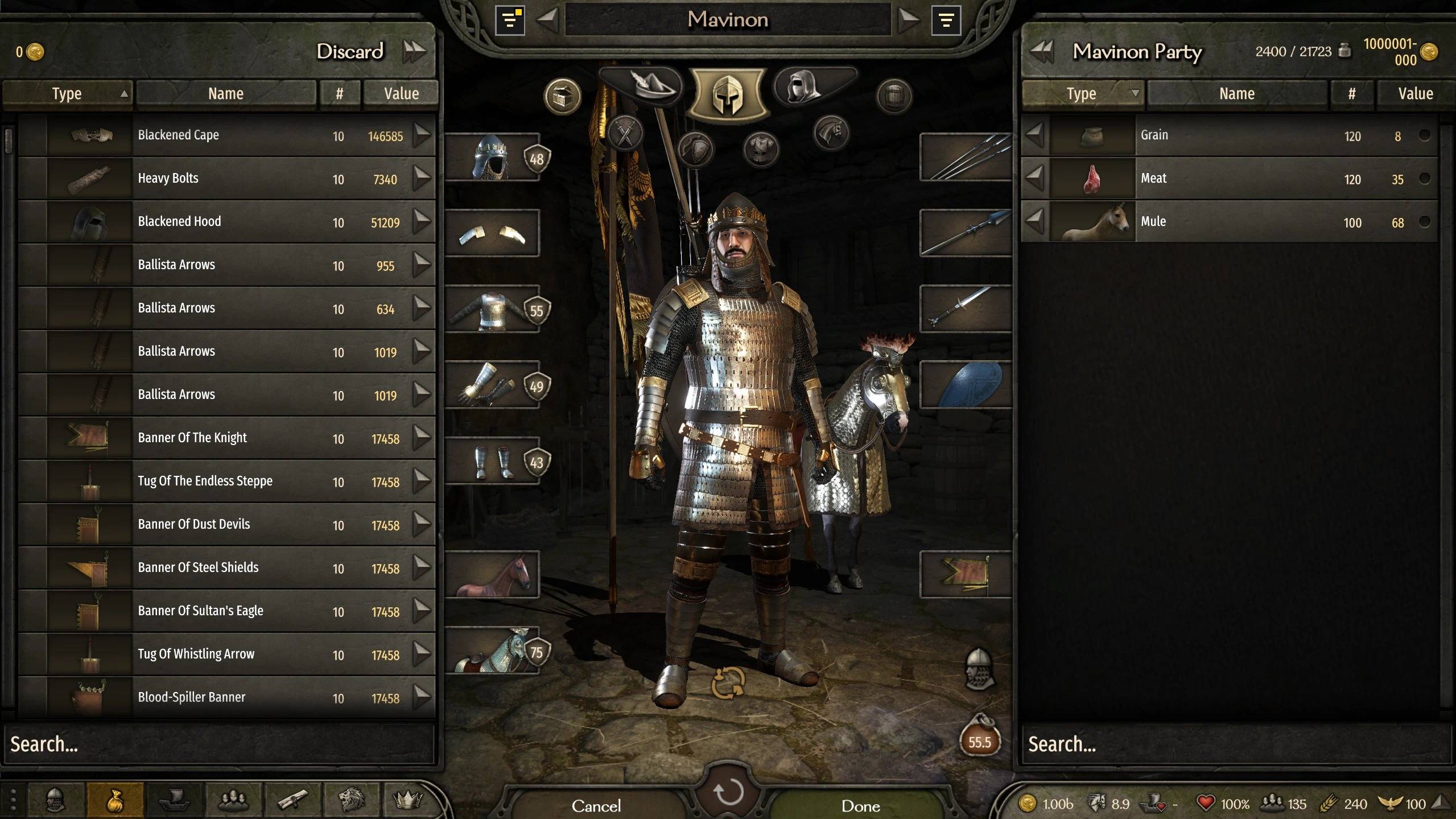
  • Screenshot thumbnail

    The left side sorted by Value / Weight, highest first, and narrowed to High Value (1000+), while the right side keeps its own order.

Download
CurseForge - a world of endless gaming possibilities for modders and gamers alike.
Download the best mods and addons!
  • Games
    • All games
    • Minecraft
    • World of Warcraft
    • The Sims 4
    • Starcraft II
    • Kerbal Space Program
    • Minecraft Dungeons
    • World of Tanks
  • Create
    • Start a project
    • Project submission guide
    • Author Rewards Program
    • Apply for an API Key
    • 3rd Party API T&C
  • Community
    • Join Our Discord!
    • Ideas Portal
    • CF blog
    • Newsletter
    • Roadmap
    • Bukkit forums
    • CurseForge Servers
  • Support
    • Knowledge base
    • Troubleshooting
    • Contact us
  • Companions
    • Overwolf
    • CurseForge for Studios
    • Tebex
    • Nitro
  • Terms of Service
  • Privacy Policy
  • Licenses
  • Mod Author Terms
© 2026 Overwolf. All rights reserved.