Better Base Building
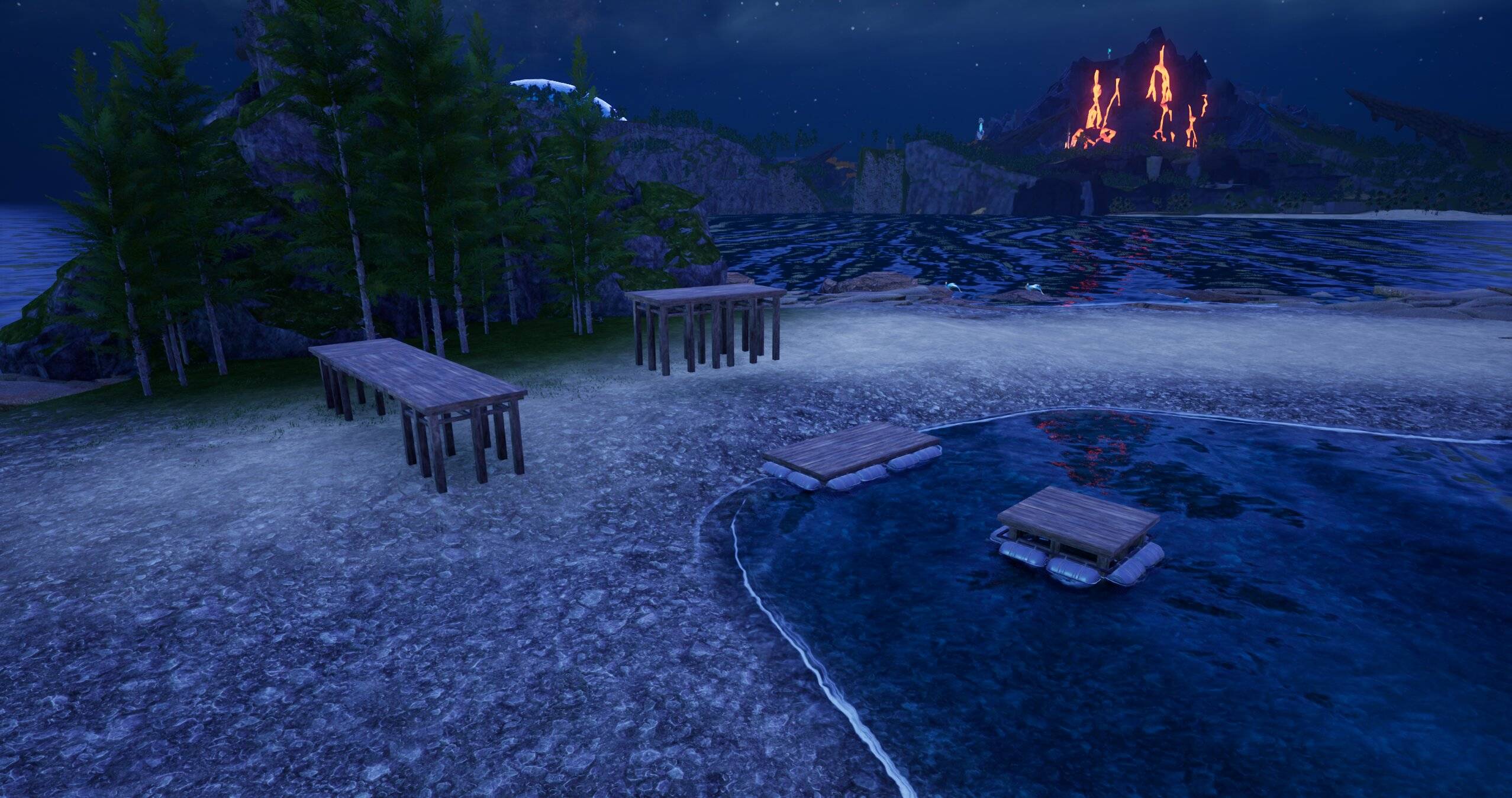
Screenshot 2026-07-21 224903.jpg
Description
Better Base Building
Relaxes vanilla building restrictions — build at any height, on steep terrain, with floating foundations, overlapping objects, no per-player build cap, over water without the Aquatic Construction Kit, and right next to bosses/facilities. This is the building-only half of Better Base Range, for anyone who just wants the building tweaks without the base-radius scaling.
Features
- No height limit. Build as high, or as far down a cliff, as you want — the vanilla building height ceiling is removed.
- Floating foundations allowed. Great for bridges, cliffside bases, and detached platforms.
- Build on steep terrain. Vanilla only allows ~30° incline; this raises it to a full 90°, including vertical cliff faces.
- No per-player build cap. Vanilla limits how many objects one character can build — removed.
- Overlapping build objects allowed.
- Build over water without the Aquatic Construction Kit. Water foundations now only require wood in your inventory, the same as any other foundation.
- Build next to bosses and special facilities. Removes the "Too close to a special boss or facility" restriction, so you can place a base near Towers, boss spawns, fast travel points, etc.
- Applies instantly, no restart required. Settings apply the moment you join, no need to break/rebuild anything.
What gets changed
| Setting | What it controls |
|---|---|
| Building Max Height | Vanilla ceiling on how tall/how far down you can build |
| Floating Foundation Allowance | How far a foundation can float above ground before rejection |
| Max Building Lean Angle | Steepest terrain incline you can build on |
| Max Buildings Per Player | Vanilla cap on total objects one character can build |
| Water Building Item Requirement | Redirected to wood instead of the Aquatic Construction Kit |
| Boss/Facility Build Block | Bypassed entirely — build right next to Towers, bosses, and fast travel points |
Configuration
Open main.lua and change the values at the top of the file (MaxBuildHeight, MaxFloatingFoundation, MaxLeanAngle, MaxBuildingsPerPlayer, AllowOverlappingBuild, WaterBuildingItemOverride, IgnoreBossFacilityBuildRestriction) to adjust or disable any individual tweak.
Requirements
- UE4SS installed for Palworld
Installing on a Dedicated Server
This is a client-side-installable Lua mod (enabled.txt + Scripts/main.lua, no Info.json), so it needs UE4SS's classic manual setup on the server — not the newer Info.json/Workshop auto-deploy system. Where exactly the mod folder goes depends on how UE4SS was installed on your server:
-
If UE4SS core files sit directly in
Pal/Binaries/Win64/(same layout as a normal client install): put this mod inPal/Binaries/Win64/Mods/BetterBaseBuilding/ -
If UE4SS was installed in an
ue4sssubfolder (common with some host panels, e.g. AMP): put this mod inPal/Binaries/Win64/ue4ss/Mods/BetterBaseBuilding/
Either way, add a line to that same folder's mods.txt (create it if it doesn't exist yet):
BetterBaseBuilding : 1UE4SS itself must already be installed and running on the server before this mod does anything — if Pal/Binaries/Win64/ue4ss/ (or Win64/ directly) doesn't already contain UE4SS.dll and dwmapi.dll, install UE4SS there first.
Compatibility
- Safe to use alongside Better Base Range. Both mods touch the same building settings, but write the same values — no conflict, just some harmless redundant work on join. Use this mod on its own if you don't want the base-radius scaling, or alongside Better Base Range if you're already using it and don't need a second install.
- Safe to add to or remove from an existing save.
Notes
- Every setting is adjustable at the top of the script, or can be set back to its vanilla value (see the comment next to each one) to disable that specific tweak.
The Better Base Building Team