Better Base Range
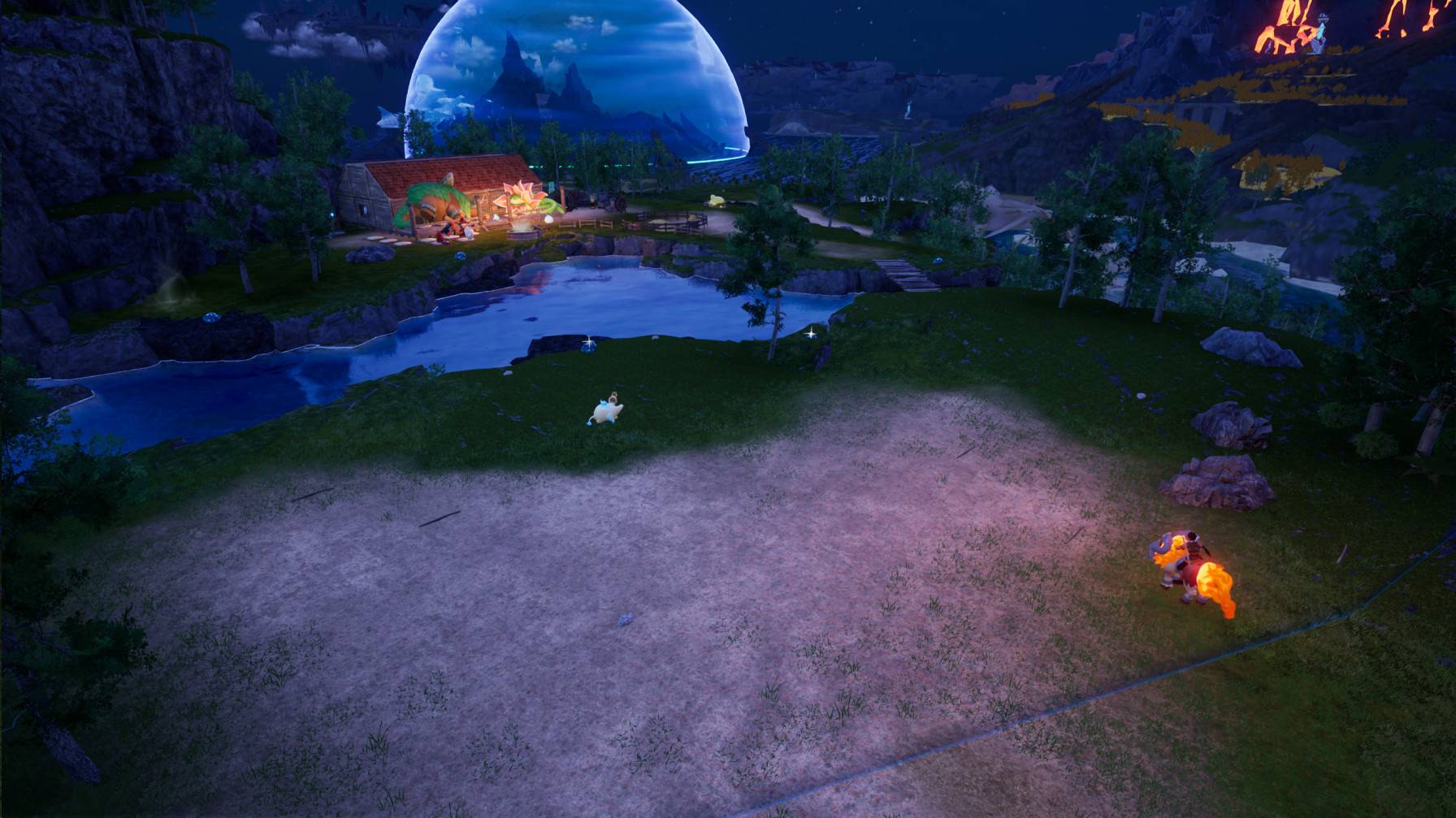
image.jpg
Screenshot 2026-07-11 125304.jpg
Screenshot 2026-07-11 232034.jpeg
Description
Better Base Range
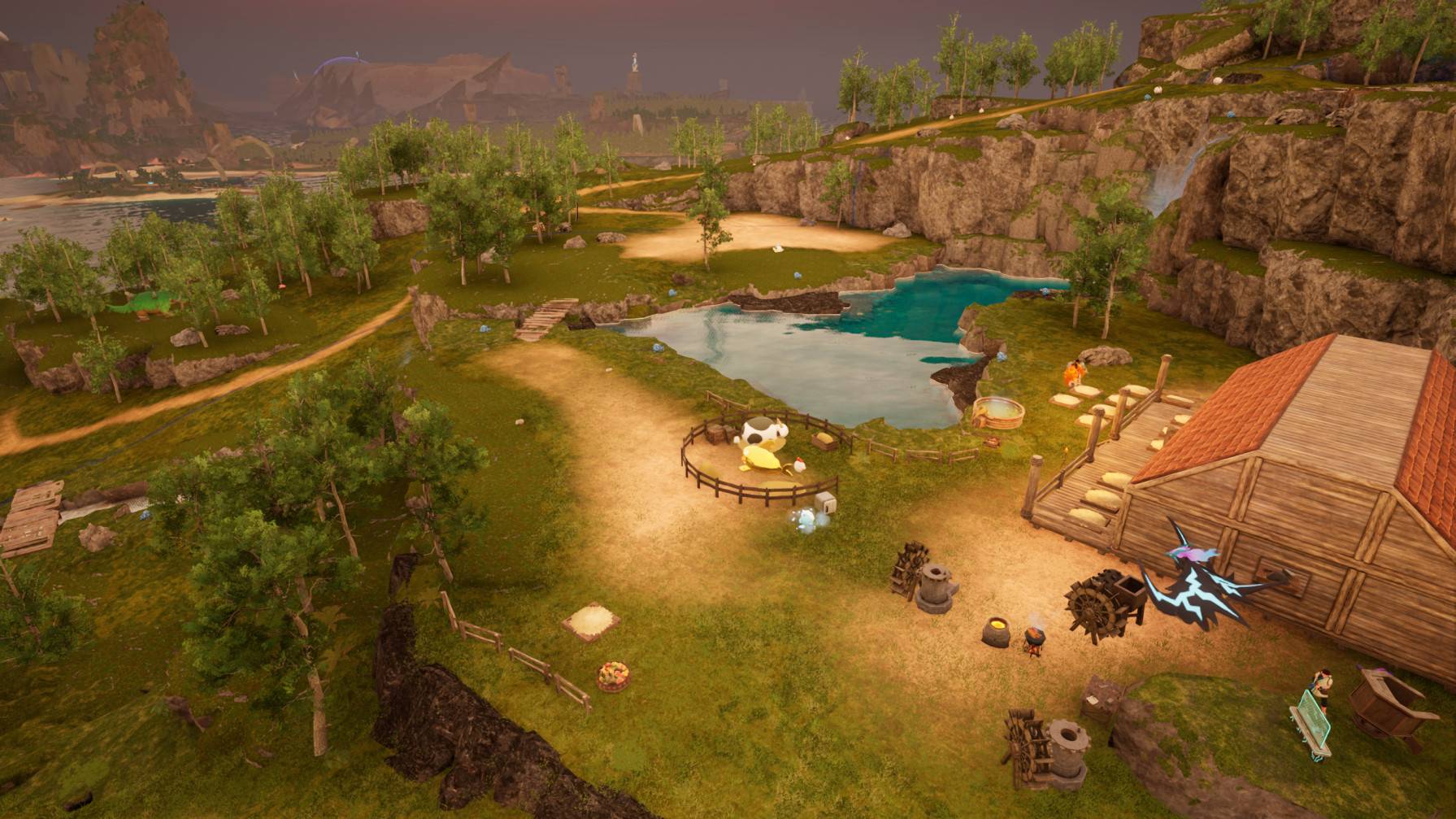
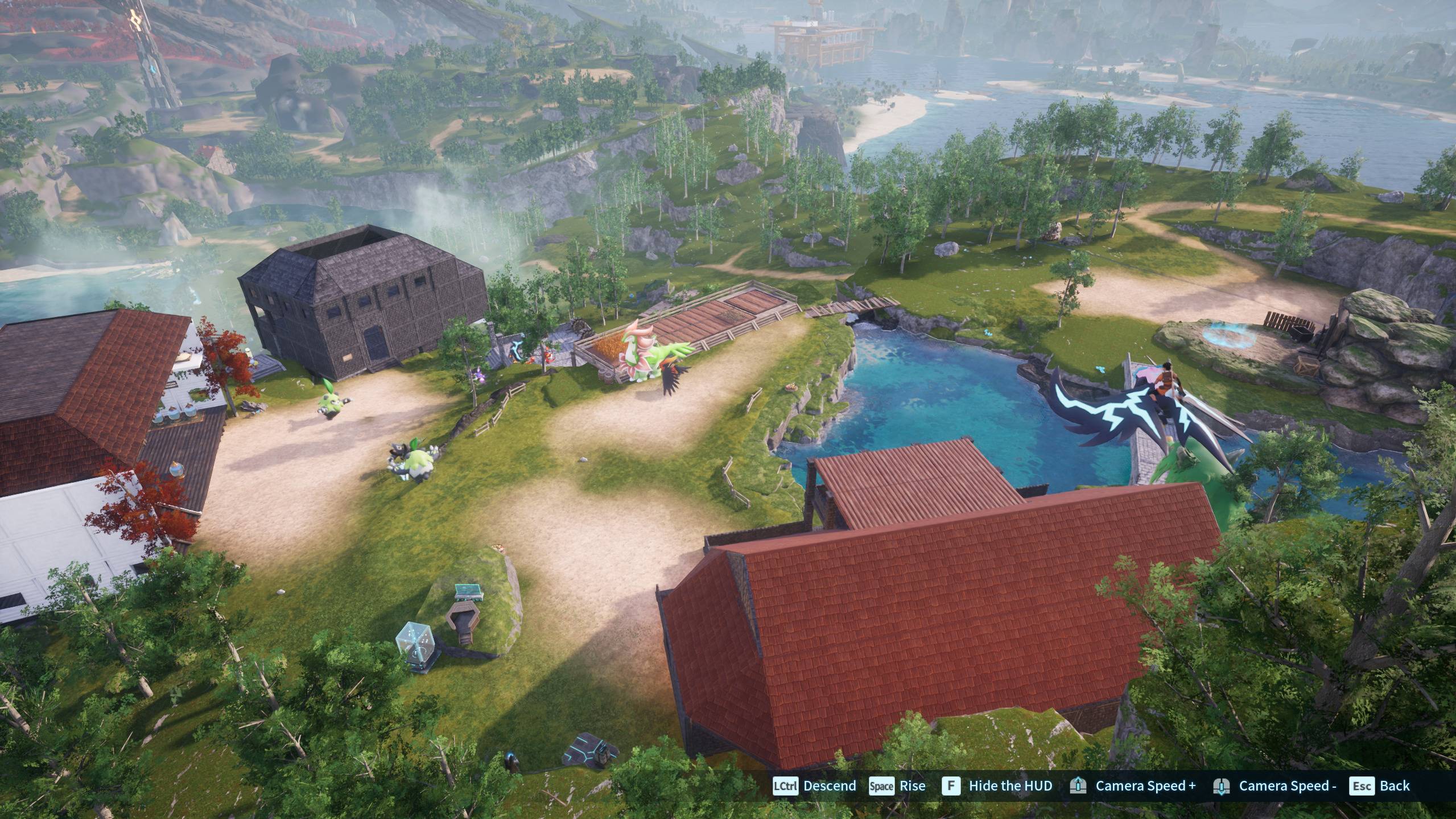
Better Base Range expands your base camp radius and keeps the related gameplay ranges working together. The build and visual area, Pal work area, wild-spawn suppression, neighbor spacing, and combat range all scale from one configurable value.
The mod also relaxes several vanilla building limits, including maximum build height, floating-foundation allowance, terrain angle, per-player build count, and the Aquatic Construction Kit requirement for water foundations.
Important limitations
- Boss and facility zones: Palboxes still cannot be placed in certain protected boss or facility areas. Palworld enforces this through hard-coded native validation that the Lua mod cannot override. Supporting these locations would require a separate custom DLL mod.
- Overlapping objects on dedicated servers: Overlapping placement works in single-player. On a dedicated server, the client may show a valid preview, but the server can reject the object and refund the materials. A native server-side DLL patch would be required to bypass that validation.
- Do not run Better Base Range and Better Base Building together. Their building-setting changes overlap. Use only one of them.
Read this first
1. Use the Palworld-specific build of UE4SS
The standard/generic UE4SS build can misread Palworld's modified engine data and may crash dedicated servers.
Download the Palworld-specific UE4SS build
Check the first lines of UE4SS.log:
UE4SS - v3.0.1 Beta #0 - Git SHA #c838a8ac    <- Palworld-specific build
UE4SS - v3.0.1 Beta #0 - Git SHA #c2ac246     <- generic build; do not use
2. You do not need an in-game console
The optional commands listed below are UE4SS console commands, not commands for Palworld's normal ~ console. Most players can simply open Scripts/main.lua, change local BaseRange = 200, and restart the game or server.
3. Install the mod on the server for multiplayer
The server controls the authoritative gameplay settings. Installing the mod only on a client is not enough for server-owned range and building values. Install it on the client as well if you want the expanded visual boundary ring.
Features
- One range setting: Configure
BaseRangeonce, and all related base ranges scale from it. Palworld's vanilla reference value is70. - Existing bases update automatically: You should not need to dismantle and rebuild a Palbox after changing the range.
- Matching visual boundary: The Palbox boundary ring scales on clients that have the mod installed.
- Pal work and combat ranges: Pals can work and respond across the expanded base area.
- Wild-spawn suppression: The suppression distance scales with the configured base range.
- Configurable base spacing: The additional Palbox spacing value defaults to
0. Palworld may still enforce base-territory and protected-area rules. - Raised build-height limit.
- Increased floating-foundation allowance.
- Steeper terrain support: The configured maximum angle defaults to
90degrees. - Raised per-player building limit.
- Water-foundation item override: Water foundations can use wood instead of requiring the Aquatic Construction Kit.
- Overlapping placement in single-player: Dedicated-server overlap is not supported; see Important limitations.
What gets scaled or adjusted
| Setting | What it controls |
|---|---|
| Build/AI Area Range | The Palbox and camp point's build and AI radius |
| Wild Spawn Suppression | How far wild Pals are kept from a base |
| Pal Work Area | How far Pals can roam outside the base to work |
| Combat Range | How far base Pals can chase or engage enemies |
| Neighbor Minimum Distance | Additional spacing between separate bases, including the PvP value |
| Building Max Height | The vertical building limit |
| Floating Foundation Allowance | How far a foundation may float above valid support |
| Maximum Building Angle | The steepest terrain angle accepted for placement |
| Maximum Buildings per Player | The per-character building-object limit |
Configuration
Open Scripts/main.lua and edit the values near the top of the file:
BaseRangeMaxBuildHeightMaxFloatingFoundationMaxLeanAngleMaxBuildingsPerPlayerAllowOverlappingBuild— single-player onlyNeighborMinDistanceOverrideWaterBuildingItemOverrideWaterFoundationMinHeightAboveWater
Restart the game or server after saving your changes.
The old IgnoreBossFacilityBuildRestriction option is no longer supported because it does not bypass Palbox placement in protected areas.
Optional UE4SS console commands
SetBaseRange <number>
SetNeighborDistance <number>
SetNeighborDistance auto
These commands apply the corresponding setting to bases already loaded in the world. If you do not use the UE4SS console, edit Scripts/main.lua instead.
Requirements
Installing on a dedicated server
Better Base Range is a classic UE4SS Lua mod containing enabled.txt and Scripts/main.lua.
If UE4SS is installed directly under Pal/Binaries/Win64/, place the mod here:
Pal/Binaries/Win64/Mods/BetterBaseRange/If UE4SS uses an ue4ss subfolder, as is common with AMP, place it here:
Pal/Binaries/Win64/ue4ss/Mods/BetterBaseRange/Add this entry to the same UE4SS installation's mods.txt:
BetterBaseRange : 1For Game Pass or the Xbox app, the game binaries are normally under:
Content/Pal/Binaries/WinGDK/Install the mod on the server for authoritative range and gameplay settings. Install it on participating clients for the matching visual boundary ring.
Known issues
- Protected boss and facility areas: Palbox placement remains blocked. This is a native game restriction and requires a custom DLL to change.
- Dedicated-server overlap: The preview may appear valid, but the server rejects overlapping placement and refunds the materials. Overlap support is currently single-player-only.
- Visual boundary is client-side: Clients without the mod still see the vanilla-sized ring even when the server uses an expanded gameplay range.
- Connected water foundations: Extending an existing platform over water can still produce
Not placed on the ground.WaterFoundationMinHeightAboveWaterdoes not resolve every case. - PvP spacing: The separate PvP neighbor-spacing value is handled, but it has not yet been verified on a live PvP server.
Notes
- Very large ranges make Pals work and roam over a wider area and may affect server performance.
- The mod is safe to add to an existing save.
- Keep backups of important saves before adding or updating any mod.
The Better Base Range Team