Multi Pals (Party Summon)
Screenshot 2026-07-14 174212.jpg
Screenshot 2026-07-14 174153.png
Screenshot 2026-07-14 174242.png
Description
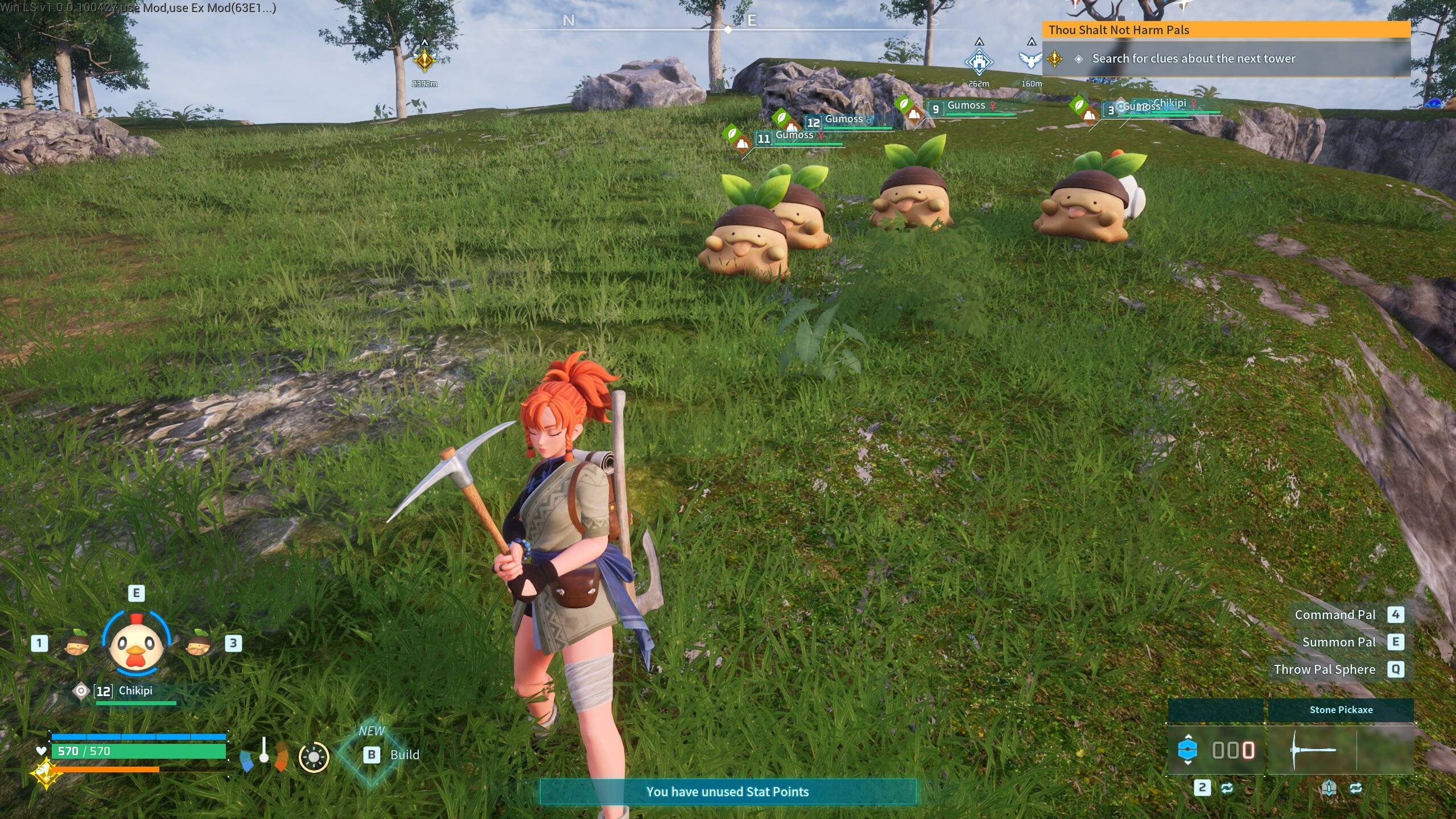
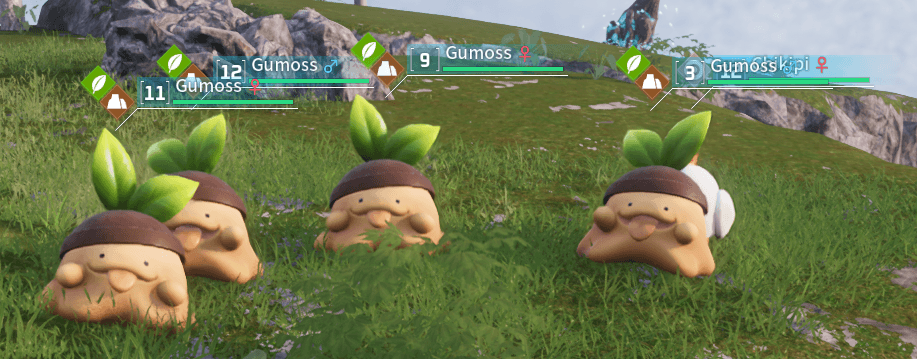
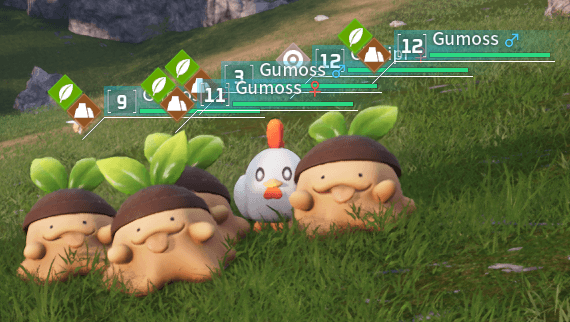
Multi Pals removes the vanilla limit of one active pal at a time. Summon additional pals from your party without recalling the one you already have out, up to a configurable limit (5 total by default: your normal pal plus 4 extras).
Works in singleplayer, co-op, and dedicated servers.
Features
- Summon extra party pals one at a time, or all at once.
- Recall all your extras with one command, or recall your normal pal with the usual E key — either way, nothing gets left behind.
- Works automatically in both keybind mode (solo play) and chat command mode (when playing with others), switching between them on its own depending on your situation.
Controls
Solo play (singleplayer, or co-op when you're the only one connected):
`— summon one additional pal from your currently selected party slot- Shift + ` — summon every remaining party pal at once
- Ctrl + ` — recall all extra pals
Playing with others (co-op with more than one player, or a dedicated server):
- !mps — summon one additional pal
- !mpsa — summon all remaining party pals
- !mpsr — recall all extra pals
The mod automatically switches to chat commands once another player is present, since a keypress can't be tied to a specific player once more than one of you are active — this happens on its own, no setup needed.
Requirements
- UE4SS installed. This is a Lua mod, so UE4SS must already be set up and working before this mod will do anything. If you don't have UE4SS yet, install that first — its own instructions will walk you through it.
Installation
- Locate your Palworld installation folder. By default on Steam, this is:
<your Steam library>\steamapps\common\Palworld\Pal\Binaries\Win64\(Right-click Palworld in your Steam library → Manage → Browse Local Files if you're not sure where this is.) - Inside that folder, you should already see a
Modsfolder (created by UE4SS). Open it:...\Pal\Binaries\Win64\Mods\ - Extract the downloaded zip, then copy the whole
MultiPalsfolder into thatModsfolder, so you end up with:...\Pal\Binaries\Win64\Mods\MultiPals\Scripts\main.lua...\Pal\Binaries\Win64\Mods\MultiPals\enabled.txt - In that same
Modsfolder, openmods.txtin a text editor (Notepad works fine). - Add this line anywhere in the file (or change it if it's already there):
MultiPals : 1 - Save
mods.txtand close it. - Restart Palworld (or restart your dedicated server, if that's where you're installing it).
If everything's set up correctly, you should see "MultiPals" mentioned in the UE4SS console when the game starts.
Dedicated Server — important, please read
Summoning a pal into the shared world is a server-authoritative action — the same way our other mods have found that certain actions need the server itself to have the mod installed, not just your own client. For this mod to actually work on a dedicated server, the server itself needs Multi Pals installed, not just the players connecting to it. If it's only on your client, pressing the keys or typing the chat commands may not do anything, since your client alone can't create a real pal that the server and other players will actually see.
Notes
- The extra pal limit is adjustable in the mod's script (
MAX_EXTRA_PALS), default 4 extras (5 total out). - Safe to add to or remove from an existing save.
The Multi Pals (Party Summon) Team