


PW Mod Config Menu (MCM)
Simple in-game Mod Configuration Menu compatible with all mods that have a config json/lua out of the box.
Screenshot 2026-09-26 004311.png
Screenshot 2026-09-26 004334.png
Screenshot 2026-09-22 032443.png
Screenshot 2026-09-26 004605.png
Description
Description
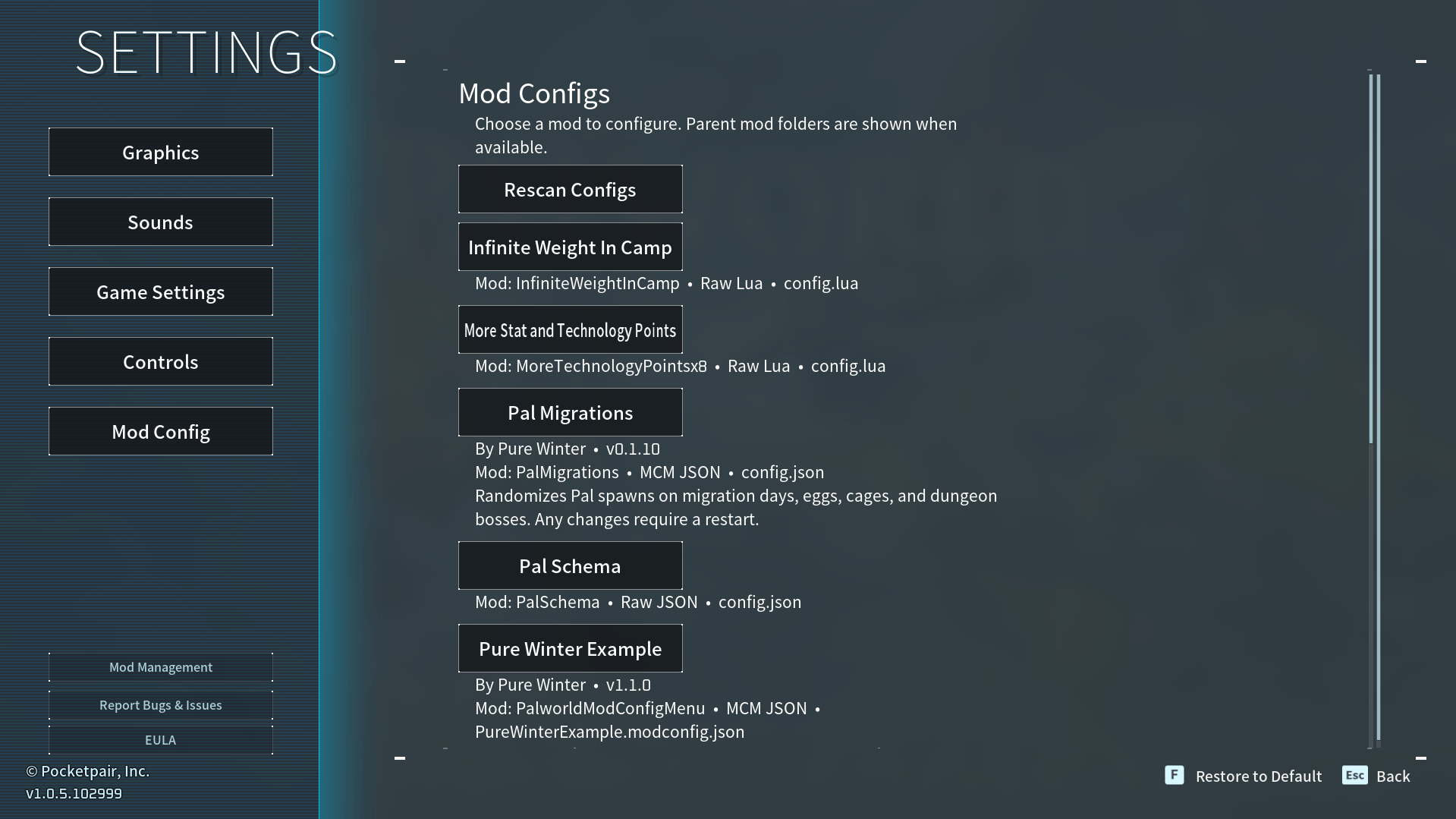
Automatically detects all mod configs and puts them into an in game menu for you without any user involvement to do so! Time saver. Compatible with Steam Workshop and Manually installed mods.
Automatically detects all mod configs and puts them into an in game menu for you without any user involvement to do so! Time saver. Compatible with Steam Workshop and Manually installed mods.
- I couldn't get ye ole Modconfig Menu (UI) to work so I made this.
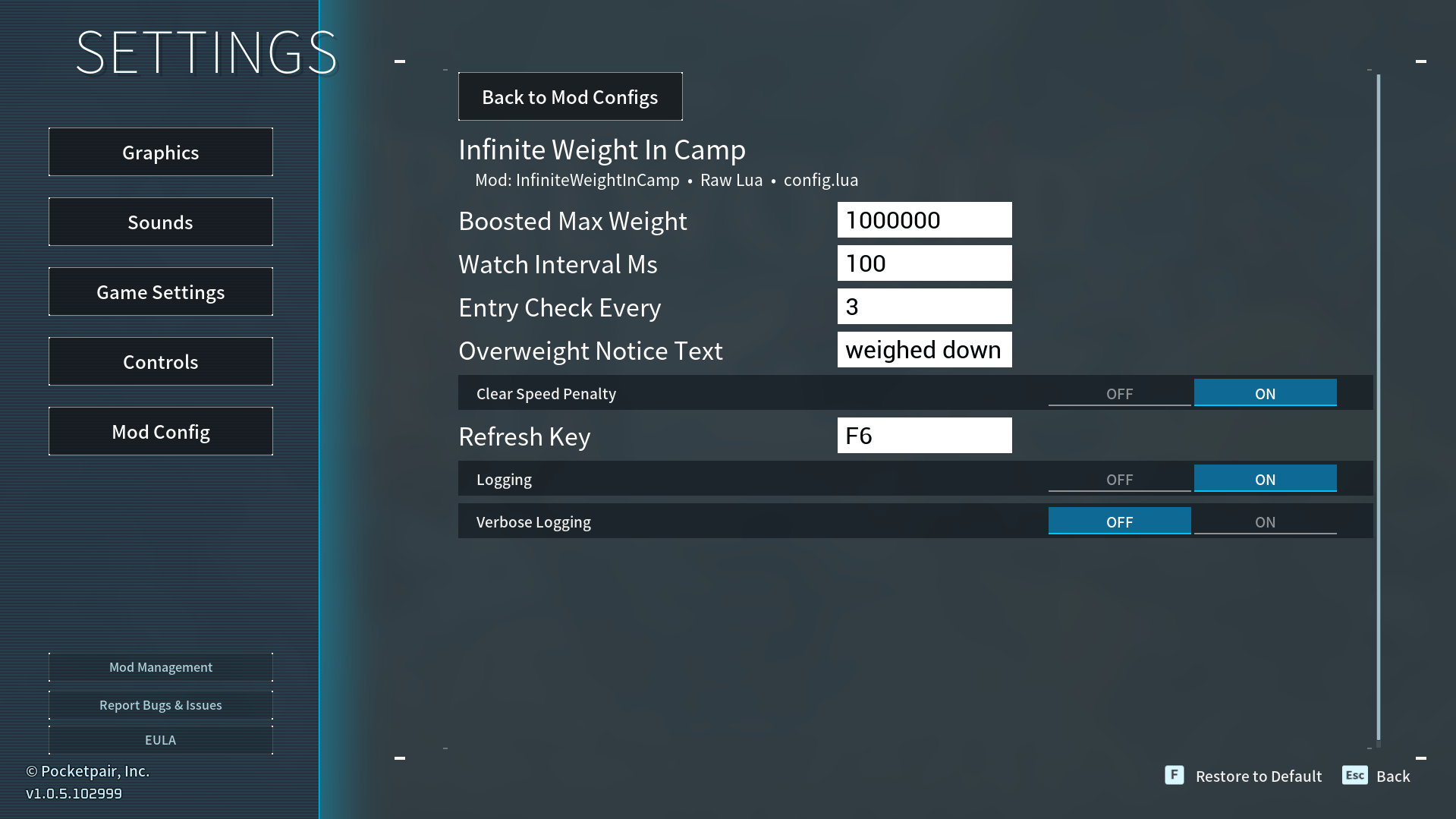
- It auto detects modconfig.json or config.lua/config.json etc files and loads them into the UI for you.
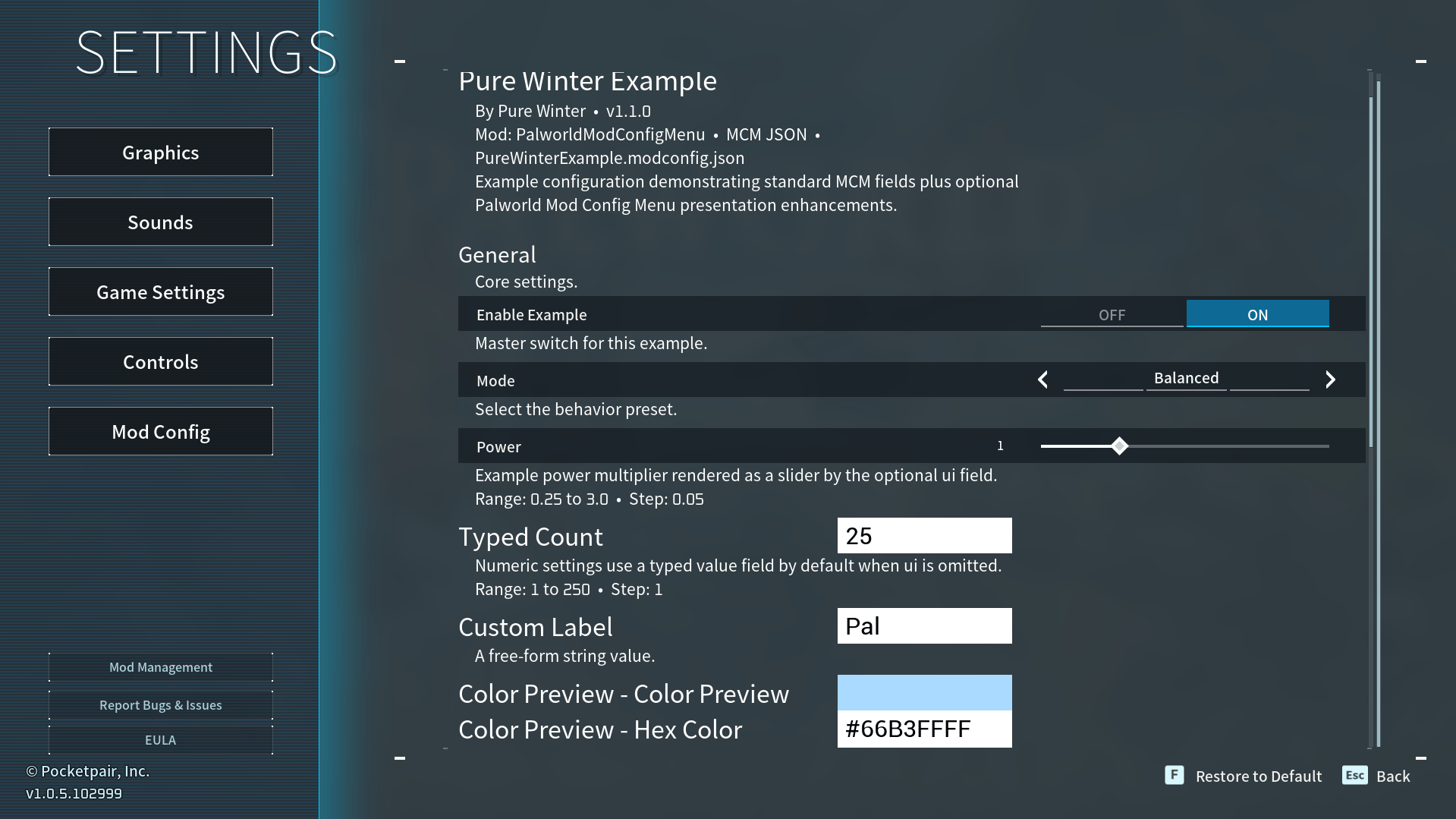
- Mod authors who want fancy categories and descriptions can still create them. An example template with all the options is provided, it's super simple. :)
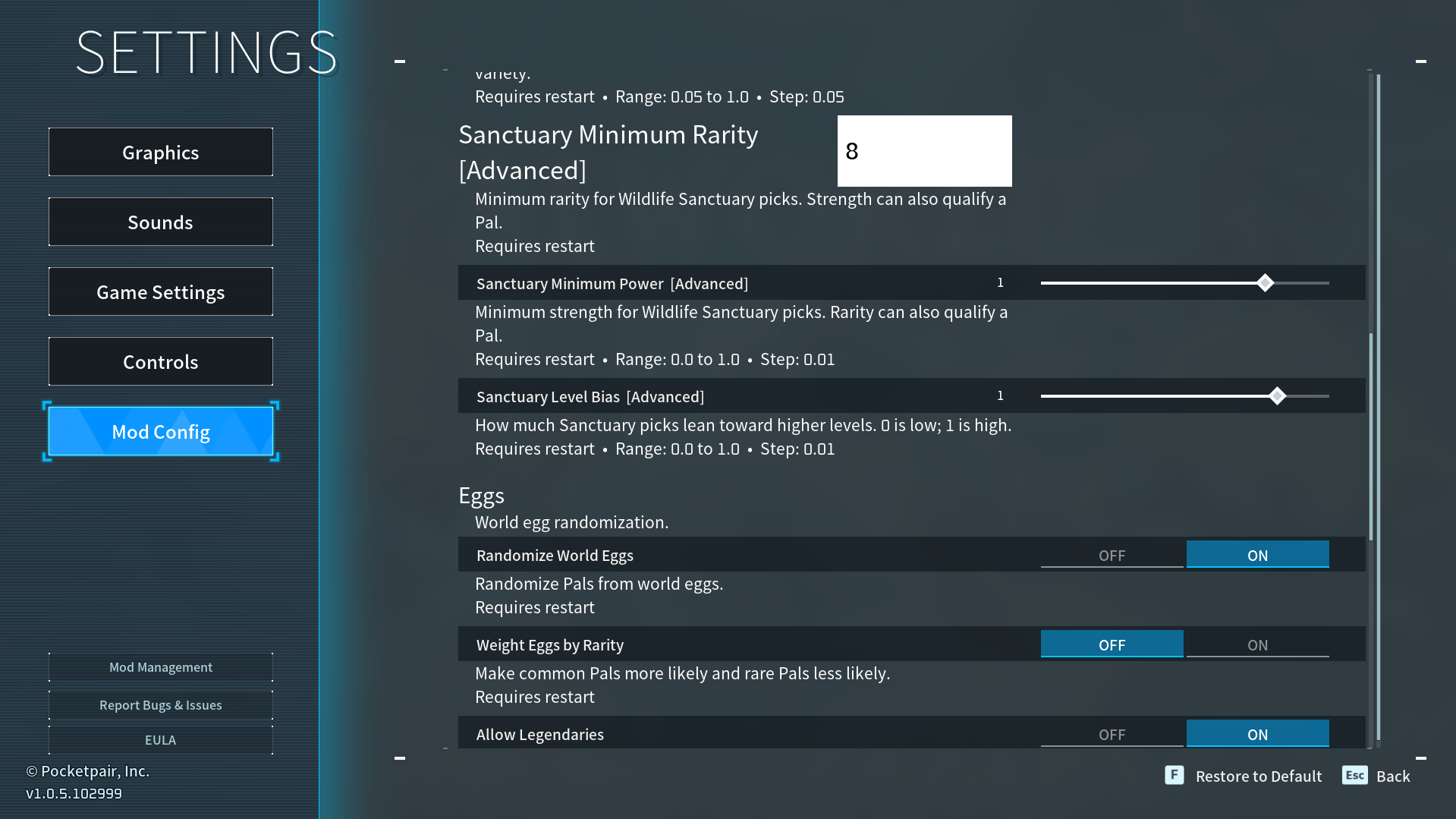
- Backwards compatible automatically with Modconfig Menu (UI) supported mods! Includes their formatting!!
If I missed an older file path like some weird stuff in Logic Mods in the pak folder not being detected please leave a comment on what wasn't picked up so I can update this MCM.
Installation instructions
PalworldModConfigMenu folder (not zipped) goes in:
Steam Manual
Steam Manual
Steam\steamapps\common\Palworld\Pal\Binaries\Win64\ue4ss\Mods\PalworldModConfigMenuSteam Workshop User (Will also work in the mod's default Steam Manual path and recommended)
Steam\steamapps\common\Palworld\Mods\NativeMods\UE4SS\Mods\PalworldModConfigMenuXbox App / Microsoft Store / PC Game Pass
XboxGames\Palworld\Content\Pal\Binaries\WinGDK\ue4ss\Mods\PalworldModConfigMenuTo Use
Press 'Options' either from the main menu, or in game esc menu.

Now you will see a new button, 'Mod Config' just press that. :)

Palworld Mod Config Menu (MCM) will auto detect configs for you as a mod user you don't have to do anything.
If you are a mod author, you can choose to optionally add descriptions for your mod config in json, just look at the example included file that shows all the different button/slider/toggle options.
Requirements
ue4ss
The PW Mod Config Menu (MCM) Team
