Powered Appliances - UE4SS Experimental
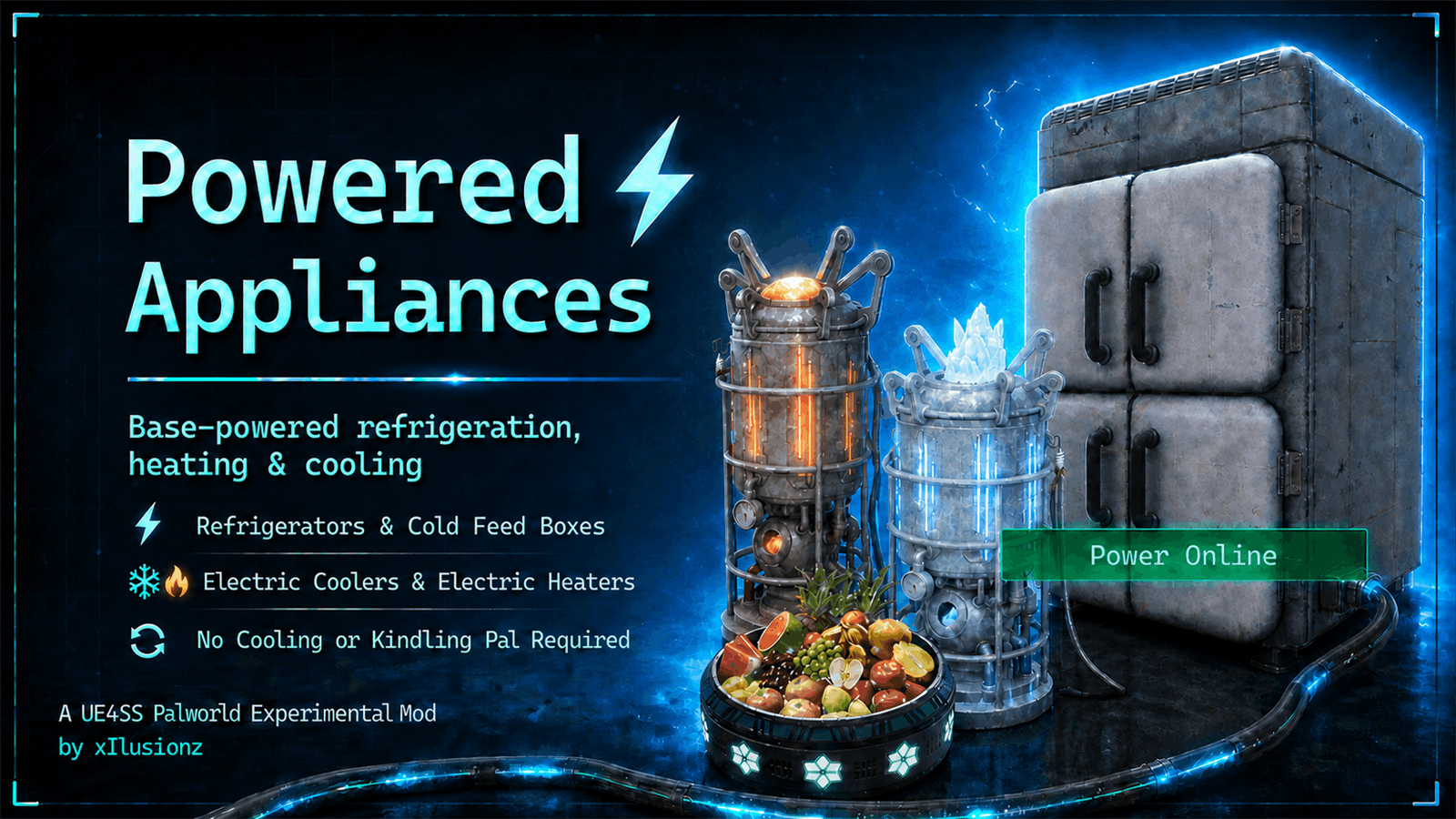
main.png
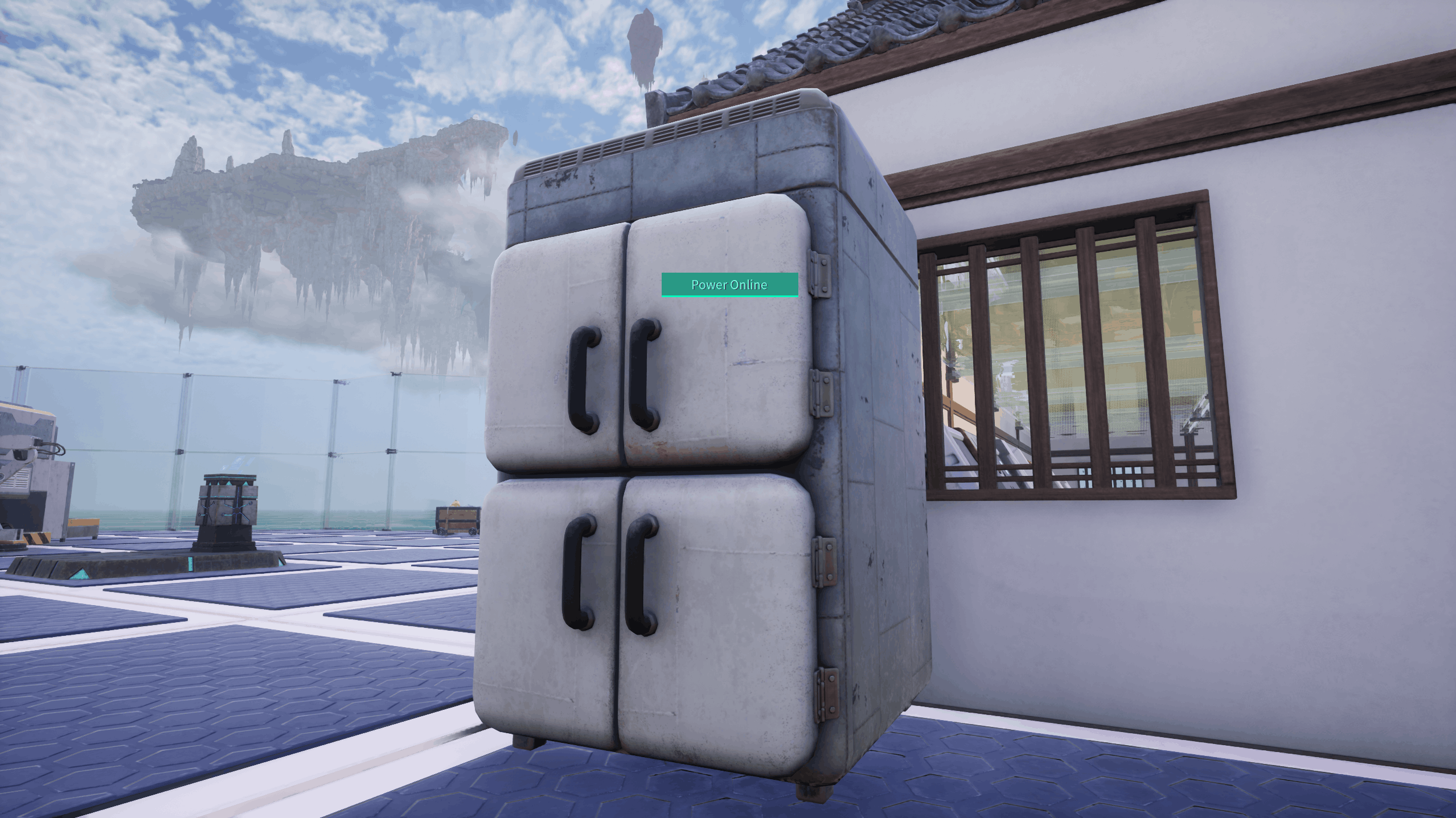
Fridge with power
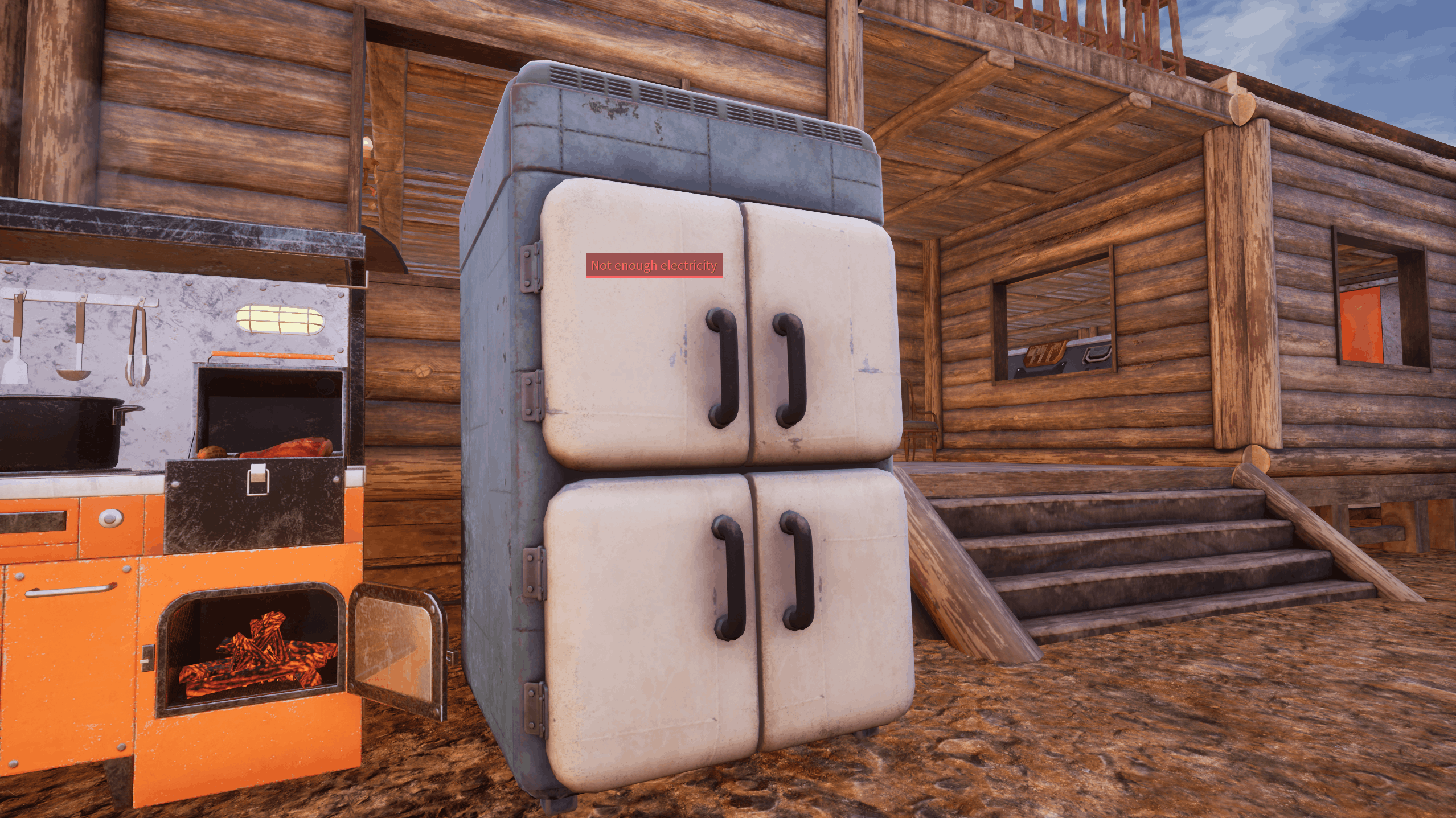
Fridge in a base without power generation
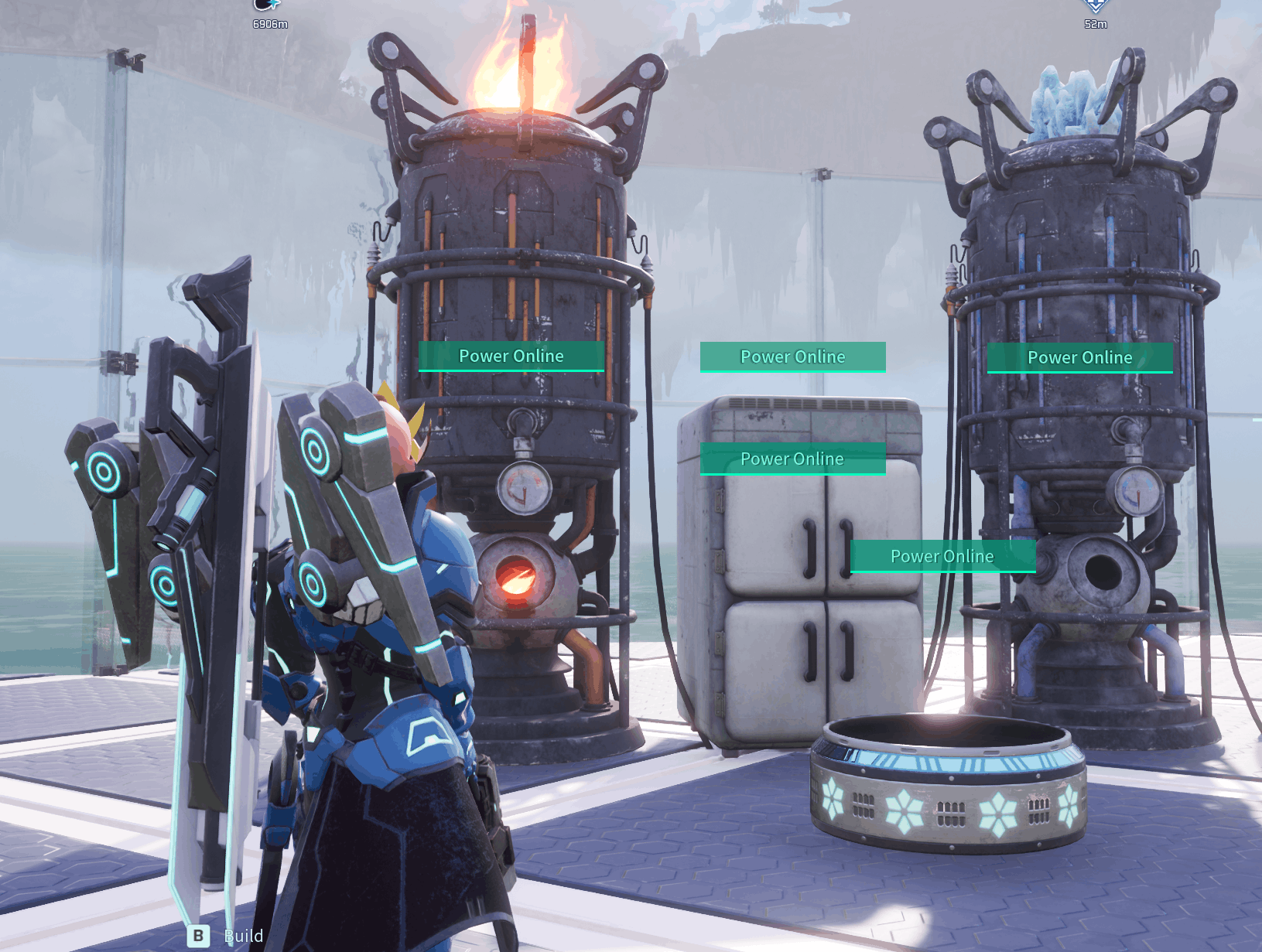
All supported appliances with power.
Description
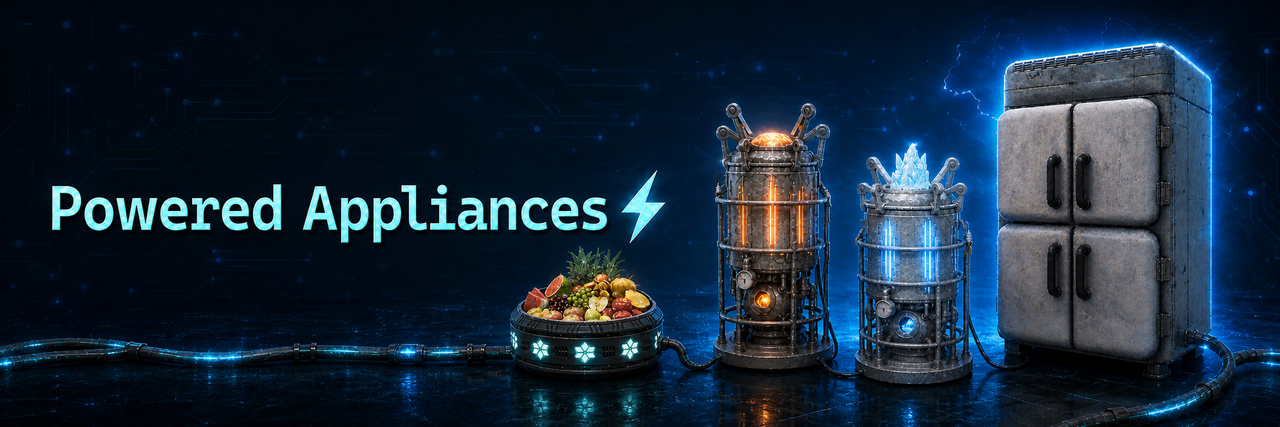
No Cooling Pal. No Kindling Pal. No rebuilding. Just base electricity. Run Palworld's cold storage and electric climate control from the base power grid.
⚡ Powered by Base Electricity • ❄ No Cooling Pal Required • 🔥 No Kindling Pal Required
OVERVIEW
Powered Appliances expands Powered Refrigerators into a configurable electricity conversion for Palworld's cold-storage and electric climate-control buildings.
The standard Refrigerator always runs from base electricity. The Cold Feed Box, Electric Cooler, and Electric Heater can also be enabled independently. Existing placements are upgraded automatically—nothing needs to be demolished and rebuilt.
When an enabled appliance has sufficient electricity, it operates automatically. If the base loses power, it stops, displays Not enough electricity on clients with the mod installed, and powered food storage returns to normal spoilage until electricity is restored.
Cooling Pals no longer recognise enabled Refrigerators, Cold Feed Boxes, or Electric Coolers as cooling jobs. Enabled Electric Heaters no longer require a Kindling Pal.
FEATURES
- Runs standard Refrigerators from the base electricity network.
- Optionally converts the Cold Feed Box to base electricity.
- Optionally removes the Cooling Pal requirement from the Electric Cooler.
- Optionally removes the Kindling Pal requirement from the Electric Heater.
- Automatically upgrades existing placements—no demolition or rebuilding required.
- Provides separate power-draw settings for all four appliances.
- Provides separate preservation multipliers for Refrigerators and Cold Feed Boxes.
- Returns powered food storage to normal spoilage while electricity is unavailable.
- Updates preservation and displayed food timers when power is lost or restored.
- Displays one custom Power Online or Not enough electricity status panel on each enabled appliance, with the mod installed on the client.
- Refreshes appliance tracking and indicators as buildings load and local display range changes.
Configurable vanilla behaviour Set an optional appliance to false to leave that structure under normal Palworld behavior. A disabled Cold Feed Box remains available to Cooling Pals; disabled Electric Coolers and Electric Heaters retain their normal Pal requirements.
DEFAULT BALANCE
- Refrigerator: 200 power draw and 40x preservation.
- Cold Feed Box: enabled, 200 power draw and 40x preservation.
- Electric Cooler: enabled and 200 power draw.
- Electric Heater: enabled and 200 power draw.
REQUIREMENTS AND COMPATIBILITY
TARGET PLATFORM AND RUNTIME
- Palworld 1.0.3 for Windows.
- Windows single-player.
- Windows co-op/listen servers.
- Windows dedicated servers.
- UE4SS Experimental for Palworld by Okaetsu.
NOT SUPPORTED OR NOT VALIDATED IN VERSION 1.1.1
- Standard UE4SS 3.0.1 stable: unsupported. Upstream experimental builds: not validated for this release.
- NullPrism UE4SS: native Linux compatibility has not been validated for this mod on Palworld 1.0.3.
- Yangff/Linux UE4SS.
- Native Linux servers.
PalSchema is not required.
Testing confirmed the current fixes in single-player and server play with a Windows client using Okaetsu's experimental build reporting c838a8ac. This does not certify every Okaetsu release or every server platform. Broader UE4SS compatibility is planned for a separate investigation.
The mod may conflict with other mods that edit the same building definitions, work-assignment data, electricity behavior, preservation behavior, or power-status UI.
MULTIPLAYER INSTALLATION RULE
For the complete multiplayer experience, install the same version of Powered Appliances and a compatible Okaetsu UE4SS Experimental for Palworld build on:
- The Windows server or host.
- Every connecting Windows client.
Use matching configuration on every installation. The server owns gameplay state, while clients require the presentation assets and matching local behavior. Client-only installation does not provide the complete authoritative server behavior.
Server-only installation and unmodified clients If Powered Appliances is installed only on the server, connecting clients will not see the "power online" or "not enough power" widgets on the Cold Feed Box and Refrigerators. However, each appliance still works strictly only on power. On refrigerators/cold feed boxes, players will see altered times on perishable foods, as if they are still being cooled by a pal. On the Electric Cooler and Heater, a native Palworld power widget is displayed saying "power online" with a kindling/cooling pal suitability requirement symbol. These are strictly cosmetic when the server has the mod installed, the pals are not needed. The monitoring stand will also display the option of assigning a pal to the appliances like vanilla does, however clicking a pal to assign it simply will not work.
MANUAL INSTALLATION
- Install UE4SS Experimental for Palworld by Okaetsu.
- Stop Palworld or the server completely.
- If updating, follow the backup and folder-replacement instructions below first. Otherwise, extract the Powered Appliances archive into the Palworld or PalServer installation root.
- Allow the archive's Pal folder to merge with the existing Pal folder.
- For multiplayer, repeat the installation on the server or host and every client.
- Start Palworld normally.
Important installed files
Pal\Binaries\Win64\ue4ss\Mods\PoweredRefrigerators\Scripts\main.lua
Pal\Content\Paks\~mods\PoweredRefrigerators_P.pak
Pal\Content\Paks\LogicMods\PoweredRefrigeratorsLogic_P.pak
Why do the installed files still say PoweredRefrigerators? The internal name is intentionally retained to keep the existing configuration path and avoid creating a second copy of the mod when upgrading.
UPDATING, CONFIGURATION AND UNINSTALLATION
Updating
Stop the game or server. Back up the existing PoweredRefrigerators folder outside the active Mods directory. Replace that complete folder with the v1.1.1 folder, then merge your custom values into the supplied config.lua. Keep verbose_logging = false for normal play. Replacing the folder removes obsolete scripts from earlier versions. Do not create a second PoweredAppliances mod folder. Use the same mod version and matching gameplay configuration on modded multiplayer installations.
For users upgrading from v1.0.x: v1.1.0 changed the default Refrigerator balance from 100 power/10x preservation to 200 power/40x preservation. Review the configuration after updating.
Configuration
Pal\Binaries\Win64\ue4ss\Mods\PoweredRefrigerators\Scripts\config.luapower_cooled_feed_box = true
power_electric_cooler = true
power_electric_heater = true
refrigerator_power_draw = 200
cooled_feed_box_power_draw = 200
electric_cooler_power_draw = 200
electric_heater_power_draw = 200
refrigerator_preservation_multiplier = 40
cooled_feed_box_preservation_multiplier = 40
verbose_logging = falseFeature options must be true or false. Power draw must be a whole number from 1 to 1,000,000. Preservation multipliers may be numbers from 1 to 1,000,000.
Set verbose logging to true only when collecting diagnostic information. Fully restart the game or server after any configuration change.
Uninstallation
Stop the game or server and remove:
Pal\Binaries\Win64\ue4ss\Mods\PoweredRefrigerators
Pal\Content\Paks\~mods\PoweredRefrigerators_P.pak
Pal\Content\Paks\LogicMods\PoweredRefrigeratorsLogic_P.pak
Restart Palworld after removal. Removing the files does not undo saved gameplay changes, demolition or spoilage. Back up your world before uninstalling; save/restart behavior after removal has not been separately validated for this update. Restore the world backup if you need to reverse saved effects.
TROUBLESHOOTING
The mod does not load
Open UE4SS.log and confirm that PoweredRefrigerators loaded from the active UE4SS Mods folder. Make sure you installed Okaetsu's experimental Palworld build, not standard UE4SS.
An appliance has no power status
Confirm that both PAK files are installed, that the same mod version and matching configuration are present on the server/host and client, and that the game or server was fully restarted after installation.
An appliance says Not enough electricity
This is the intended offline state. Confirm that the structure belongs to a powered base with enough available generation and reserve.
A Cooling or Kindling Pal still tries to work at an enabled appliance
Confirm that the corresponding option is true on the server/host and every client. Another mod may be overriding the same work-assignment data. Test with Powered Appliances as the only appliance, cooling, heating, or assignment overhaul.
Duplicate power panels or a floating panel after demolition
Confirm the affected client uses v1.1.1, restart fully, and check for duplicate installations. Version 1.1.1 addresses duplicate native/custom power displays and floating Electric Heater/Electric Cooler indicators after demolition. If the problem persists, report the appliance, session type, reproduction steps and client log.
Reporting a problem
Include the Palworld version, exact UE4SS build, mod version, config.lua settings, affected appliance, session type and reproduction steps. Include the affected client log and, for server-side problems, the server/host log. Remove passwords, access tokens and other private information before sharing logs.
CHANGELOG — v1.1.1
- Fixed duplicate power indicators appearing after demolishing and rebuilding appliances.
- Updated the four supported appliances to use the mod's custom power indicator across single-player and multiplayer client play.
- Fixed Electric Heater and Electric Cooler indicators remaining in the air after demolition.
- Improved indicator cleanup when appliances are destroyed, detached or replaced, including retries after temporary cleanup failures.
- Added recovery after changing worlds when custom indicator initialization previously failed.
- Replaced repeated native HUD repair with event-driven suppression of the relevant native power displays.
- Moved detailed HUD diagnostic messages behind the verbose logging setting. Verbose logging is disabled by default.
CHANGELOG — v1.1.0
Added
- Optional base-powered Cold Feed Box support.
- Optional removal of the Cooling Pal requirement from Electric Coolers.
- Optional removal of the Kindling Pal requirement from Electric Heaters.
- Separate power-draw settings for all four appliances.
- Separate preservation multipliers for Refrigerators and Cold Feed Boxes.
- Native power-widget repair for already-placed Electric Coolers and Electric Heaters.
Changed
- Renamed Powered Refrigerators to Powered Appliances.
- Changed default Refrigerator balance from 100 power and x10 preservation to 200 power and x40 preservation.
- Set Cold Feed Box defaults to 200 power and x40 preservation.
- Set Electric Cooler and Electric Heater defaults to 200 power.
Fixed
- Fixed duplicate storage power widgets in single-player and co-op/listen servers.
- Fixed missing native power widgets on already-placed Electric Coolers and Electric Heaters.
- Improved power-widget persistence after fast travel and world streaming.
- Ensured disabling Cold Feed Box support restores normal Cooling Pal assignment.
CREDITS
- Okaetsu — UE4SS Experimental for Palworld.
- UE4SS-RE contributors — the UE4SS project and Lua modding framework.
MY OTHER MODS
Stuck Pal Scanner (SPS) — Server and Singleplayer
Powered Appliances v1.1.1 Created by xIlusionz
The Powered Appliances - UE4SS Experimental Team