20260710172042_1.jpg
20260710172046_1.jpg
20260710172057_1.jpg
20260710172012_1.jpg
Description
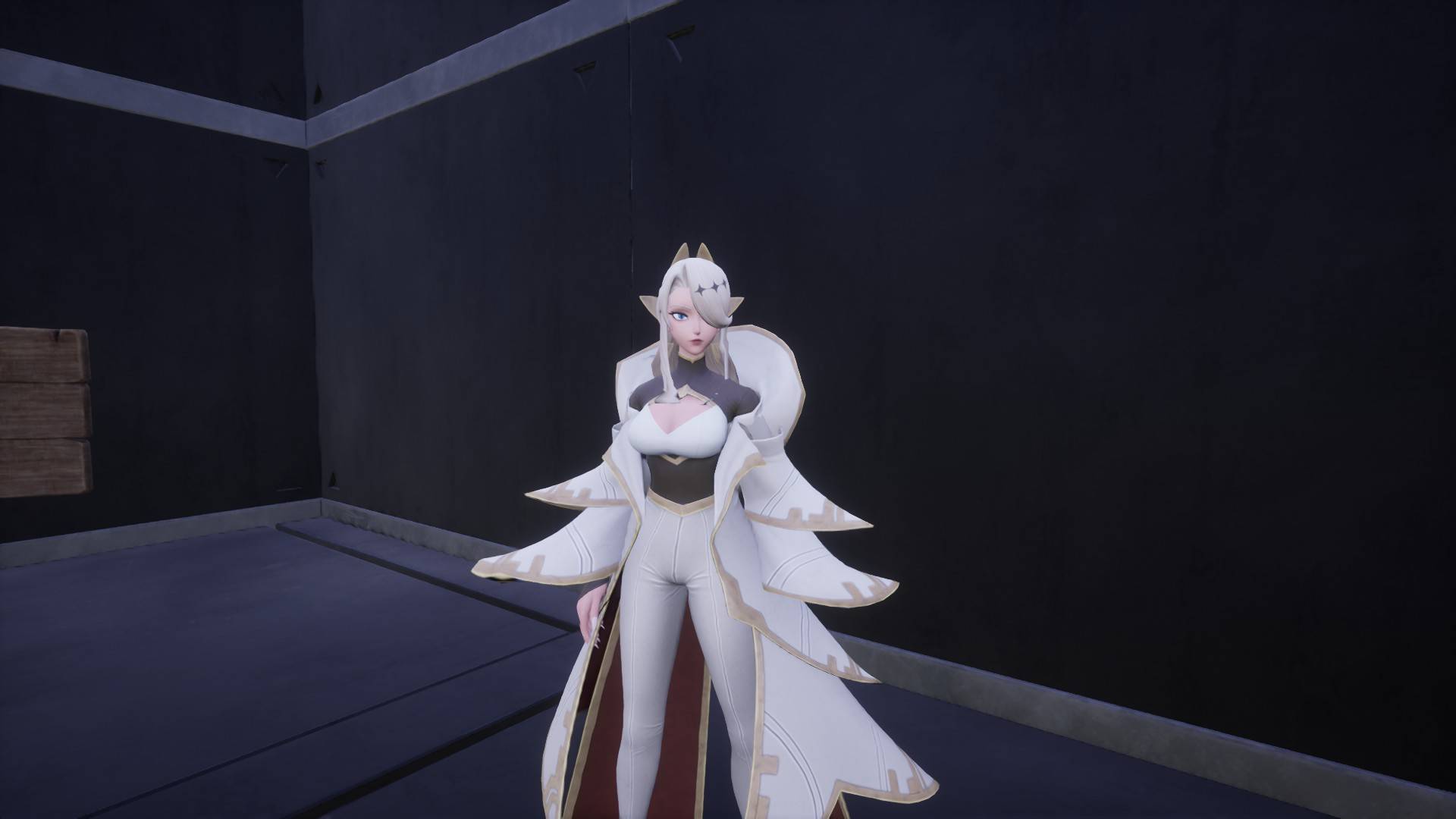
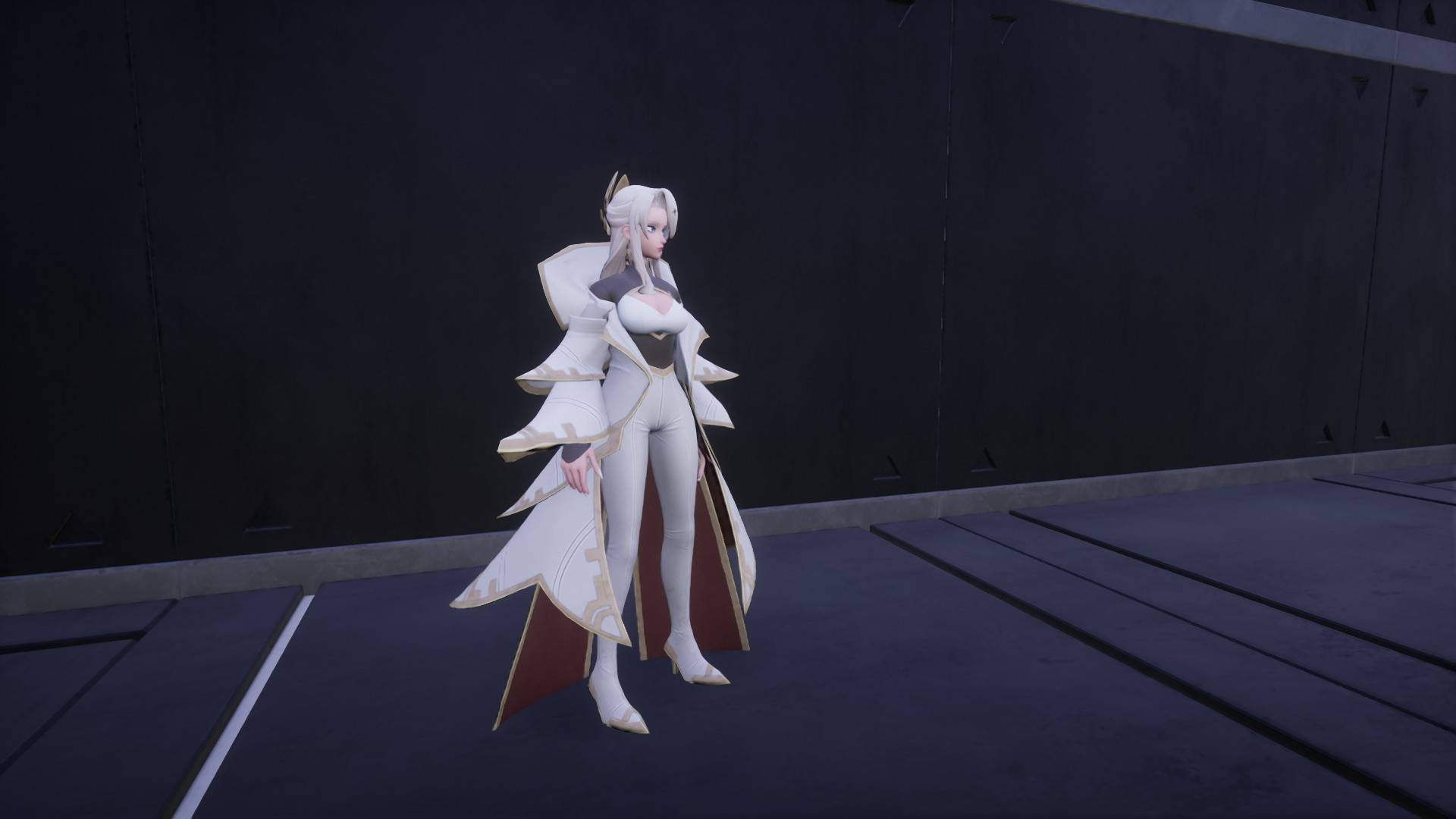
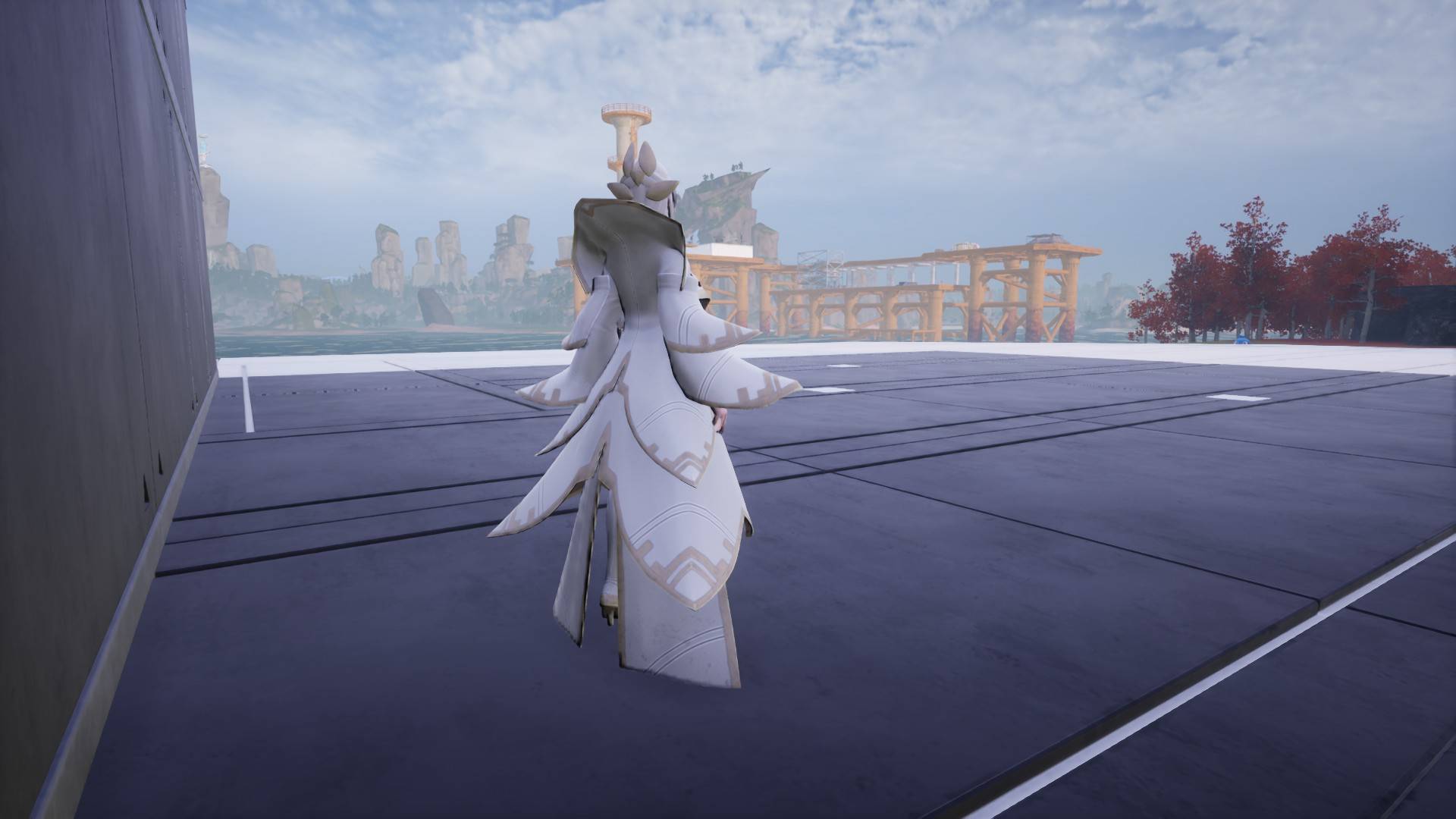
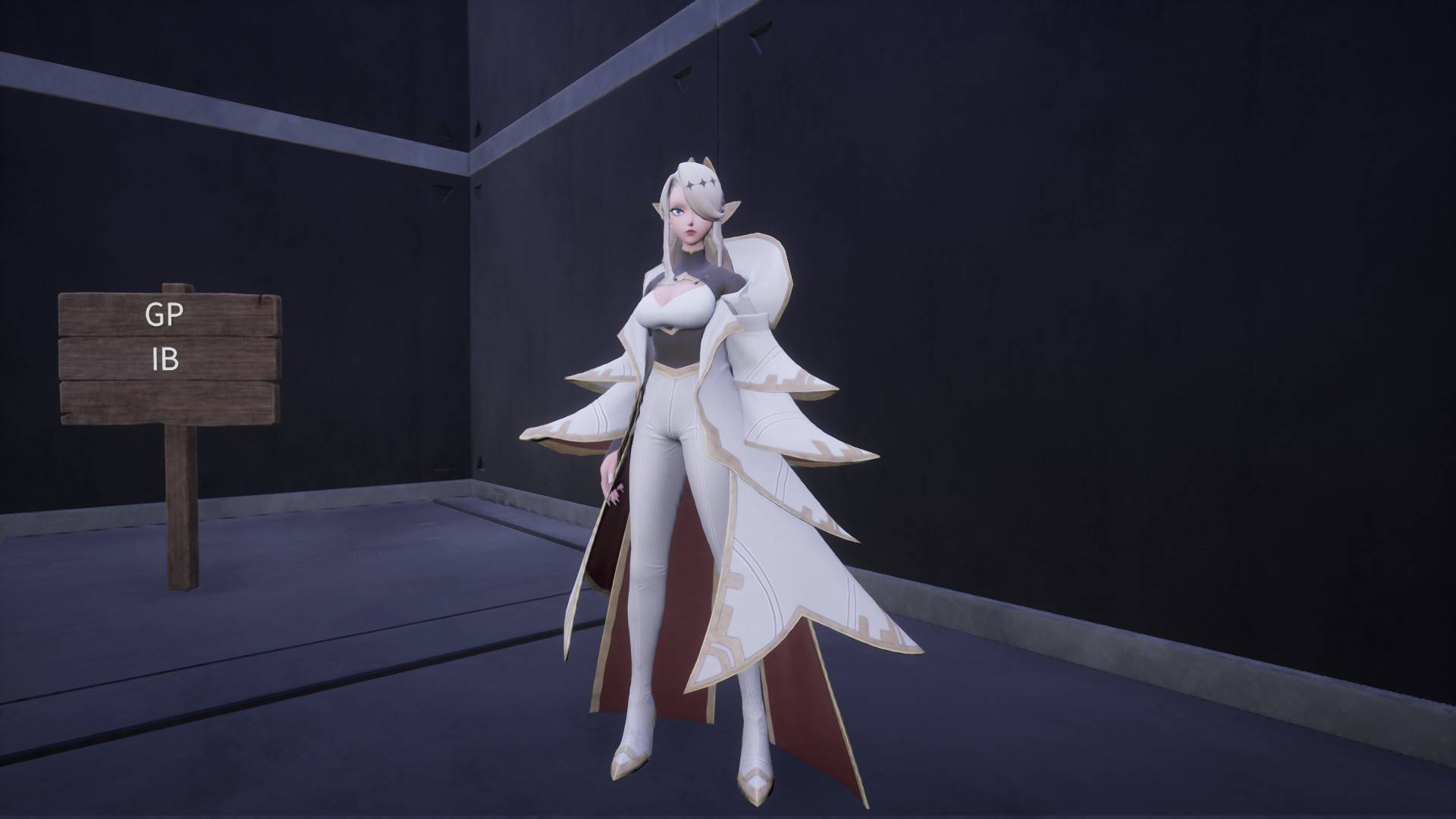
Zenara V2
Replaces the female player character with Zenara.
Installation
-
Download the mod file from CurseForge.
-
Place
Zenara_V2_Pinto your PalworldPaksfolder:
Pal\Content\Paks
- Launch the game.
Character Setup
Depending on your character's current appearance, the mod may initially look broken. If this happens, follow the steps below.
Without Coat
Select the default face shown in the image below.
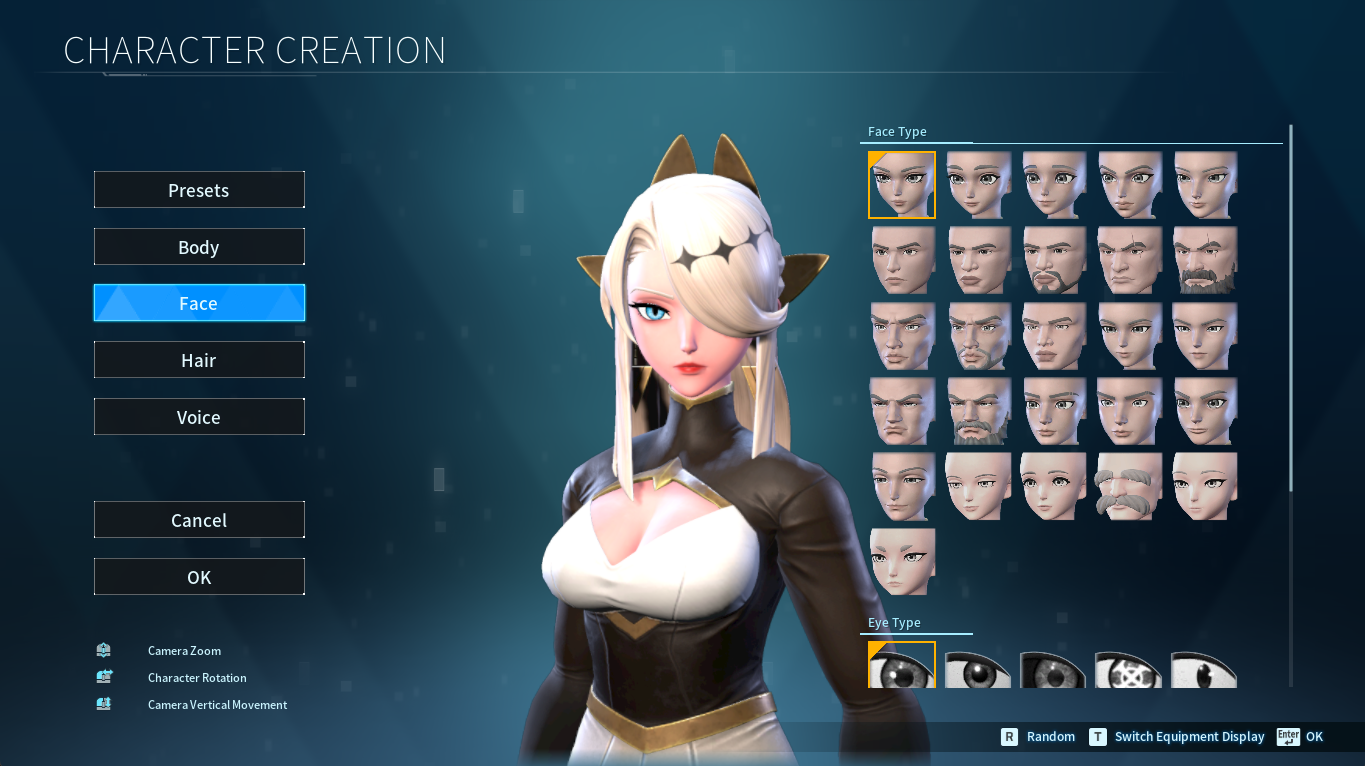
With Coat
Select the alternate face shown in the image below.
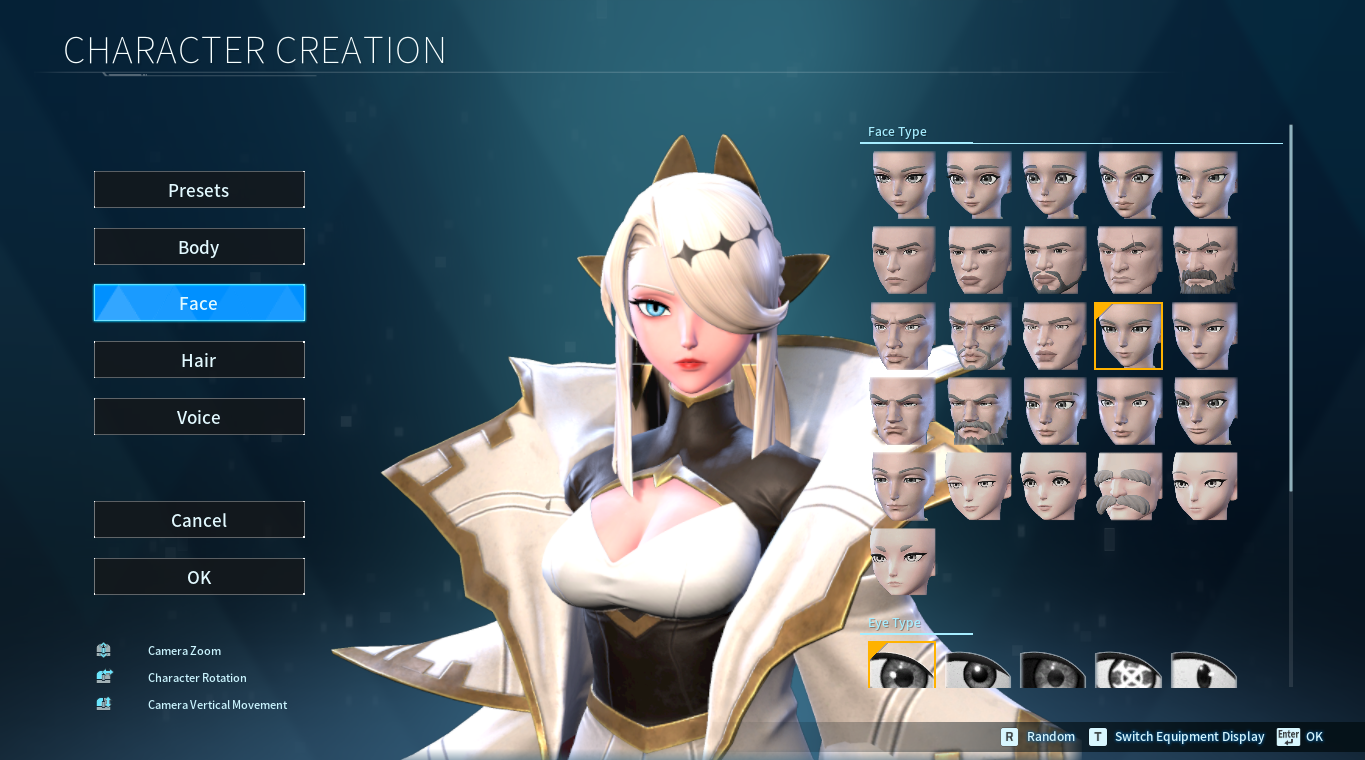
Basic Usage
-
Equip Cloth Armor.
-
Select the Bald hairstyle.
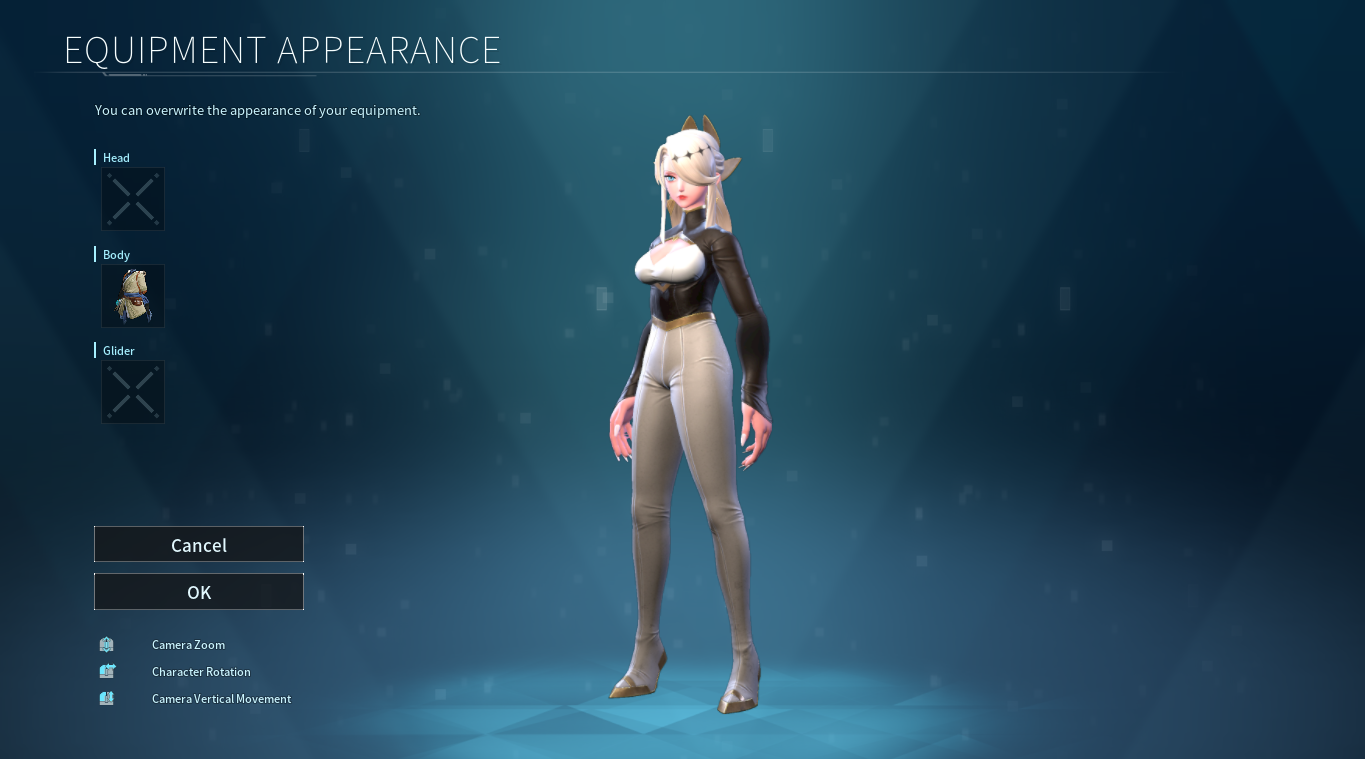
Using the Mod With Other Armor
If you want to use Zenara with other armor sets:
-
Go to an Ancient Dresser.
-
Press
Vto use the appearance override. -
Select the Cloth Armor appearance.
This will make the game use the Cloth Armor appearance while allowing you to wear any armor you want.
The Play as Zenara Team