
Twin: Advanced Buff Tracker
- By
- Addons
Change the native Rift Buff-Bar with something more useful and user friendly
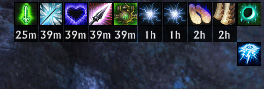
Ungrouped Buffs
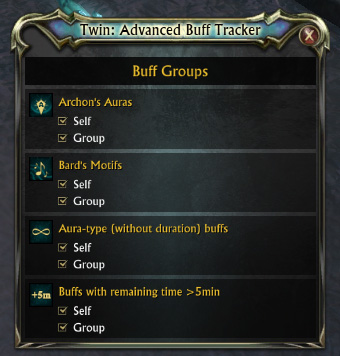
Addon options
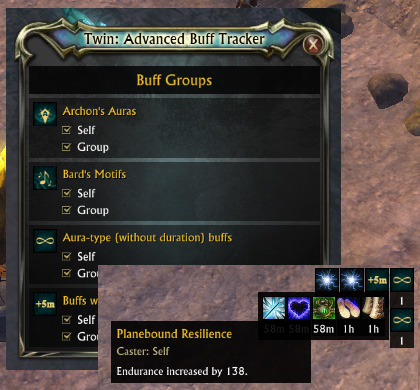
Addon Preview
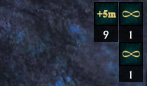
Grouped Buffs
Description
Advanced Buff Tracker
This addon is designed to change the native Rift Buff-Bar with something more useful and user friendly by introducing buff sorting, grouping and more.
Features
- Buff and debuff ordering by remaining time
- Buff grouping (4 distinct groups)
- Buff tracking by caster (2 distinct filters)
- Debuff coloring
Using addon
- Left-click on addon's options button ("T" icon in the middle of the screen)
- Position all elements in desired positions (left-click and drag)
- Optional: enable desired grouping by checking it in options panel
- Close the options panel and let the magic happen
Additional notes
- Left-click on icon to focus pop-up buff bar
- This addon doesn't disable native buff-bar, so you will have to disable it manually. To do so:
- Go to: 'System' > 'Edit Layout'
- Select "Buff Bar" HUD element
- Untick "Enabled" option
- The timers are refreshed every second, so there might be a small (milisecond) deviation from actual remaining time on buff/debuff
- To get more in-game commands: /twinabt
The Twin: Advanced Buff Tracker Team
