


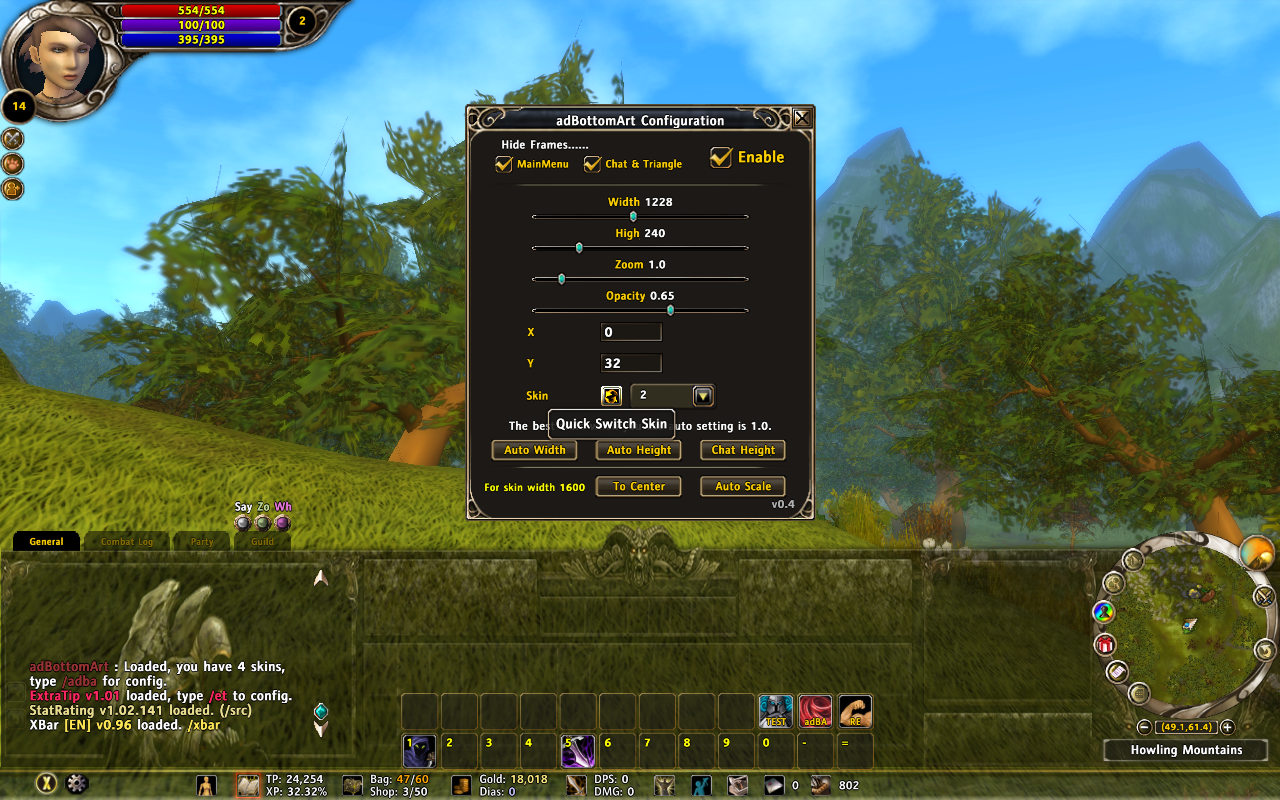
adBA
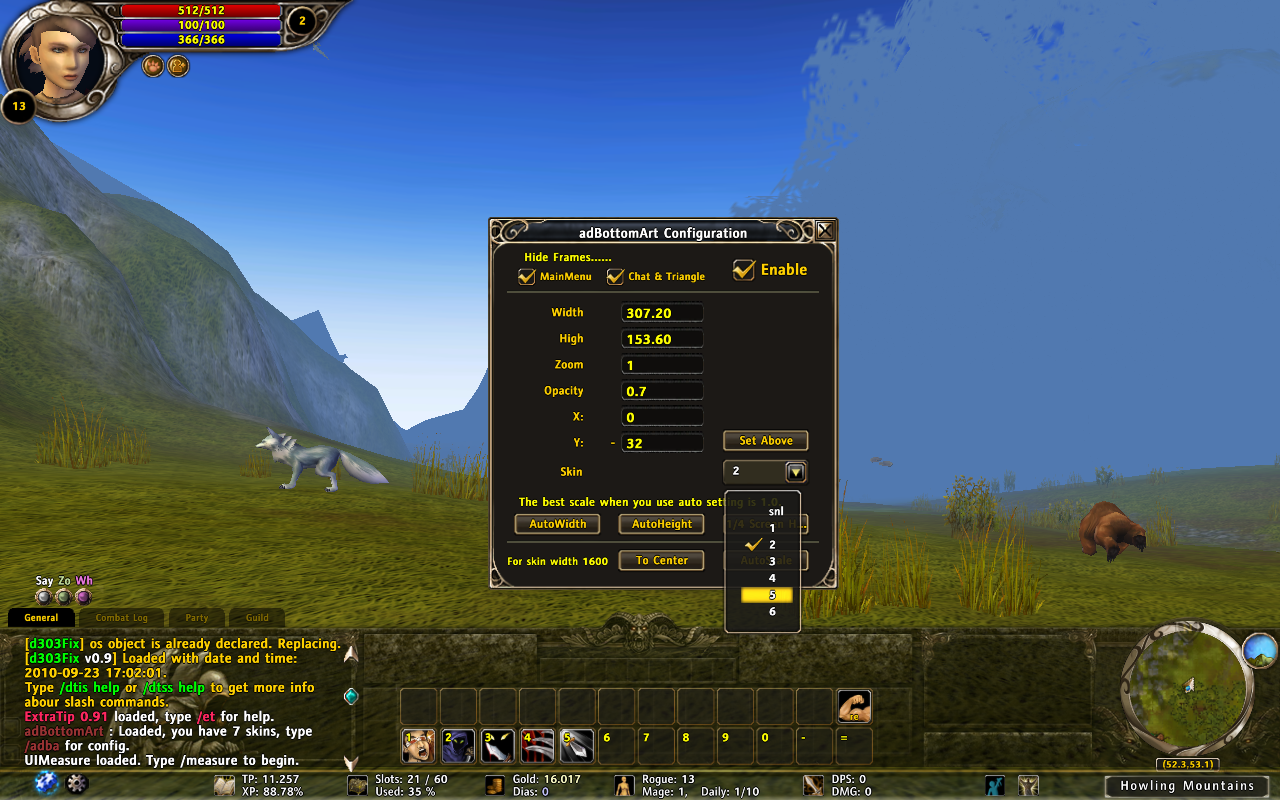
adBA with XBar
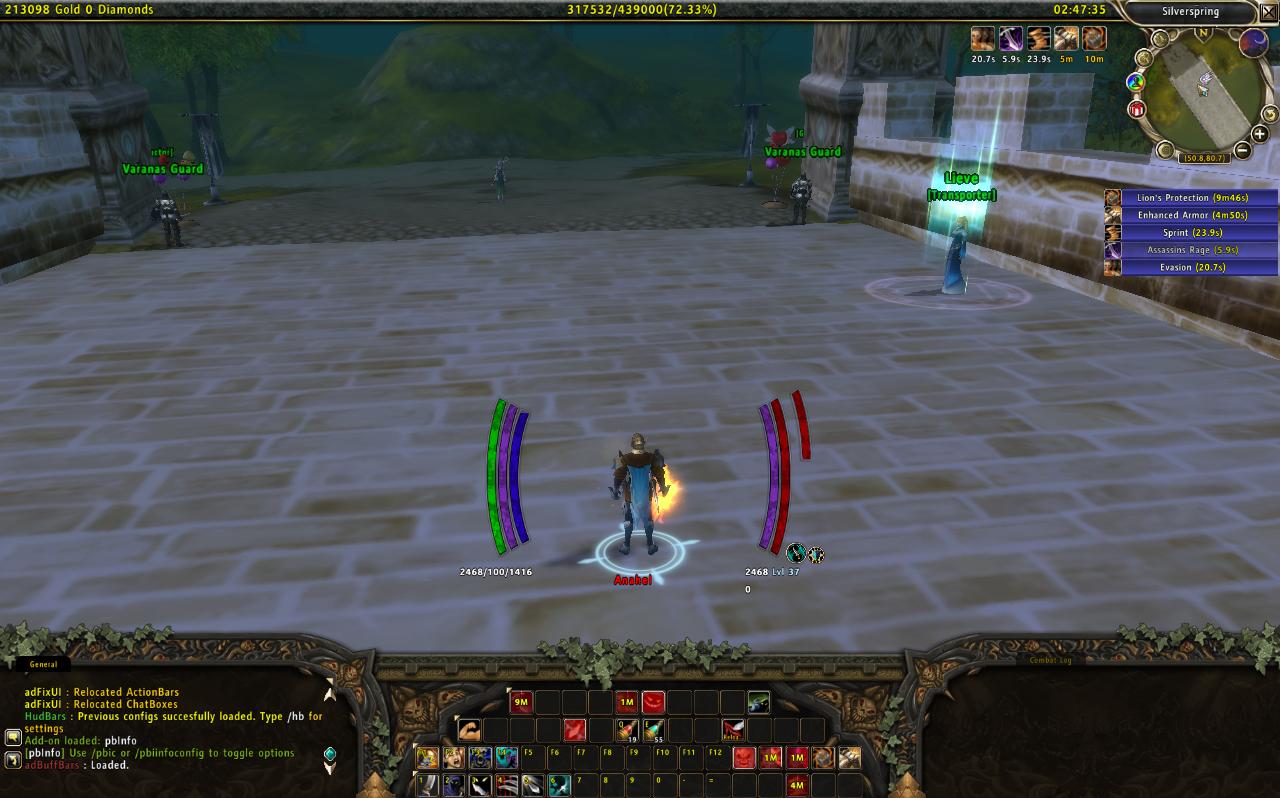
Screenshot of the initial release of adBottomArt.
Notice the artwork at the bottom of the screen.
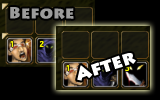
Set the opacity of Triangle to 0.1.
Description
Features
- Displays an artwork at the bottom of the screen.
- The first addon which auto load your skins, you don't need to change any codes.
- You can quick switch your skin.
- Auto Settings for 2048 or 1600 width skins.
- Auto set skin height to same as chat height.
- You can set the offset of your skin.
- You can hide Chat and Triangle.
- Chat: All Chat background set opacity to 0 and Emotion, ChatReset Button set opacity to 0.1.
- Triangle: All the Triangle for move frame set opacity to 0.1.

- You can hide MainMenu and Experience Bar.
Add Your Skin
- Download skin from anywhere.
- The format of skin textures must fit adBottomArt.xml.
- Put your skin in ...\Interface\Addons\adBottomArt\Textures.
- Change the skin folder name to a continuous number. Ex: 1, 2, 3, 4, 5..., not 1, 3, 5....
- Copy ...\Interface\Addons\adBottomArt\Textures\1\loadfile.lua to your skin folder.
- Play game! You will find your skin in drop menu.
- Your textures folder:
- Interface
- AddOns
- adBottomArt
- Textures
+ snl
+ 1
+ 2
- 3
· bg1.tga
· bg2.tga
· bg3.tga
· bg4.tga
· loadfile.lua
+ 4
+ 5
......
- If you don't use above way, you can also set skin by /adba skin XXX.
- There is must a folder which called snl in Textures folder in any version.
- The max skins I limit at 30, if anyone want, I can change it to any number.
You Can Download Skin from
- http://rom.curseforge.com/addons/magic-mirror-skin/
- http://rom.curseforge.com/addons/adbottomart-wave-skin/
- http://rom.curseforge.com/addons/woodsy-skin/
- http://rom.curseforge.com/addons/meadow-skin-adbottomart/
- http://elthrai.de/index.php?option=com_phocadownload&view=category&id=1&Itemid=152
- http://rom.curseforge.com/addons/vines/
- http://rom.curseforge.com/addons/marble-skin-adbottomart/
- http://rom.curseforge.com/addons/angelic-skin-adbottomart/
- http://rom.curseforge.com/addons/heritage-skin-adbottomart/
- http://rom.curseforge.com/addons/demonic3-skin-adbottomart/
- http://rom.curseforge.com/addons/minimalistic-skin-adbottomart/
- http://rom.curseforge.com/addons/xbar-iii/#c12
Slash Commands
- Press Enter to set or Tab to change editbox in GUI.
- /adBA or /adBottomArt - Open GUI.
- /adBA alpha 0.5 - Change transparency of artwork to 0.5, varies between 0 ~ 1.0.
- /adBA scale 2.2 - Change the scale of artwork to 2.2.
- /adBA width 256 - Change the width of independent artworks to 256.
- /adBA height 128 - Change the height of independent artworks to 128.
- /adBA xoffset 10 - Change the x offset of artworks to 10.
- /adBA yoffset 32 - Change the y offset of artworks to 32.
- /adBA switch - Switch the bottom art.
- /adBA skin XXX - Change skin which the folder called XXX.
- /adBA autow - Set textures to fit your screen resolution.
- /adBA autoh - Set the textures height to fit your screen resolution.
- /adBA chath - Set the textures height to same as chat height.
- /adBA 16center - Set the 1600 width textures to center.
- /adBA 16scale - Set the 1600 width textures height and width to fit your screen resolution.
- /adBA 16hath - Set the 1600 width textures height to same as chat height.
Description
- If you want to move Minimap, please use other addon.
- The Information bar is not add by adBottomArt.
- Sorry, I added 2 skins in the addon if you (the skin author) don't like, I will delete it.
Do you have problem?
- Please read Addon Teaching first.
- Please report bug at Tickets.
The adBottomArt Team

