


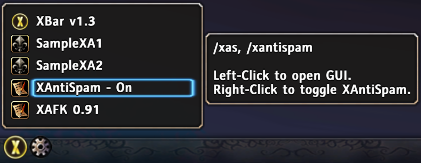
In popup, you can use Left/Right-Click.
You can add any function you need in popup menu, like toggle your addon, open GUI...
There is a tooltip for your addon, you can add any information which you want, like author, usage, description...
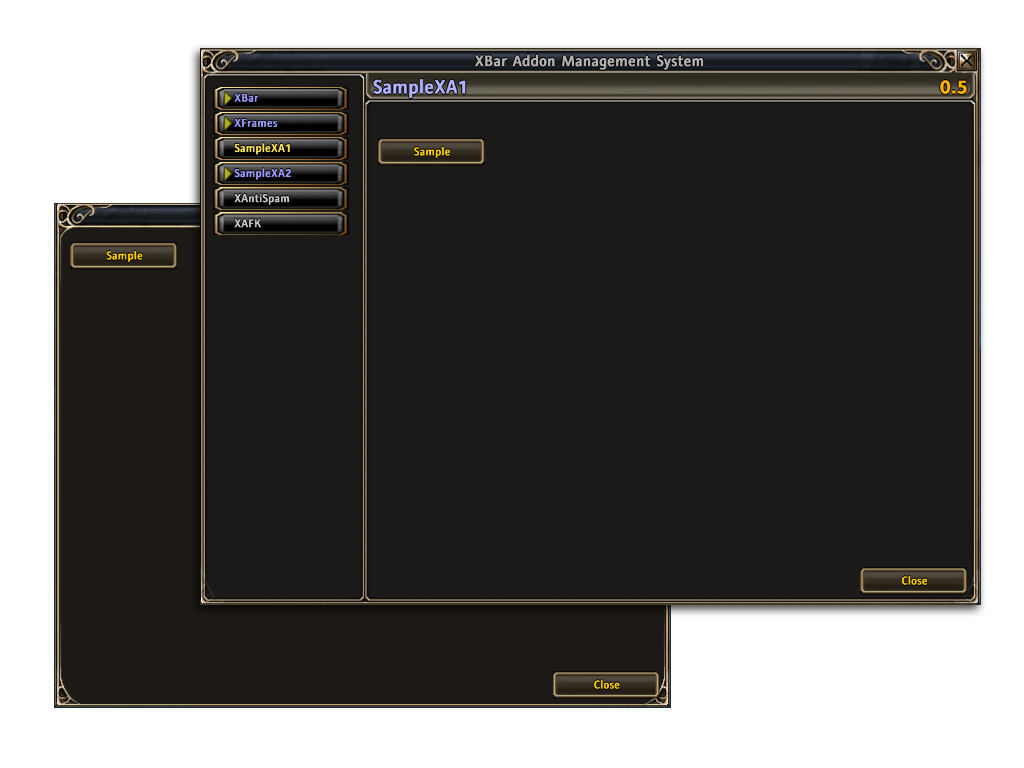
You can also use UICommonFrameTemplate or other backdrops.
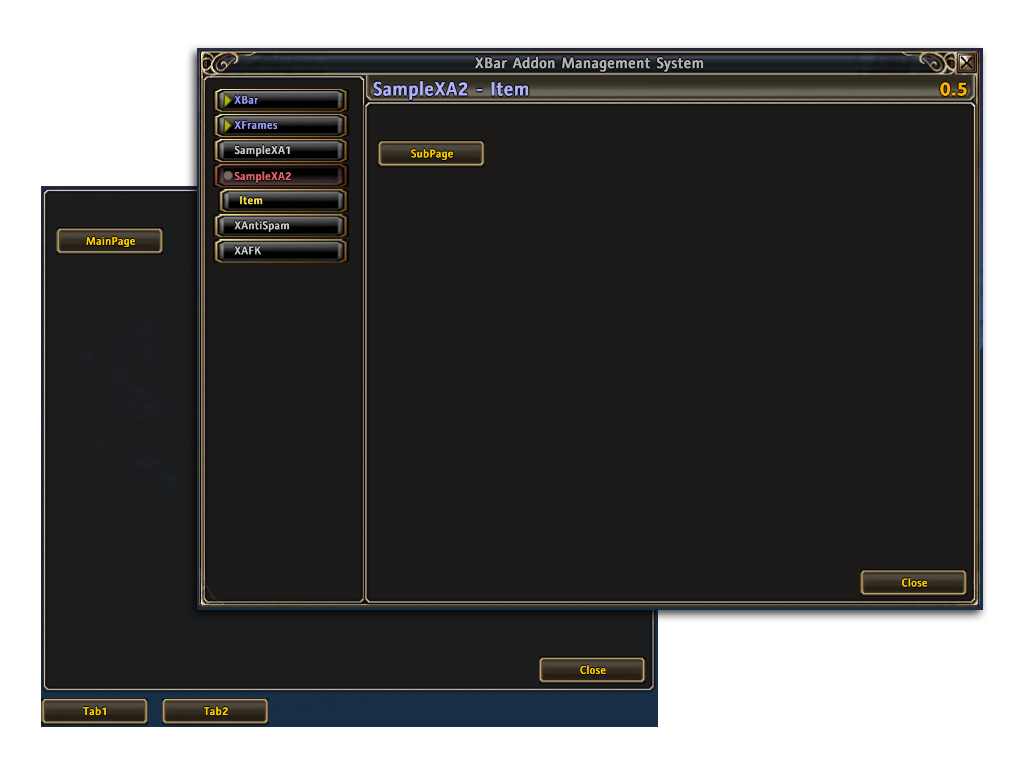
There are 3 levels for page in XBar Addon Management list.
Description
Features
- XBar integrates addons' GUI in one window.
- XBar integrates addons' setting or function access in popup menu.
- Enable Left/Right-Click in popup menu.
- Shows your addon info in popup menu tooltip.
- You only need to write one GUI.
- You can use any style, any size of GUI.
- It is not include libraries.
- You can use multi-pages in your addon.
- There are 3 types of page level.
- If you didn't install XBar the addon can also use.
- You can also add a button in XBar
Thanks McBen's suggests.
The Sample for XBar Addon Management Team

