


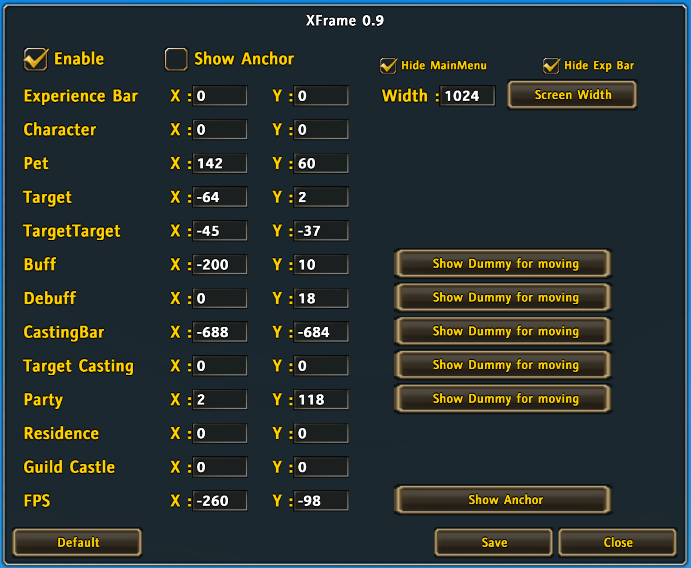
GUI

Dummy for Move
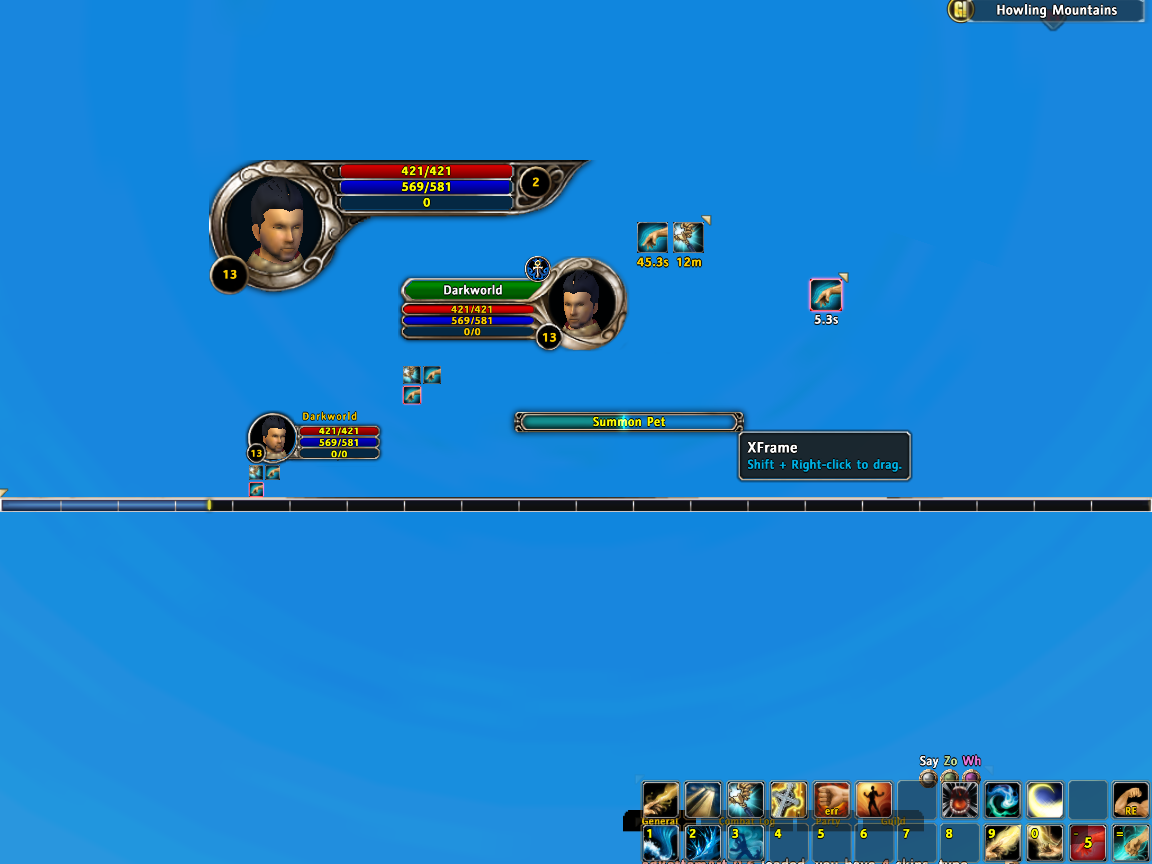
XFrame
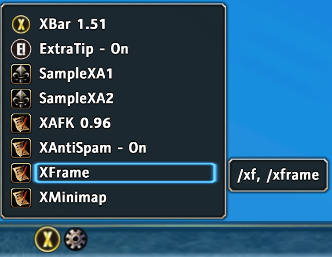
Popup Menu in XBar Addon Managemeant
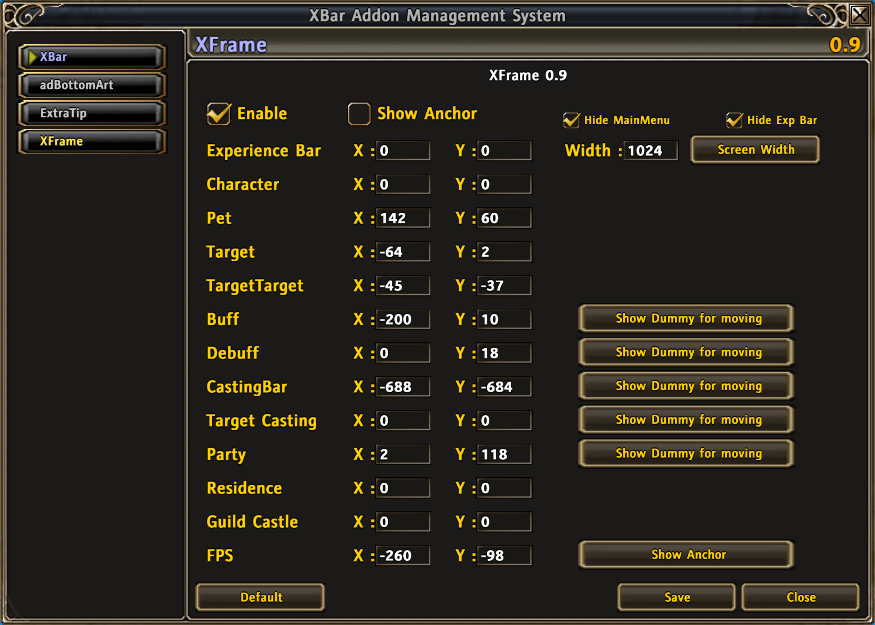
GUI in XBar Addon Managemeant
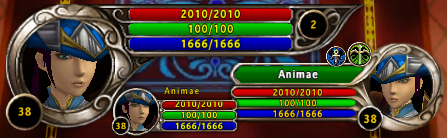
simple image...
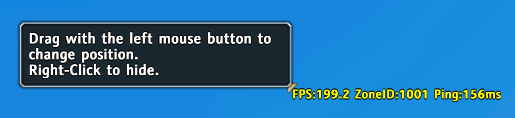
Move FPS
Description
Features
- Use original anchor.
- Hide MainMenu.
- Hide Experience Bar.
- Auto set Experience Bar width.
- Shift + R-Click to move frames.
- EditBox to set frames offset.
- Dummy for move.
- Default button.
- You can move following frames.
- Experience Bar and MainMenu.
- Player
- Pet
- Target
- Target's Target
- Buff
- Debuff
- Player's CastingBar
- Target's CastingBar
- Party
- Residence
- Guild Castle
- FPS, and changed FPS font size.
- If you didn't install XBar you can also use it.
XFrame Setting
- Frame: Own Anchor, Relative Frame Point, Relative Frame (←Move with this frame).
- ExperienceBar: Bottom, Bottom, None.
- Player: Top-Left, Top-Left, None.
- Pet: Top-Left, Top-Left, Player.
- Targe: Top, Top, None.
- TargetTarge: Top-Left, Bottom-Right, Target.
- Buff: Top-Right, Top-Right, None.
- Debuff: Top-Right, Bottom-Right, Buff.
- CastingBar: Bottom, Bottom, None.
- TargetCastingBar: Top-Left, Bottom-Left, Target.
- Party: Top-Left, Top-Left, None.
- House: Top-Left, Top-Left, None.
- Guild: Top-Left, Top-Left, None.
- FPS: Bottom, Bottom, None.
Slash Command
- /xf or /xframe - Open GUI.
Do you have problem?
- Please read Addon Teaching first.
- Please report bug at Tickets.
The XFrame Team

