

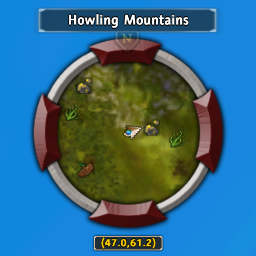
Archlord
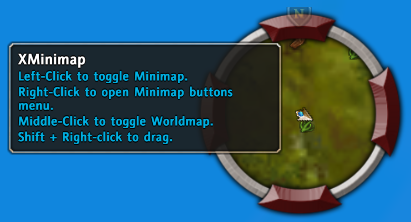
Minimap_Tooltip
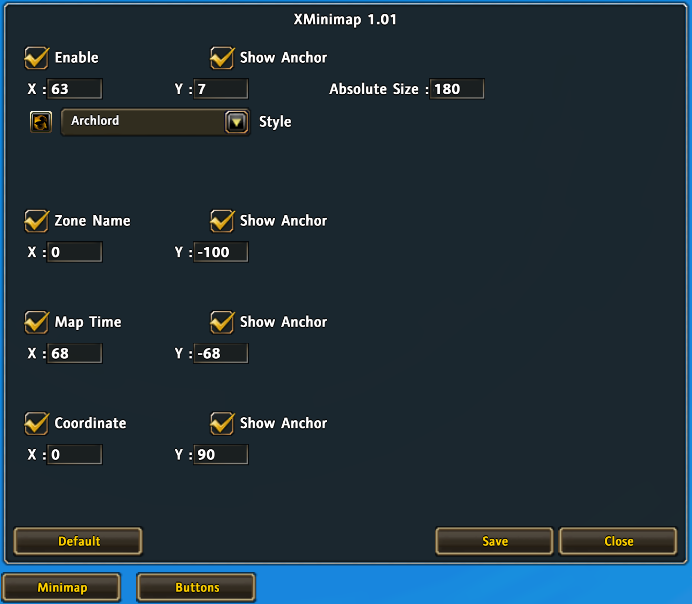
GUI1
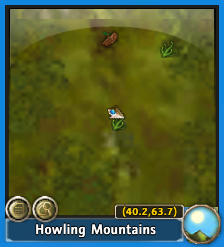
Minimap
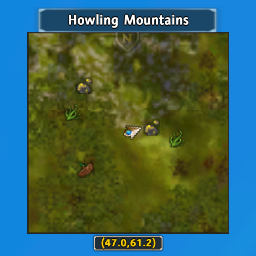
Square
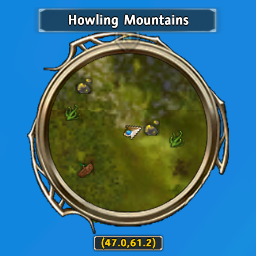
Gold
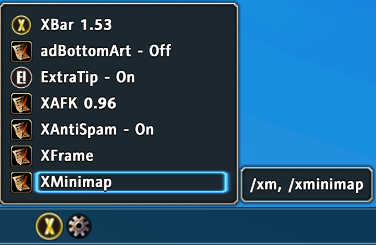
Popup Menu in XBar Addon Managemeant
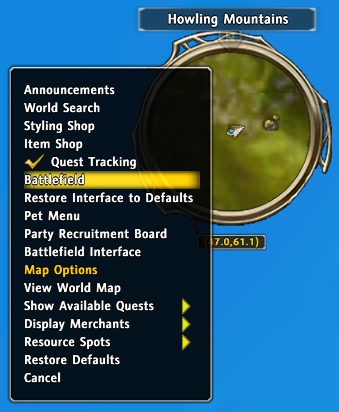
Button_Menu
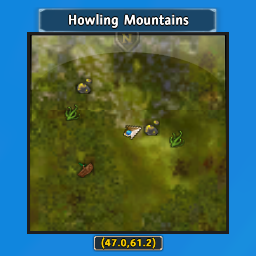
Gloss

Minimize_Minimap
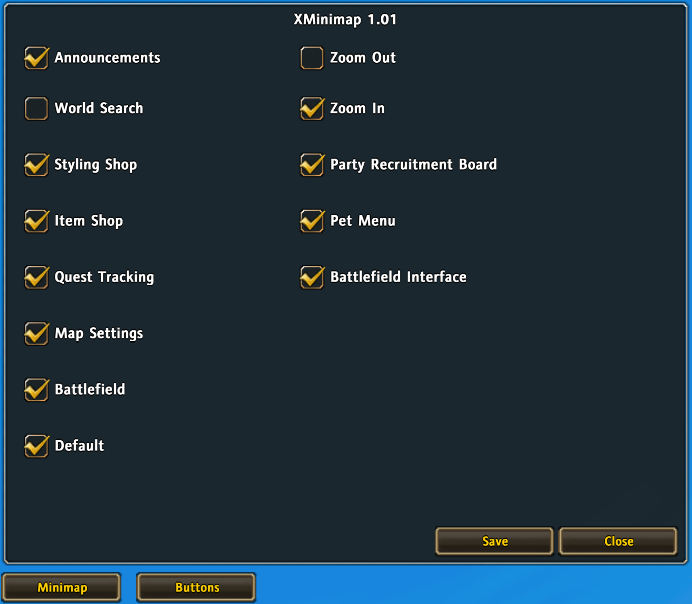
GUI2
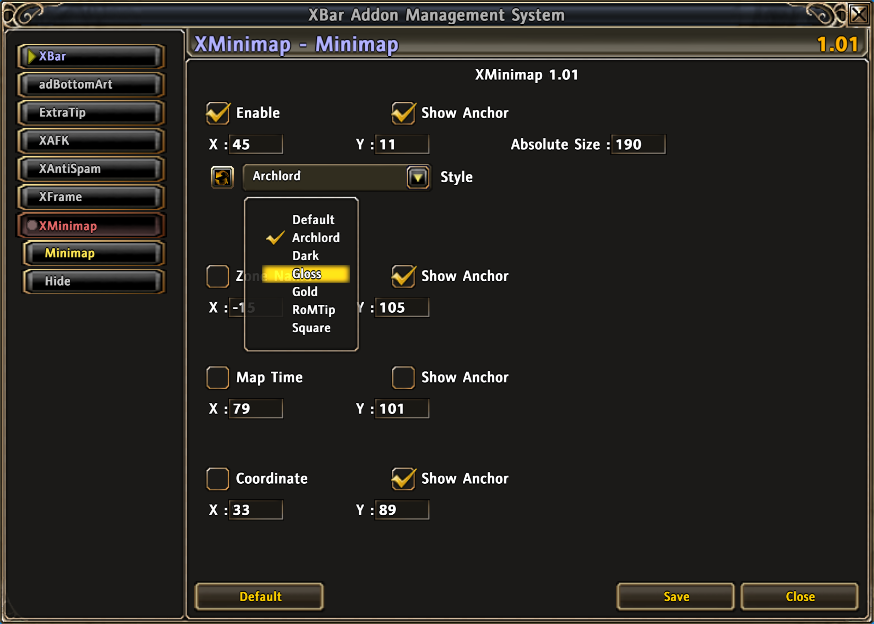
GUI in XBar Addon Managemeant
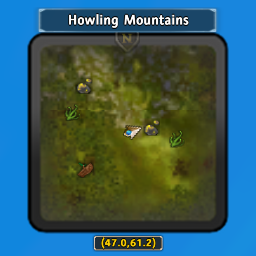
Dark
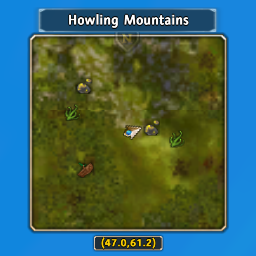
RoMTip
Description
Features
- Change Minimap skin.
- Easy to add skins, download more skins here!
- Mouse scroll to zoom Minimap, base code from ibuffyou.
- Hide Minimap Buttons which you want.
- Hide Player Buttons which you want.
- Menu of Buttons functions.
- Toggle Minimap Zone Name.
- Toggle Minimap Time.
- Toggle Minimap Coordinate.
- Minimize Minimap.
- Quick switch skins.
- EditBox to set frames offset.
- You can move following frames.
- Minimap
- Minimap Zone Name
- Minimap Time
- Minimap Coordinate
- If you didn't install XBar you can also use it.
Frame Setting
- Frame: Own Anchor, Relative Frame Point, Relative Frame (←Move with this frame).
- Minimap: Top-Right, Top-Right, None.
- Minimap Zone Name: Center, Center, Minimap.
- Minimap Time: Center, Center, Minimap.
- Minimap Coordinate: Center, Center, Minimap.
Add Your Skin
- Download skin from anywhere.
- The format of skin textures must fit XMinimap.
- Put your skin in ...\Interface\Addons\XMinimap\Textures.
- Copy ...\Interface\Addons\XMinimap\Textures\Archlord\loadfile.lua and loadfile.toc to your skin folder.
- Open loadfile.lua and change line 3 to "XXX", XXX is your skin name.
- Change the skin folder name to XXX, XXX is your skin name.
- Play game! You will find your skin in drop menu.
- Your textures folder:
- Interface
- AddOns
- XMinimap
- Textures
+ OOO
- XXX
· mask.tga
· rim1.tga
· rim2.tga
· loadfile.lua
· loadfile.toc
......
- If your skins more than 30, it will not show in drop menu, but you can also change skin by quick switch button. (Tell RoM developer, make them use scroll in drop menu. XD)
Slash Command
- /xm or /xminimap - Open GUI.
Thanks
- XBar's author nigroangelus.
Do you have problem?
- Please read Addon Teaching first.
- Please report bug at Tickets.
The XMinimap Team
