


ArchMod - Create Your Custom Spells
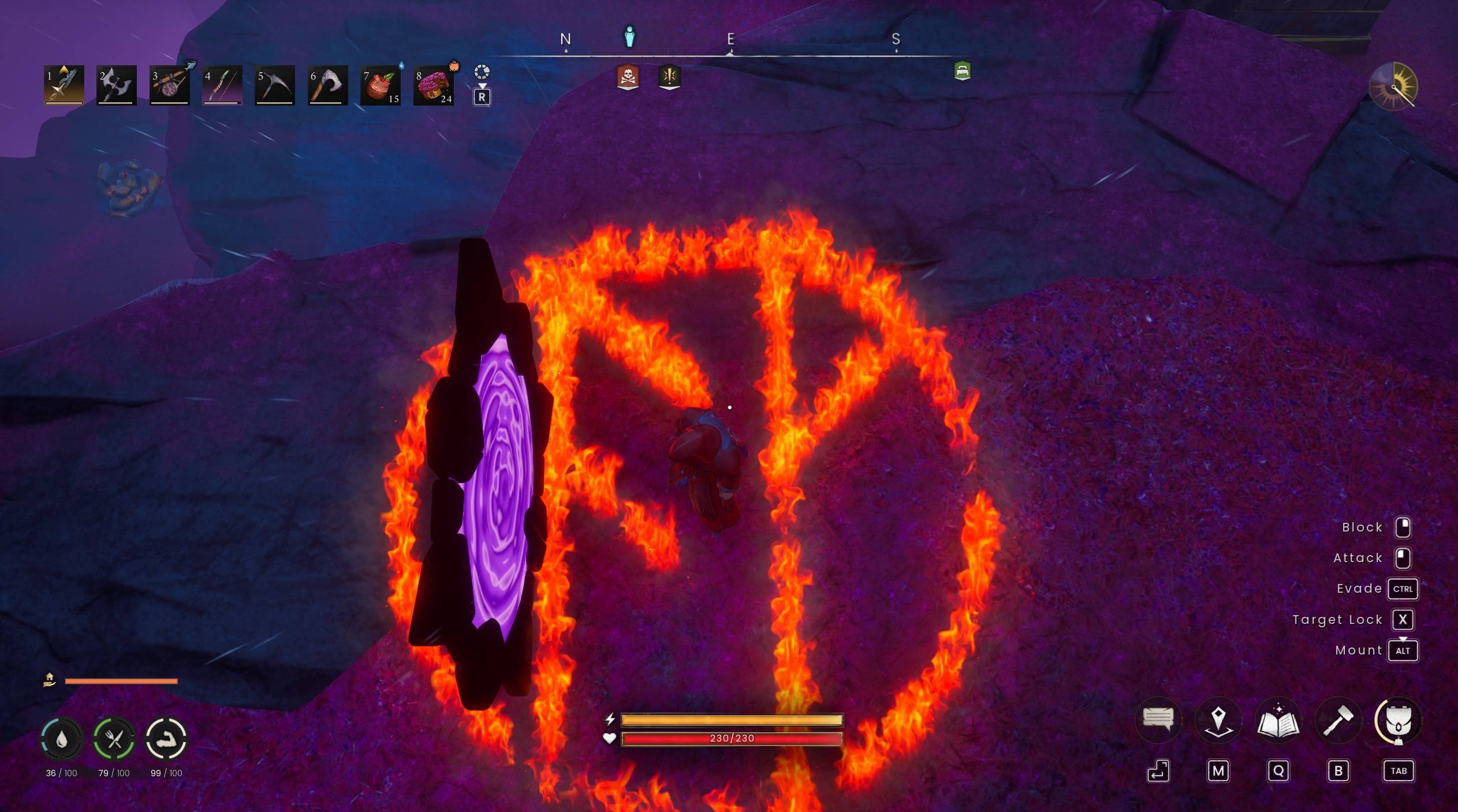
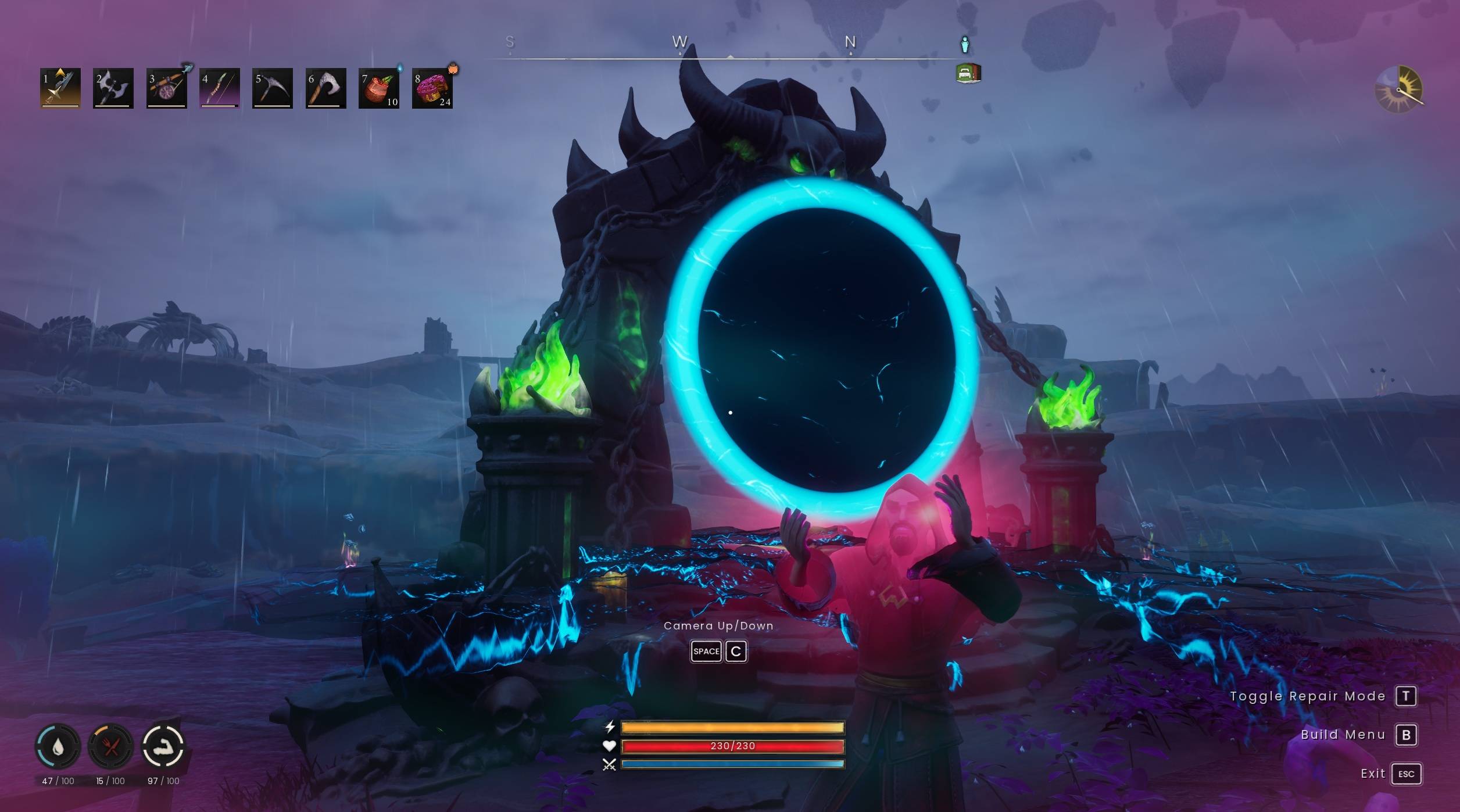
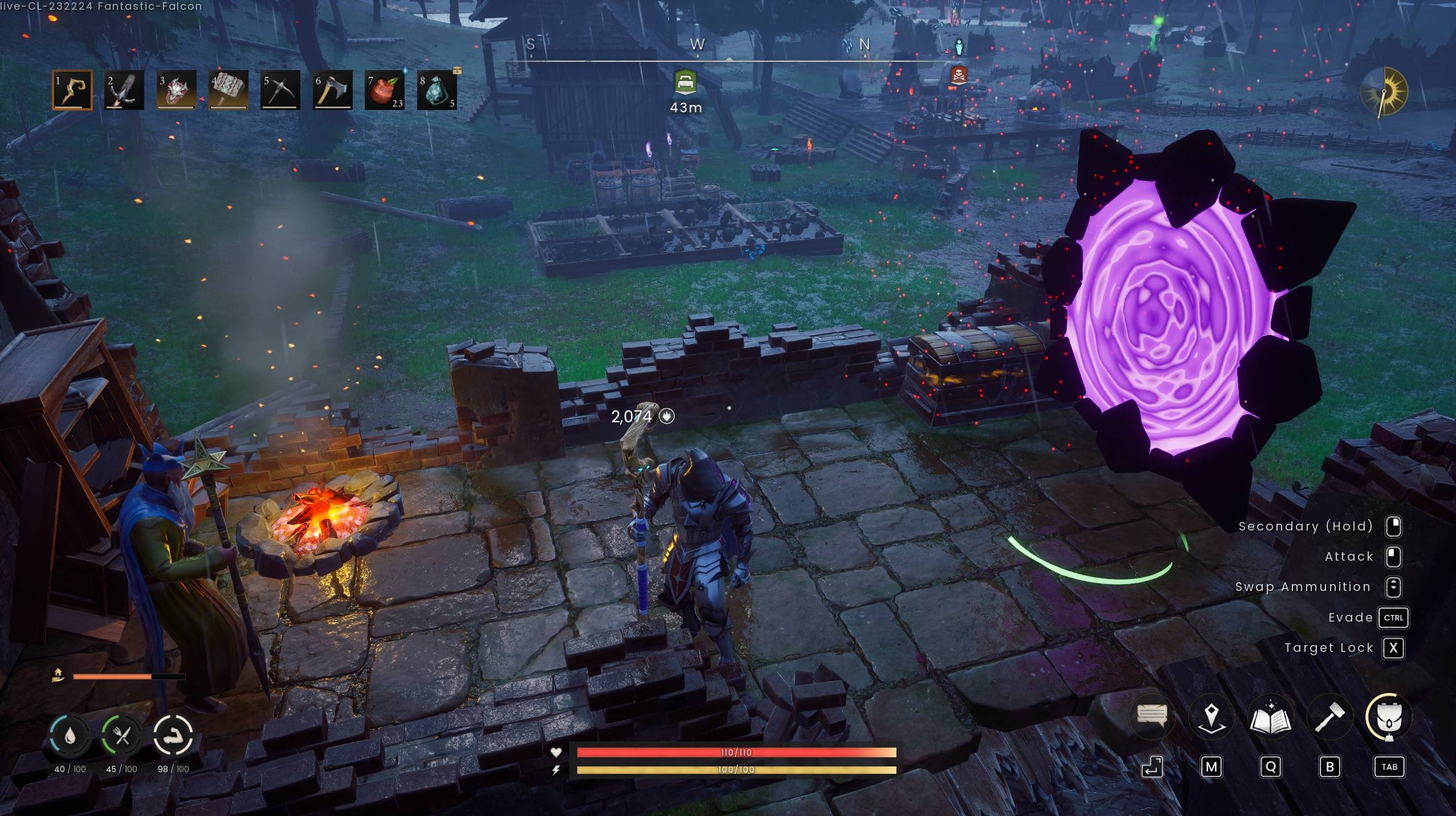
teleport_alt1.jpg
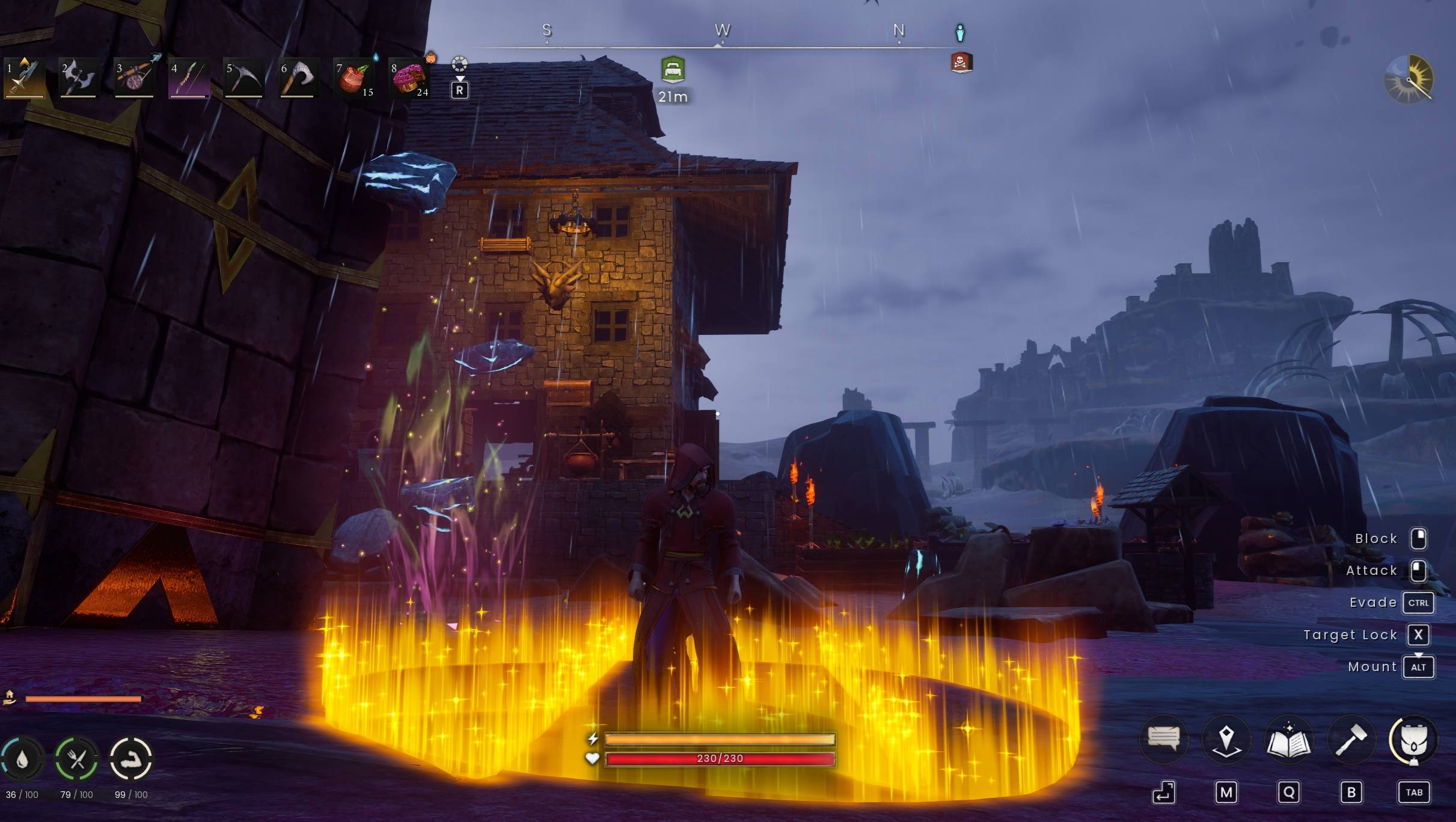
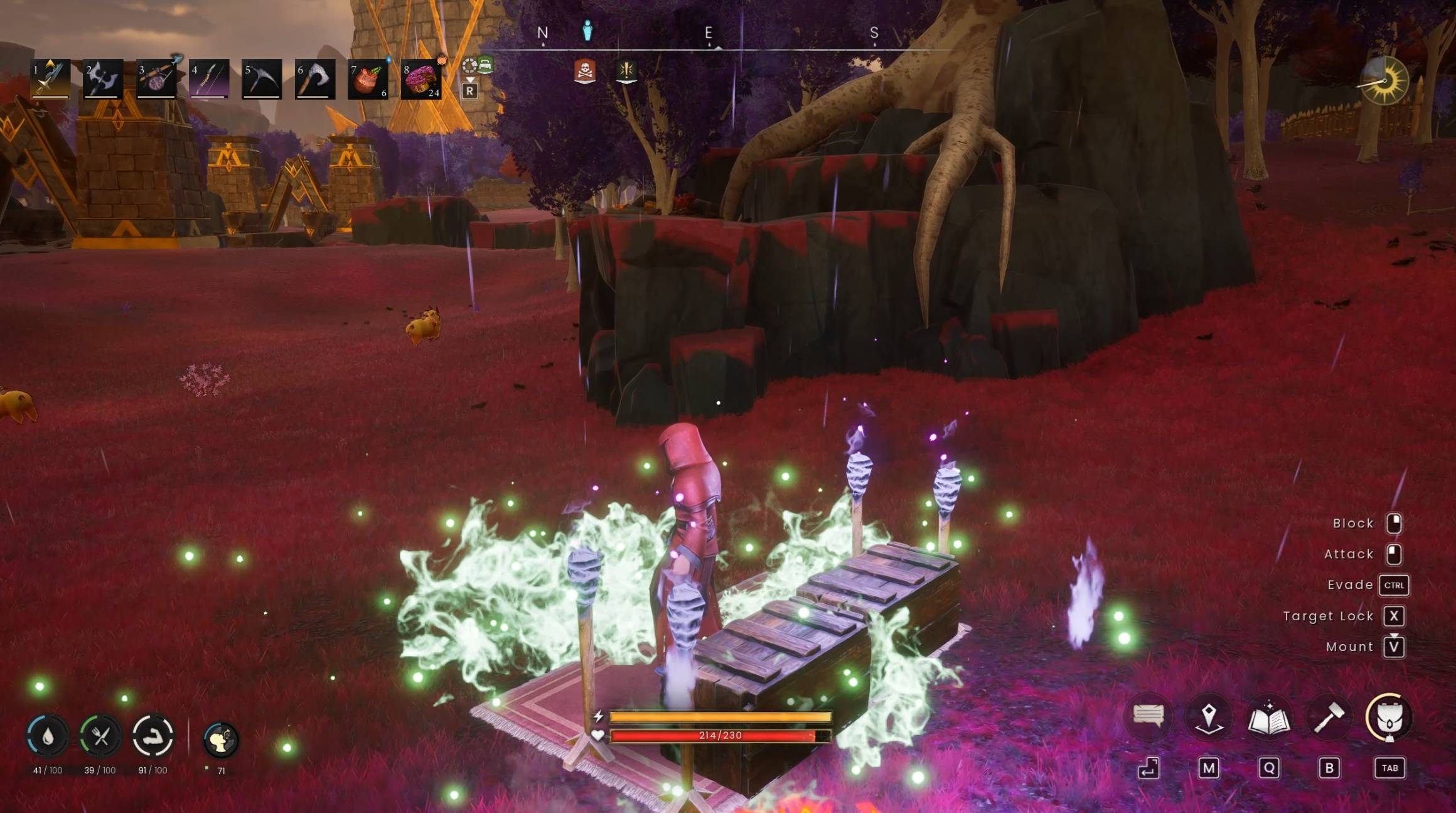
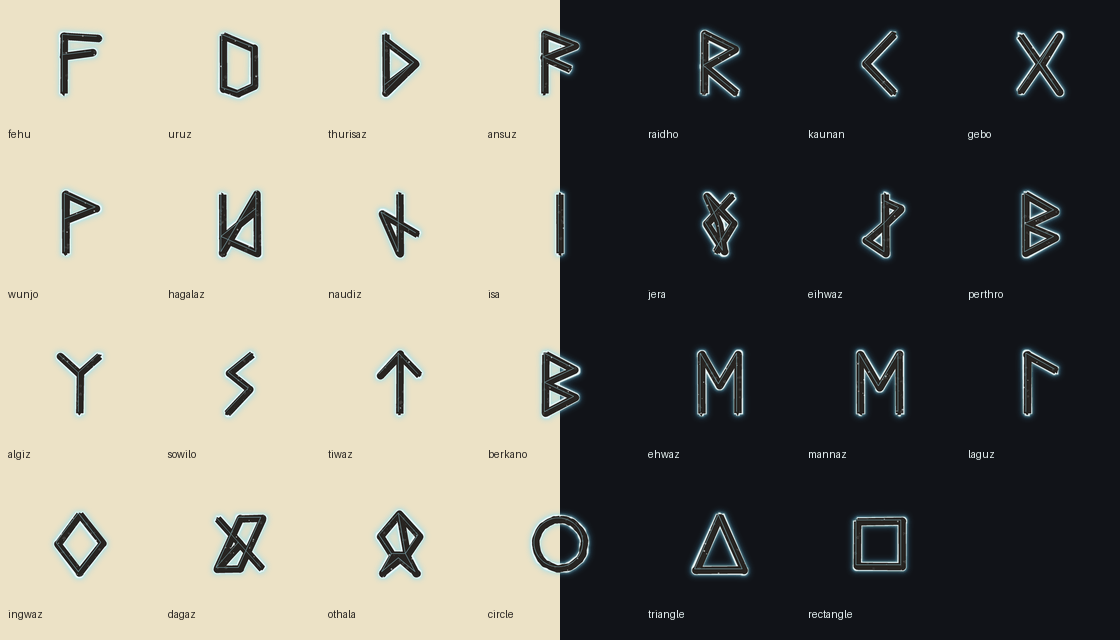
elder_futhark_contact_sheet.png
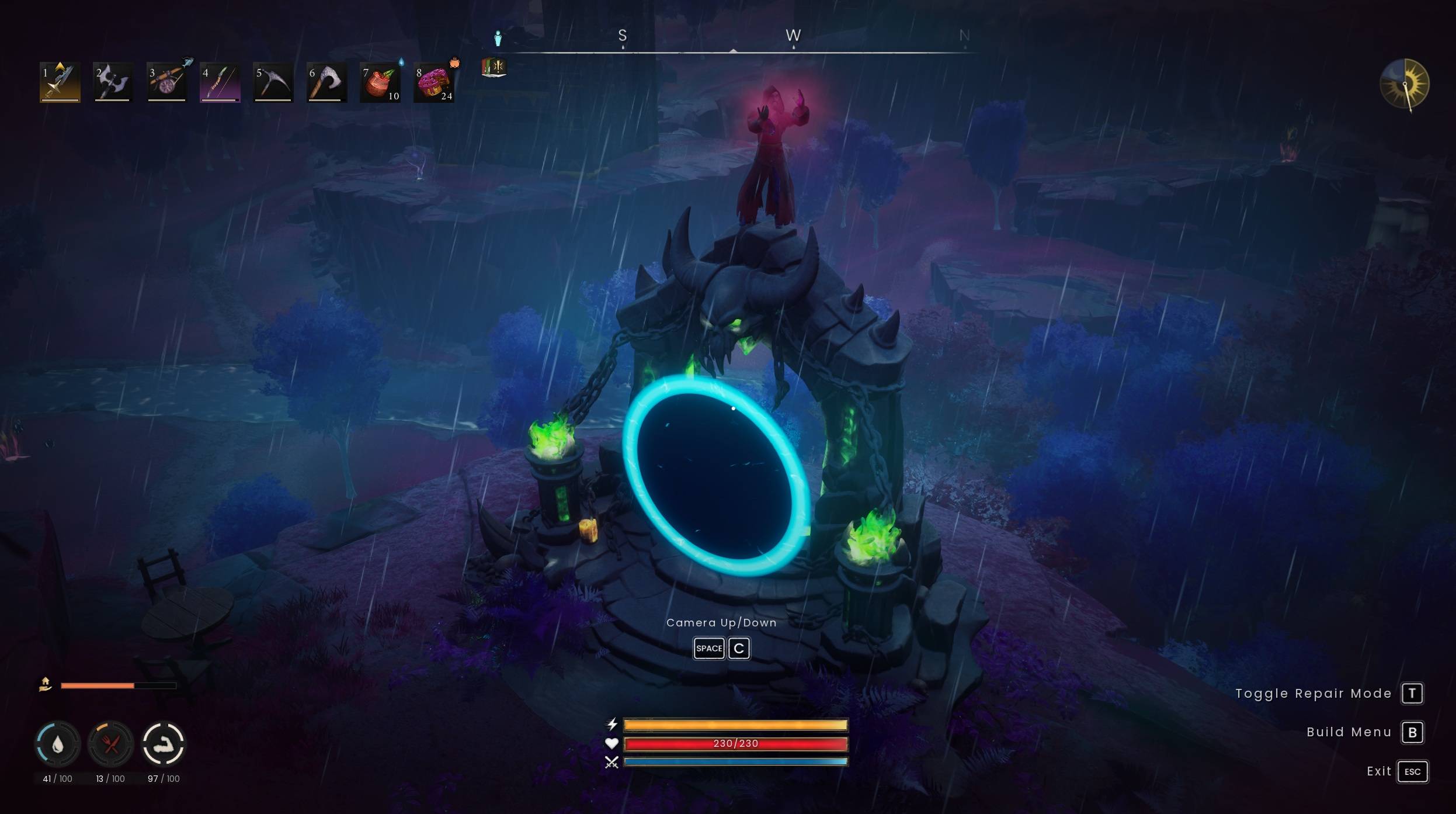
teleport_alt2.jpg
Description
ArchMod - Draw Runes, Cast Spells
- Draw runes directly on the ground and let ArchMod recognize them.
- Combine recognized runes into a spell sequence, then cast the result.
- Includes the full Elder Futhark alphabet, configurable visual effects and sound volume, and support for spell add-ons.
Work in progress: features, spell effects, and balance may change as development continues.
ArchMod is inspired by MageVR.
Requirements and installation
- Install UE4SS using the link in the Requirements section.
- Download ArchMod (COMPLETE) from the Files tab.
- Extract the archive into your RuneScape: Dragonwilds installation folder. For example: C:\Program Files (x86)\Steam\steamapps\common\RSDragonwilds
- After extraction, verify that this file exists: RSDragonwilds\Content\Paks\LogicMods\ArchMod.pak
Uninstall
Remove the files added by the archive. ArchMod does not modify your save or world file.
Quick start
- Press F9 to enable or disable drawing mode.
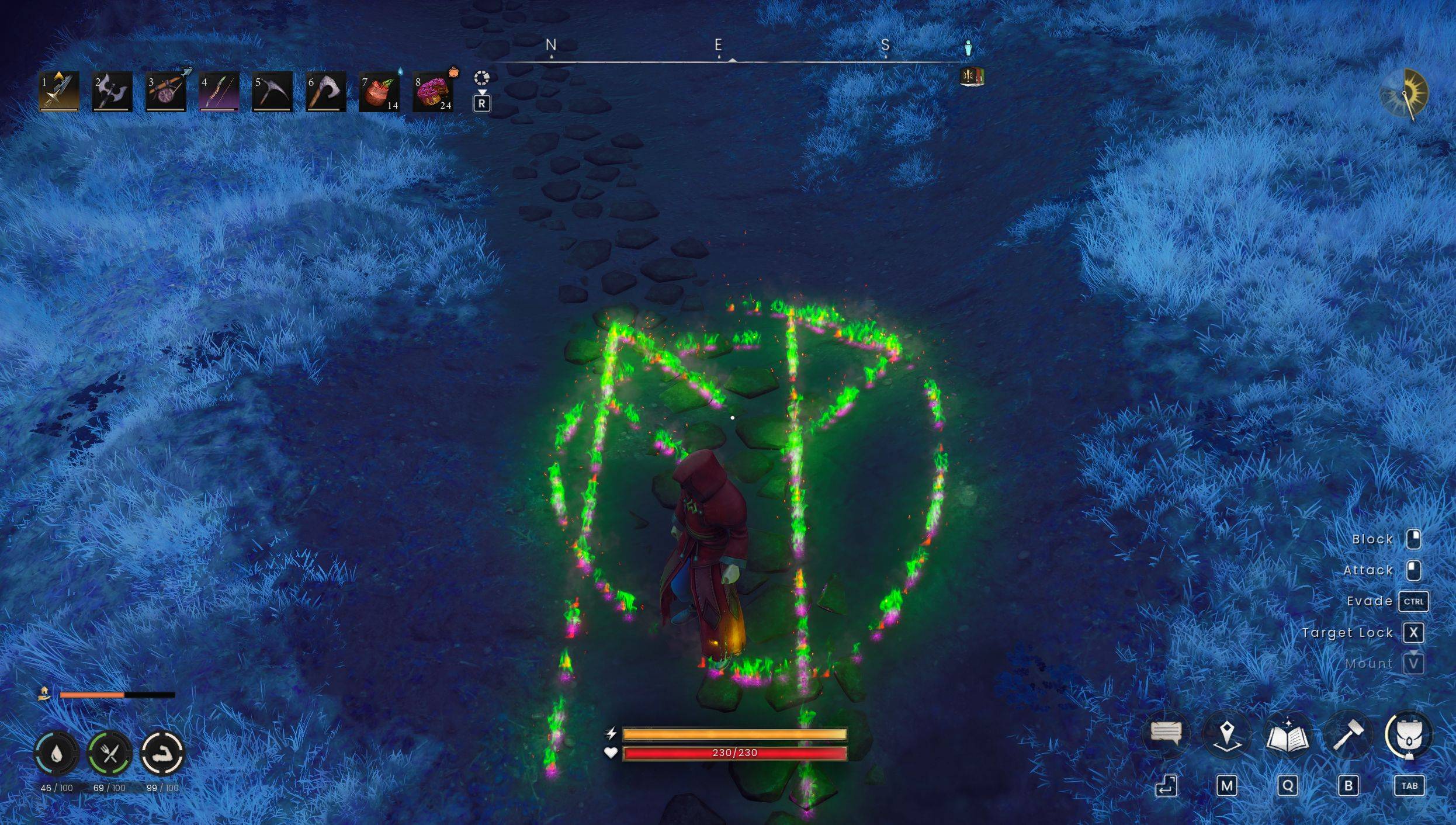
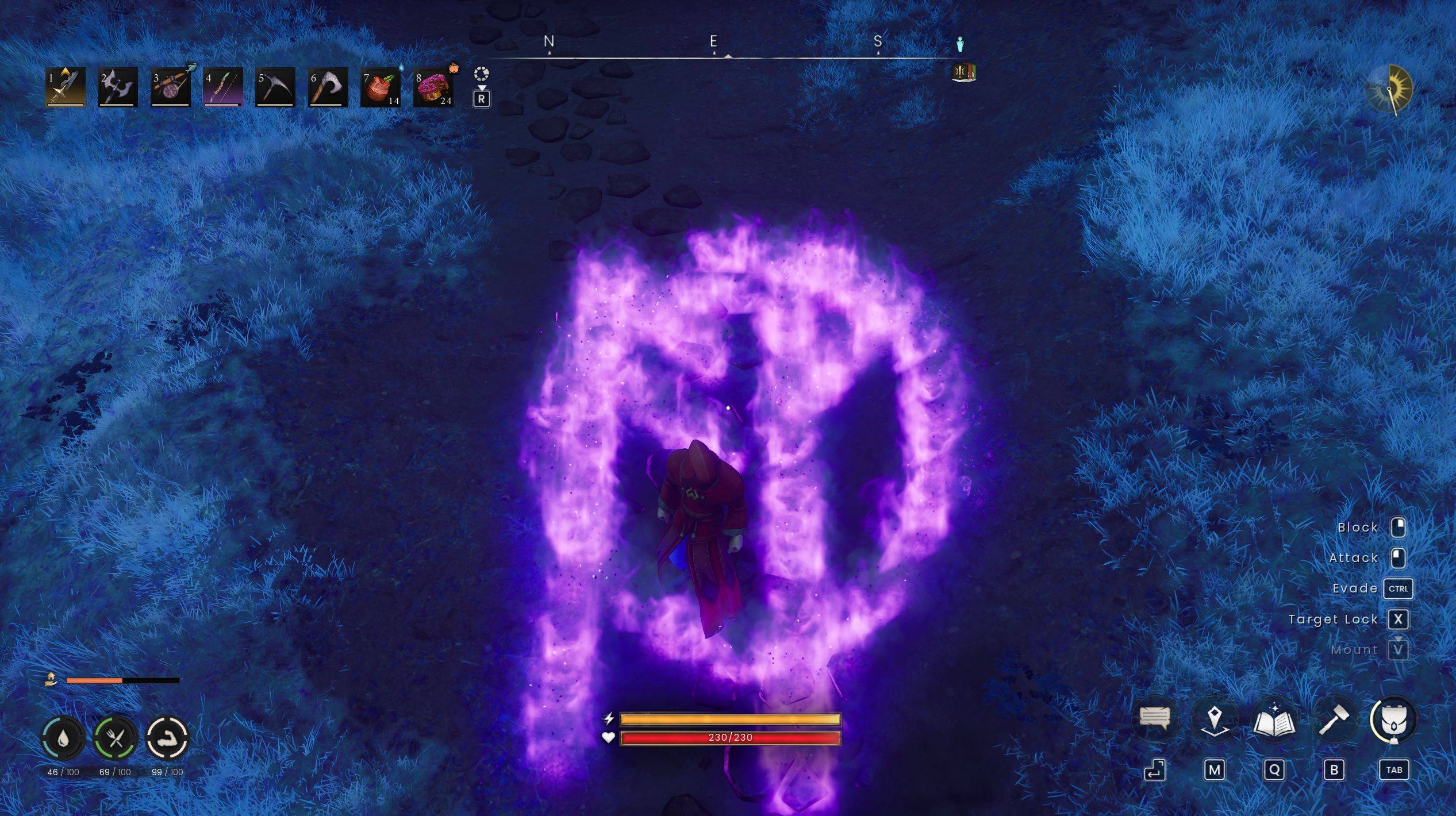
- Hold the middle mouse button and draw a rune on the ground.
- Draw every rune in a spell sequence, then press E to cast it.
For reliable recognition, draw large, straight strokes where possible; close shapes such as circles and rectangles; and draw each rune as one continuous stroke. Clockwise strokes are recommended, though reverse strokes may also be recognized.

Included spell add-ons
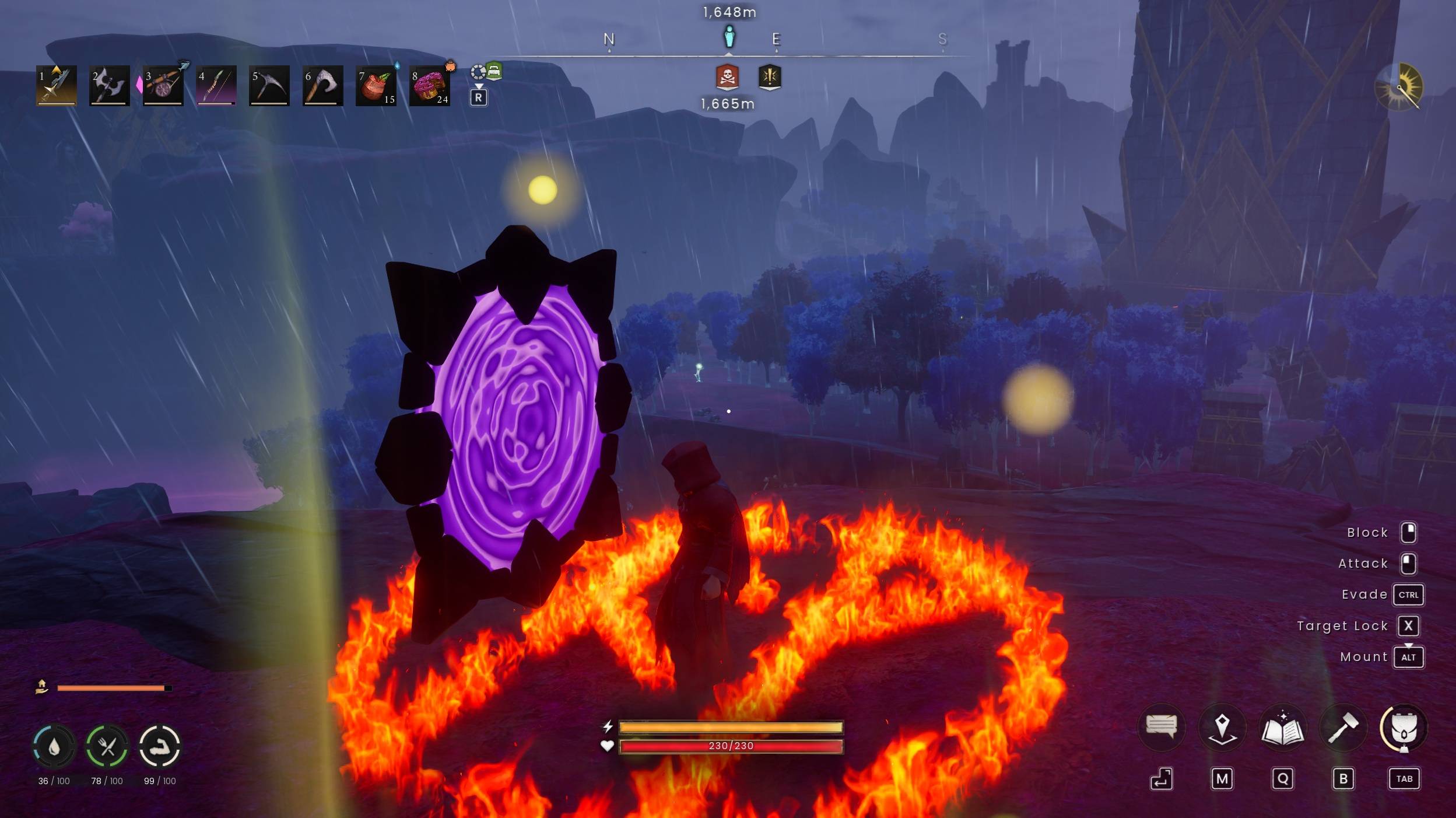
Teleportation (A)
Draw these runes to create the first end of a portal:
- Ansuz - Communication
- Othala - Home / starting point
- Circle - Containment
Together, these call for a connection to home and bind it into the first portal.
Teleportation (B)
Draw these runes to create the other end:
- Ansuz - Communication
- Wunjo - Destination
- Circle - Containment
This sequence calls for a destination and contains the connection at the other end.
See ArchMod SpellTome - Teleport for details.
Base Movement
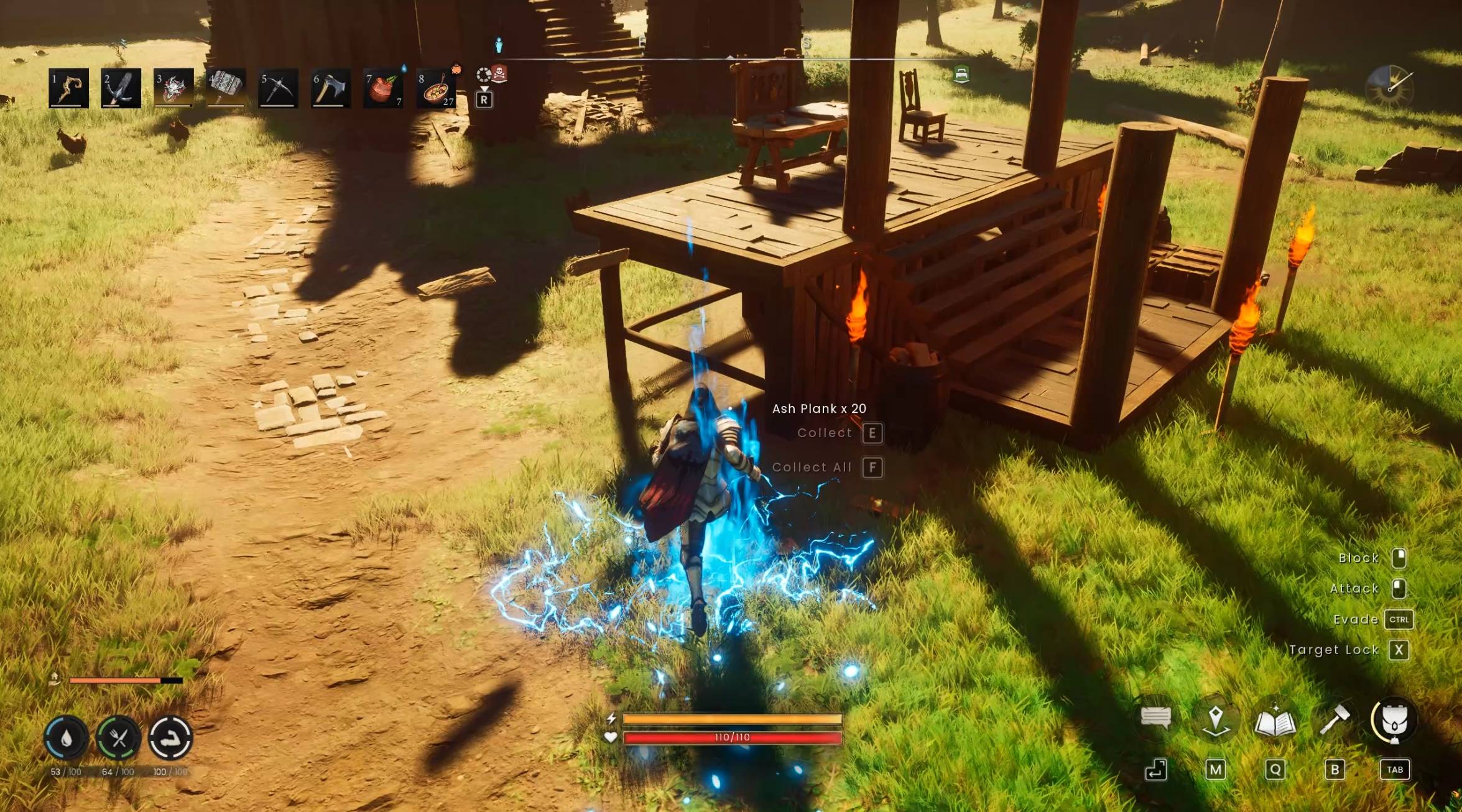
Move non-building base pieces such as carpets and chests with:
- Othala - Home / the base
- Ehwaz - Movement
- Raidho - Journey
Together, the runes send the things at home on a journey with you.
Build more torches to increase movement speed. See ArchMod - Base-Movement Spell for details.
Base Disassembly
This spell destroys nearby building pieces for 30 seconds:
- Othala - Home
- Hagalaz - Change
- Jera - Destruction
- Circle - Containment
Together, these call for change at home and contain the destruction within the spell's range.
See ArchMod - Base-Disassembly Spell for details.
Configuration
Copy or rename settings_example.lua to settings.lua in RSDragonwilds\Binaries\Win64\ue4ss\Mods\ArchMod\Scripts, edit it while the game is closed, then restart the game.
return {
    -- ElectricLightning, EnergyLoop, Fire_Alt, Fire, Frost, Holy,
    -- Magic, MiasmaBoil, ParticleFollow, WaterSplash, Wind
    DrawEffect = "Holy",
    CastEffect = "MiasmaBoil",
    -- 0.0 is silent, 0.5 is the default, 2.0 is maximum volume.
    SoundVolume = 0.5,
    -- Unreal FKey names (for example: F, LeftMouseButton, ThumbMouseButton).
    DrawKey = "MiddleMouseButton",
    ToggleDrawKey = "F9",
}
DrawKey is currently fixed to MiddleMouseButton; ToggleDrawKey changes the key used to enable or disable drawing mode.
Create your own spells
Choose a rune sequence, then open BasicTomeMod\Scripts\spell_caster_basictome.lua and add a new condition inside its cast callback. For example, this casts a fire aura after Fehu, Sowilo, and Circle:
if Sequence == "rune_fehu,rune_sowilo,circle" then
    Actor:BasicTomeMod_SpawnAura(5.0, FName("NS_Free_Spells_Aura_Fire"))
end
Save the file and restart the game. The included Teleport spells show the same pattern. If you make a separate spell add-on, hook BasicTomeMod_OnCast as the other Tome mods do; that event can only have one RegisterCustomEvent owner.
More mods by me
Credits
- $Q Gesture Recognition whitepaper - basis for the handwritten recognition logic, adapted for ArchMod.
- Fire crackling sound.
- Unreal VFX Assets: [18] Free Spells Niagara - UrtanoVFX.
Also available on Nexus Mods.
The ArchMod - Create Your Custom Spells Team
