


Weather Control
0-thumb.jpg
1-sunny-storm.jpg
2-weather-grid.jpg
3-extras.jpg
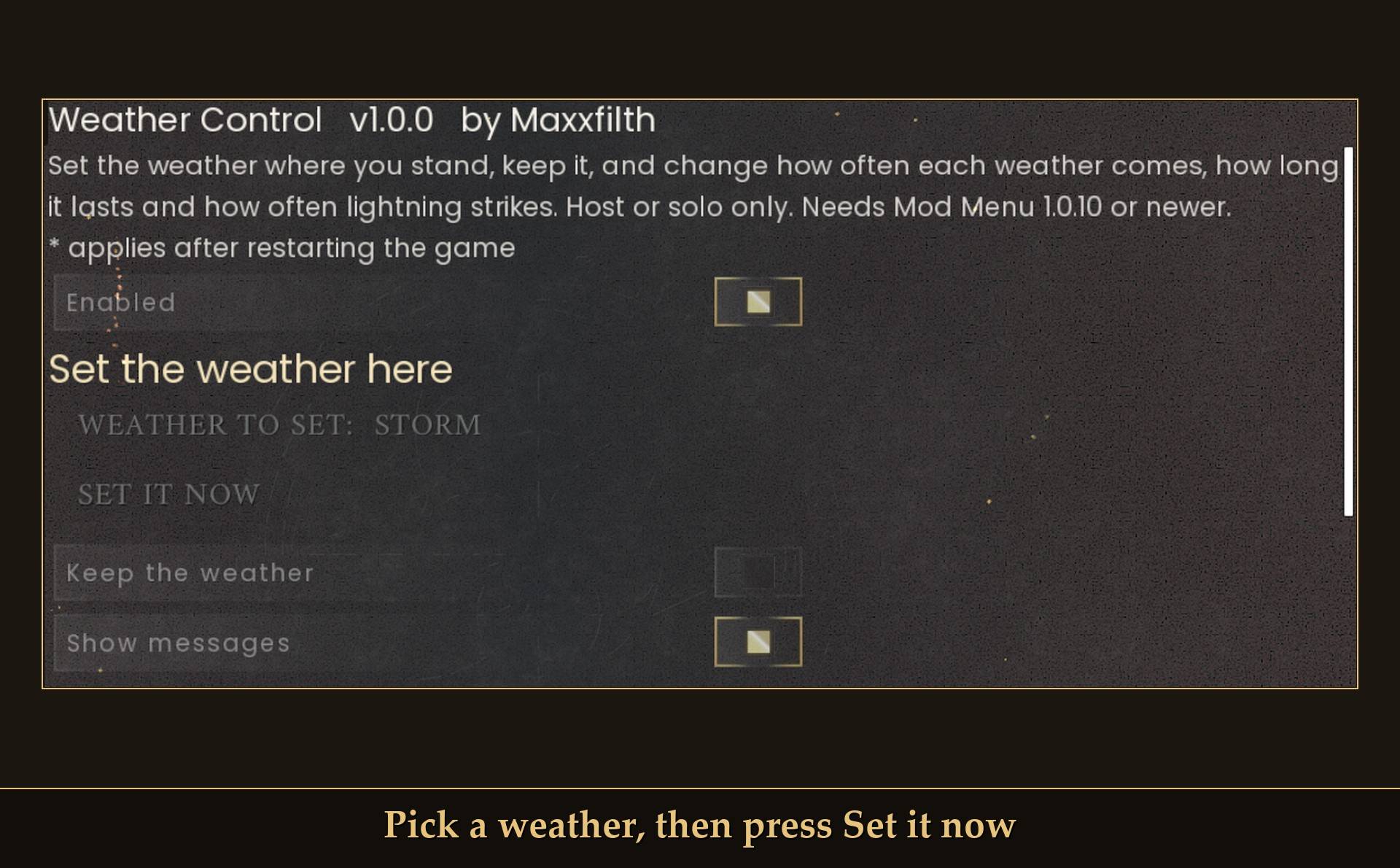
4-set-it-now.jpg
Description
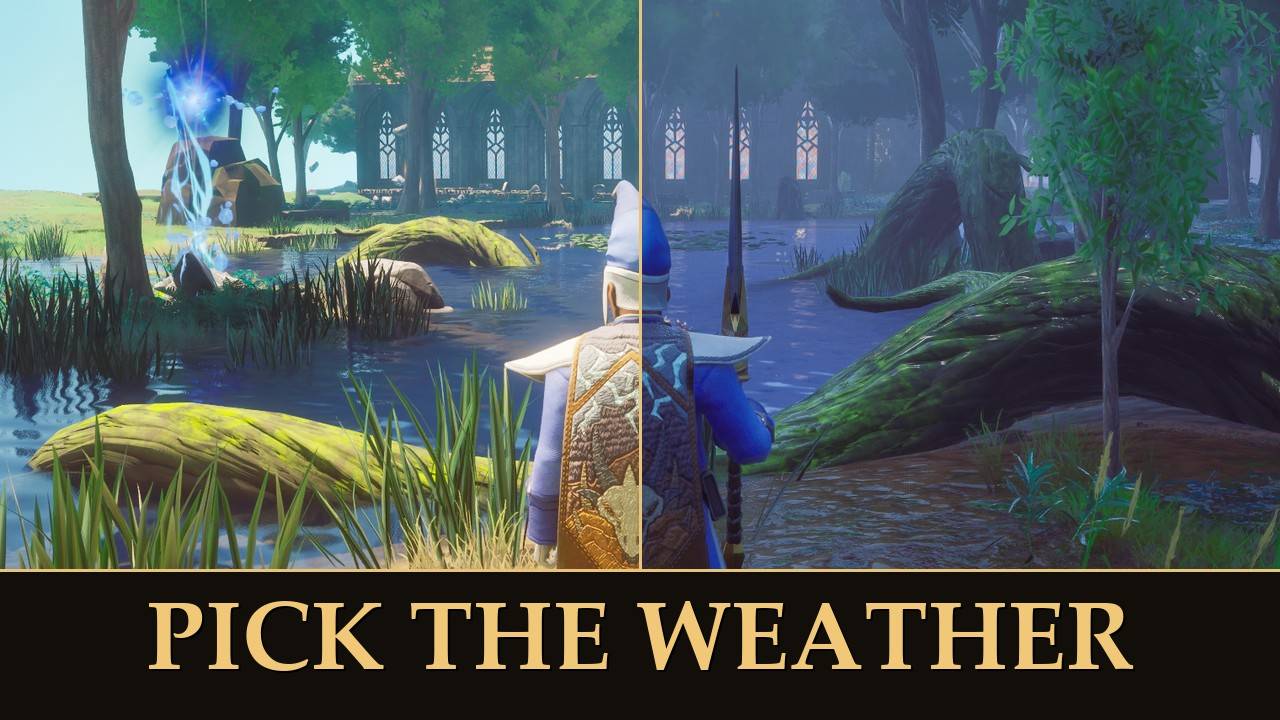
Pick the weather, keep it, and choose how often it rains.
Set the weather where you stand from Mod Menu, hold it there if you like, and use sliders for how often each weather comes, how long it lasts, how many days are rainy and how often lightning strikes. Every slider starts at the normal game.
The game's world settings have nothing for weather. Sometimes I want a sunny afternoon for building, sometimes I want a proper storm, and sometimes I just want less rain. So this lets you set it on the spot, or tune the odds and leave the game to roll it.
What it does
- Set the weather here: pick one of 9 weathers and press Set it now. It rolls in over about 10 seconds.
- Keep the weather: when the weather where you are changes by itself, the mod puts yours back within a few seconds. It follows you from area to area.
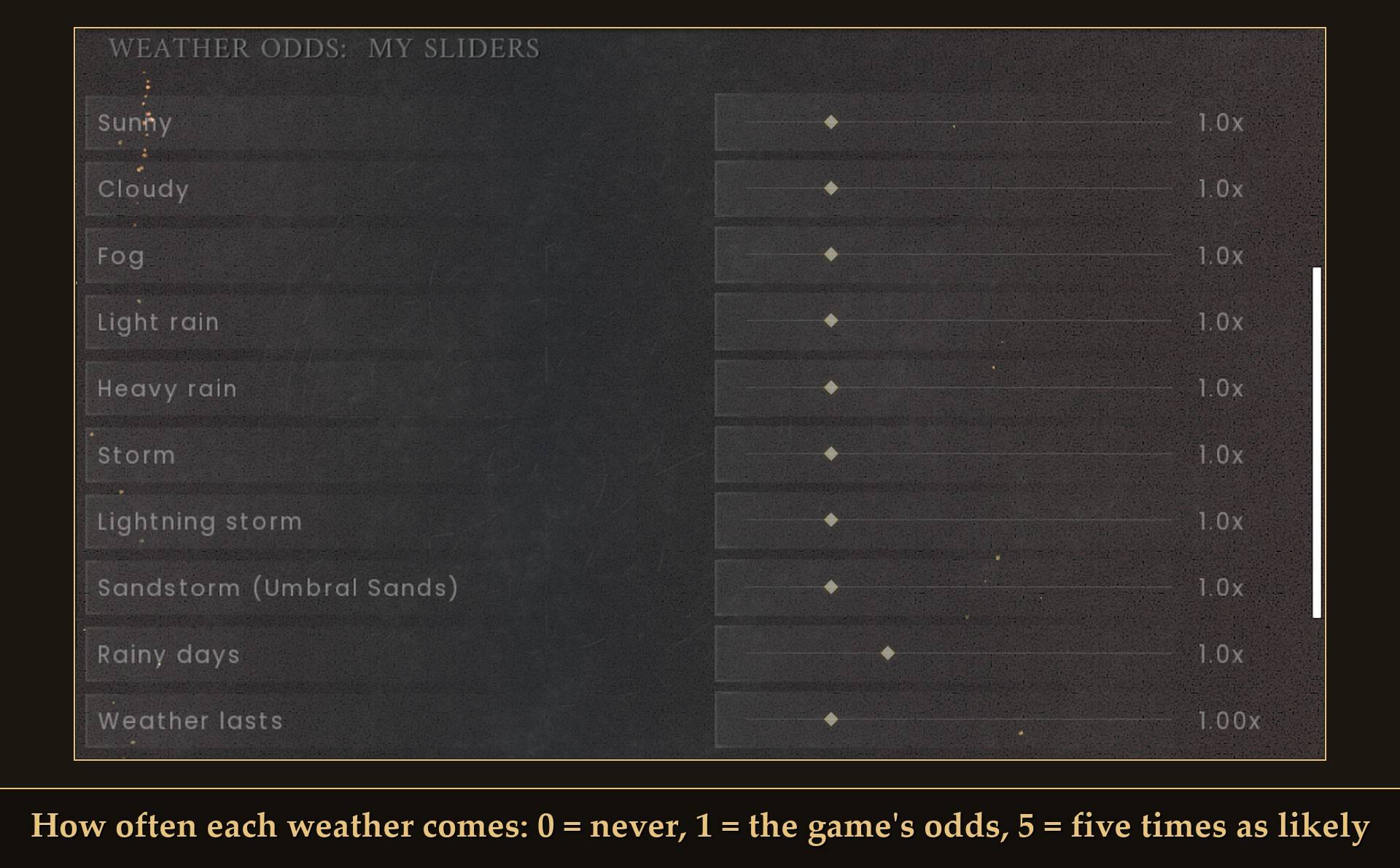
- How often: a slider for each weather, from 0 (never) to 5x as likely, plus four presets: Vanilla, No rain, Always sunny and Stormy.
- Rainy days: how often the game picks a rainy day.
- Weather lasts: each weather stays 0.25x to 4x as long before the next change.
- Lightning strikes: from none up to 5x as often during lightning storms.
How the game's weather works
Knowing this makes the sliders make sense:
- Weather is per area. Brynmoor (with the starting area), Dowdun Reach, Umbral Sands and the Scorned Wilderness each roll their own. Setting the weather changes the area you are standing in, not the whole map.
- Each area rolls a weather, keeps it for a while, then rolls again. The game's own periods are usually 3 to 5 in-game hours, and an in-game hour is 1 real minute.
- Every day at 4:00 the game picks a dry day or a rainy day, about 1 day in 3 (15% in Umbral Sands). In Brynmoor, dry days only roll sunny, cloudy and fog. Rain, storms and lightning storms come on rainy days, so if you want more of those, raise Rainy days too (the Stormy preset does).
- Some weathers only start at certain hours. In Brynmoor, fog only starts early in the morning (4:00 to 7:00) and lightning storms around midnight (23:00 to 2:00). The sliders change how likely a weather is, not when it can start.
- Umbral Sands only rolls sunny, or a sandstorm on its rainy days, so the rain sliders do nothing there.
The weathers
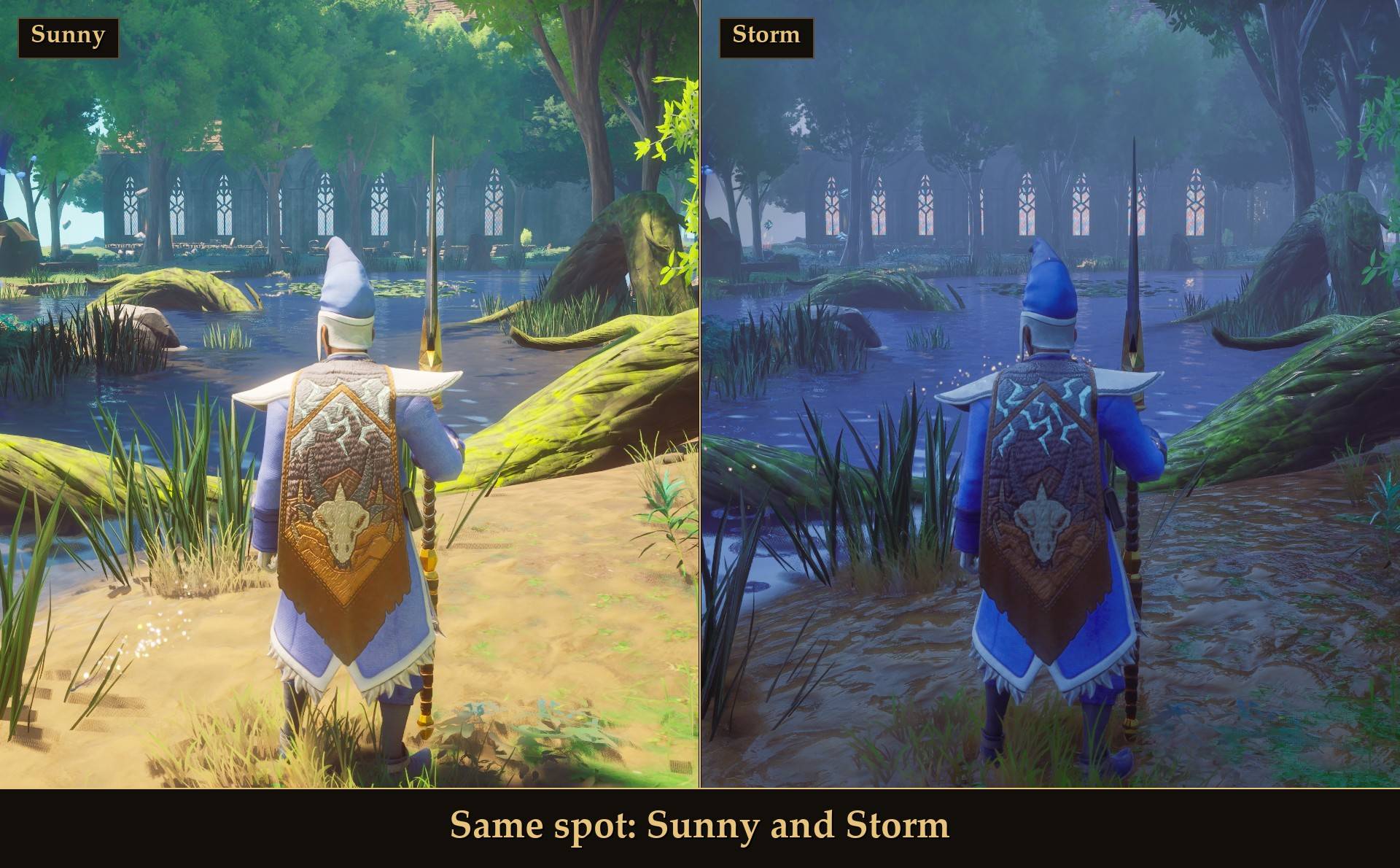
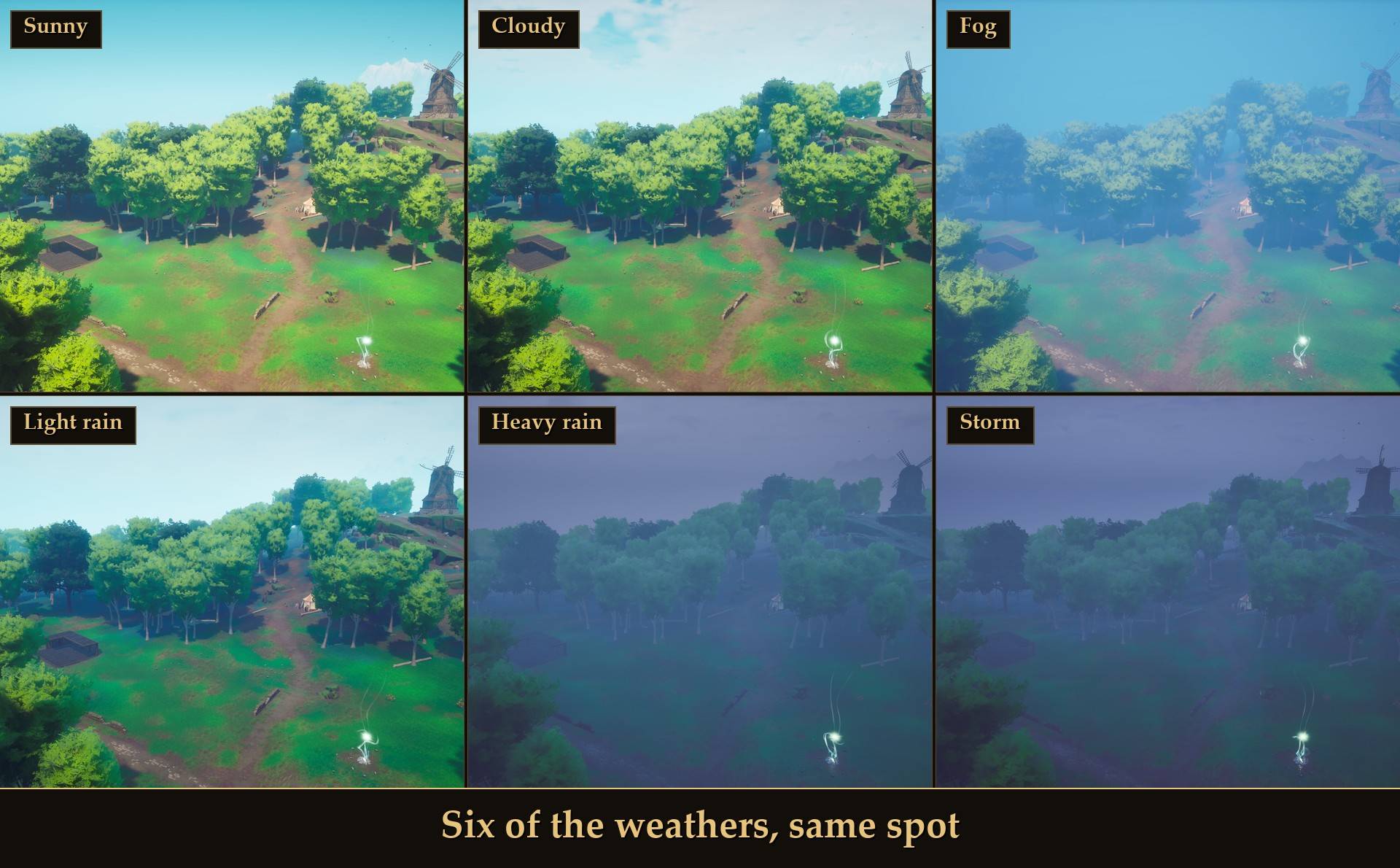
Sunny, Cloudy, Fog, Light rain, Heavy rain, Storm, Lightning storm, and two extras. Six of them from the same spot:
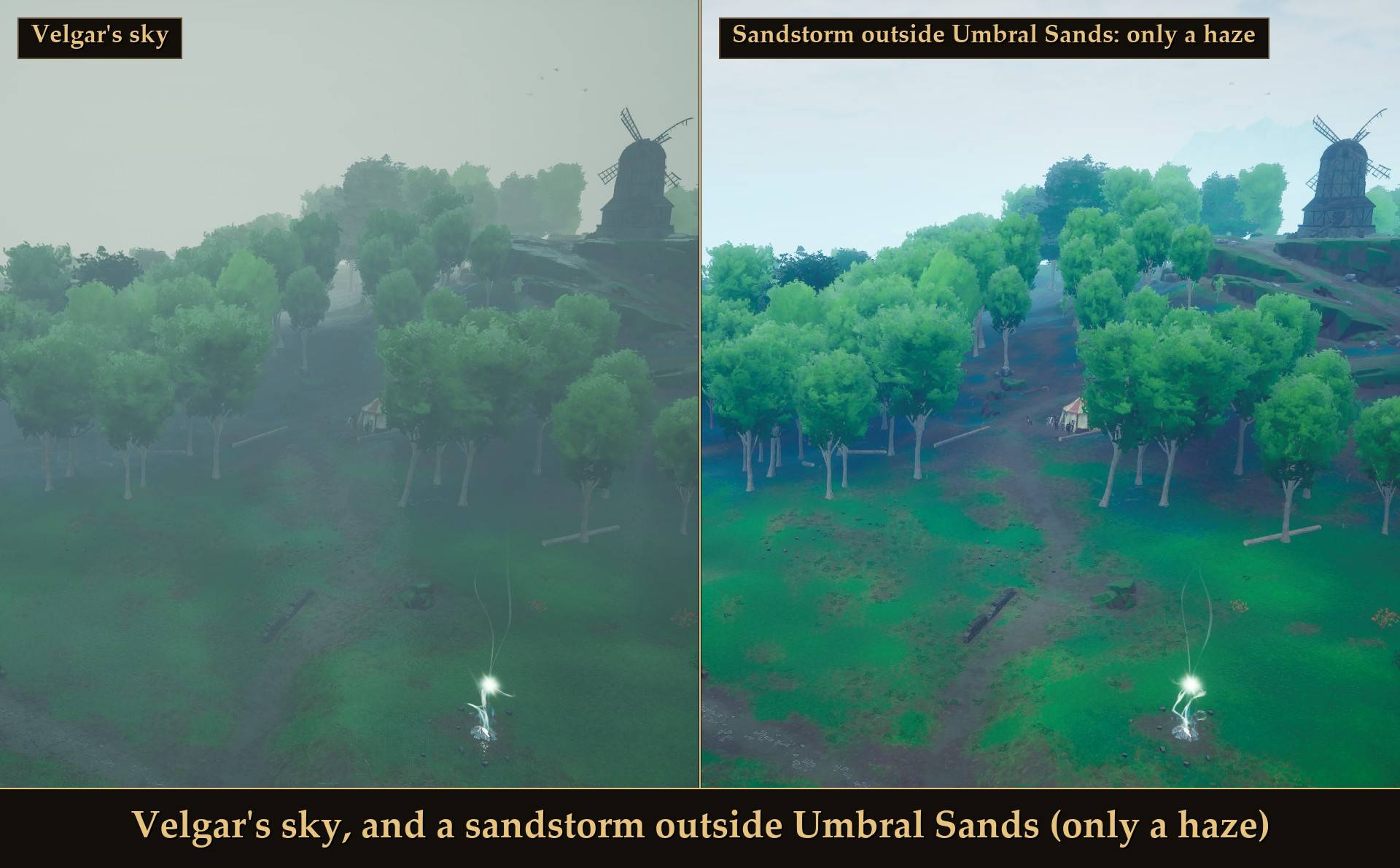
The two extras, plainly. Velgar's sky is the green haze from the dragon fight. Sandstorm is the Umbral Sands weather, and outside Umbral Sands it only gives a hazy, overcast look with no sand:
Setting the weather
Open Esc > MODS > Weather Control, click Weather to set to step through the weathers, then press Set it now. The game is paused while the menu is open, so the change starts when you close it.
A short message at the bottom of the screen says what happened:
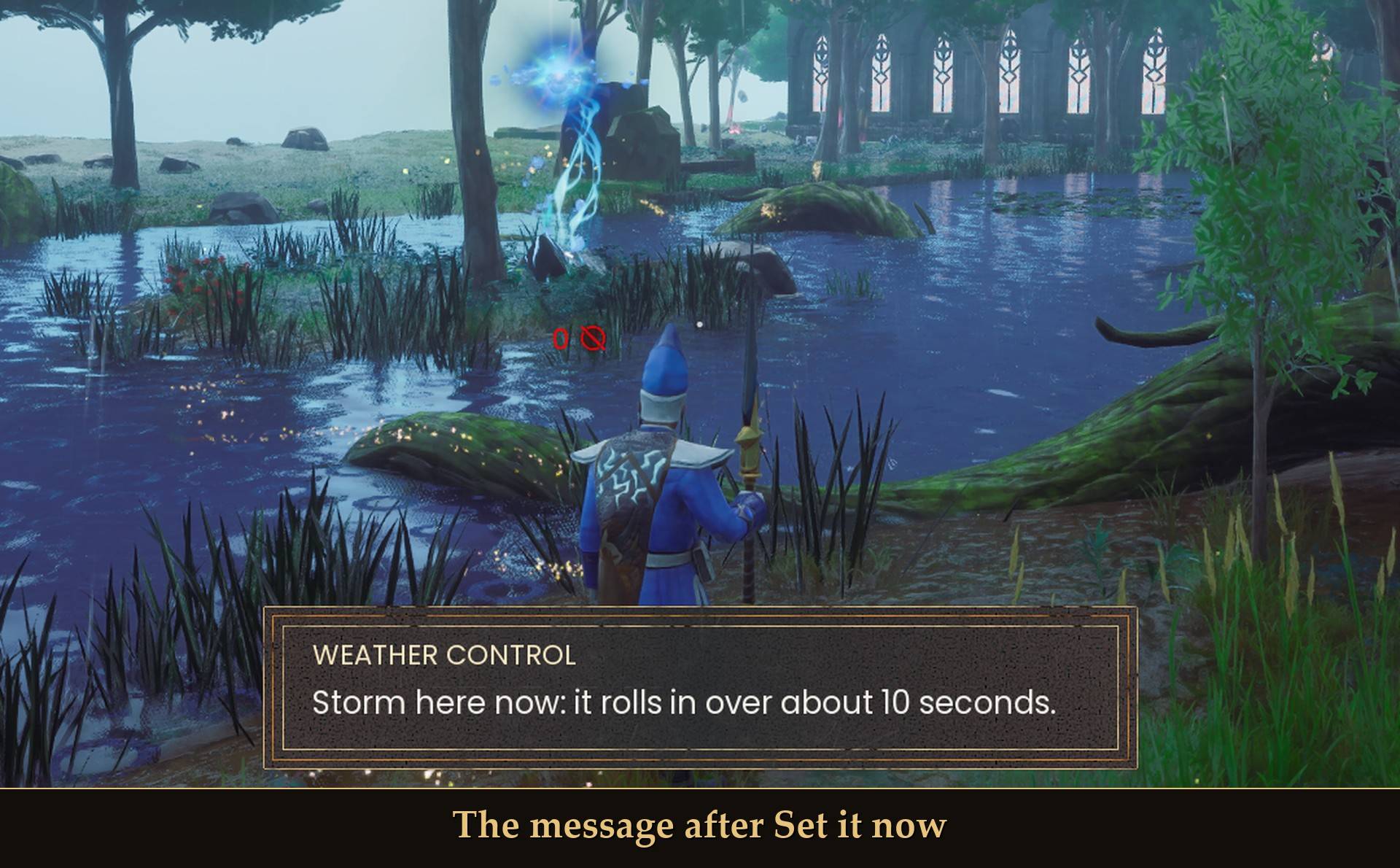
- How long it lasts: a weather you set stays until that area's current weather period runs out, then the game rolls again. Turn on Keep the weather to hold it.
- A few places have fixed weather. There the mod cannot change or keep it, and the message says "the game keeps the weather fixed here".
- Keys: optional keys for "next weather" (steps through the 7 normal weathers) and "sunny now". None by default.
What you cannot change
- Fog thickness and cloud height have no sliders. The game resets those values every frame, so the only way to get fog or clouds is the Fog and Cloudy weathers themselves.
Settings
All live in Mod Menu (Esc > MODS > Weather Control), or in config.txt in the mod folder:
- Enabled: on by default. Off puts every game value the mod changed back.
- Weather to set: Sunny by default (Sunny, Cloudy, Fog, Light rain, Heavy rain, Storm, Lightning storm, Sandstorm, Velgar's sky).
- Set it now: button.
- Keep the weather: off by default. Keeps the last weather you set, or the one where you are when you turn it on.
- Show messages: on by default.
- Weather odds: My sliders by default. Vanilla, No rain, Always sunny and Stormy set the odds and rainy days for you and ignore the sliders below (Weather lasts and Lightning strikes still apply).
- Sunny, Cloudy, Fog, Light rain, Heavy rain, Storm, Lightning storm, Sandstorm (Umbral Sands): 1.0x each by default (0 to 5, in steps of 0.1). 0 = never, 1 = the game's odds. Applied at the next weather change.
- Rainy days: 1.0x by default (0 to 3). 0 = never, 3 = every day.
- Weather lasts: 1.00x by default (0.25 to 4, in steps of 0.25). Never shorter than half an in-game hour. Applied from the next change.
- Lightning strikes: 1.0x by default (0 to 5). The game's own is a strike every 10 to 30 seconds. 0 = no lightning.
- Next weather key / Sunny now key: none by default. Key changes need a game restart.
- Detailed log: off by default. More detail in UE4SS.log.
Install
- Install UE4SS for RSDragonwilds (free, from the UE4SS for RSDragonwilds page on Nexus Mods).
- Drop the
WeatherControlfolder intoRSDragonwilds/Binaries/Win64/ue4ss/Mods/ - For the in-game settings, install Mod Menu 1.0.10 or newer and open Esc > MODS > Weather Control. Mod Menu 1.0.9 and older can crash the game when it opens this page, and the mod shows a message asking you to update if it finds an older one. Without Mod Menu, every setting is in
config.txt, and the optional keys work.
On Game Pass: use the BE version of UE4SS with the SCO signature, the normal build does not load there. Game Pass also installs the game under Binaries/WinGDK/ instead of Binaries/Win64/, so the WeatherControl folder goes in RSDragonwilds/Binaries/WinGDK/ue4ss/Mods/. If you install with Vortex, check that is where it ended up.
To uninstall, turn Enabled off (every value goes back at once), then delete the WeatherControl folder.
Good to know
- Your save only keeps the game's own state. The odds, durations and lightning settings are not saved; the mod applies them while it runs. The only thing that ends up in a save is the weather an area is having and how long it has left, which the game saves anyway.
- Host or solo only. If you join someone else's world, your copy does nothing; the host's weather decides. Co-op has not been tested, so I don't know yet what guests see.
- Weather runs on the in-game clock. With the day/night clock paused (for example by my Time Control mod), nothing rolls and no lightning strikes. A time skip makes the game roll new weather straight away, and longer days make each weather last longer in real time.
- Lightning can hit you. That is the game's own lightning; turning the slider up means more strikes near you.
- Not sure it is running? UE4SS.log shows a line starting with
[WeatherControl] loaded v1.0.0.
Tested on RuneScape: Dragonwilds 1.0 (the 25 September patch) in solo, in Brynmoor: setting the weather with Weather to set and Set it now by real clicks, Keep the weather putting it back, the Always sunny preset after the next rolls, lightning at 1x (4 strikes a minute), 5x (11 a minute) and 0 (none), Enabled off putting back all 69 changed values, leaving to the main menu and coming back, and 15 minutes alongside my other mods with no errors. The odds, rainy days and weather length values were measured in the game before the mod was built; the finished Weather lasts slider was not re-timed. Not tested yet: co-op, controller, Game Pass, and setting the weather in Dowdun Reach, Umbral Sands and the Scorned Wilderness.
The Weather Control Team
