


Disable Vignette and/or Chromatic Aberration
- By
- Mods
Options to disable either vignette, chromatic aberration or both.
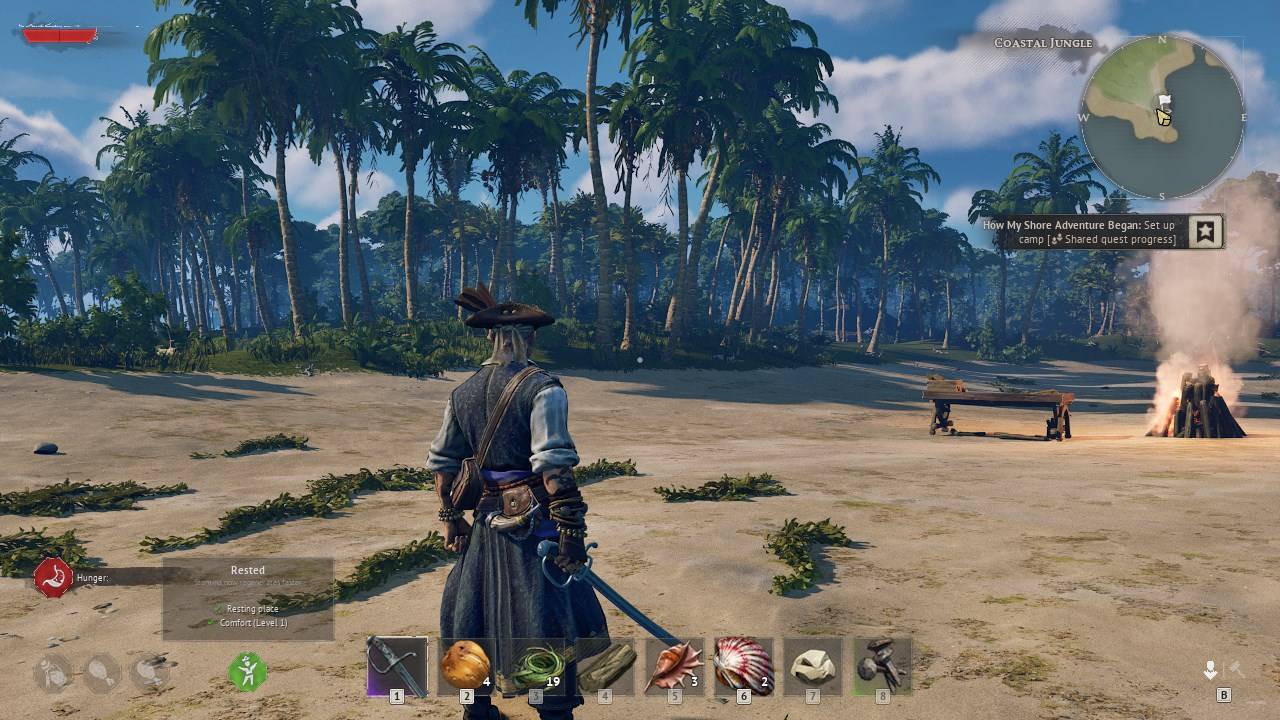
Modded no vignette
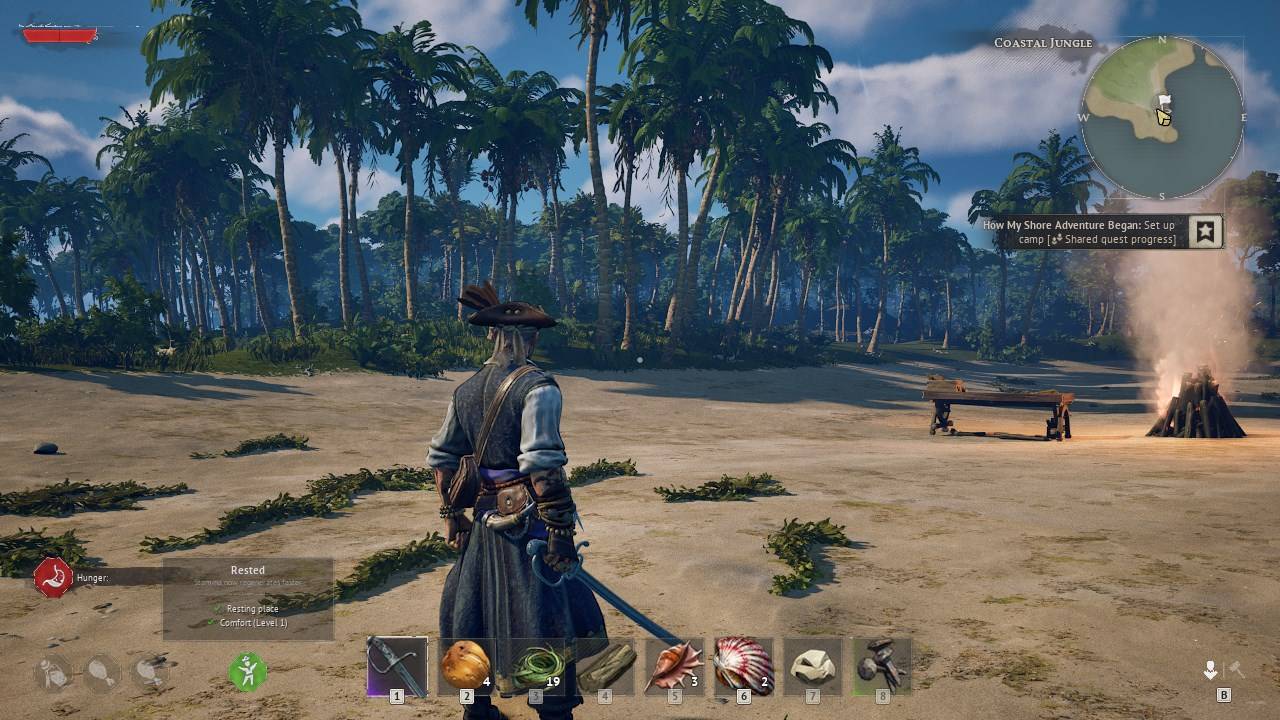
Vanilla
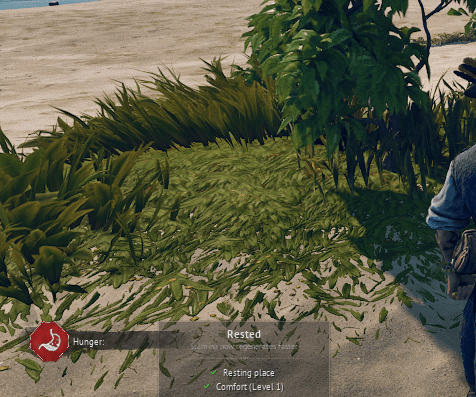
Modded no chromatic aberration
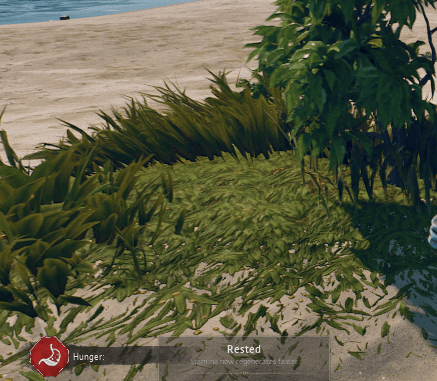
Vanilla
Description
zNoVignetteR5_P
Disables the vignette effect that darkens the edges of the screeen.
zNoCAR5_P
Disable the chromatic aberration effect.
zNoVignetteNoCAR5_P
Disables both.
Notes
Only use one variant at a time!
Installation
Download the mod and extract its .zip file. Go to where your game is installed and navigate to \R5\Content\Paks. Make a new folder named "~mods" in here if you don't have one already. Drop the pak file from the variant you chose in there.
In the end it should look something like this:
\Windrose\R5\Content\Paks\~mods\zNoVignetteNoCAR5_P.pak

The Disable Vignette and/or Chromatic Aberration Team
