

Immersive Ship Camera (UE4SS)
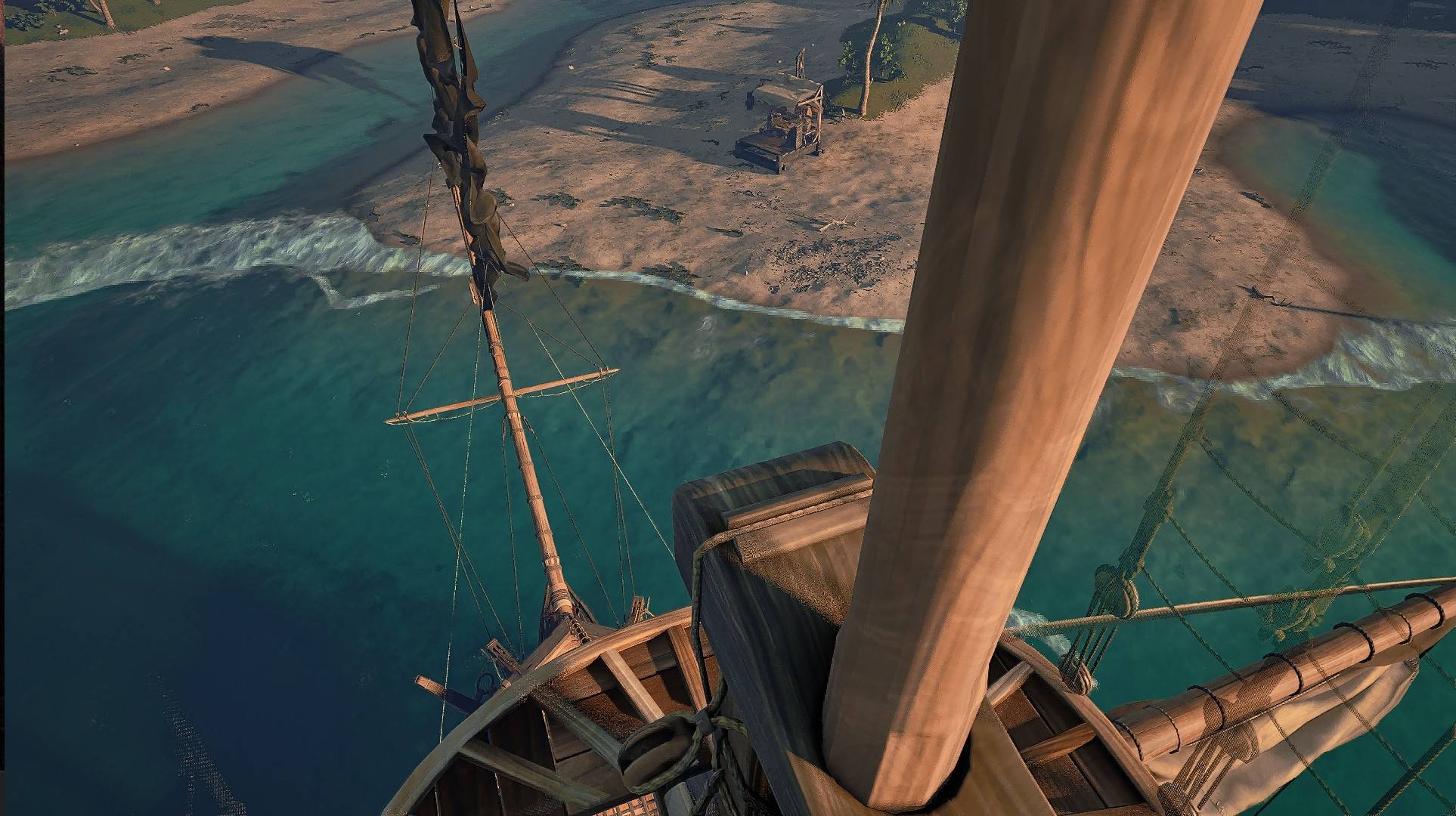
A lightweight, versatile camera mod that lets you instantly switch between 7 different camera views on your ship, from the helm all the way to a wide panorama. Features persistent presets, zoom control, and aiming persistence. Fully customizable.
pxzqSnnNNr.jpg
HLLIYD46Q1.jpg
THUMBNAILS70.png
33OpQZD6gn.jpg
qQ6uqlrNUu.jpg
Description
—✦—[ ☠ ]—✦—
IMMERSIVE SHIP CAMERA
—✦—[ ☠ ]—✦—
A lightweight, versatile camera mod that lets you instantly switch between seven different ship views, from the helm to a wide scenic panorama - with smooth zoom control.
—✦—[ ☠ ]—✦—
IMMERSIVE SHIP CAMERA
—✦—[ ☠ ]—✦—
A lightweight, versatile camera mod that lets you instantly switch between seven different ship views, from the helm to a wide scenic panorama - with smooth zoom control.
—✦—[ ☠ ]—✦—
✦ THE LOOT ✦
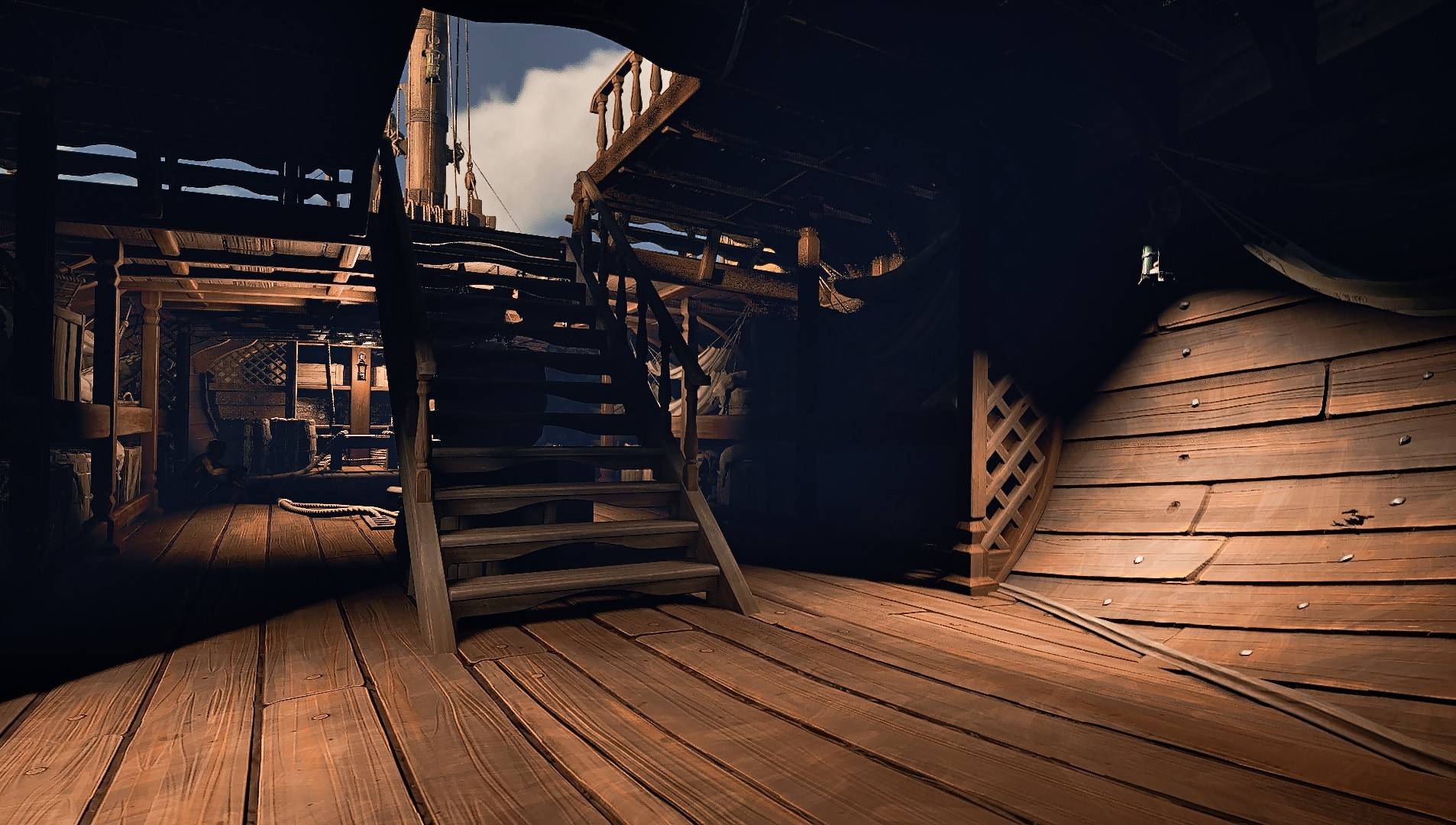
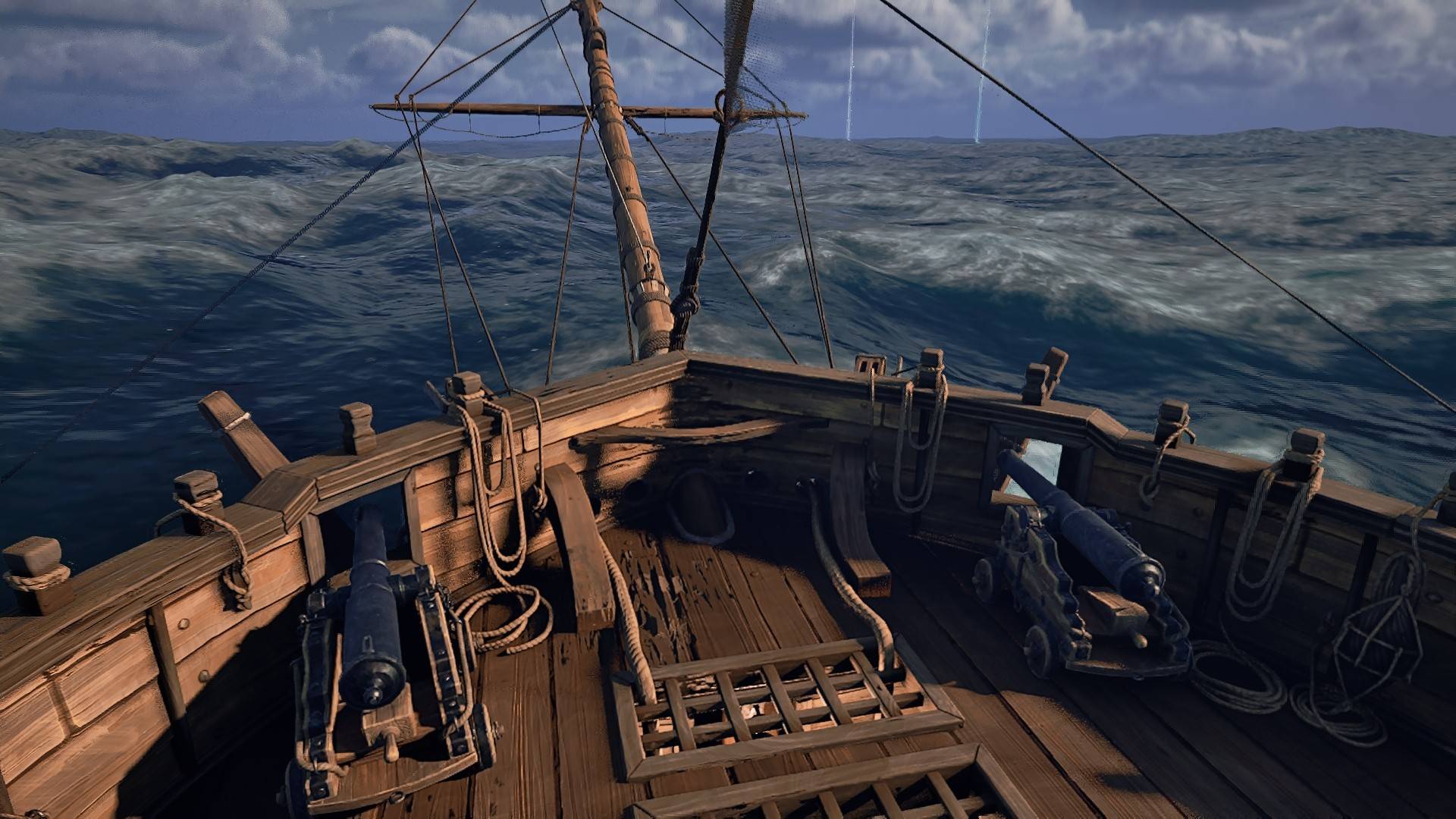
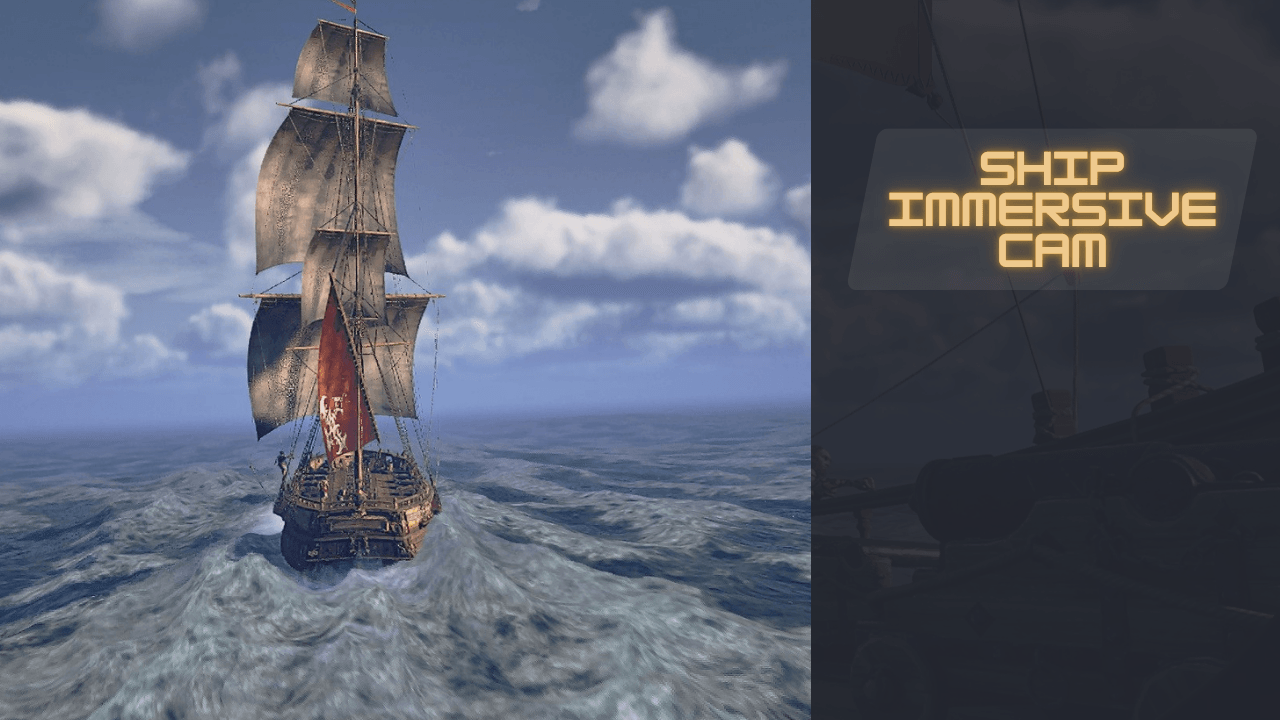
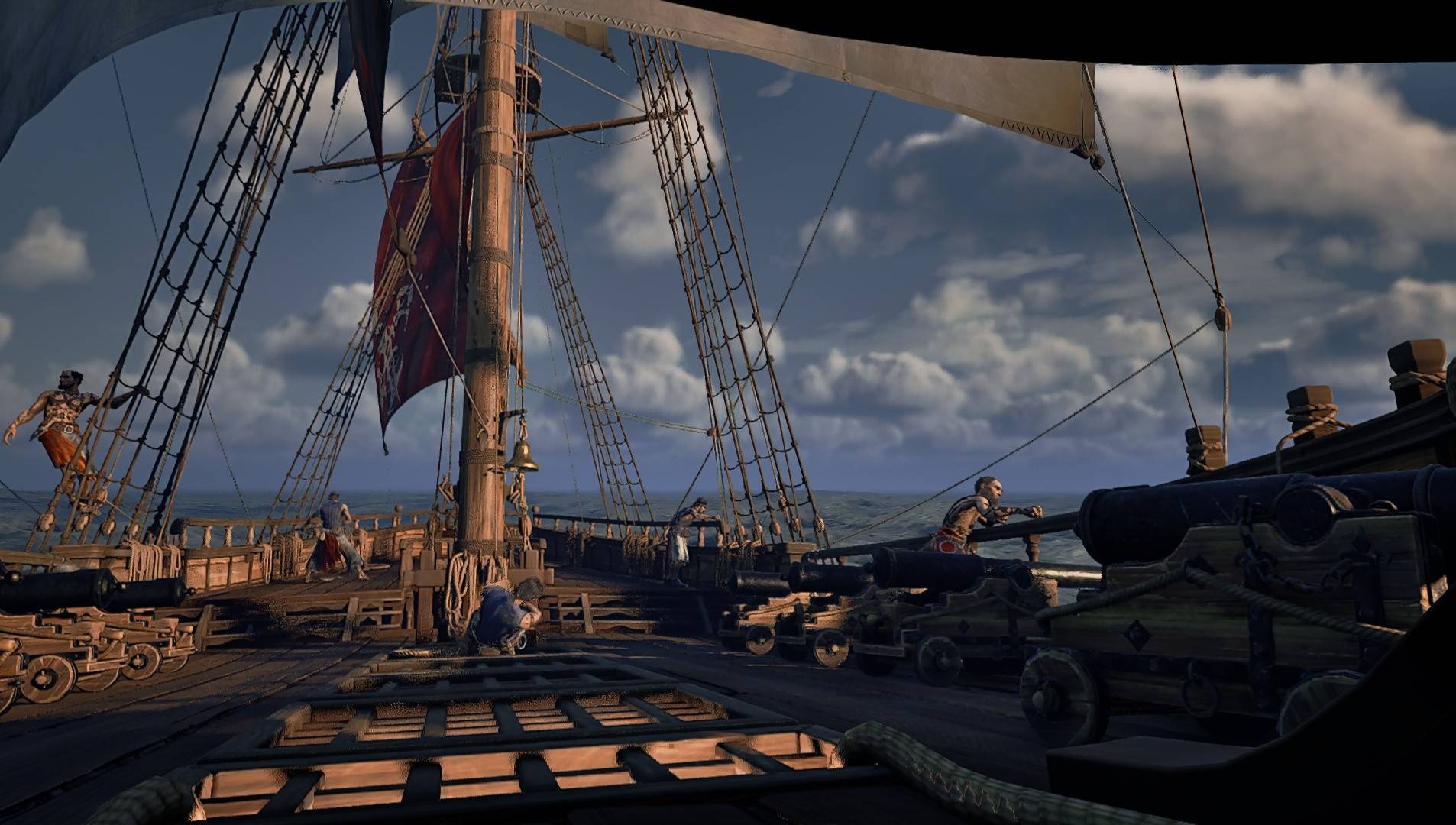
V : Cycle through 7 carefully placed ship camera presets (Helm → Default → Low Deck Front → Hold Hatch → Crow Nest → Port Side → Cinematic )
Page Up / Page Down : Zoom in / out smoothly on every preset, with separate speeds for zooming in and out. Zoom is saved per preset and persists across sessions.
Z : Gently returns your zoom to the default FOV of the current view.
Per‑preset FOV limits : stops the panorama from stretching, and lets you zoom further on the helm
Fully customizable : adjust camera positions, rotation, zoom limits, zoom step sizes, and smoothing inside main.lua
Designed to work alongside the Camera Toggle System - same keys, no technical conflicts, but you can easily change them in either mod’s script if you prefer separate buttons.
Read README.txt for the full list of settings.
—✦—[ ☠ ]—✦—
✦ KEYBINDS ✦
- read README.txt for more detailed information -
- read README.txt for more detailed information -
| **V** | Cycle ship camera presets |
| **Z** | Smooth FOV reset to default |
| **PageUp** / **PageDown** | Zoom in / out |
| **Z** | Smooth FOV reset to default |
| **PageUp** / **PageDown** | Zoom in / out |
| **R** | Toggle a fully manual cinematic tour. The camera orbits your ship along a smooth spline path with subtle drift and dynamic FOV. Press `R` again or any movement key to stop |
| **E** | Instantly reset the camera to the current preset’s exact position and angle (stops tour) |
| **Aiming** | When you aim your cannons, the tour stops automatically. For `Hold Hatch` and `Cinematic Follow`, the camera snaps to a cannon view for precise aiming. `Crow Nest` adjusts slightly forward for a better angle |
| **E** | Instantly reset the camera to the current preset’s exact position and angle (stops tour) |
| **Aiming** | When you aim your cannons, the tour stops automatically. For `Hold Hatch` and `Cinematic Follow`, the camera snaps to a cannon view for precise aiming. `Crow Nest` adjusts slightly forward for a better angle |
—✦—[ ☠ ]—✦—
—✦—[ ☠ ]—✦—
✦ MAKING PORT ✦
- how to get it working -
- how to get it working -
[ UE4SS VERSION ]
1. Get UE4SS if you haven't already
2. Drop the mod folder 'ShipCam' into: R5\Binaries\Win64\ue4ss\Mods
3. Open mods.txt and add: ShipCam : 1
4. Start the game
1. Get UE4SS if you haven't already
2. Drop the mod folder 'ShipCam' into: R5\Binaries\Win64\ue4ss\Mods
3. Open mods.txt and add: ShipCam : 1
4. Start the game
[ UE4SS Installation ]
1. Place
2. Edit
[EngineVersionOverride]
MajorVersion = 5
MinorVersion = 6
3. Verify by checking for
1. Place
dwmapi.dll and the ue4ss\ folder into Windrose\R5\Binaries\Win64\2. Edit
ue4ss\UE4SS-settings.ini:[EngineVersionOverride]
MajorVersion = 5
MinorVersion = 6
3. Verify by checking for
ue4ss\UE4SS.log after game launch. ~ ~ ~ ~ ~ ~ ~ ~ ~ ~ ~ ~ ~ ~ ~ ~ ~ ~
✦ UNINSTALL ✦
UE4SS: Delete the 'ShipCam' folder from ue4ss\Mods\
—✦—[ ☠ ]—✦—
✦ COMPATIBILITY ✦
⚓ Compatible with Camera Toggle System
⚓ Compatible with Camera Toggle System
—✦—[ ☠ ]—✦—
✦ CAPTAIN'S NOTES ✦
⚓ Works properly with Early Access
⚓ No known conflicts with other mods. It will conflict with any other mod that modifies ship camera splines.
⚓ Having trouble? Leave a comment - your feedback keeps things running smoothly
⚓ USE MODS AT YOUR OWN RISK: Mods are not officially supported or endorsed by game developers. Any mods you use, are used at your own risk and are your own responsibility.
⚓ Early mods may break after game updates, conflict with other mods, or cause issues with save files. It's always a smart idea to make a backup: Save File Location:
⚓ No known conflicts with other mods. It will conflict with any other mod that modifies ship camera splines.
⚓ Having trouble? Leave a comment - your feedback keeps things running smoothly
⚓ USE MODS AT YOUR OWN RISK: Mods are not officially supported or endorsed by game developers. Any mods you use, are used at your own risk and are your own responsibility.
⚓ Early mods may break after game updates, conflict with other mods, or cause issues with save files. It's always a smart idea to make a backup: Save File Location:
%LOCALAPPDATA%\R5\SavedThis mod is released under License
Act accordingly: you are free to use, modify, and distribute it, as long as you include the original copyright notice and license text. Give credit where due, respect other creators' work, and don't just copy/paste into your mod without proper adaptation and attribution.
Act accordingly: you are free to use, modify, and distribute it, as long as you include the original copyright notice and license text. Give credit where due, respect other creators' work, and don't just copy/paste into your mod without proper adaptation and attribution.
Reasons I may not answer your comment right away:
The answer was already given - You haven't read the description, documentation, or README.txt. Scroll or search the comment section or bug report section to help yourself with your issue.
I cannot fulfill your request or it's out of scope - I feel guilty saying this passively, but I can't.
I read it and added it to the backlog - I forgot to answer, or an update has been released since then.
The answer was already given - You haven't read the description, documentation, or README.txt. Scroll or search the comment section or bug report section to help yourself with your issue.
I cannot fulfill your request or it's out of scope - I feel guilty saying this passively, but I can't.
I read it and added it to the backlog - I forgot to answer, or an update has been released since then.
Language Requirement
If you message me in a language different from mine and didn't take the time to translate it yourself, I probably don't have the time to translate it either. Please write in English, German or Italian.
I will LIMIT help with:
• Incorrect installation steps
• Broken due to user error (flexible)
• Conflicts from other mods you installed (I'll try to keep track of incompatibilities)
• "It doesn't work" without context, error logs or reproduction steps
• Incorrect installation steps
• Broken due to user error (flexible)
• Conflicts from other mods you installed (I'll try to keep track of incompatibilities)
• "It doesn't work" without context, error logs or reproduction steps
—✦—[ ☠ ]—✦—
-

—✦—[ ☠ ]—✦—
⚓ FAIR WINDS & GOOD HUNTIN' ⚓

CREDITS:
Windrose Modding Discord Community & Team
CurseForge Team
Nexus Team
Nexus Team
The Immersive Ship Camera (UE4SS) Team
