


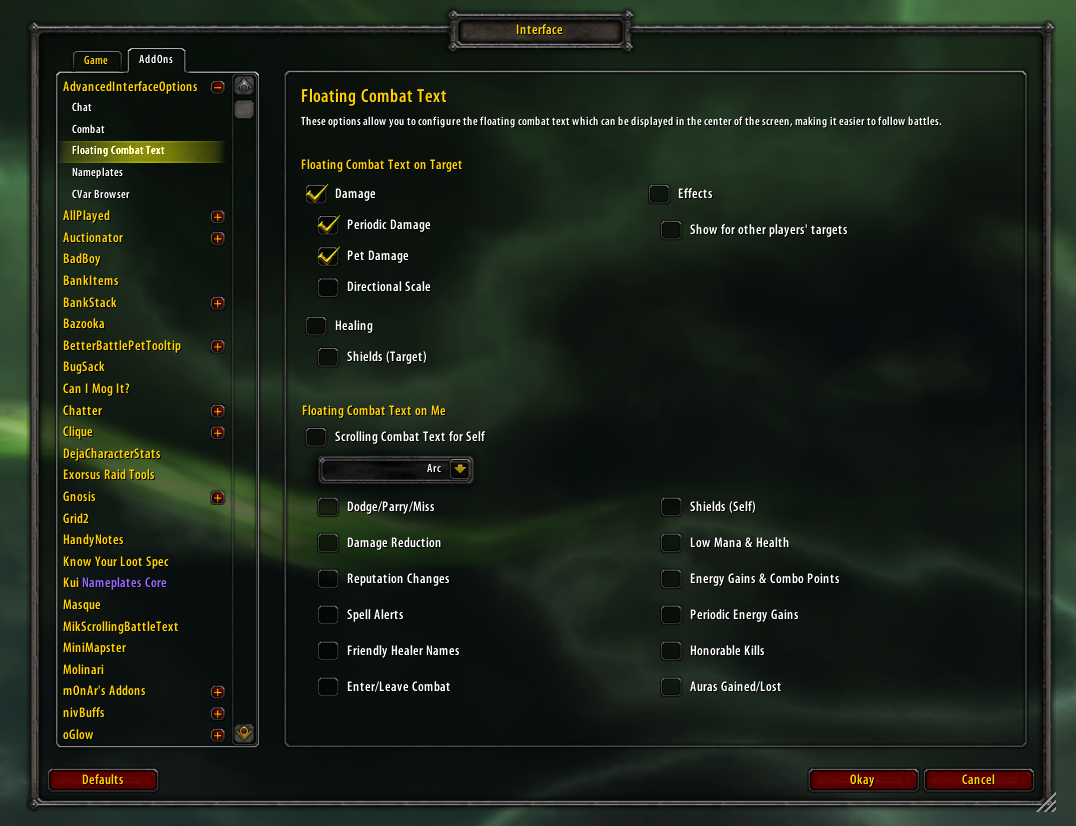
The Floating Combat Text Options
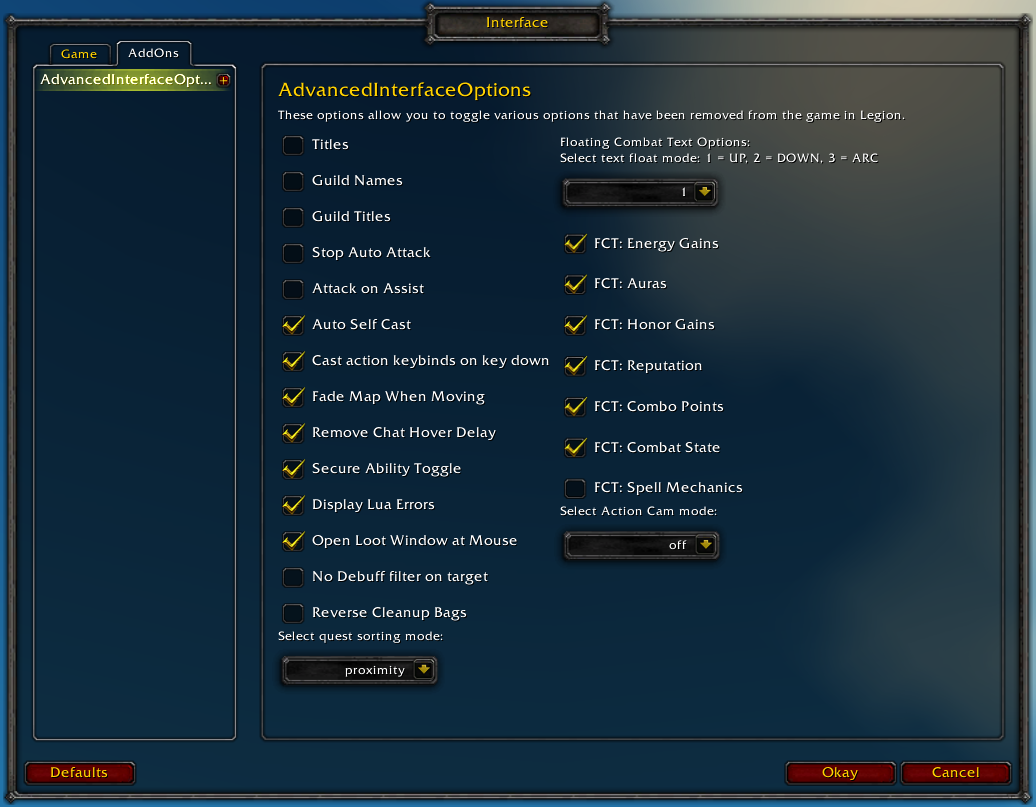
Basic Options

CVar Browser with Search
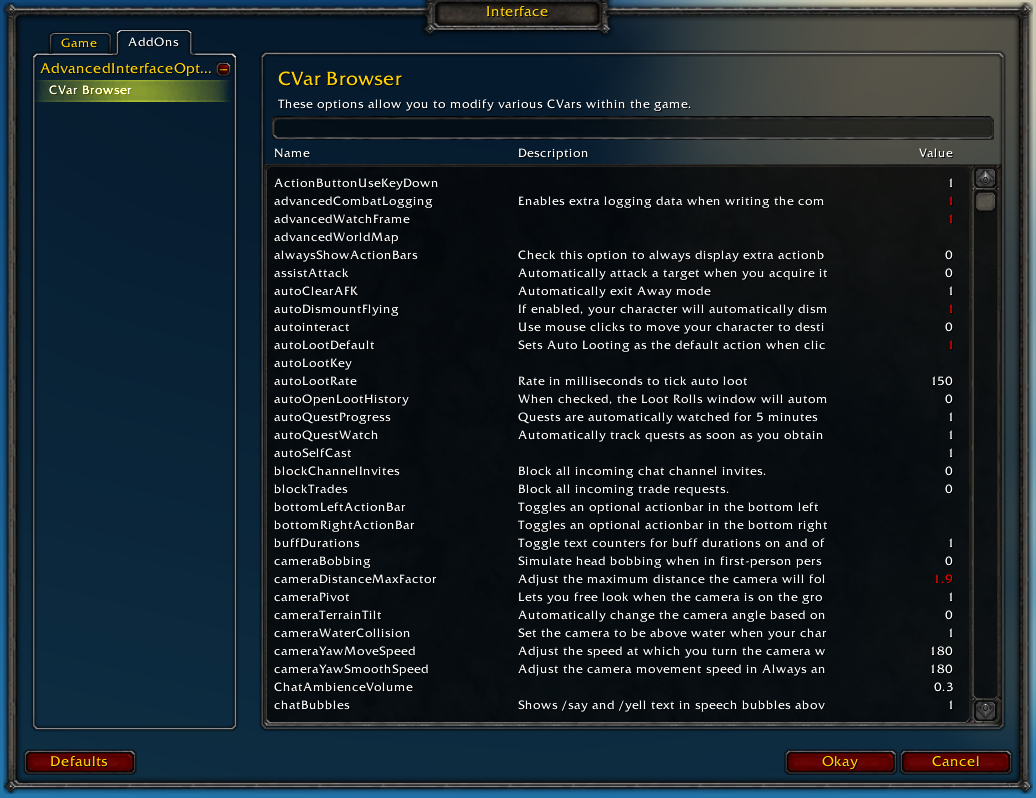
CVar Browser
Description
Restores access to hidden interface options and provides a way to browse every CVar setting in the game!
General
- Player Titles
- Guild Names
- Guild Titles
- Stop Auto Attack
- Attack on Assist
- Cast action keybinds on key down
- Fade Map when Moving
- Secure Ability Toggle
- Display Lua Errors
- No Debuff Filter on Target
- Reverse Cleanup Bags
- Quest sorting mode (top vs proximity)
- Select Action Cam mode
Chat
- Remove Chat Hover Delay
- Enable Mouse Wheel Scrolling
Floating Combat Text
- Float mode (up/down/arc)
- Energy Gains
- Auras
- Honor Gains
- Reputation
- Combo Points
- Combat State (Entering/Leaving Combat)
- Spell Mechanics
- Healing
- Absorb (Self and Target)
- Directional Scale (brings back the classic, only upwards moving text)
- Low HP/Mana
Plus many other options available through the built-in CVar browser, including some that have never been exposed by Blizzard, such as "violence level" and "nameplate distance"!
Type /aio for the main menu or /cvar to open the CVar browser directly
The AdvancedInterfaceOptions Team

