


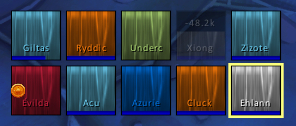
Grid2 raid10
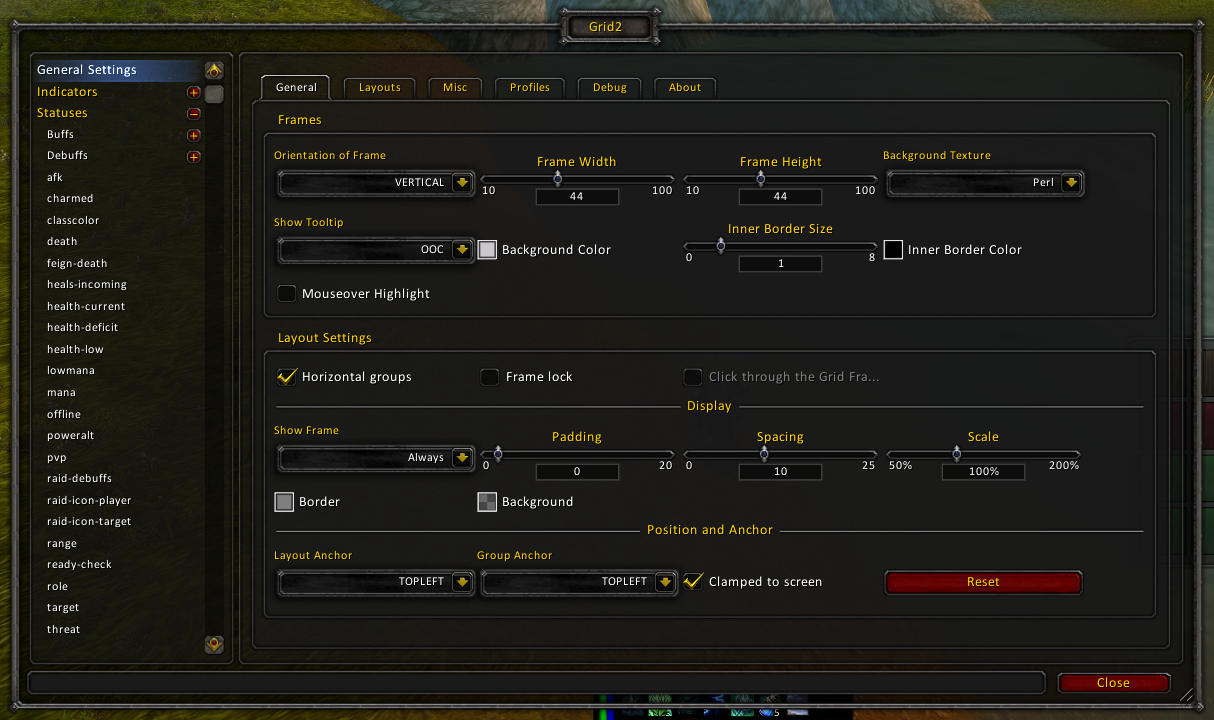
Grid2 main config
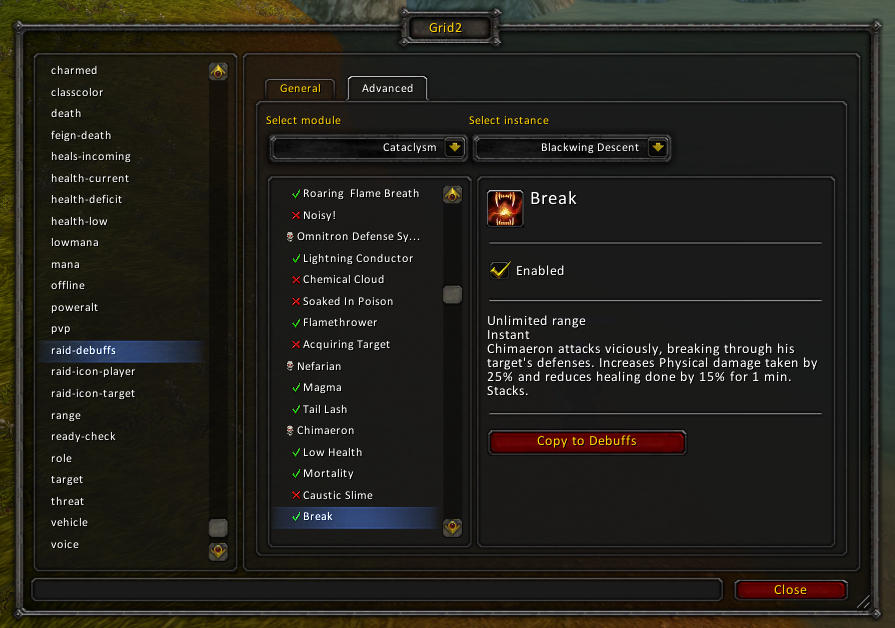
Raid debuffs config
Indicators test mode
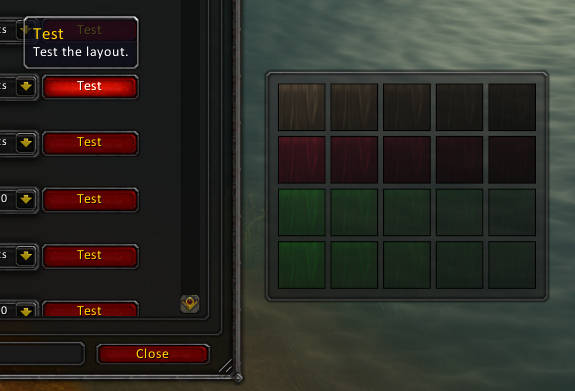
Layout test mode

Profile import/export and networking sharing
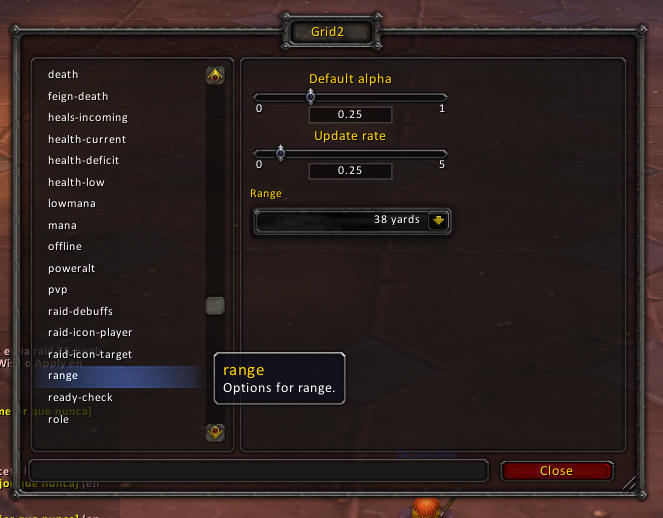
Status range config
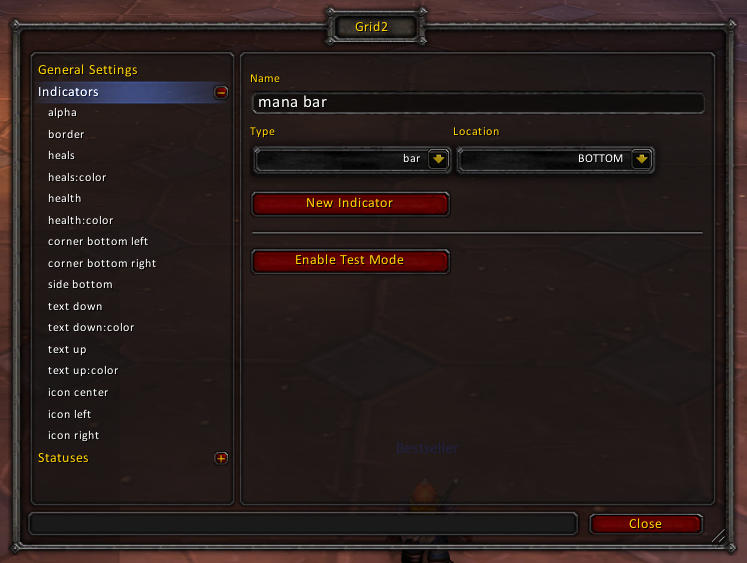
New bar indicator
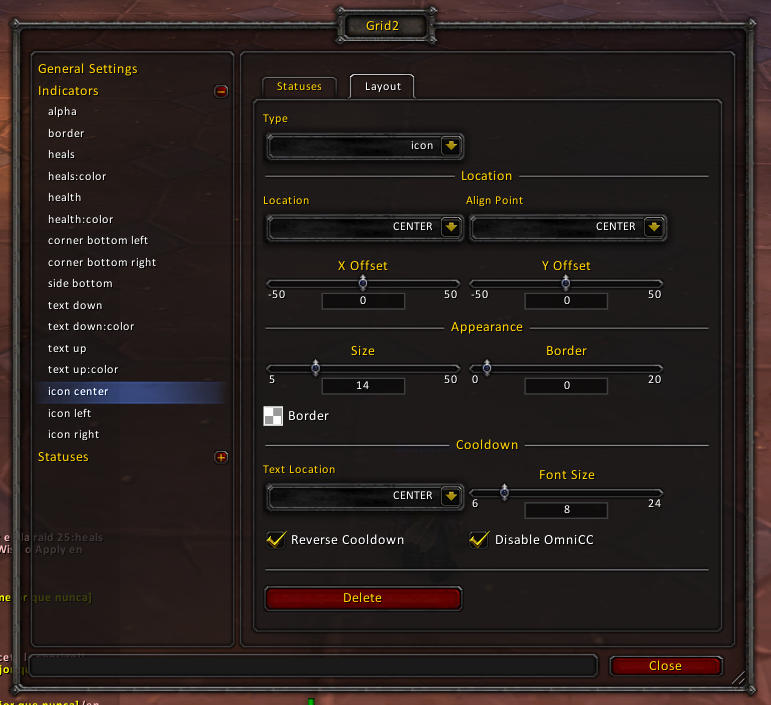
Indicator settings
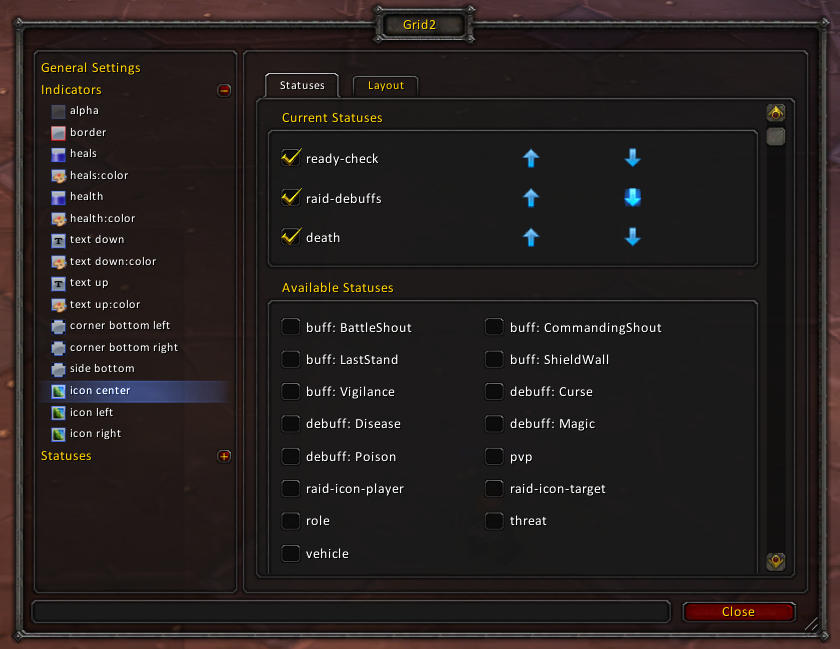
Indicator statuses mapping
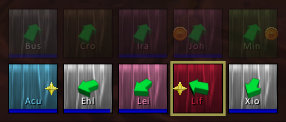
Direction status
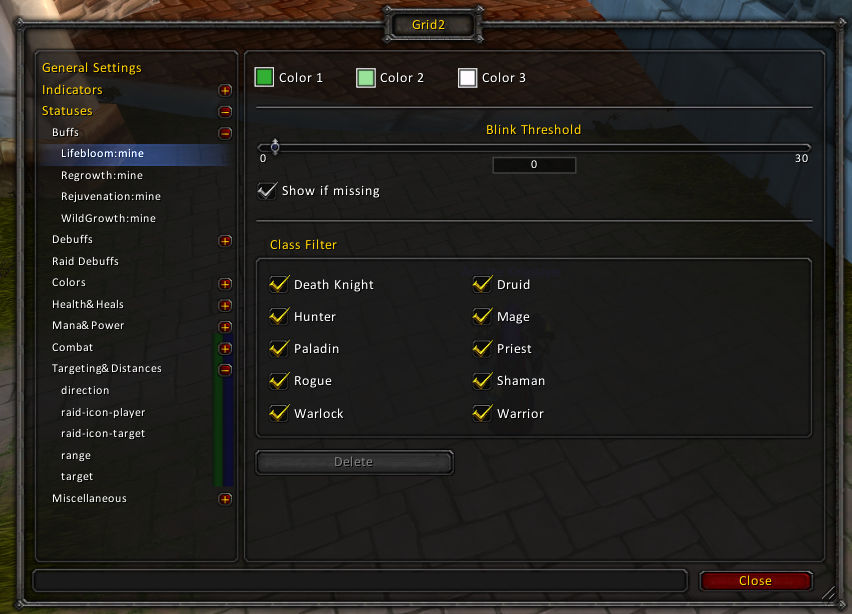
Statuses list

Raid debuffs general
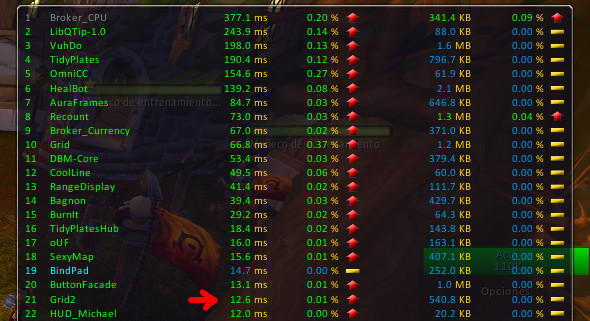
CPU usage Solo
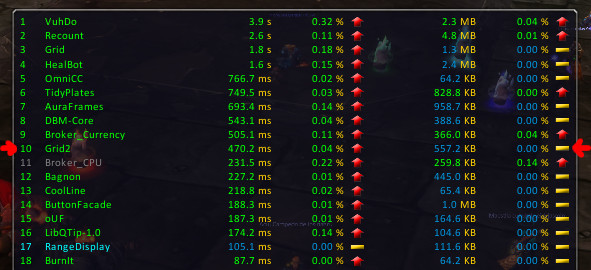
CPU Usage Raid10
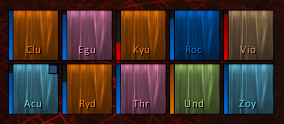
Grid2 main

aoe chainheal

raid debufffs 1
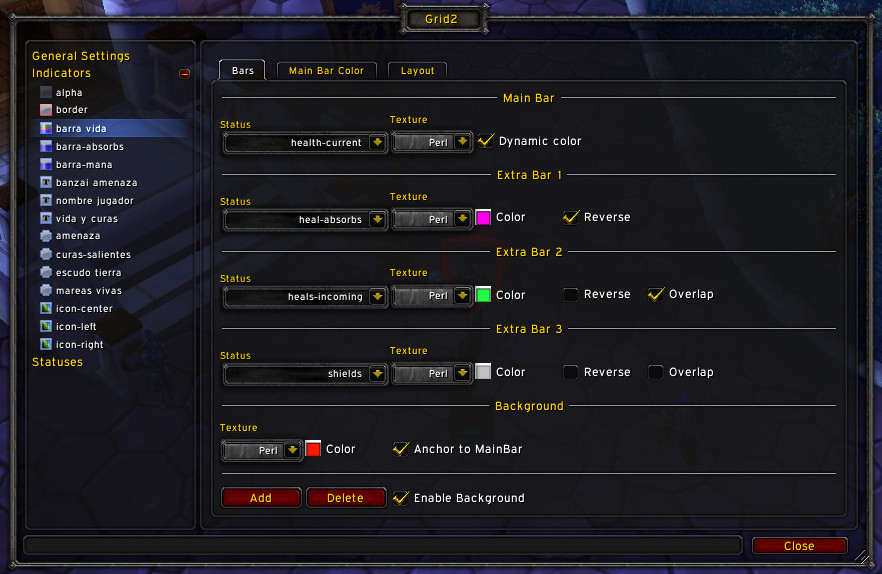
multibar setup
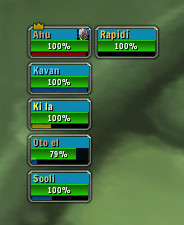
grid2 design example 9
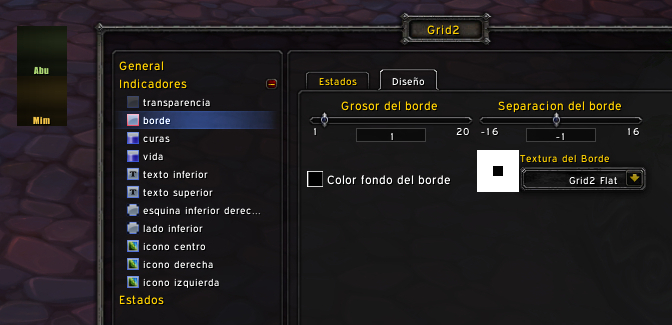
grid2 borderless example
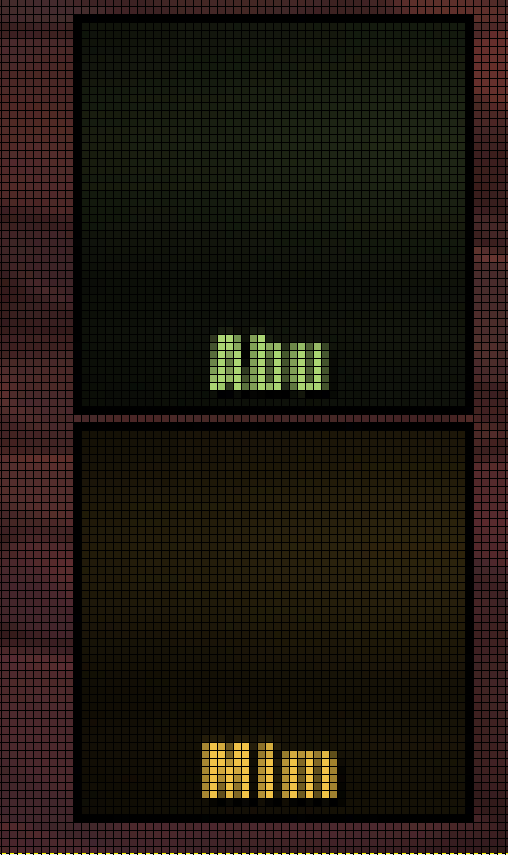
grid2 1 pixel gap
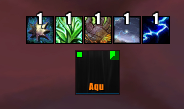
icon indicator using flat texture
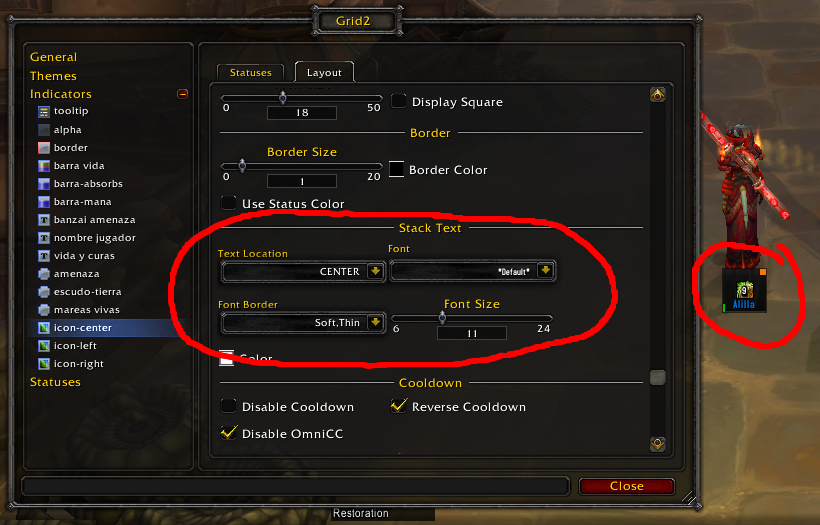
grid2 stacks setup
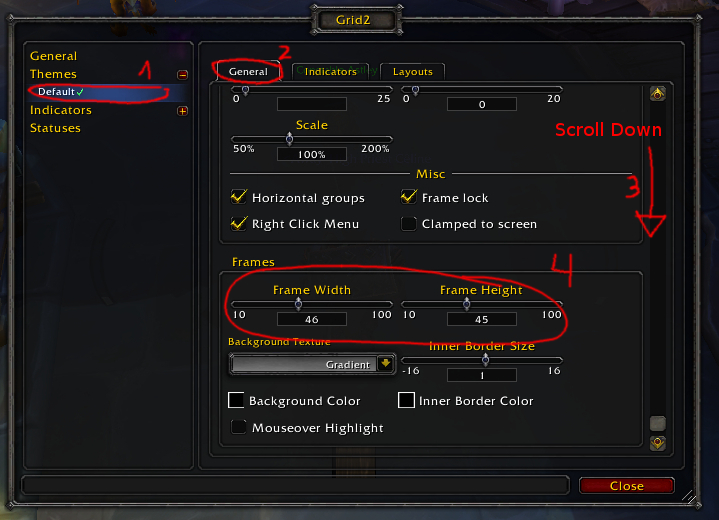
grid2 frame resize
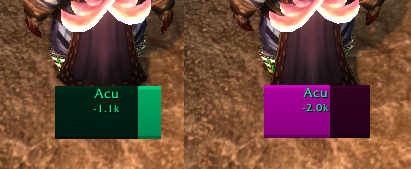
monk colors test1
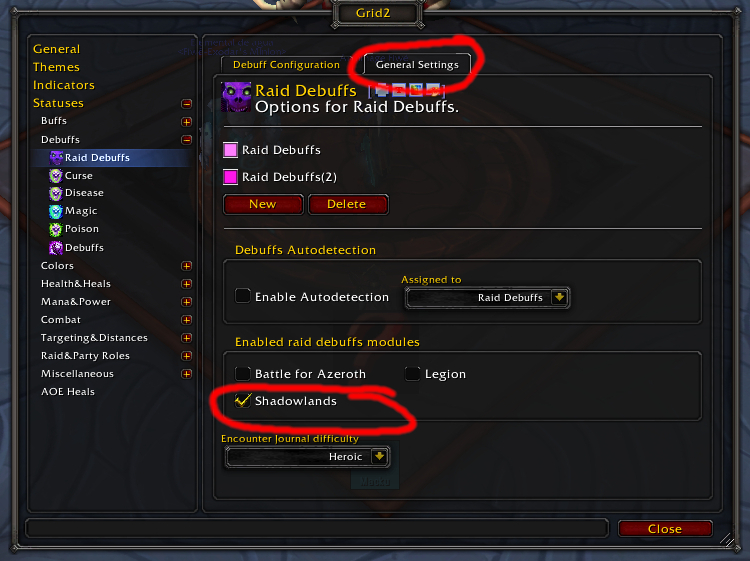
raiddebuffs shadowlands 1
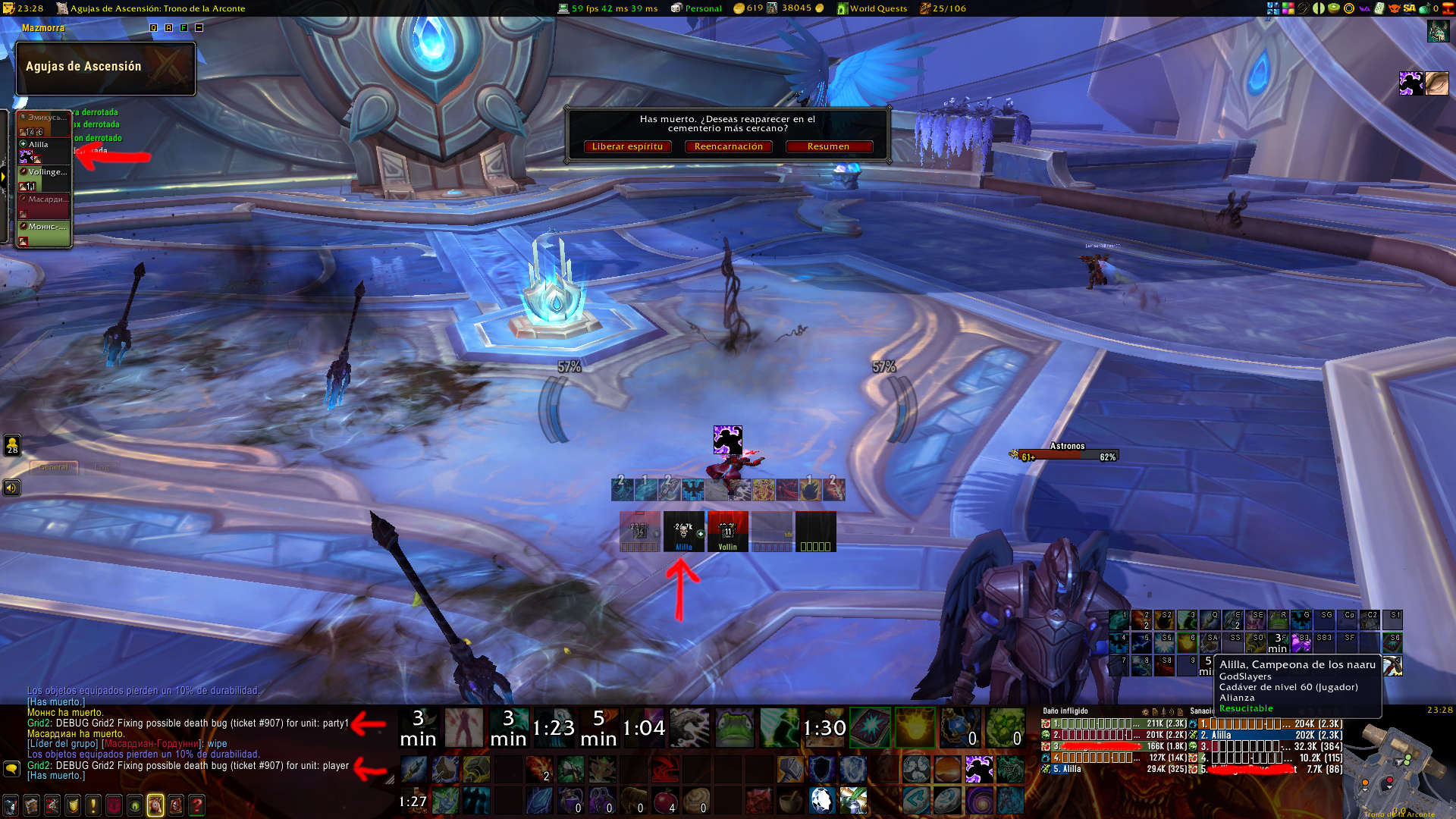
bliz dead not detected bug
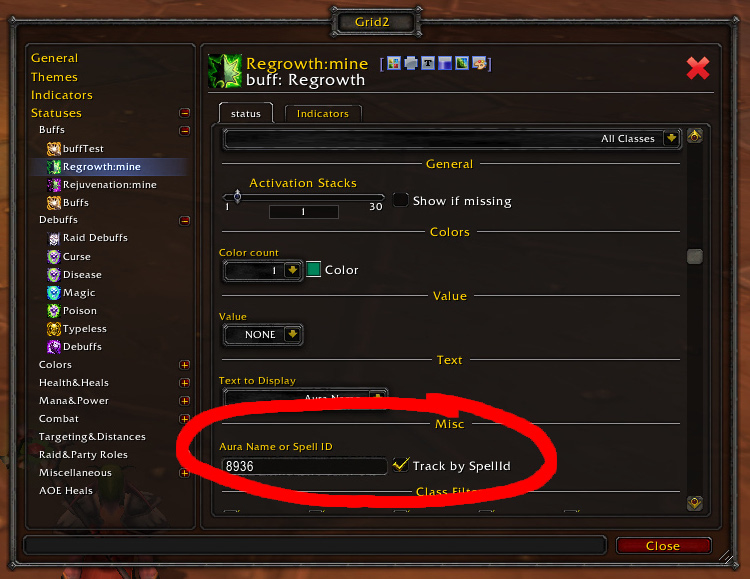
aura spellid track
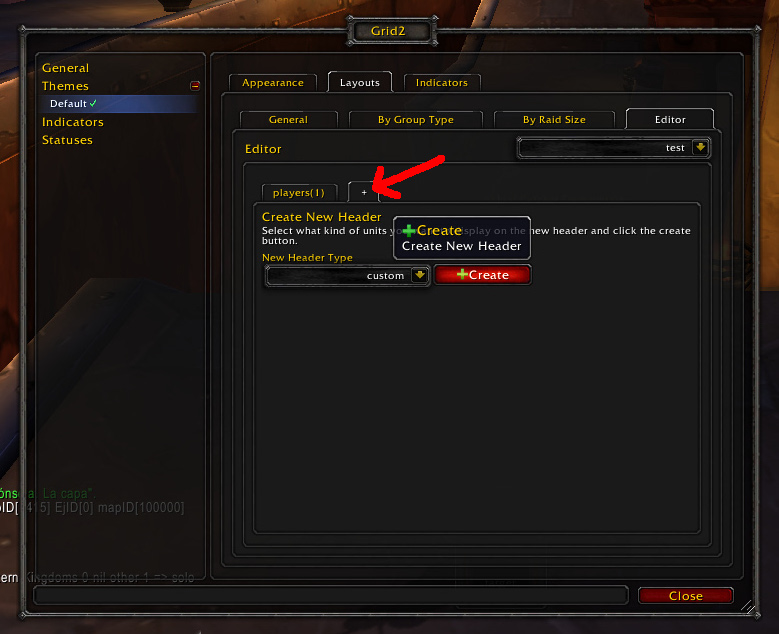
Layout Editor Custom header example

Layout Editor example 2
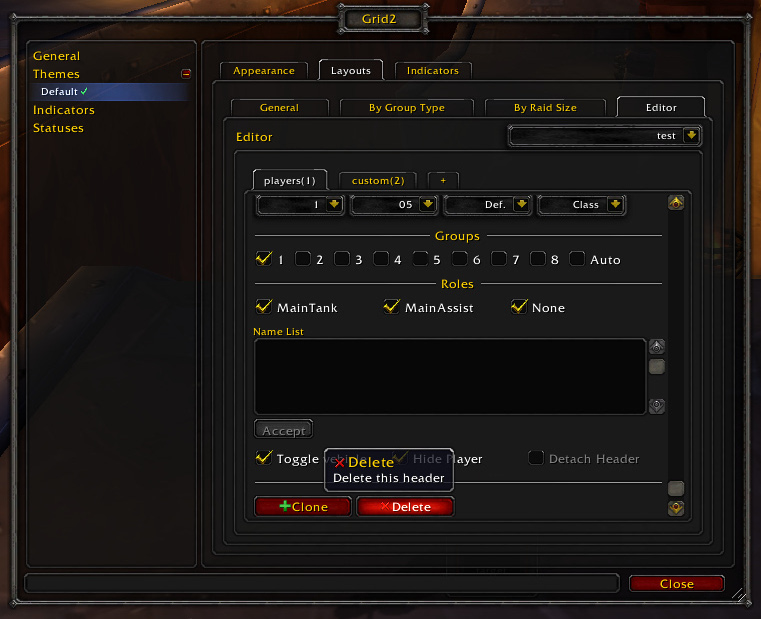
Layout Editor example 3
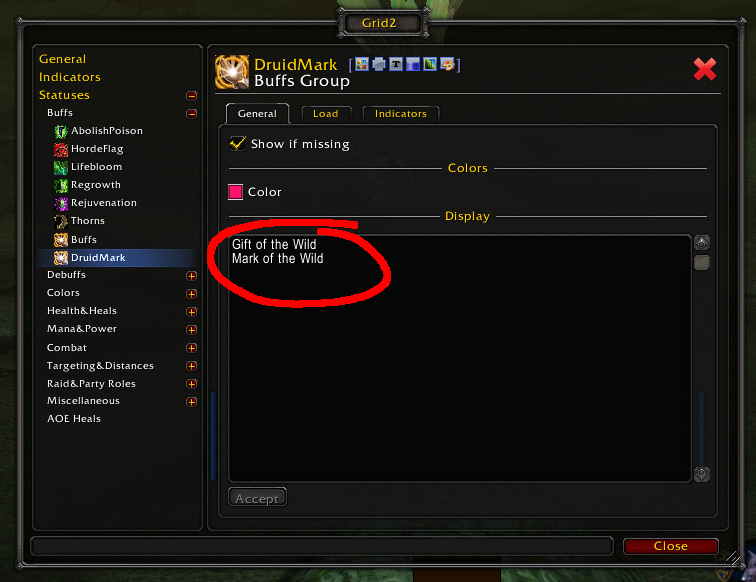
Druid Mark Buffs Group.
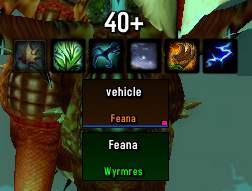
vehicle status example
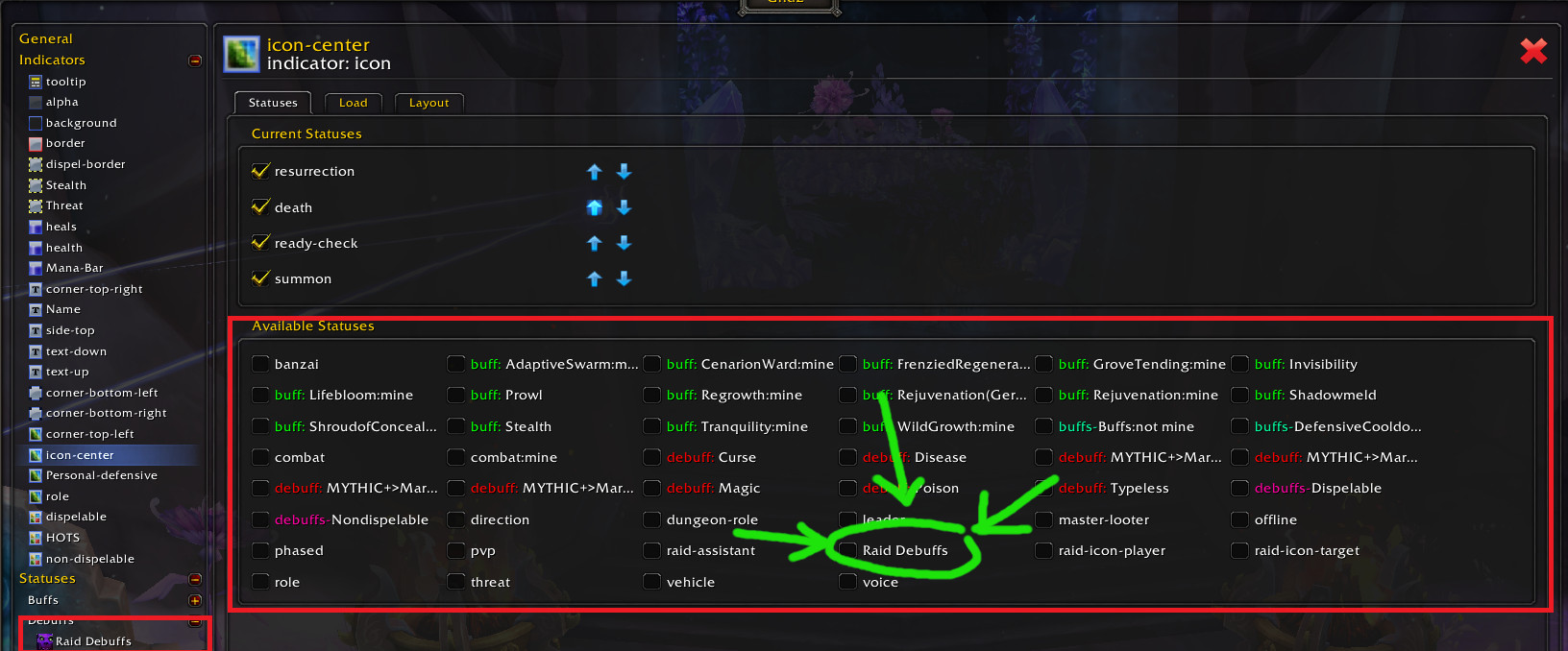
raid debuffs missing issue
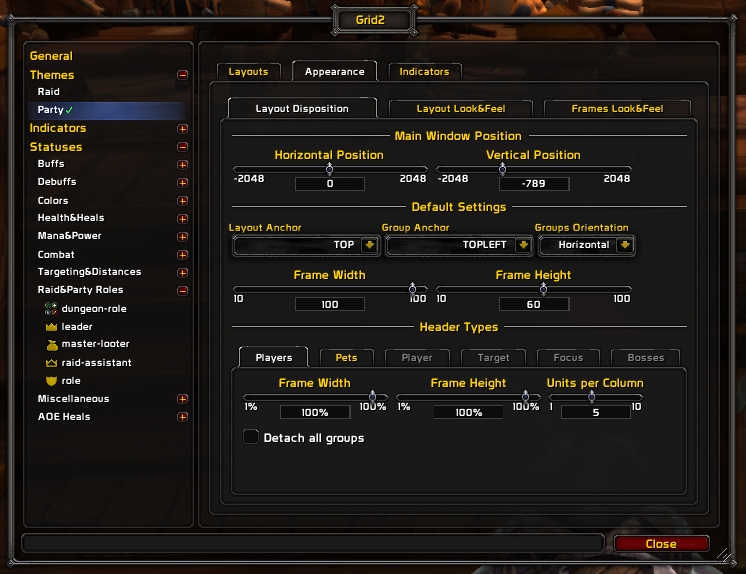
Grid2 Options Example 1
Description
What is Grid2 ?
Grid2 is a party/raid unit frame addon.
Grid2 is fully customizable. New zones (indicators) can be defined in unit frames to display information (statuses). The indicators can be customized and placed anywhere. Grid2 supports several types of indicators: icon, icons, square, text, bar, multibar. You can configure what statuses are displayed on each indicator.
Grid2 includes a huge amount of available statuses, but not all enabled by default, look through the configuration and familiarize yourself with the available options and statuses.
Grid2 is fast: consumes between 4 and 10 times less CPU cycles than other similar addons.
To open the configuration UI type "/grid2", left-click the minimap Icon, DataBroker icon launcher or use WoW addons list window.
Grid2 components:
- Grid2
- Grid2 Options
- Grid2 LDB
Grid2 classic components:
- Grid2 Raid Debuffs
- Grid2 Raid Debuffs Options
Other useful addons and plugins to enhance Grid2 functionality:
- Clique: Enable click-casting and hover-casting on the unit frames.
- TargetedSpells: Highlights spells targeting the player or the party.
Pluging for classic versions:
- OmniCC: Add cooldown texts over buff and debuffs icons.
Grid2 does not work or I think I found a bug
- Update to the latest versions of Grid2.
- If you still get an error, go ahead and log it. Install and use the BugGrabber and BugSack mods to record the error and make it easy to cut and paste it.
- Then, Post a ticket. Check for existing tickets about your bug first. Remember to check back on your ticket later in case we need more information.
Tutorials/Guides
https://michaelnpsp.github.io/grid2-murloc-guide/
Common issues/FAQ
Raid debuffs not showing up !!!:
Raid debuffs are not enabled by default. Go to statuses -> Raid Debuffs and enable at least the Cataclysm module (if you are inside a instance you must exit and enter the instance or reload the UI after enabling the module)
I cant push the grid boxes as close together as before:
The border indicator has 2 pixels size and it has a transparent background color now. If you want the old grid2 appearance. Goto Indicators -> border -> Layout tab: Set a border size 1. And select a black and opaque background color for the border.
What about mana bars ?
Grid2 supports mana bars, but they are not created by default. If you want mana bars, create a new indicator of type "bar", place it wherever you want and map the "mana" or the "power" status to it (remember you must map some color status to the bar:color indicator too).
What is the poweralt status ?
Poweralt status is a power type (like mana/rage/energy,etc). This power type is enabled by Wow in some combats. It shows: Atremedes sound, Chog'al corruption, etc. This status is not active by default in Grid2: you must map poweralt to any compatible indicator (text or bar indicator).
Howto enable click-through for right mouse button ?
Install Clique addon. Enable "Trigger bindings on the 'down' portion of the click (experimental)" on Clique configuration. Create this custom macro line for Right Mouse button:
/run MouselookStart()
The Grid2 Team


